

What is ShipAny One?
ShipAny One is the first official ShipAny template: a Next.js boilerplate for building AI SaaS startups. It gives you a configurable landing page made of blocks (hero, features, pricing, testimonials, FAQ, CTA, showcase), Google and GitHub sign-in with One Tap, Stripe and Creem payments, a credit system, a user console and an admin dashboard.
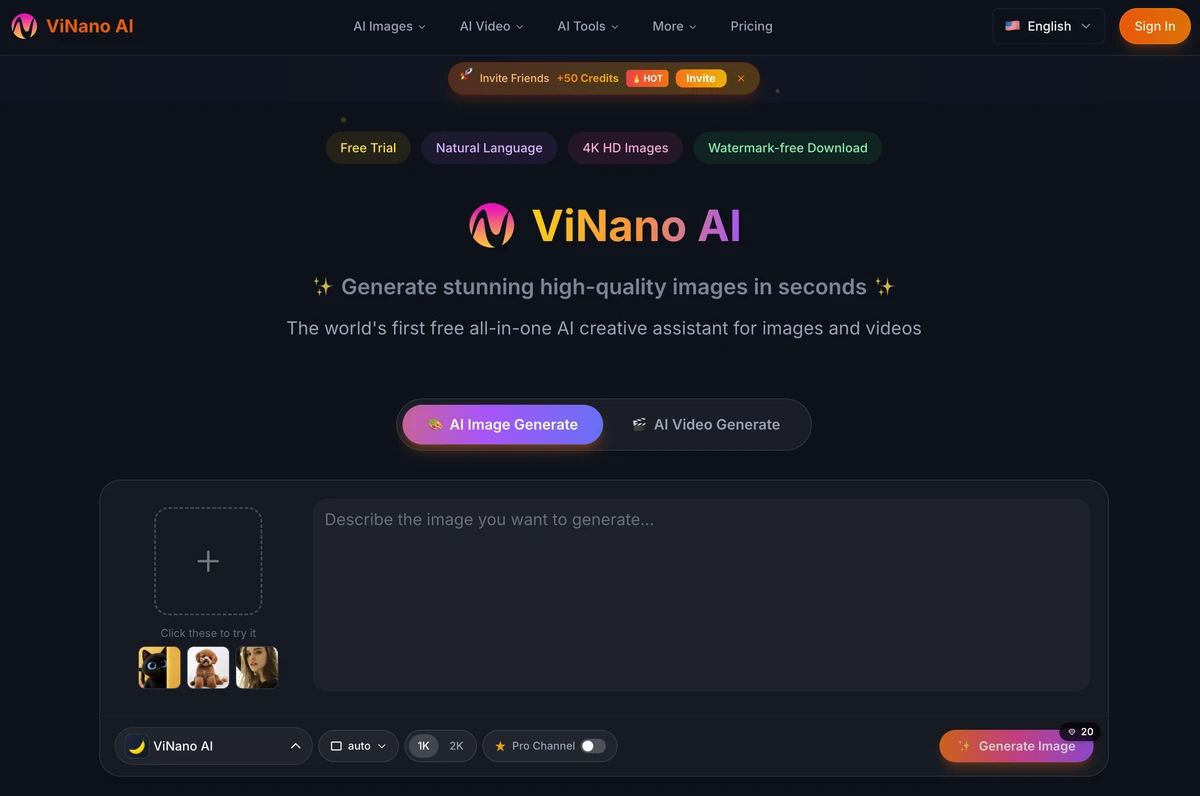
AI features are wired through the AI SDK: text generation with OpenAI, OpenAI-compatible models or OpenRouter, image generation with DALL·E, Replicate or Kling, video generation with Kling and text-to-speech — with outputs saved to storage.
Who it's for
- First-time founders launching an AI SaaS
- Next.js developers who want a proven starting point
- Existing ShipAny One projects maintaining their code
- Builders who prefer configuring blocks over writing UI
Key features
Block-based landing page
Hero, feature, pricing, testimonial, FAQ, CTA, showcase, header and footer blocks configured from data files.
Sign-in and payments
Google and GitHub sign-in with One Tap via next-auth, and Stripe or Creem checkout for one-time and subscription plans.
Credits and affiliates
A built-in credit system for AI usage, plus invite and affiliate rewards with configurable amounts.
AI integrations
Text, image, video and speech generation through the AI SDK with OpenAI, OpenRouter, Replicate and Kling.
Admin and user console
Admin dashboard with data tables for users and orders, and a user console for orders, credits and API keys.
Blog and feedback
A multilingual blog CMS and a feedback widget to collect user input.
What's included
- Framework
- Next.js, React, TypeScript, Tailwind CSS, shadcn/ui
- Auth
- next-auth — Google, GitHub, One Tap
- Payments
- Stripe, Creem
- Database
- Drizzle ORM — PostgreSQL (e.g. Supabase)
- AI
- AI SDK — OpenAI, OpenRouter, Replicate, Kling
- Storage & email
- S3-compatible storage (AWS S3, Cloudflare R2), Resend
- i18n
- next-intl
- Deployment
- Vercel, Cloudflare (OpenNext), Dokploy
Getting started
- 1
Get the code
Buy the template, activate your order with your GitHub username and accept the repository invitation.
- 2
Run it locally
Clone shipany-template-one, install dependencies with pnpm, copy the env file and run pnpm dev.
- 3
Customize and deploy
Edit the landing blocks and configuration, then deploy to Vercel, Cloudflare or your own server.
What you can build with ShipAny One
AI image and video tools
Generators with credit-based pricing and subscription plans.
AI writing and chat apps
Text products powered by OpenAI or OpenRouter.
Launch-day landing pages
Validate an idea quickly with a polished, SEO-friendly marketing site.
FAQ
Should I start a new project on ShipAny One?
For new projects we recommend ShipAny Two, ShipAny Next or ShipAny TanStack, which have more built-in modules. ShipAny One remains available and documented for existing projects.
Where can I deploy ShipAny One?
Vercel, Cloudflare Workers through OpenNext (on the cloudflare branch), or your own server with Dokploy.
Which AI models can I use?
OpenAI and OpenAI-compatible models or OpenRouter for text, DALL·E, Replicate or Kling for images, and Kling for video.