What is Clean Paste AI?
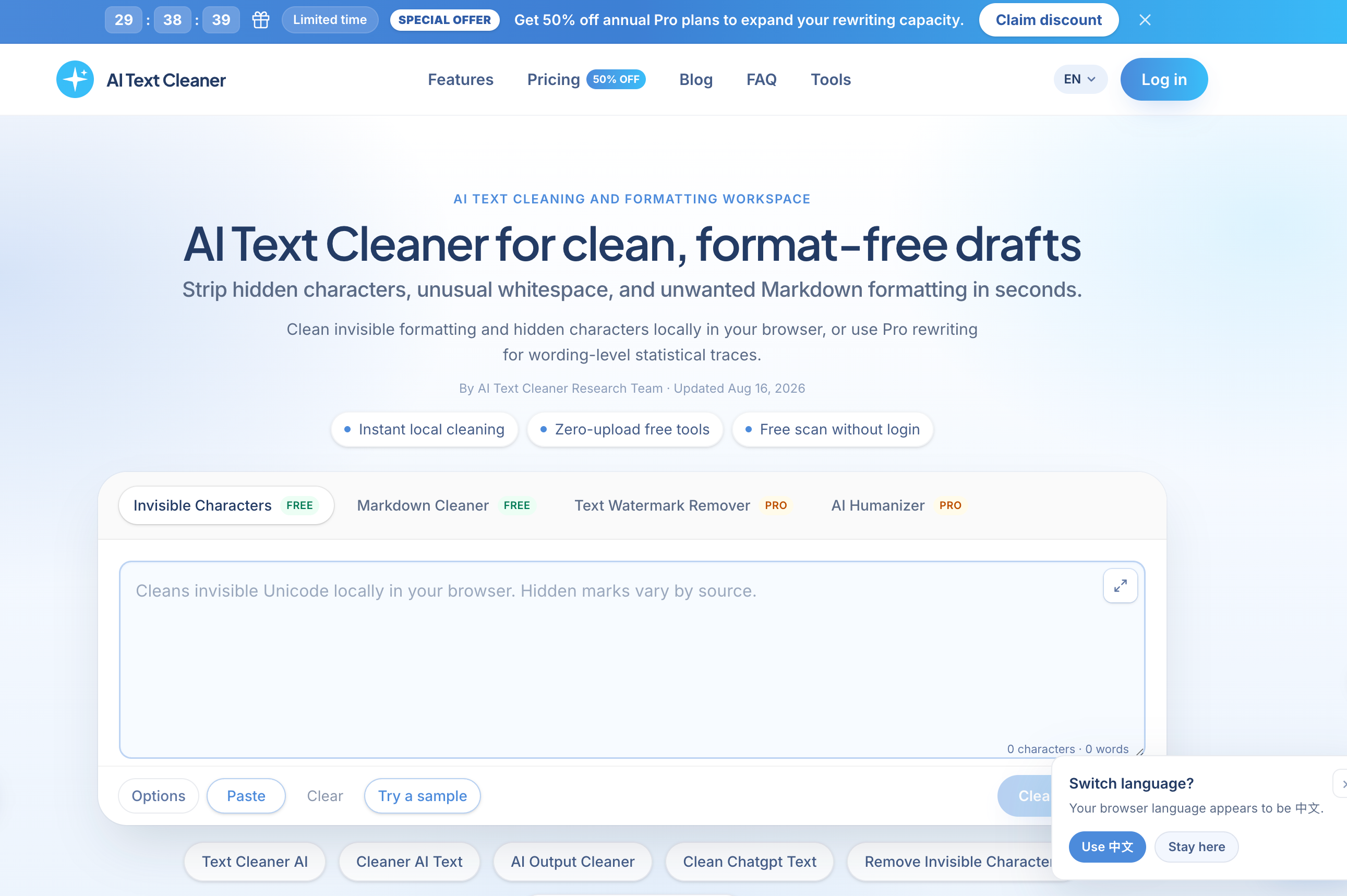
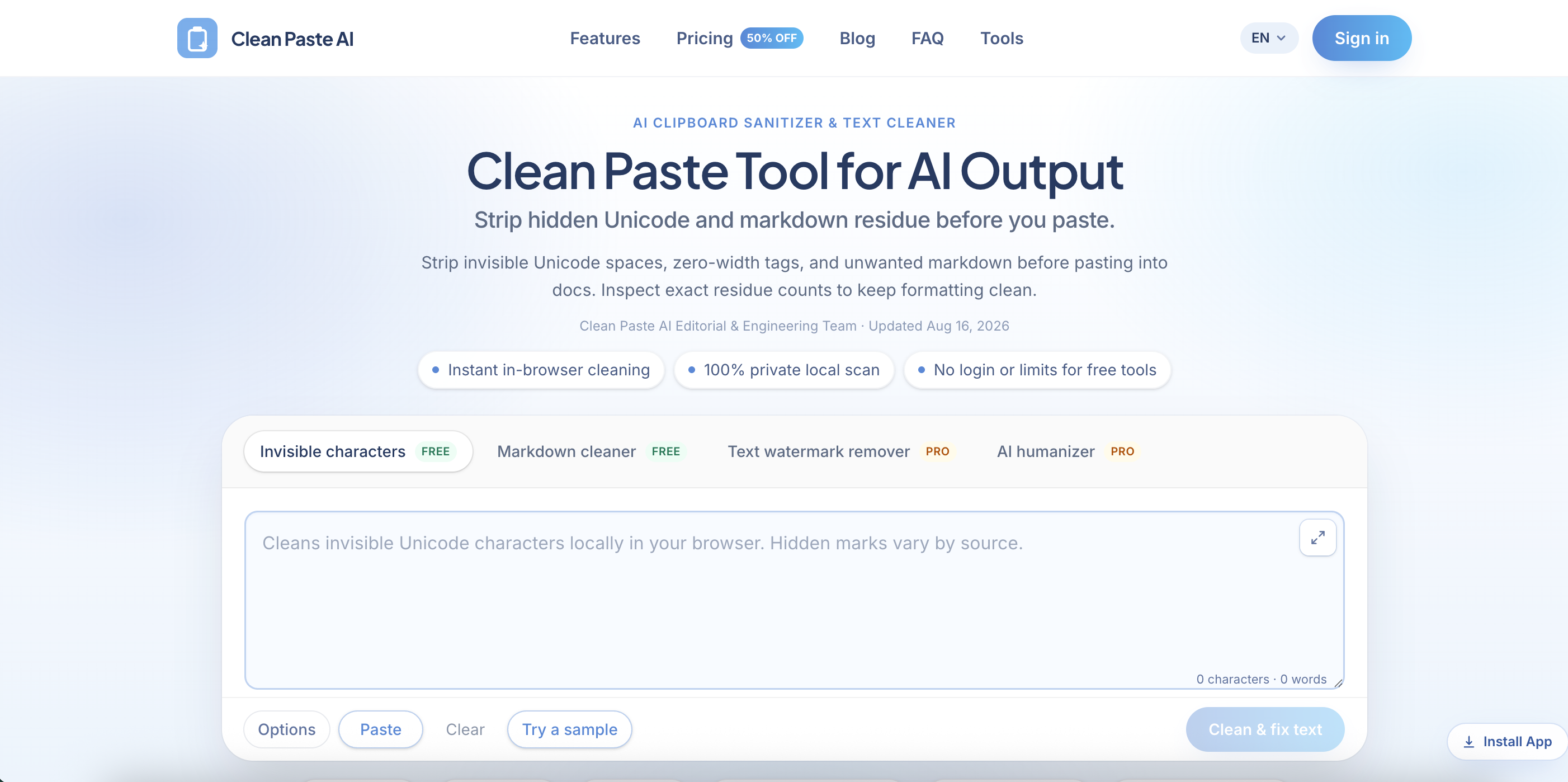
Clean Paste AI is a clean paste tool for AI output. Text copied from ChatGPT, Claude, Gemini, Google Docs, email or a CMS often carries zero-width spaces, U+202F narrow no-break spaces, byte order marks and raw Markdown syntax. The tool works as an AI output cleaner and clipboard sanitizer, showing an itemized count of the residue it finds and then removing it while leaving the visible words and paragraph structure in place.
Invisible character detection and Markdown stripping run locally in the browser with JavaScript, so text is not uploaded for free cleaning, and the free tools need no login. Optional Pro features, a Text Watermark Remover and an AI Humanizer, rewrite wording on the server using credits. The site states openly that it does not promise AI detector bypass and that statistical watermarks such as Claude's live in word choice rather than hidden characters.
Who it's for
- Writers and editors working with AI drafts
- Content and CMS publishing teams
- Marketing agencies preparing client copy
- Developers and technical writers
How to use Clean Paste AI
- 1
Paste your text
Copy text from an AI assistant or any web app and paste it into the Clean Paste AI workspace, or try the built-in sample.
- 2
Review the residue
Check the itemized count of zero-width characters, narrow spaces and Markdown tags detected in the draft.
- 3
Clean the text
Run the free local clean to strip hidden characters and Markdown, leaving plain text with the same words.
- 4
Use Pro rewrite if needed
When wording itself needs restructuring, switch to the Pro Text Watermark Remover or AI Humanizer, which use credits.
Clean Paste AI key features
Invisible Unicode character remover
Detects and removes more than 60 non-printing code points, including zero-width spaces, joiners, byte order marks and U+202F narrow spaces, which are normalized to standard spaces.
Markdown remover
Flattens heading hashes, bold asterisks, blockquotes, code fences and bracketed links into plain text ready for publishing.
Residue counts before cleaning
Shows exactly how many hidden characters and Markdown elements were found so changes are transparent.
Local, private processing
Free cleaning runs entirely in the browser; pasted text stays on the user's device.
Pro Text Watermark Remover
Meaning-preserving sentence reconstruction aimed at statistical sampling watermarks that cannot be removed by character cleaning.
Pro AI Humanizer
Rewrites stiff transitions and mechanical sentence pacing into more natural prose.
Clean Paste AI use cases
CMS publishing
Clean articles before pasting into WordPress, Webflow or Notion so invisible tokens do not break meta fields or layouts.
ChatGPT text cleaner for editorial teams
Turn AI chat transcripts into unformatted plain text for style review and editing.
Agency deliverables
Check client copy for stray Markdown and zero-width artifacts before sending final files.
Technical documentation
Normalize AI-assisted code comments and release notes before committing them to repositories or wikis.
How Clean Paste AI is built
Clean Paste AI is built on the ShipAny One template, which supplies the sign-in, Stripe payments, subscriptions and credit system behind its free trial words, registration bonus credits and paid Pro credit plans.
View the ShipAny One templateClean Paste AI FAQ
What is Clean Paste AI?
It is a browser-based clean paste tool that removes invisible Unicode characters and Markdown residue from AI output and other copied text, with optional Pro rewriting features.
Is Clean Paste AI free?
Invisible character removal and Markdown cleaning are free, run in the browser and need no login. Pro rewriting uses credits, with a free trial for guests, bonus credits for new accounts, and paid plans.
How do I remove zero-width spaces with Clean Paste AI?
Paste the text into the workspace, review the detected residue count, and run the clean. Zero-width spaces are deleted and U+202F narrow spaces are converted to normal spaces.
Is my text sent to a server?
Not for free cleaning. Invisible character detection and Markdown stripping run locally in the browser with JavaScript.
Can a Markdown remover or Unicode cleaner remove Claude's watermark?
No. Claude's official watermark is a statistical pattern in word choice with no hidden characters; the site offers Pro meaning-preserving rewriting for that case.
Does Clean Paste AI guarantee bypassing AI detectors?
No. The site explicitly states it does not promise to bypass Turnitin, GPTZero or other AI detectors.
This introduction is based on the public pages of cleanpasteai.com, read on October 9, 2026.