What is MiniMaxH3.app?
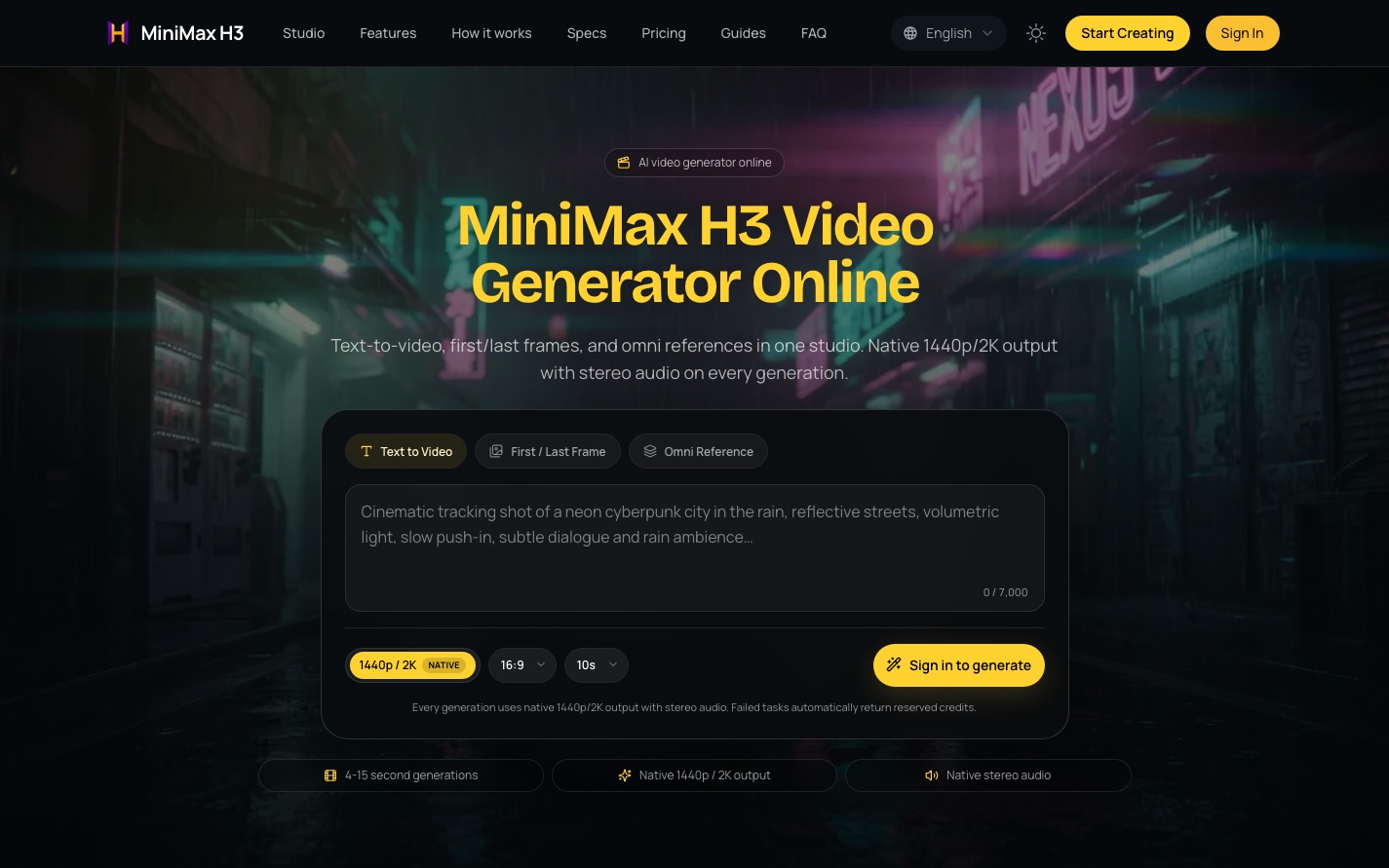
MiniMaxH3.app is an independent browser-based AI video generator centered on MiniMax H3, which the site also calls Hailuo 03. It brings text to video, image to video and multimodal reference workflows into a single workspace. Users can describe a scene, supply opening or ending images, or combine image, video and audio references to generate short clips with synchronized stereo sound.
The studio supports clips lasting 4–15 seconds at 24 FPS, with a 768P preview option and native 1440p/2K output available through paid access. Its public showcase presents examples from the model’s official announcement alongside reference assets and published prompt excerpts, helping creators examine workflows before generating. Failed tasks return reserved credits automatically. The service is independent of MiniMax and Hailuo AI.
Who it's for
- Product advertising creators
- Short-film and vertical-drama makers
- Game and character content creators
- Video editors exploring reference-based workflows
How to use MiniMaxH3.app
- 1
Sign in and choose a workflow
Select Text to Video, First / Last Frame or Omni Reference. New accounts can try a free preview.
- 2
Describe the shot and add references
Write a prompt describing the scene and motion. Add opening or ending images for frame animation, or upload reference assets and identify them in the prompt as Image 1, Video 1 or Audio 1.
- 3
Set the output and generate
Choose an available resolution and a duration between 4 and 15 seconds. Text-based generation offers six aspect ratios; frame-based output follows the supplied image ratio.
- 4
Review, revise and download
Review the generated clip, adjust the prompt or references for another variation, and download the video with its stereo audio.
MiniMaxH3.app key features
Text to video
Generate a scene from a prompt of up to 7,000 characters, with landscape, square and portrait aspect ratios.
First last frame animation
Supply a first image, a last image or both to anchor the generated motion. Without an image, this mode falls back to text-based generation.
Omni reference generation
Combine up to nine images, three videos and three audio clips, subject to a total of 12 assets. Audio can serve as the only reference.
2K AI video with stereo sound
The studio offers native 1440p/2K output at 24 FPS through paid access. Generations include synchronized stereo audio, including dialogue, sound effects and ambience.
Published workflow examples
Showcase cases pair video outputs with reference assets and prompt excerpts from the official model announcement, covering remixing, motion transfer and editing.
Automatic credit returns
Failed generation tasks automatically return reserved credits.
MiniMaxH3.app use cases
Product and fashion commercials
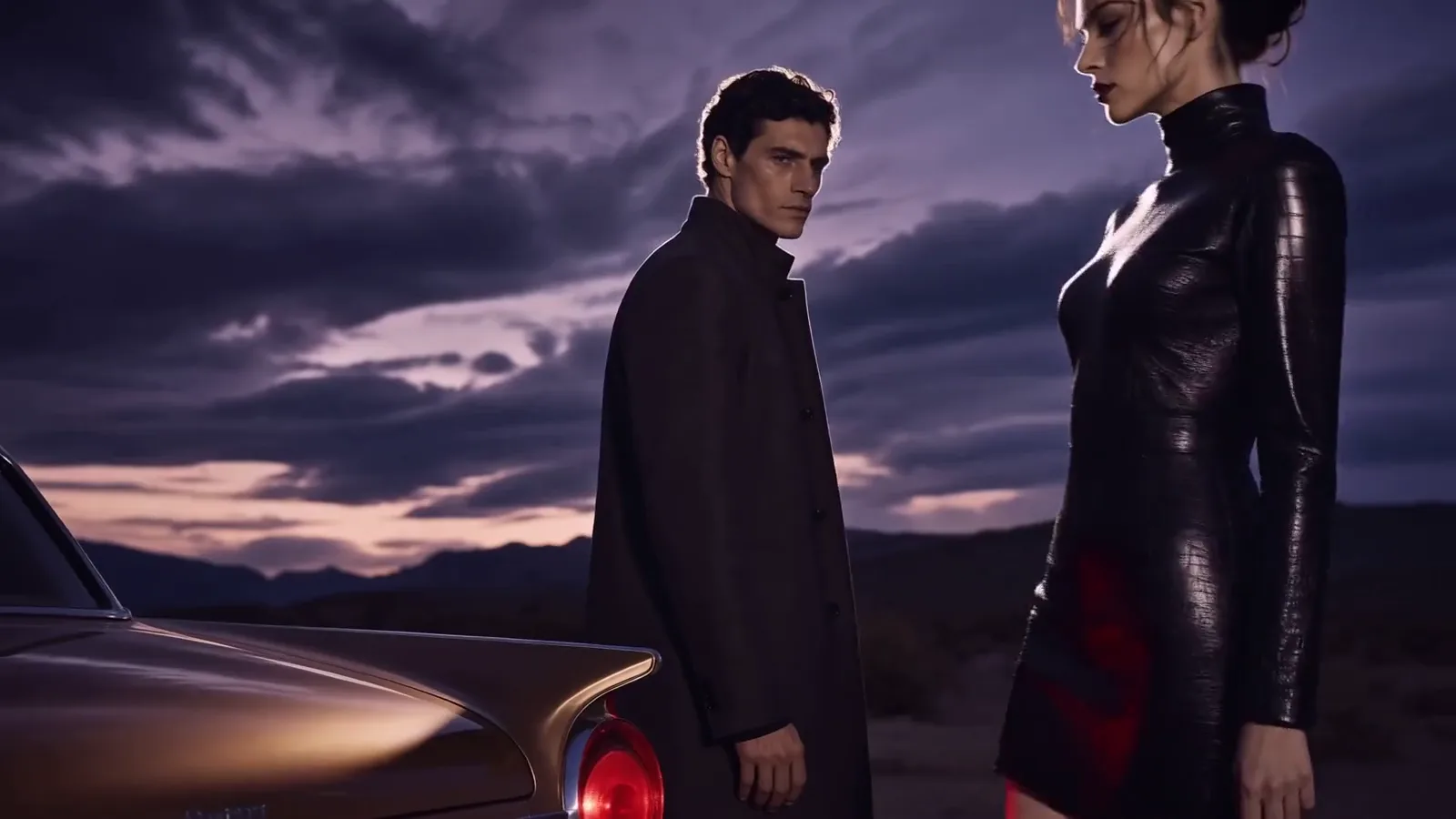
Combine product stills, model references and brand assets to generate short advertising clips around a referenced product design.
Short films and vertical drama
Use character and setting references with a prompt describing multiple story beats to generate a short narrative sequence.
Game character and interface content
Combine character artwork and interface-style references to animate equipment screens or lobby moments.
Footage editing and remixing
Use existing footage as a reference for subject replacement, environment changes or motion transfer.
How MiniMaxH3.app is built
Built with ShipAny One, MiniMaxH3.app uses sign-in, free preview credits and one-time credit purchases as its visible business model. These flows align with ShipAny’s ready-made authentication, payments and credit-management capabilities.
View the ShipAny One templateMiniMaxH3.app FAQ
What is MiniMaxH3.app?
It is an independent online studio for generating and editing short videos with MiniMax H3. It is not affiliated with MiniMax or Hailuo AI.
Is MiniMaxH3.app free?
New accounts receive a free preview opportunity. The studio also offers paid access, including native 1440p/2K output.
How does image to video work in MiniMaxH3.app?
The First / Last Frame workflow accepts an opening image, an ending image or both, and generates motion anchored to those frames. Output follows the image aspect ratio.
What can an omni reference include?
It can include images, video clips and audio clips, with at least one asset required. The prompt can identify each asset by its numbered label to explain its role.
How long are the videos, and do they include audio?
MiniMax H3 clips in this studio run for 4–15 seconds at 24 FPS. Each generation includes native stereo audio.
Can users upload photographs of real people?
The studio warns that its model safety filter rejects photographs of real people, celebrities and minors. It recommends illustrations, AI-generated images, products and scenery; rejected tasks return reserved credits.
This introduction is based on the public pages of minimaxh3.app, read on October 9, 2026.