MiniMax H3

Visit site
Introduction
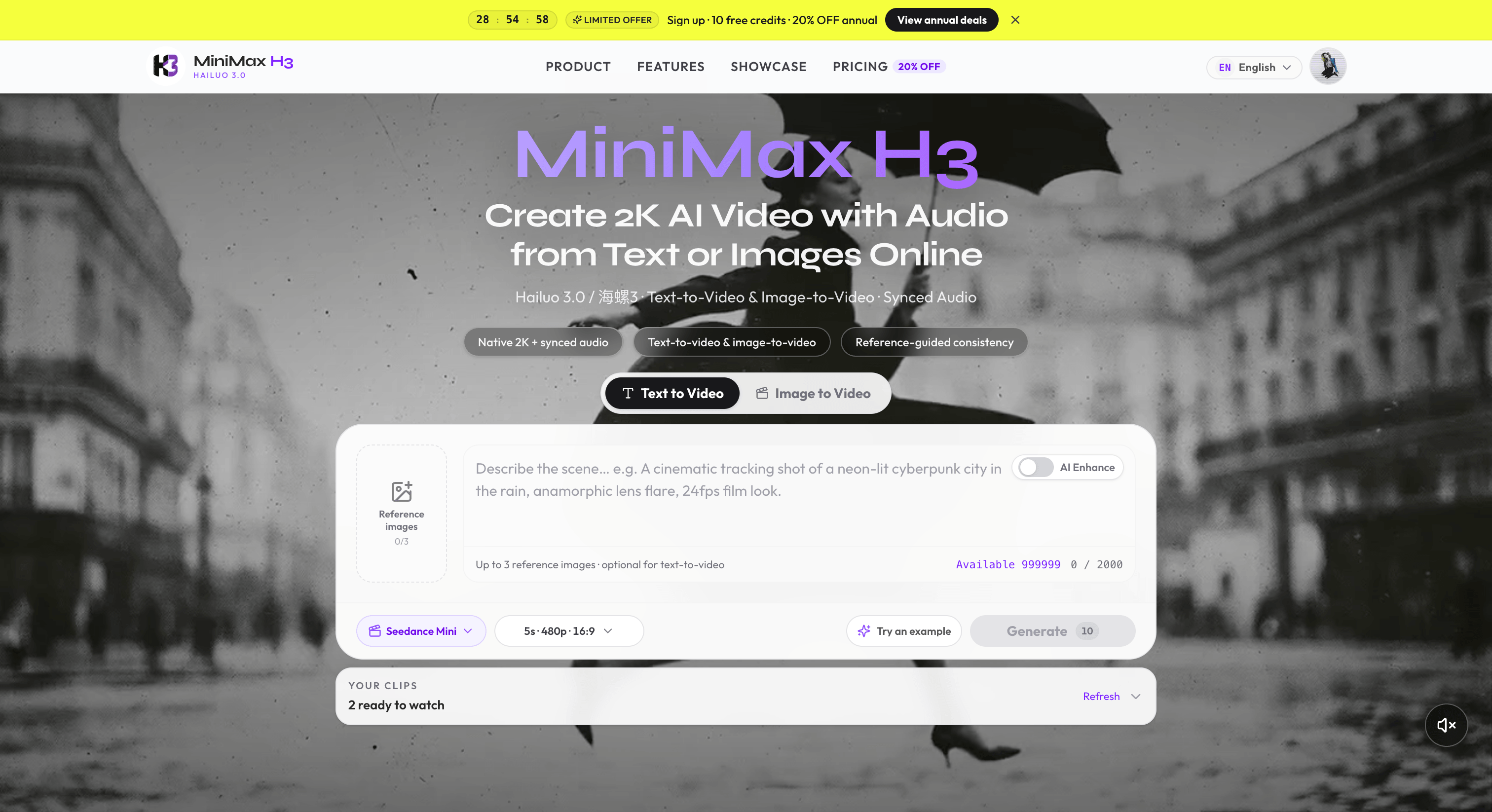
A browser-based MiniMax H3 (Hailuo 3.0) studio that turns text prompts or images into 2K-class AI video with audio.
Category
AI Video
Built with
ShipAny One
Submitted
Aug 4, 2026
MiniMax H3

What is MiniMax H3?

MiniMax H3 is an online 2K AI video generator built around the MiniMax H3 model, also known as Hailuo 3.0 or 海螺3. You write a prompt describing the subject, camera movement, lighting, dialogue and sound effects, or upload a start frame, and the studio returns a short clip that already has its soundtrack. It offers text-to-video, image-to-video with first and last frames, and reference-to-video, all in the browser with no desktop software to install.

What sets it apart is that picture and sound come out of one generation pass. You don't get silent clips that need separate sound design. Clips run up to about 15 seconds in 16:9 or 9:16 framing, and you choose the duration, aspect ratio and quality before generating. Reference-to-video accepts up to nine images, three videos and three audio files to keep characters and scenes consistent. Accounts, credits and downloads are handled on the same site.

Who it's for

  • Short-form content creators
  • Marketers and ad agencies
  • E-commerce sellers
  • Filmmakers and previz teams
  • Game and app teams
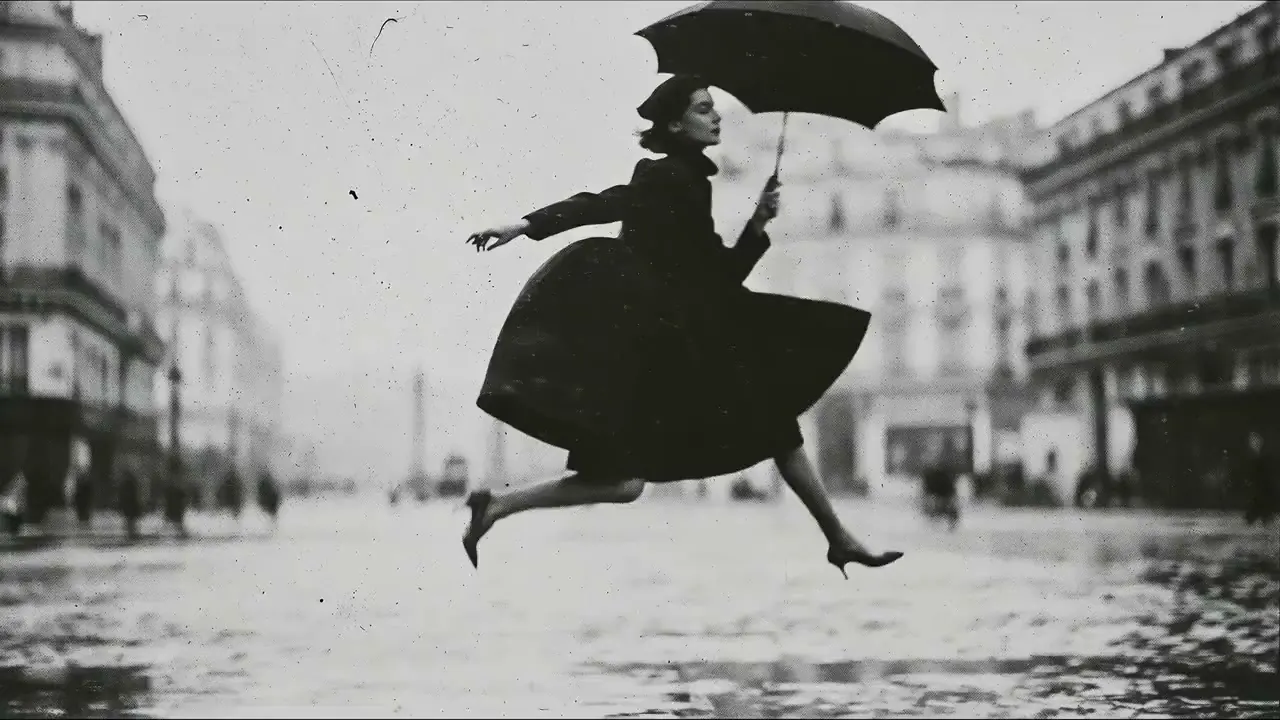
Black-and-white cinematic still of a woman in a dark coat leaping across a wet city street while holding an umbrella
A demo still showing the cinematic look the MiniMax H3 studio aims for. Image: aiproductads.app

How to use MiniMax H3

  1. 1

    Open the studio

    Sign in and choose a mode: text-to-video, image-to-video or reference-to-video.

  2. 2

    Write a prompt and add references

    Describe the subject, action, camera, lighting, dialogue and sounds. For image-to-video, add a start frame (and optionally an end frame).

  3. 3

    Set clip options

    Pick the duration (up to about 15 seconds), the aspect ratio such as 16:9 or 9:16, and the output quality.

  4. 4

    Generate, preview and download

    Run the generation, which usually takes a few minutes. Preview the clip with sound on, then download it.

MiniMax H3 key features

Text-to-video from detailed prompts

Describe subjects, camera moves, lighting, mood, dialogue and SFX in natural language, and the model generates a matching clip.

Image-to-video with start and end frames

Animate a product shot, character frame or key art by supplying a first frame and, optionally, a last frame.

AI video with synced audio

The model generates dialogue, sound effects and ambient sound together with the picture, timed to what happens on screen.

2K-class output at film cadence

Clips can be rendered at 2K-class resolution with roughly 24fps motion. Lower resolutions are also available.

Reference-guided consistency

Reference-to-video accepts up to 9 images, 3 videos and 3 audio files to help keep characters, wardrobe and locations stable.

Multi-ratio framing

Output clips in landscape 16:9 or vertical 9:16 for different platforms.

Vertical character reference photo of a woman in a dark jacket holding a radio on a rooftop at dusk
A character reference still of the kind used to keep identity consistent in reference-guided generation. Image: aiproductads.app

MiniMax H3 use cases

Social shorts for TikTok, Reels and YouTube

Make vertical 9:16 hooks with built-in audio without organizing a shoot.

Ad concept testing

Marketers and agencies can draft product motion and camera language to check creative ideas before full production.

E-commerce product demos

Turn static product photos into short motion clips for product detail pages.

Previz and game cinematics

Filmmakers and game teams can sketch scenes, pitch with moving boards, or produce character intros and store-page clips.

Cinematic short-video frame of a cyclist riding a coastal mountain road at sunset
A frame from one of the showcase clips in the MiniMax H3 demo gallery. Image: aiproductads.app

How MiniMax H3 is built

Built with ShipAny One

MiniMax H3 is built on the ShipAny One template. Its sign-in, free credits on signup when enabled, subscriptions and one-time credit packs fit the authentication, payments, subscription and credit systems that ShipAny provides ready-made.

View the ShipAny One template

MiniMax H3 FAQ

What is MiniMax H3 (Hailuo 3.0)?

MiniMax H3, also called Hailuo 3.0 or 海螺3, is an AI video model for short cinematic clips. This site provides a browser studio for it with text-to-video, image-to-video, reference-to-video and synced audio.

Is MiniMax H3 free?

New users can receive free trial credits on sign-in when that offer is enabled. Beyond that, generations use credits from paid subscriptions or one-time credit packs.

How do I make a text-to-video or image-to-video clip with MiniMax H3?

Open the studio and choose a mode. For text-to-video, write a prompt covering subject, camera, lighting, dialogue and sounds. For image-to-video, add a start frame and describe the motion. Then set the duration and aspect ratio and generate.

Does MiniMax H3 generate AI video with audio?

Yes. Dialogue, sound effects and ambient sound are generated together with the video and timed to the on-screen action. The site advises previewing with sound on before export.

How long and what resolution are the videos from this 2K AI video generator?

Clips go up to about 15 seconds, with 2K-class output among the quality options and 16:9 or 9:16 framing. The exact length and quality you can use depend on your account and plan.

Can I use MiniMax H3 videos commercially?

Yes, commercial use is allowed subject to the site's Terms of Service and your plan. You are responsible for rights to any references, music, brands or likenesses you upload or show.

This introduction is based on the public pages of aiproductads.app, read on October 9, 2026.

More products built with ShipAny One

View all →
Traffic.cv

Traffic.cv

Traffic.cv is a website traffic intelligence and discovery platform that helps founders, marketers, SEO professionals, and researchers understand where attention is moving across the internet.

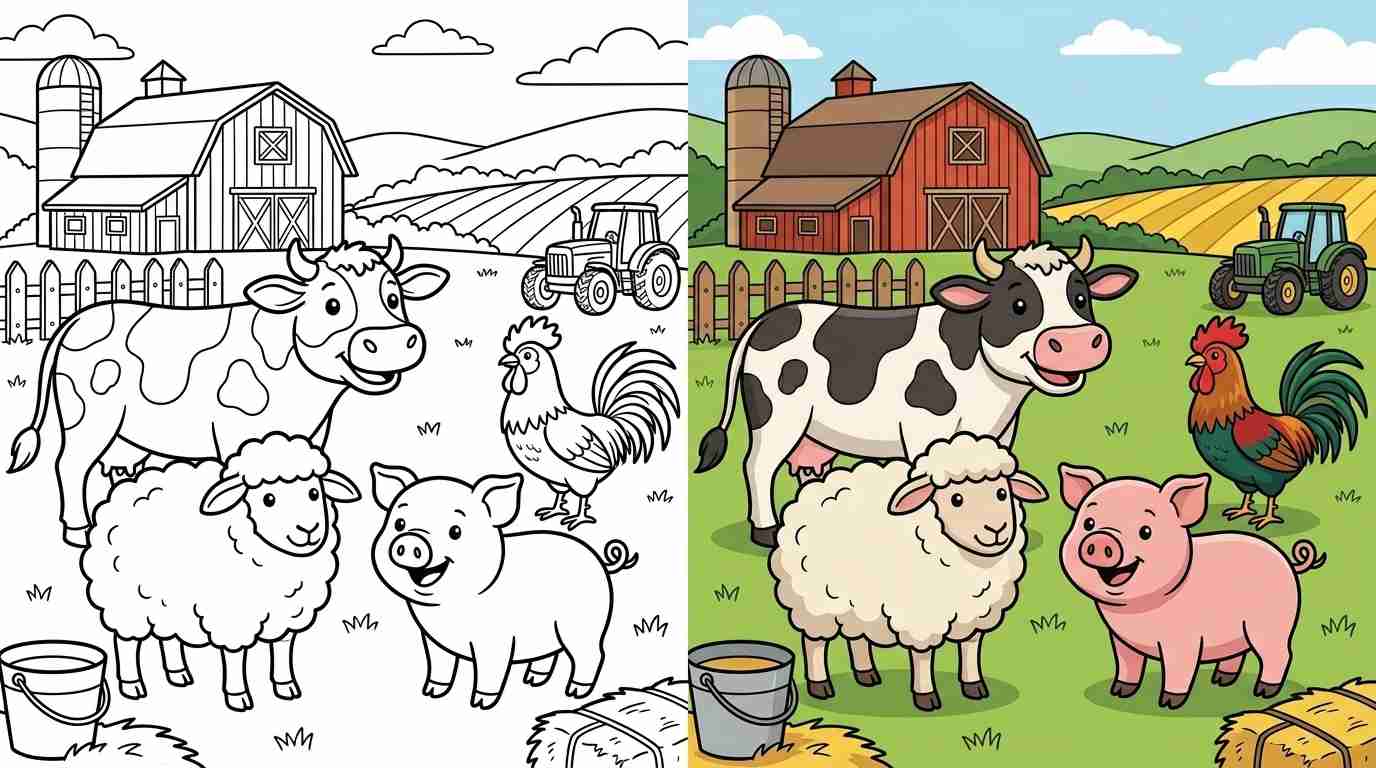
coloring pages for kids and adults

coloring pages for kids and adults

Free online coloring pages and printable coloring sheets for kids and adults. Color online or download PDFs — animals, anime, cartoons, mandalas, and more!

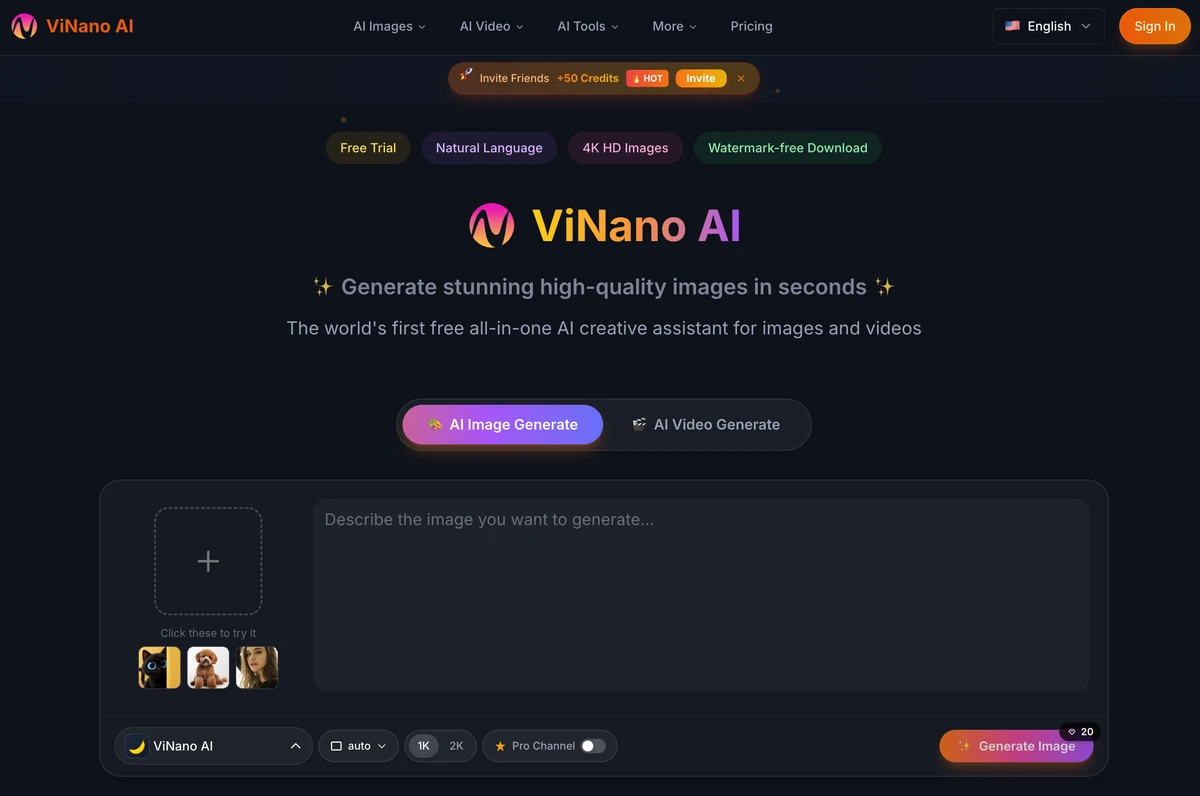
Generate stunning high-quality images in seconds

Generate stunning high-quality images in seconds

The world's first free all-in-one AI creative assistant for images and videos

KelvinAI · 你的工作群,何必只有人

KelvinAI · 你的工作群,何必只有人

把 AI 同事拉进群。@ 它交代,它在群里干活、交付;关键的那一步,由你拍板。

Clean Paste AI

Clean Paste AI

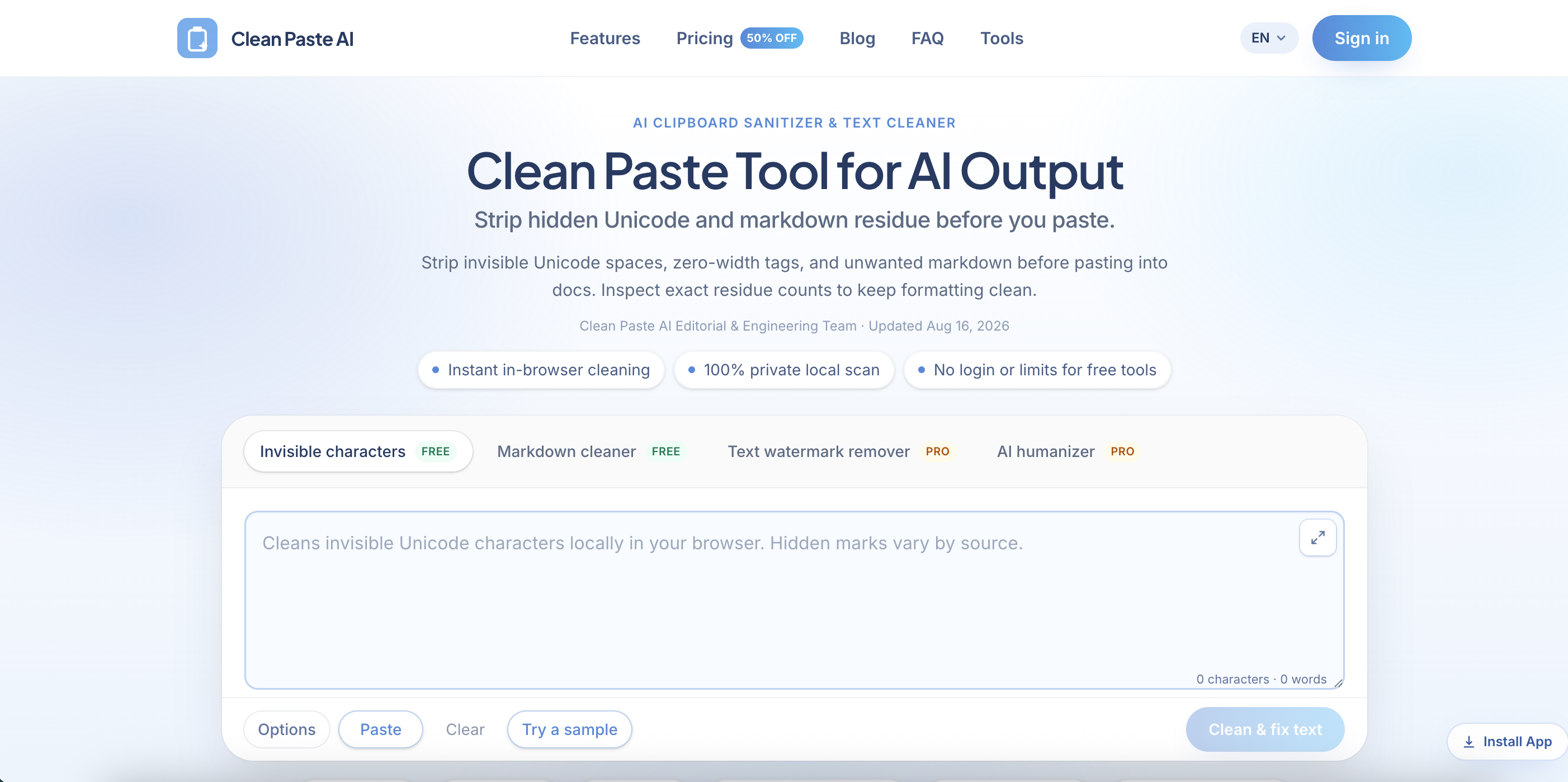
Clean Paste AI is a browser-based text cleaning tool built for writers, editors, marketers, developers, and content teams who regularly copy AI-generated text into documents, websites, and publishing platforms. Paste content from ChatGPT, Claude, Gemini, Google Docs, email, a CMS, or almost any web application, then detect and remove invisible Unicode characters, zero-width spaces, narrow no-break spaces, unusual whitespace, and unwanted Markdown formatting. Clean Paste AI converts messy AI output into clean, readable plain text while preserving the visible words, meaning, and paragraph structure of the original draft. The free cleaning tools run entirely inside the user’s browser, so pasted text is not uploaded during character detection or Markdown removal. Users can inspect detailed residue counts, review what was detected, and compare the cleaned output before copying it into WordPress, Webflow, Notion, Google Docs, email platforms, internal wikis, or client deliverables. For drafts that require more than surface-level cleanup, Clean Paste AI also provides optional Pro tools for meaning-preserving text reconstruction and more natural, reader-friendly rewriting. The platform separates basic formatting cleanup from sentence-level rewriting, giving users greater control over exactly what changes. Key Features • Invisible Unicode Character Detection • Zero-Width Character Remover • Narrow No-Break Space Normalization • Markdown Stripper • Plain Text Converter • Detailed Residue Counts • Before-and-After Preview • Local In-Browser Processing • No Login for Free Cleaning • AI Text Watermark Rewriting • AI Humanizer • ChatGPT, Claude & Gemini Support Best For • Content Writers • Copywriters • Editors • SEO Teams • Content Marketing Teams • Bloggers • Technical Writers • Developers • Publishing Teams • Ecommerce Marketers • Agencies • AI Power Users

AI Text Cleaner

AI Text Cleaner

AI Text Cleaner is a privacy-focused text hygiene tool built for content creators, editors, marketers, developers, and publishing teams that need clean, format-free drafts from ChatGPT, Claude, Gemini, and other AI writing assistants. Paste raw AI output into the browser-based workspace to identify and remove hidden Unicode characters, zero-width spaces, non-standard whitespace, narrow no-break spaces, byte order marks, and unwanted Markdown syntax. The tool strips formatting artifacts such as heading hashes, bold asterisks, blockquotes, and list markers, producing clean plain text that is easier to edit, publish, store, and reuse. Free character scanning and Markdown cleaning run locally inside the browser without uploading the draft to a server. Users can review detailed artifact counts and see exactly what was detected before cleaning the text. Visible wording, facts, arguments, and sentence structure remain unchanged during the free cleanup process. For drafts that need deeper revision, AI Text Cleaner also provides optional Pro tools for full-sentence reconstruction and AI text humanization. These tools can reduce formulaic phrasing, improve sentence cadence, and address wording-level patterns that cannot be removed through simple character deletion. Designed for modern publishing workflows, AI Text Cleaner helps teams prepare reliable drafts for WordPress, Webflow, documentation systems, email platforms, internal knowledge bases, client projects, and editorial review.

Build your AI product today

Get ShipAny Premium, unlock the ShipAny template code, and launch in as little as an hour.