What is vid2vid?
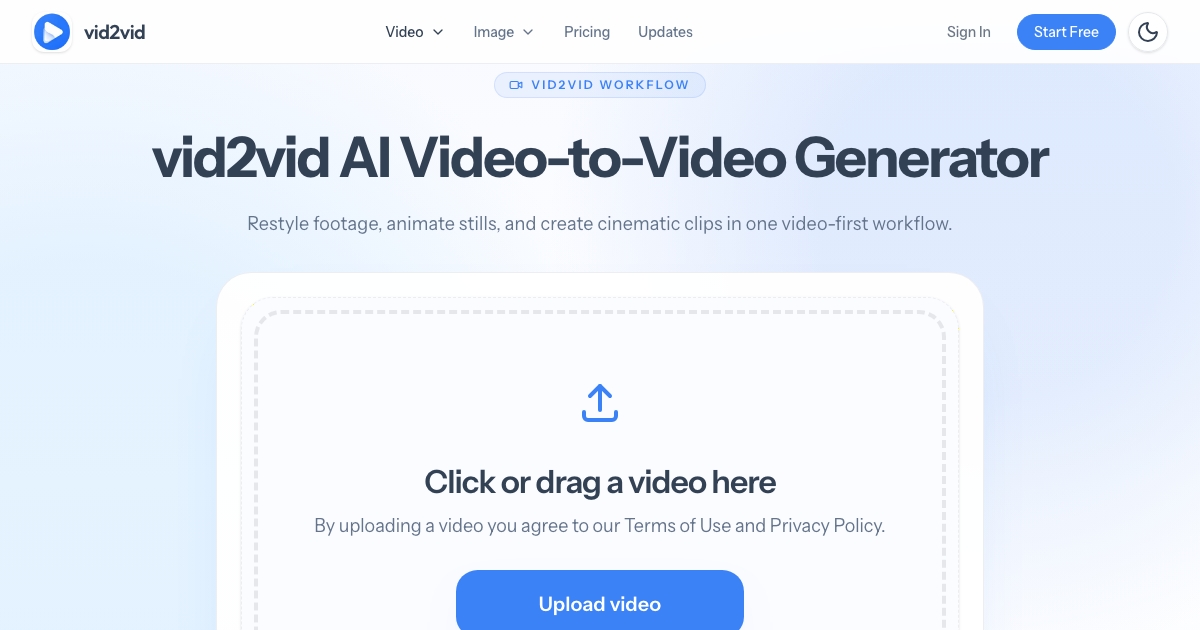
vid2vid is an AI video to video generator and variant studio. Users upload a source clip and describe a new look, and the tool generates a restyled version that keeps the original motion, framing, and timing as a guide while changing the style, lighting, or setting. Beyond video to video, it also supports image to video and text to video, so a project can start from footage, a still image, or a written prompt.
The studio is built around producing several creative directions from one input, such as anime, cinematic, commercial, or social versions of the same shot. It brings together models from several providers, including Seedance, MiniMax, Wan, Kling, Gemini Omni, Grok Imagine and GPT Image, and only lists models that support the selected mode. Additional tools cover motion control, prompt-based video editing, lip sync, and image generation.
Who it's for
- Social media video creators
- E-commerce brands making product ads
- Marketing agencies testing campaign variants
- Filmmakers exploring cinematic looks
- Anime and animation hobbyists
How to use vid2vid
- 1
Choose your starting point
Pick a workflow: upload a source clip for video to video, add an image for image to video, or write a text prompt.
- 2
Describe the new direction
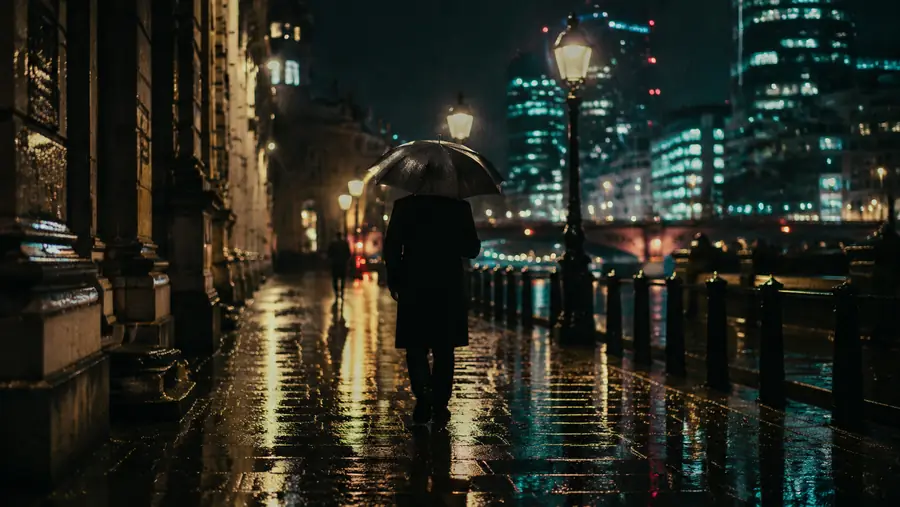
Write a prompt describing the style, lighting, or setting you want, such as an anime look or a cinematic rainy night.
- 3
Select a model and settings
Choose from the models available for that workflow and set options like aspect ratio, duration, and resolution; the credit estimate appears next to Generate.
- 4
Generate and review
Submit the task and follow its status in your workspace, then repeat with new prompts to build more variants.
vid2vid key features
Video to video restyling
Generates a new version of an uploaded clip from a prompt, using the original motion, composition, and timing as a reference.
Image to video and text to video
Animates a still image with a motion prompt or generates a scene from text, with a style gallery of example images to start from.
Motion control
Applies the movement and timing of a 2–15 second reference clip to a character image the user uploads.
AI video editor
Changes one element of a clip, such as swapping an object, changing a color, or removing a detail, while keeping the rest of the shot.
Multiple AI model providers
Offers video and image models from ByteDance, MiniMax, Alibaba, Google, Kuaishou, xAI, and OpenAI, filtered by workflow.
Anime restyle and 3D animation tools
Dedicated tools give footage or photos a hand-drawn anime look, turn photos into 3D animated scenes, or create papercraft-style origami videos.
vid2vid use cases
AI product ads
Turn a single product shot into an ad clip and test several visual directions for a campaign.
Cinematic video restyles
Take ordinary footage, like a city walk, and give it a cinematic look with new lighting and atmosphere.
Anime versions of real clips
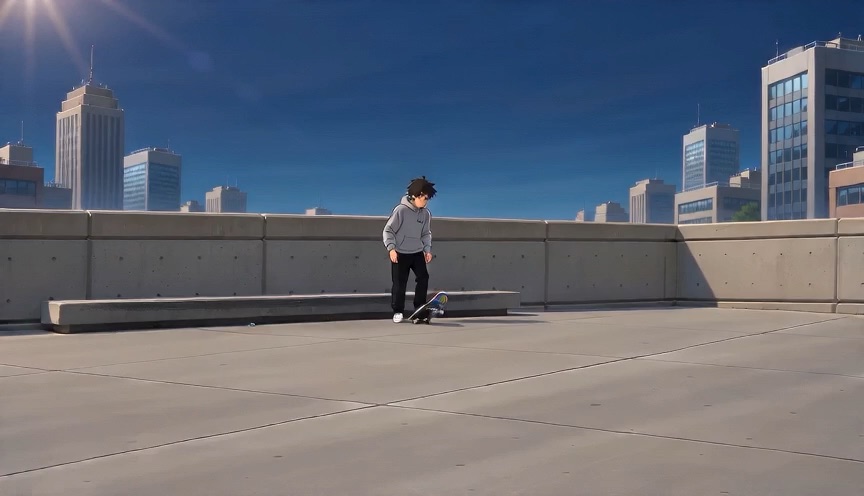
Convert action footage, such as a skate trick, into an anime-style scene with cel shading and inked outlines.
Social clip variants
Produce several versions of one clip for social posts and campaign experiments without reshooting.

How vid2vid is built
vid2vid runs on the ShipAny TanStack template, whose ready-made sign-in, payments, subscriptions, and credit system fit the product's model of a free first video, monthly plans, and one-time credit packs.
View the ShipAny TanStack templatevid2vid FAQ
What is vid2vid?
vid2vid is an AI video variant studio that restyles source footage or generates video from an image or prompt. It is designed to create several creative directions, such as anime, cinematic, or product ad versions, from one input.
Is vid2vid free?
You can create your first 5-second AI video free, using a source clip of up to 5 seconds, with no credit card required. Further generations use credits from paid plans or credit packs.
How does the AI video to video generator work?
You upload an existing clip and describe the look you want. The motion, framing, and timing of the original serve as a guide while the style, lighting, or setting changes.
Which AI models does vid2vid support?
Video workflows include Seedance, MiniMax H3, Wan, and Gemini Omni models, with image models such as GPT Image also available. The generator only shows models that support the current mode.
Can I turn an image into a video with vid2vid?
Yes. The image to video workflow animates a still image using a motion prompt, and a style gallery offers example images to start from.
Can I use vid2vid videos commercially?
Paid subscriptions and paid credit packs include commercial usage, subject to the Terms and Acceptable Use Policy. Outputs made only with free or promotional credits are for personal, non-commercial evaluation.
This introduction is based on the public pages of vid2vid.io, read on October 9, 2026.