What is Clonesite AI?
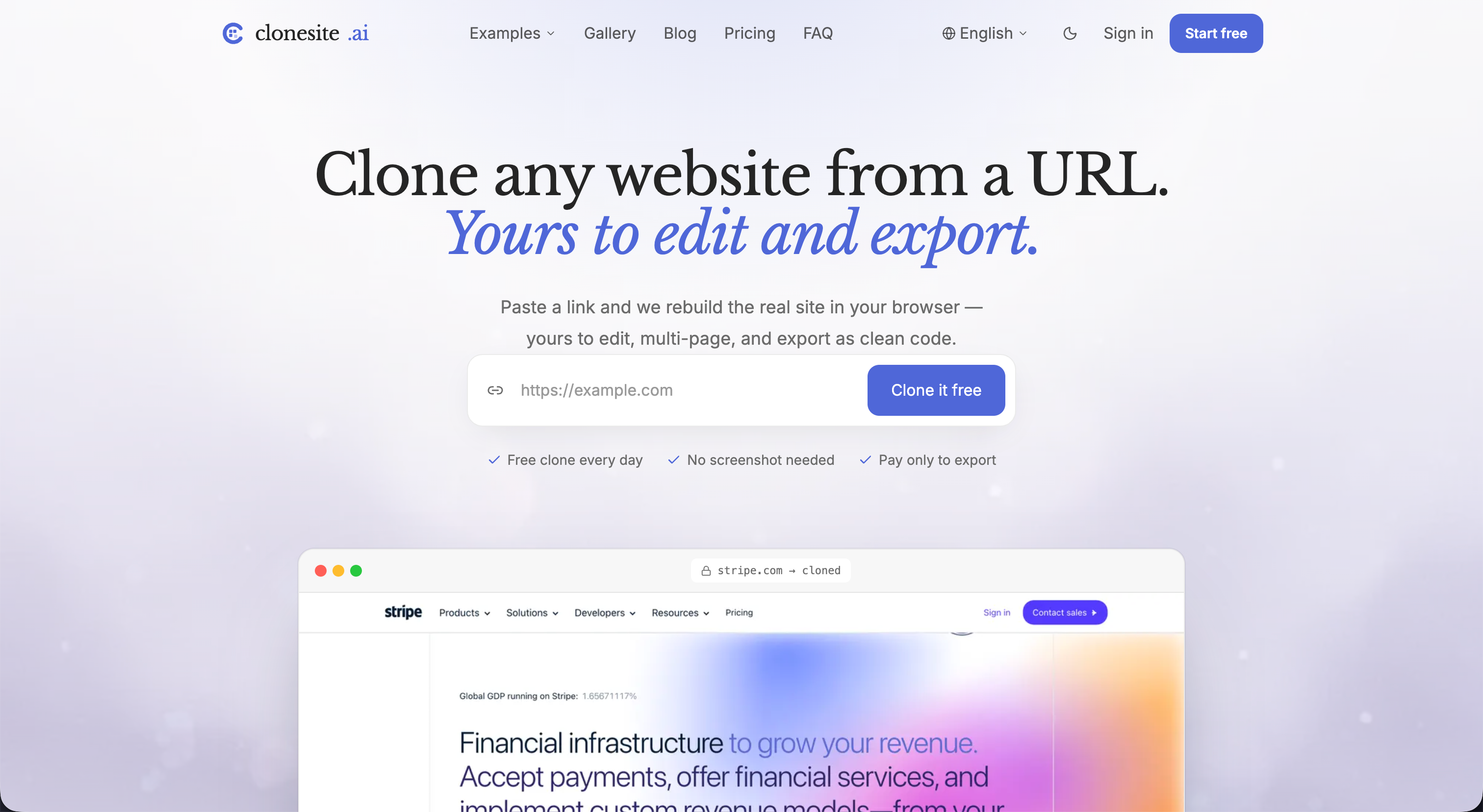
Clonesite AI is an AI website cloner that lets you clone any public website from a URL. Instead of working from screenshots or uploads, it reads the live page's HTML, CSS, fonts and responsive breakpoints, then captures the pages and assets into a hosted Site Copy preview. You choose which pages to copy and see the cost before anything is spent.
Once a copy is ready, it can stay on a free preview subdomain or be served on your own domain with HTTPS through optional hosting. Clonesite copies the visual design and front-end structure only; backend logic and databases are not included. A Site Copy is not an editable source project — editable source and rebranding are offered as a separately scoped Editable Rebuild service.
Who it's for
- Founders and marketers who want a copy of a site they own
- Designers studying page layouts
- Teams migrating an existing site to new hosting
- Agencies with client permission to reproduce sites
How to use Clonesite AI
- 1
Paste a URL
Enter the address of a live, public website. Clonesite reads its real HTML, CSS, fonts and breakpoints.
- 2
Pick pages and review cost
Clonesite lists the pages it found; select the ones you want and check the total before the copy starts.
- 3
Inspect the Site Copy preview
Open the copied site on its clonesite.app preview address to check the result.
- 4
Go live on your domain
Optionally connect your own domain; Clonesite serves the copy with HTTPS and lets you pick the live version or roll back.
Clonesite AI key features
Clone a website from a URL only
A single link is the only input, so results come from the real markup rather than guesses from an image.
Multi-page site clone
Copy several pages of a site in one job, choosing exactly which pages to include.
Upfront cost and automatic refunds
The total is shown before a copy starts, and credits for failed copies or undelivered pages return to your balance.
Host on your own domain
Keep a copy live on a custom domain with HTTPS, select the live version and roll back when needed.
Editable Rebuild service
For editable source code or a rebrand with your logo, colors and content, a separate rebuild can be scoped with the team.
Clonesite AI use cases
Copy a website you own
Capture an existing site you have rights to and re-host it on a domain you control.
Preview multi-page site clones
Check how several pages of a public site translate into a copy before deciding to publish.
Start a rebrand
Use a Site Copy as a reference and request an Editable Rebuild to get rebranded, editable source.
How Clonesite AI is built
Clonesite AI runs on the ShipAny TanStack template, whose ready-made sign-in, payments, subscriptions and credit system fit its model of free sign-up credits, per-page credit spending, top-ups and recurring hosting plans.
View the ShipAny TanStack templateClonesite AI FAQ
What is Clonesite AI?
Clonesite AI is an AI website cloner that turns a public website URL into a hosted Site Copy preview of its pages and assets.
Is Clonesite AI free?
New verified accounts get free credits to try copying a few pages without a card. Hosting on a custom domain and additional copying require paid plans or top-ups.
How do I clone a website from a URL with Clonesite AI?
Paste the site's URL, choose the pages you want, review the cost, and open the Site Copy preview once it is done.
Does the website cloner give me editable React or Tailwind code?
No. A Site Copy does not include an editable source project; editable source is available only through a separately scoped Editable Rebuild.
Can I clone any website, including its backend?
Clonesite copies visual design and front-end structure only, not backend logic or databases. You should only publish sites you own or have permission to use.
Can I host the copy on my own domain?
Yes, optional hosting serves the copy on your domain with HTTPS; free previews stay on a clonesite.app subdomain.
This introduction is based on the public pages of clonesite.ai, read on October 9, 2026.