What is CCOnline?
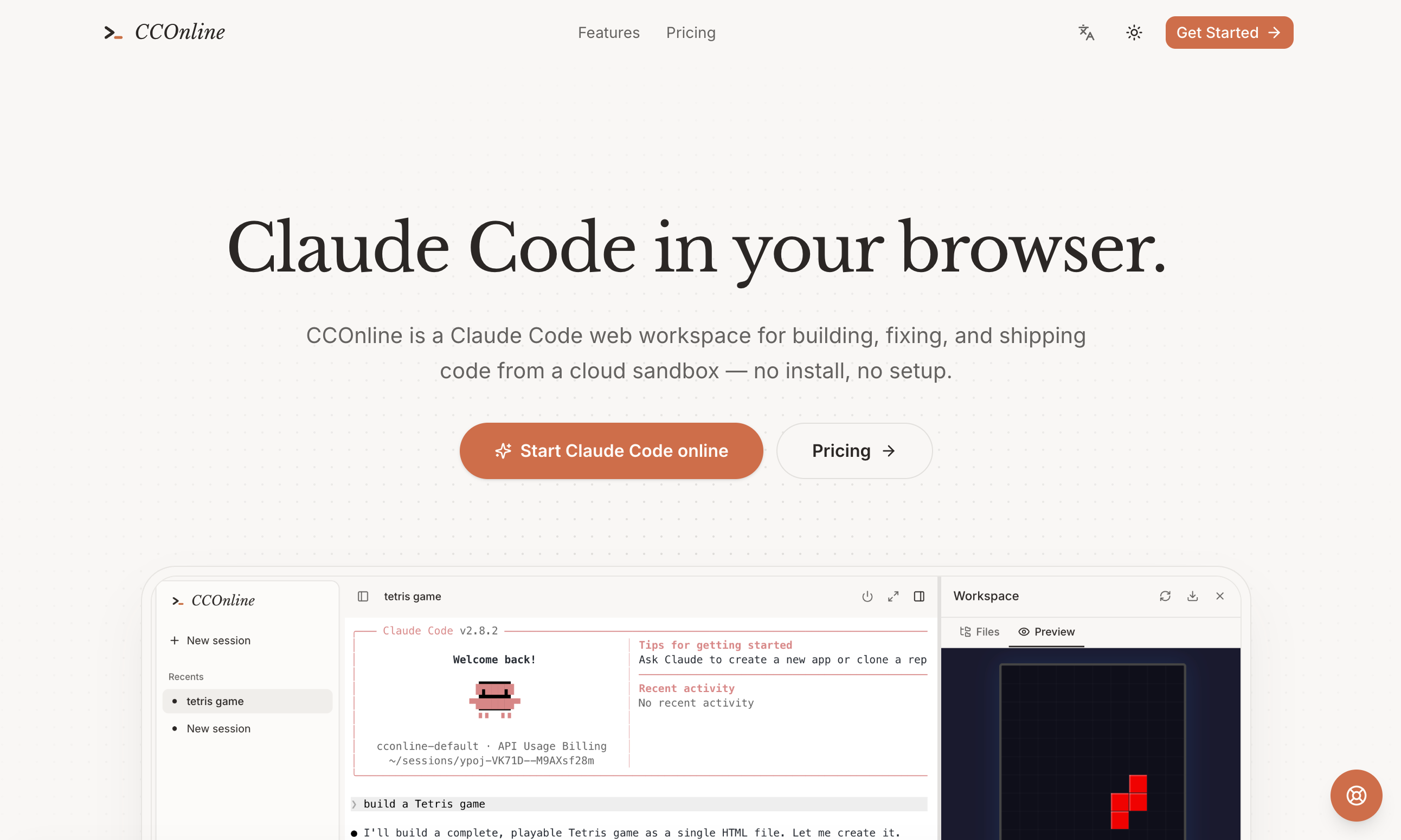
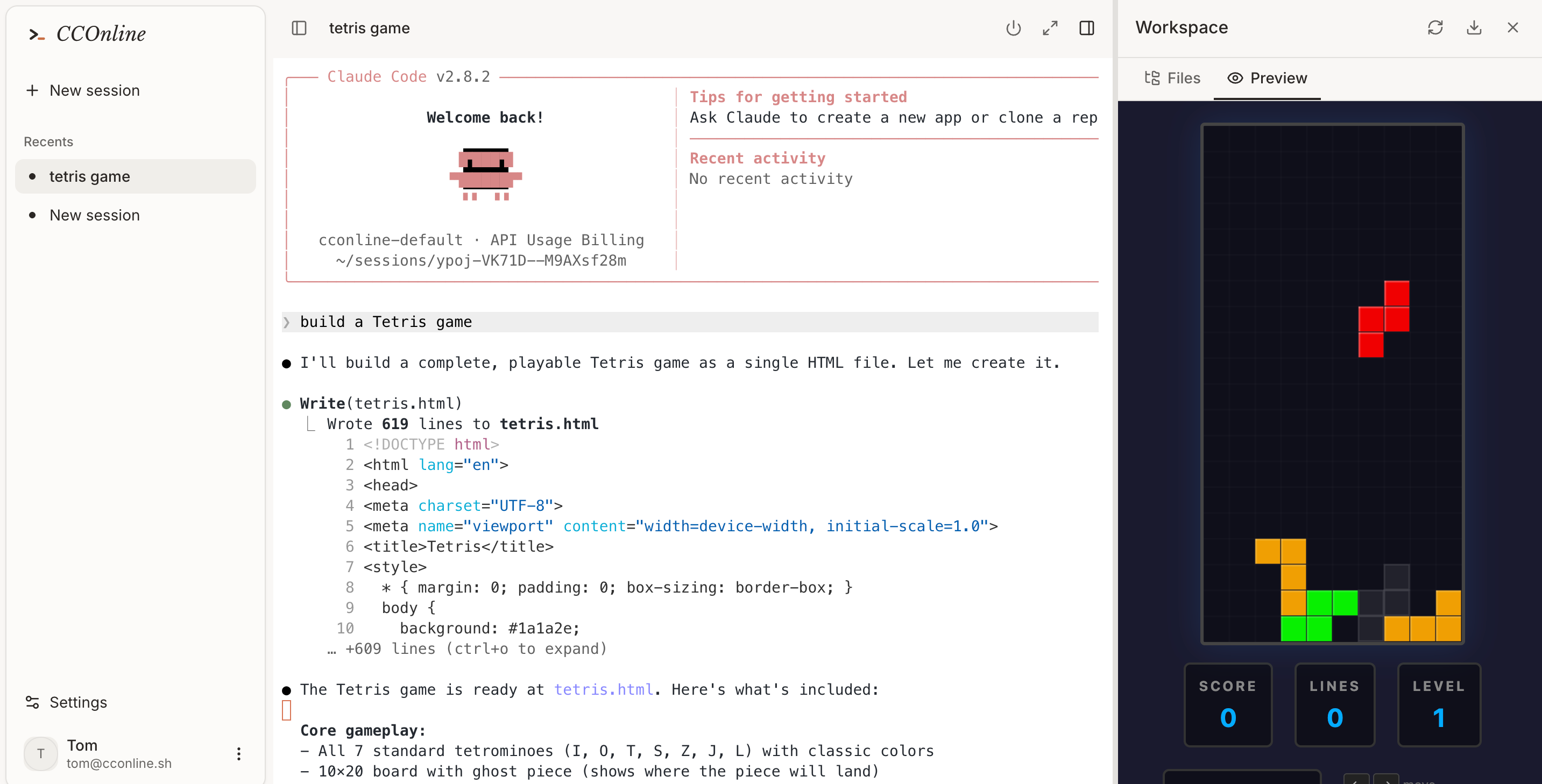
CCOnline is a Claude Code web workspace that puts Claude Code online in your browser. Instead of installing the CLI, configuring authentication and preparing runtimes on a local machine, you open a browser tab and start working in a prepared cloud sandbox. Each workspace combines a live terminal, file browsing, editing and a preview panel, so the full development loop happens in one place.
What sets it apart is that it runs the actual Claude Code CLI rather than a chat imitation. The agent reads files, runs commands, edits code across multiple files, installs dependencies, runs tests and recovers from errors inside an isolated Linux sandbox with Node, git and package managers. Workspace files and session history can persist between visits, and usage is billed through credits, with the option to bring your own model API key.
Who it's for
- Developers who want Claude Code without local setup
- People coding from tablets, Chromebooks or borrowed machines
- Builders prototyping apps quickly in the browser
- Users who prefer agent commands to run in an isolated sandbox
How to use CCOnline
- 1
Open the workspace
Go to cconline.sh and start a new session; no invite is required and no local installation is needed.
- 2
Describe your goal
Type what you want to build or fix in the Claude Code terminal, such as creating a new app or working on a cloned repository.
- 3
Let the agent work
Claude Code edits files, installs dependencies, runs commands and tests inside the cloud sandbox while you follow along in the terminal.
- 4
Preview and resume
Check the result in the Files and Preview panels, then close the tab and pick up later from the same project state.
CCOnline key features
Real Claude Code online
The genuine Claude Code CLI runs in a live terminal, executing commands and editing code rather than simulating a chat.
Isolated cloud sandbox per session
Every Claude Code web session gets its own Linux sandbox with Node, git, package managers and a real shell.
Files, terminal and previews in one view
Browse and edit project files, run terminals and view live previews from a single browser workspace.
Persistent sessions
Workspace files and Claude Code session history can be kept so work continues where it stopped.
Run Claude Code in browser on any device
Works from laptops, tablets or temporary machines without SSH keys, Docker or a local toolchain.
Credits with BYOK option
One credit balance covers sandbox runtime and the built-in platform model, and you can connect your own model API key instead.
CCOnline use cases
Use Claude Code without install
Start an agent coding session immediately on a machine where you cannot or do not want to install the CLI and its dependencies.
Prototyping small apps
Ask the agent to build something like a browser game or web page and check it right away in the preview panel.
Fixing and iterating on projects
Have Claude Code make multi-file edits, run tests and fix errors in a sandbox kept separate from your local environment.
Coding on the go
Continue a saved session from a tablet or Chromebook while away from your main development machine.
How CCOnline is built
CCOnline is built on the ShipAny TanStack template, whose ready-made sign-in, payments, subscriptions and credits system fit the product's model of monthly subscription plans that grant credits plus top-up credits for sandbox and model usage.
View the ShipAny TanStack templateCCOnline FAQ
What is CCOnline?
CCOnline is a Claude Code web workspace that runs the Claude Code CLI in an isolated cloud sandbox, accessed entirely from your browser with a terminal, files and previews.
Is CCOnline free?
The site lists paid subscription plans that grant monthly credits, along with top-up credits; it does not mention a free tier.
Is CCOnline real Claude Code online?
Yes. According to the site, it runs the actual Claude Code CLI in a live terminal, not a chat clone.
Do I need to install Claude Code locally?
No. Each session starts from a prepared cloud sandbox, so no local CLI, Docker, SSH keys or toolchain are required.
Where does a Claude Code web session run?
Each workspace runs inside an isolated Linux sandbox in the cloud that includes Node, git, package managers and a shell.
Can I use my own model API key?
Yes. BYOK is supported, and credits otherwise cover sandbox runtime and usage of the CCOnline default platform model.
This introduction is based on the public pages of cconline.sh, read on October 9, 2026.