What is Swap Hairstyle?
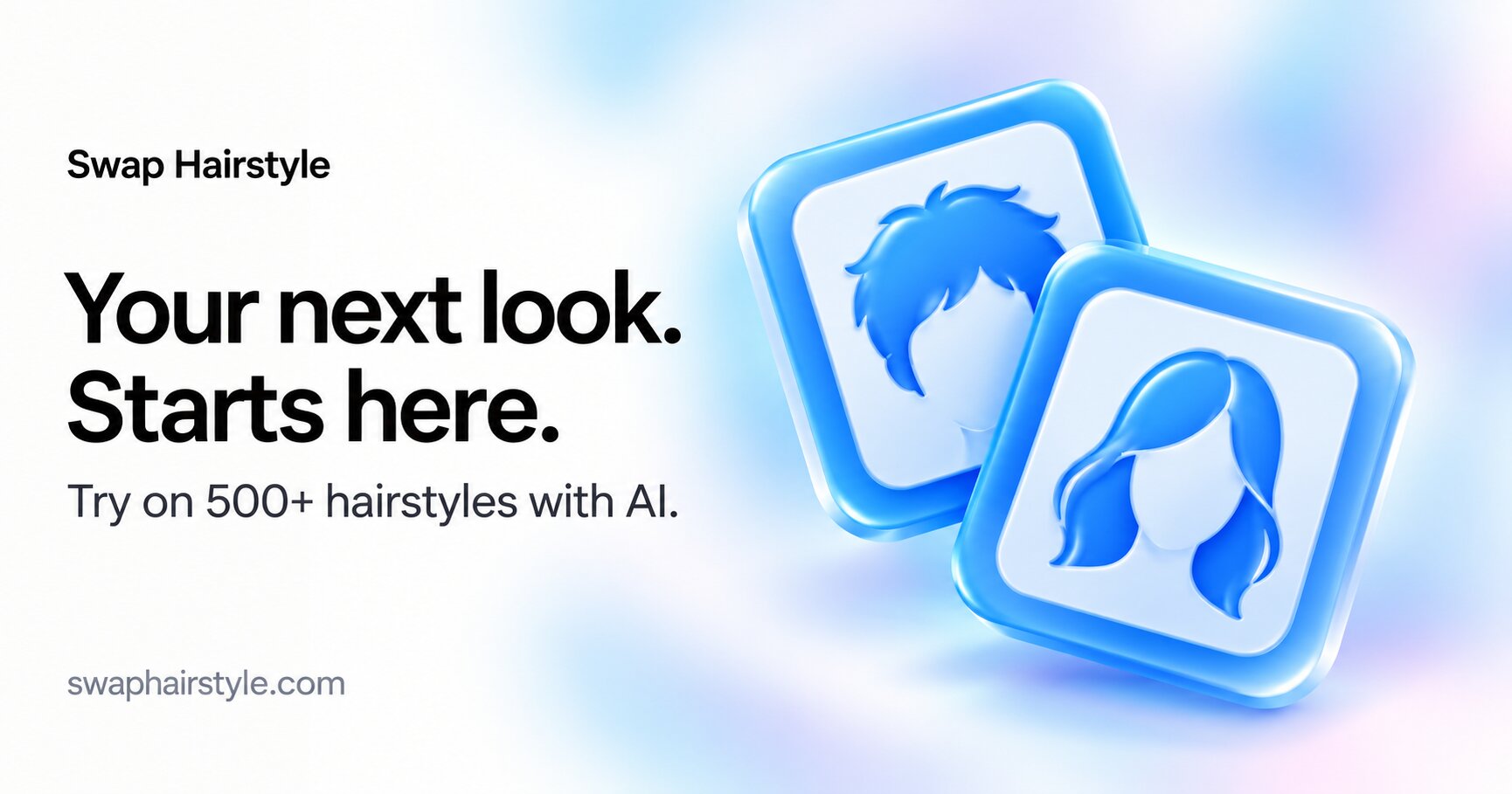
Swap Hairstyle is an AI hairstyle changer and hairstyle try-on tool that runs in a phone or desktop browser. You upload a front-facing portrait, pick one of 571 preset hairstyles for women, men, girls and boys, and receive a preview of that style on your own photo in roughly one to two minutes. The model aims to alter only the hair while leaving your face, skin tone and background intact, though the site notes results can vary.
What sets it apart is that each style in the library comes with its own reference image, name and description, so the AI works from a concrete example rather than interpreting a text prompt. Styles can be filtered by length, bangs and texture. After a preview, an AI hairstylist chat accepts plain-language follow-up requests for color, length or bangs, and can suggest library styles for a given face shape.
Who it's for
- People considering a new haircut
- Anyone curious whether bangs or a new color suit them
- Men comparing fades, crops and quiffs
- Parents choosing haircuts for kids
- Stylists and families previewing several looks
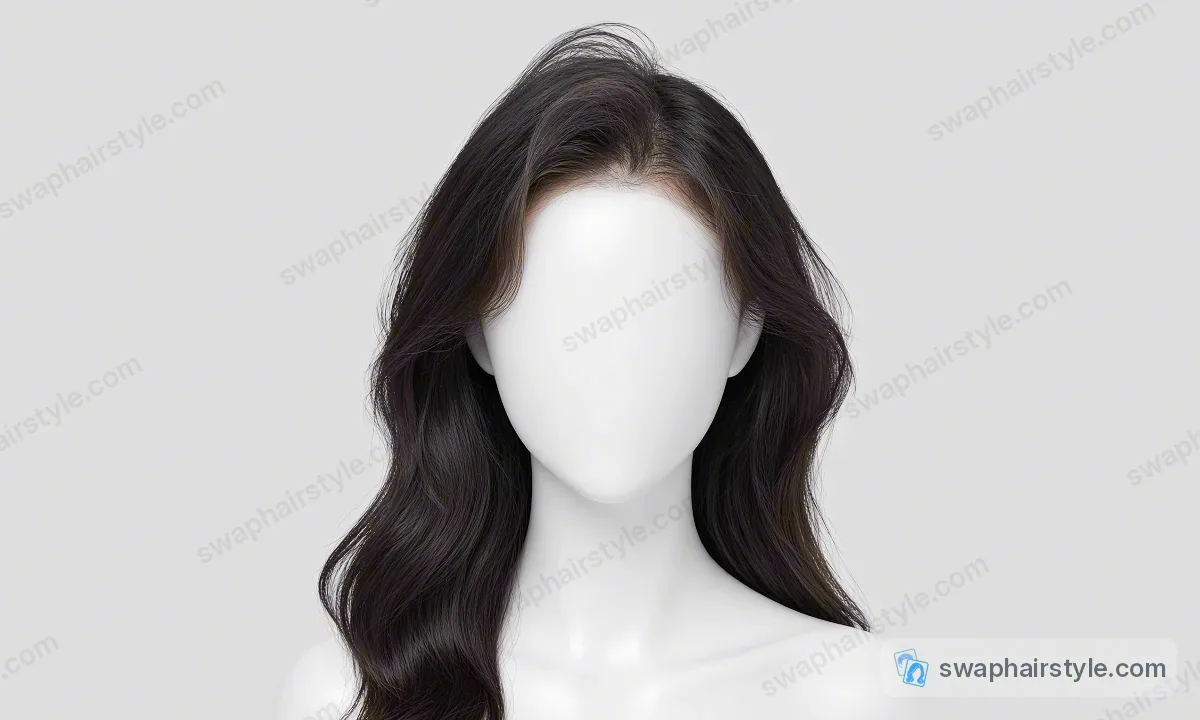
How to use Swap Hairstyle
- 1
Upload a portrait
Sign in with a free account and upload a sharp, front-facing photo in even light with your hairline visible; avoid hats, sunglasses and heavy filters.
- 2
Pick a hairstyle
Browse the Women, Men, Girls or Boys sections, filter by length, bangs and texture, and tap a style card to add it to your request.
- 3
Review the preview
Wait about one to two minutes for the result, then compare it with your original photo.
- 4
Refine in chat
Ask the AI hairstylist for follow-up edits such as a different color, length or bangs, or for style suggestions based on your face shape.
Swap Hairstyle key features
Preset library of hairstyles for women, men and kids
571 styles split into women, men, girls and boys sections, including 186 men's styles, each with a reference image and description.
Hairstyle try-on without prompts
Selecting a card sends its reference image to the AI, so you do not need to describe a haircut in words.
Face-preserving edits
The AI is designed to change only the hair and keep face, skin tone and background, with the caveat that results can vary.
AI hairstylist chat
Request hair color changes or adjustments to length and bangs in plain language, and get style suggestions for your face shape.
Filters and popular collections
Narrow choices by length, bangs and texture, or open themed pages such as bangs, buzz cut, bob, wolf cut and pixie cut.
Browser-based with account history
Works on phone and desktop browsers with no app install; conversations and saved images remain in your account history.
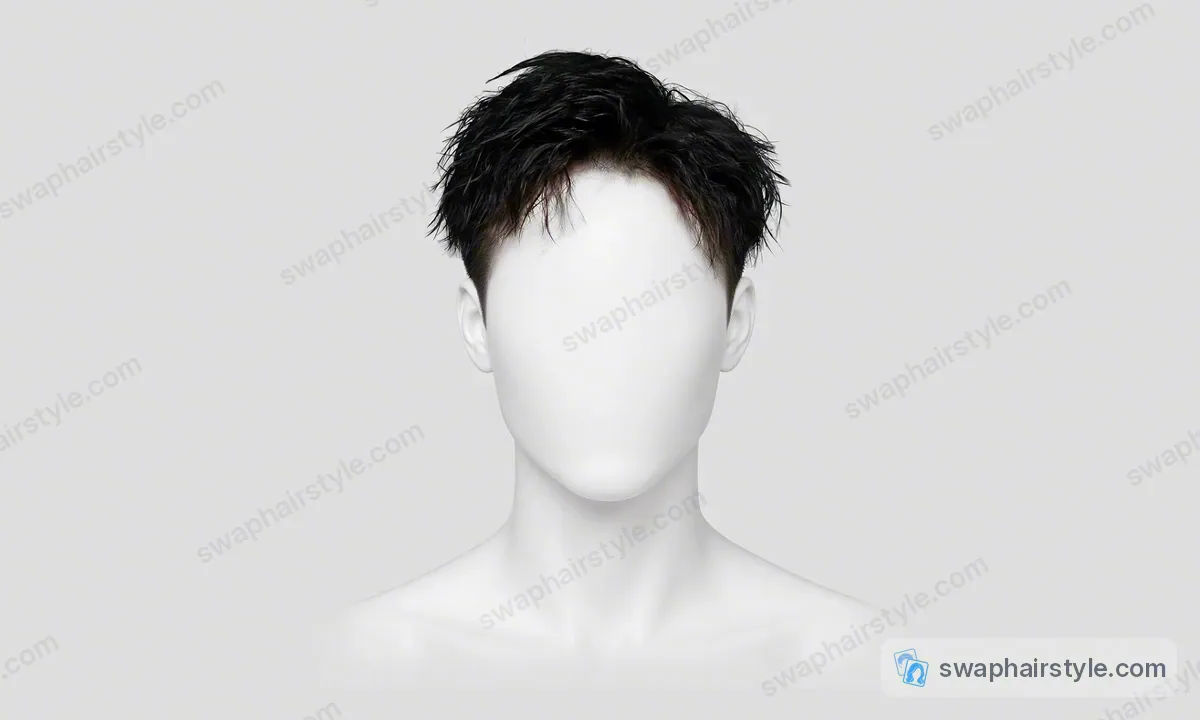
Swap Hairstyle use cases
Try on hairstyles before a salon visit
Preview a shorter cut, a new length or a fringe on your own face before committing to a real haircut.
Hairstyles for men
Compare fades, crops, quiffs, side parts or a buzz cut to see which suits you.
Virtual hair try-on for a new color
Keep a cut you like and ask the chat to make it copper or a little lighter.
Choosing kids' haircuts
Look through the girls and boys sections together to pick an easy cut or braid.
How Swap Hairstyle is built
Swap Hairstyle is built on the ShipAny TanStack template, whose ready-made sign-in, payments, subscriptions and credits system fits the site's model of free accounts with starter credits, credit-based try-ons, subscription plans and one-time credit packs.
View the ShipAny TanStack templateSwap Hairstyle FAQ
What is Swap Hairstyle?
Swap Hairstyle is a browser-based AI hairstyle changer that applies preset hairstyles from a 571-style library to your own photo. It covers women, men, girls and boys.
Is Swap Hairstyle free?
Hairstyle recommendations are free with a free account, and new accounts receive enough free credits for one try-on. Further try-ons use credits, available through paid plans or one-time credit packs.
How do I try on hairstyles with Swap Hairstyle?
Sign in, upload a clear front-facing photo, choose a style from the library and wait about one to two minutes for the preview. You can then request follow-up edits in the chat.
Which hairstyle suits my face shape?
You can ask the AI hairstylist chat to suggest library styles based on your face shape, preferred length, bangs or texture, then try them on your photo to compare.
Can I use the AI hairstyle changer without logging in?
You can browse the full library without an account, but getting recommendations and generating try-on images require signing in.
What happens if a generation fails?
Credits used for a failed generation are returned to your balance automatically.
This introduction is based on the public pages of swaphairstyle.com, read on October 28, 2026.