What is Seed Audio 1.0?
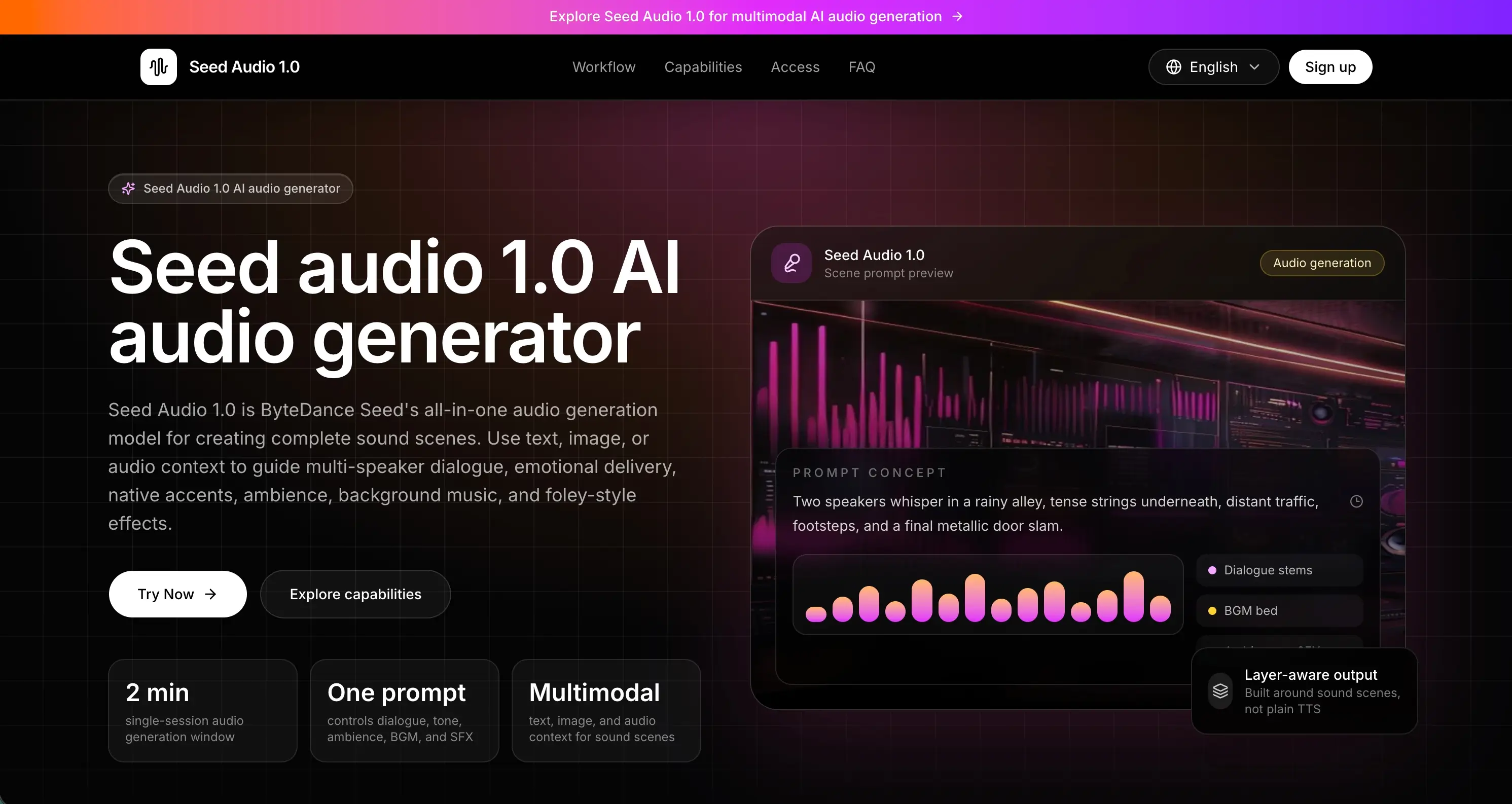
Seed Audio 1.0 is an online AI audio generator built around ByteDance Seed's multimodal audio model. Instead of producing a single speech track, it creates full sound scenes, combining multi-speaker dialogue, expressive voices, ambience, background music and foley-style sound effects from one text prompt, with optional image or audio references to guide the result.
Users describe speakers, emotion, language, location, timing, music direction and sound events together, and the model returns one mixed audio track of up to about two minutes per generation. This scene-level approach sets it apart from traditional text to speech, which usually outputs voice only and leaves music, effects and mixing to separate tools. The site also offers API access that shares one credit balance with the web workspace.
Who it's for
- Video creators and short-drama producers
- Game and XR prototypers
- Marketing and ad teams localizing content
- Podcasters and audio drama makers
- Educators building scenario-based lessons
How to use Seed Audio 1.0
- 1
Write a sound-scene prompt
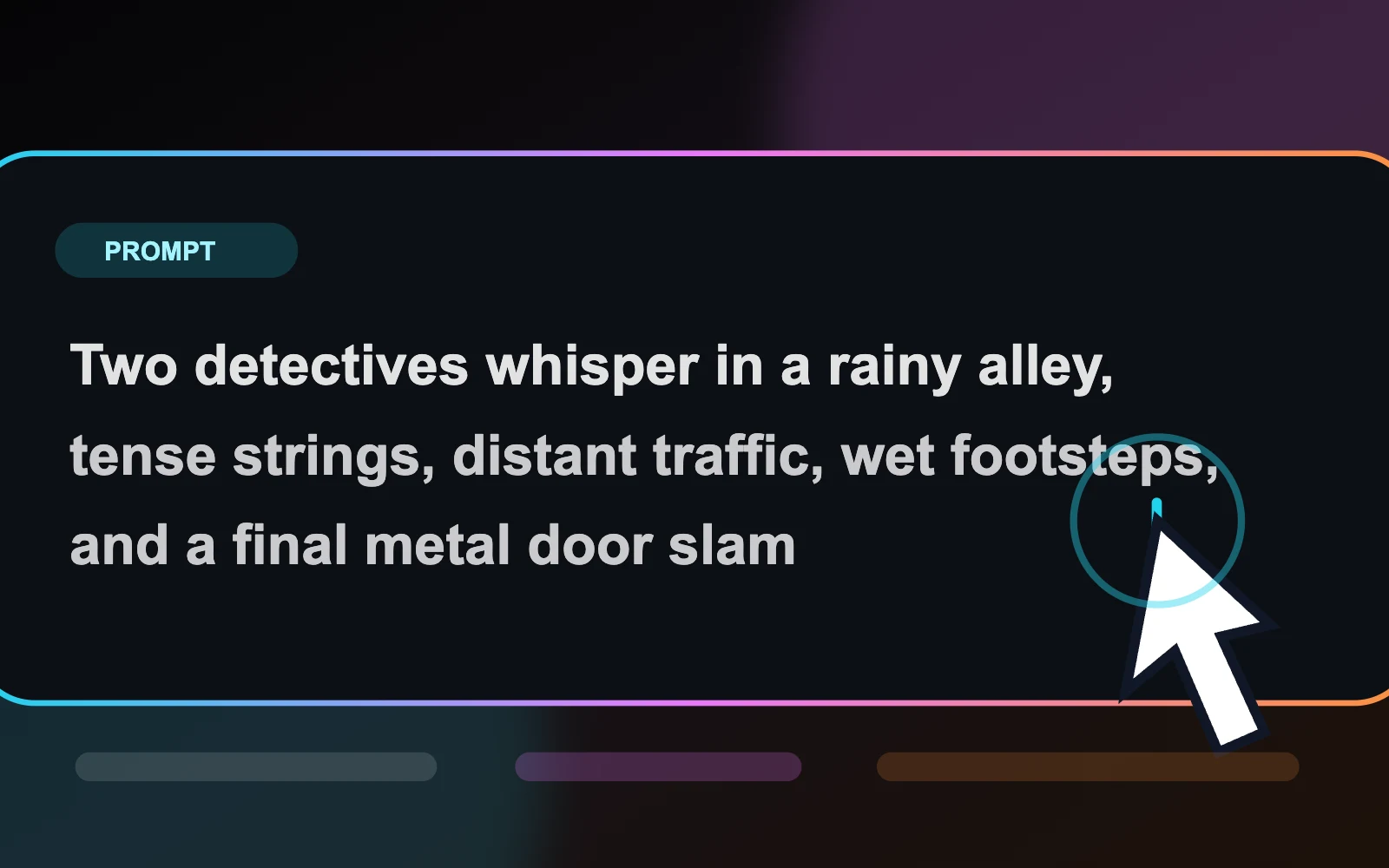
Describe the characters, language, emotion, location, dialogue, ambience, music direction and sound events you want in the scene.
- 2
Add optional references
Attach up to three audio clips for voice or style direction, or one image to steer mood and character voice.
- 3
Set output options
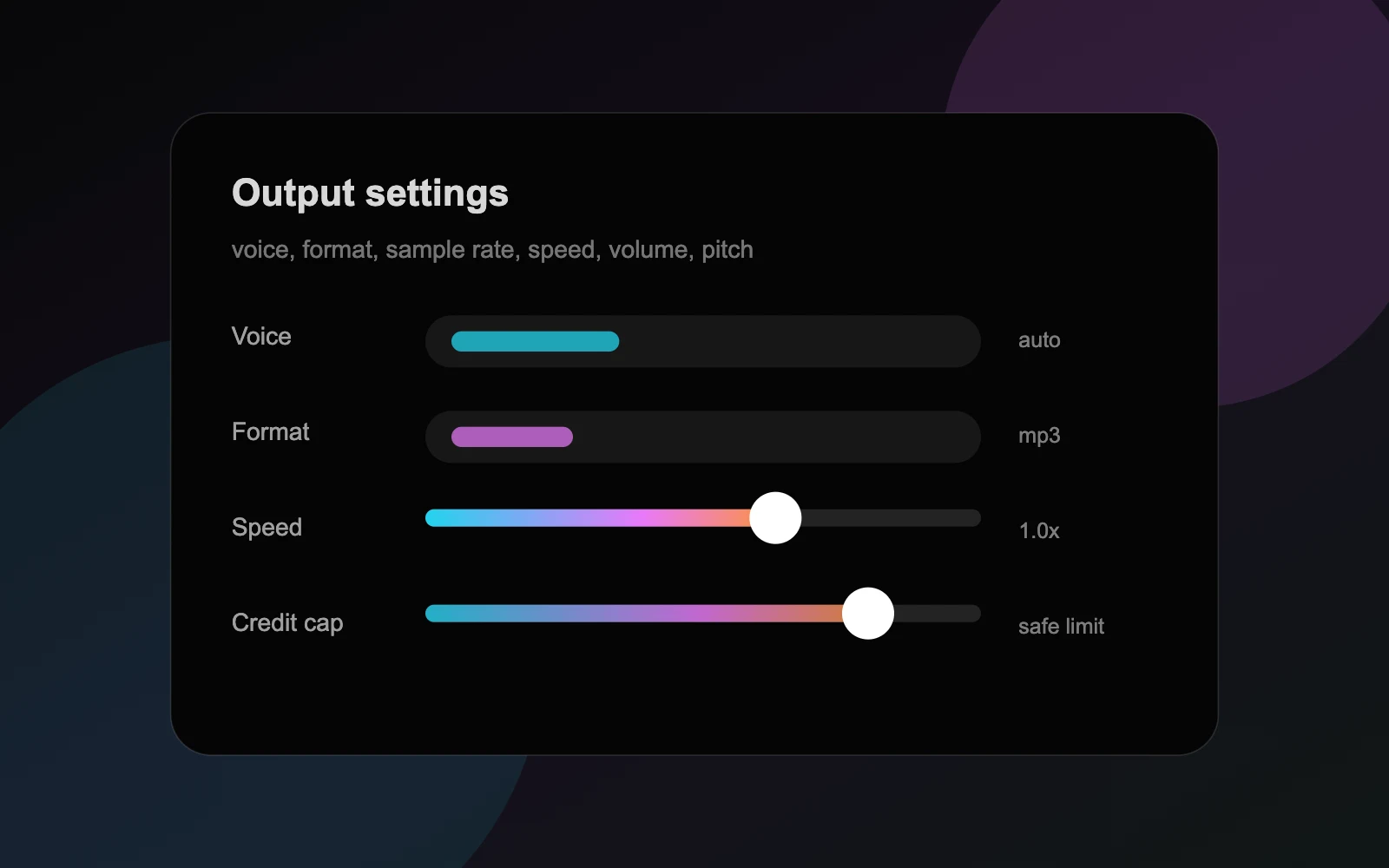
Choose voice behavior, output format, sample rate, speed, volume, pitch and a maximum credit cap for the run.
- 4
Generate and review
Sign in, run a short draft, check voice clarity and layer balance, then download, copy or revise the result.
Seed Audio 1.0 key features
All-in-one AI audio generator
Dialogue, ambience, background music and sound effects are generated and mixed together in one pass rather than assembled from separate tools.
Multi-speaker multilingual dialogue
Generates coordinated conversations between several characters with controlled emotion, pacing and native-sounding accents in different languages.
Zero-shot voice cloning
Clones a voice from a short reference clip of about 30 seconds or less; the site asks users to clone only voices they own or are authorized to use.
AI music and sound effects generator
Produces original instrumental cues, ambience beds and foley such as footsteps, doors and props, matched to the scene's mood and timeline.
Image-guided voice
An uploaded image can be used to infer a voice that fits the pictured character's apparent age, temperament and gender.
Web workspace and API
Generation is available in the browser and through an API, with paid users sharing one credit balance across both.
Seed Audio 1.0 use cases
Short film and short-drama sound design
Draft dialogue, foley, ambience and music for storyboards, pre-visualization or AI video post-production.
Ad localization and dubbing
Create the same scripted exchange in several languages with distinct roles and native pronunciation for localized campaigns.
Game and XR prototyping
Prototype ambient loops, character barks, UI sounds and cinematic moments before a final audio pass.
Learning content and podcasts
Build character conversations, immersive explainers and podcast cold opens with background sound and music.
How Seed Audio 1.0 is built
Seed Audio 1.0 runs on the ShipAny TanStack template, whose ready-made sign-in, payments, subscriptions and credit system fit the site's model of free signup credits, paid subscriptions and credit packs shared between the web app and API.
View the ShipAny TanStack templateSeed Audio 1.0 FAQ
What is Seed Audio 1.0?
It is an online AI audio generator based on ByteDance Seed's multimodal model that creates complete sound scenes, including dialogue, voices, ambience, music and sound effects, from text, image or audio prompts.
Is Seed Audio 1.0 free?
New users get free signup credits to test prompts, with free generations limited to short clips of about 8 seconds. Paid subscriptions and credit packs unlock longer generations of up to 2 minutes.
How is Seed Audio 1.0 different from text to speech?
Traditional text to speech outputs a single voice track, while Seed Audio 1.0 generates dialogue together with background music, ambience and sound effects in one mixed track.
How do I do voice cloning with Seed Audio 1.0?
Upload an authorized reference clip of about 30 seconds or less and reference it in your prompt; the model clones the voice without training. Only clone voices you own or have permission to use.
Why does a Seed Audio 1.0 generation fail?
Common causes are reference audio longer than 30 seconds, explicit or violent prompts, or prompts naming real people or protected characters. Trim references and describe roles generically.
Can I use Seed Audio 1.0 output commercially?
The site says commercial use depends on the terms of the access channel, so check license and output rights before using audio in ads, games or paid media.
This introduction is based on the public pages of seedaudio.co, read on October 9, 2026.