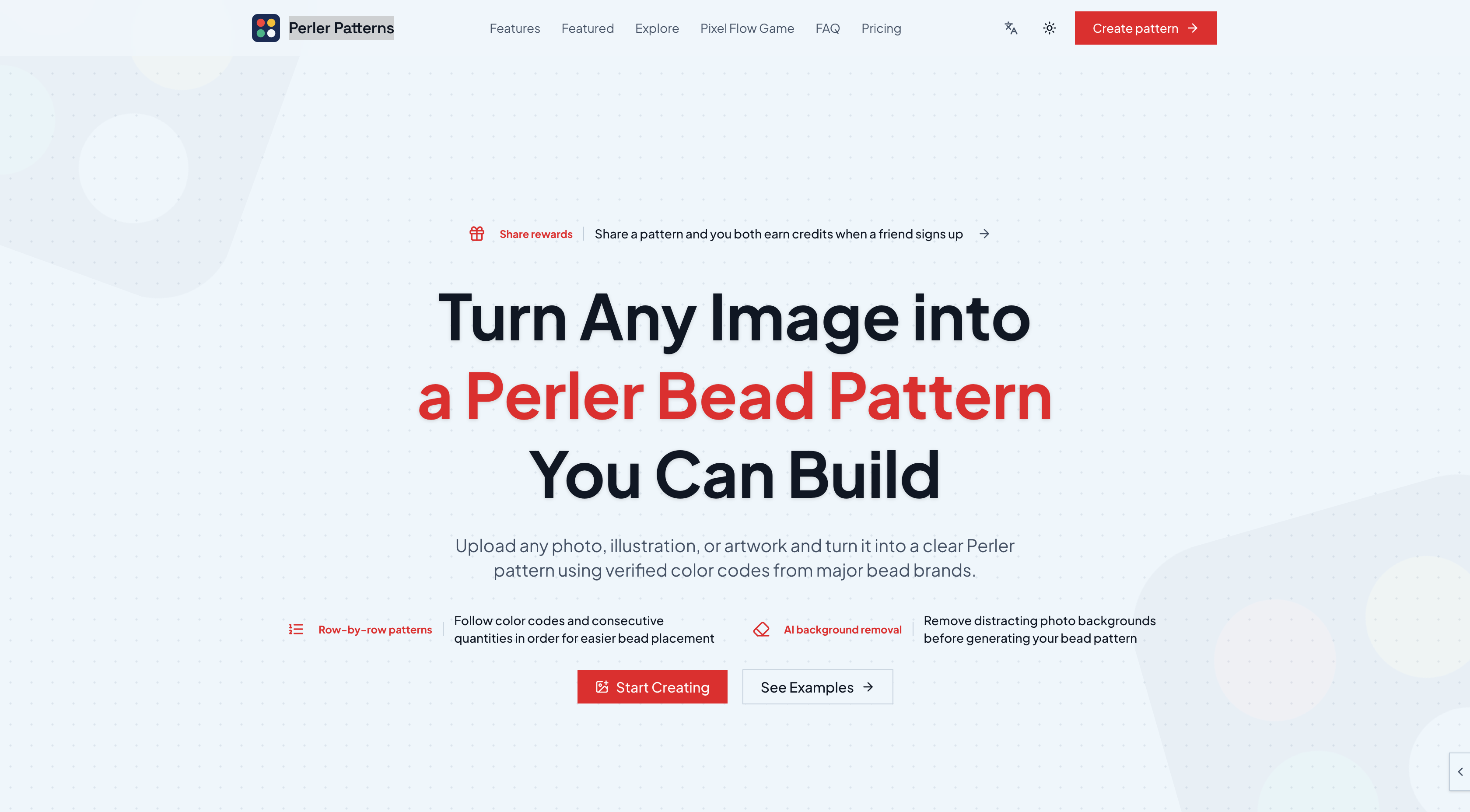
What is Perler Patterns?
Perler Patterns is an online bead pattern generator that turns an image into Perler bead patterns you can actually build. Users upload a photo, illustration, character or pet portrait, pick a bead brand palette, set the grid width and maximum number of colors, and receive a grid where every filled cell corresponds to an available color code from that brand.
Beyond the image to bead pattern conversion, the tool offers optional AI background removal for photos, several interpretation styles to compare (balanced, structure-first and simplified), a cell-level editor, and an exact bead count per color. Finished patterns can be exported as SVG, PNG or PDF, with a CSV materials list available for saved patterns. A gallery of featured bead patterns and a community section let makers browse and share projects.
Who it's for
- Perler and fuse bead hobbyists
- Crafters turning photos or pet portraits into bead art
- Parents and kids doing bead projects
- Makers using MARD, Artkal, Hama or Nabbi beads
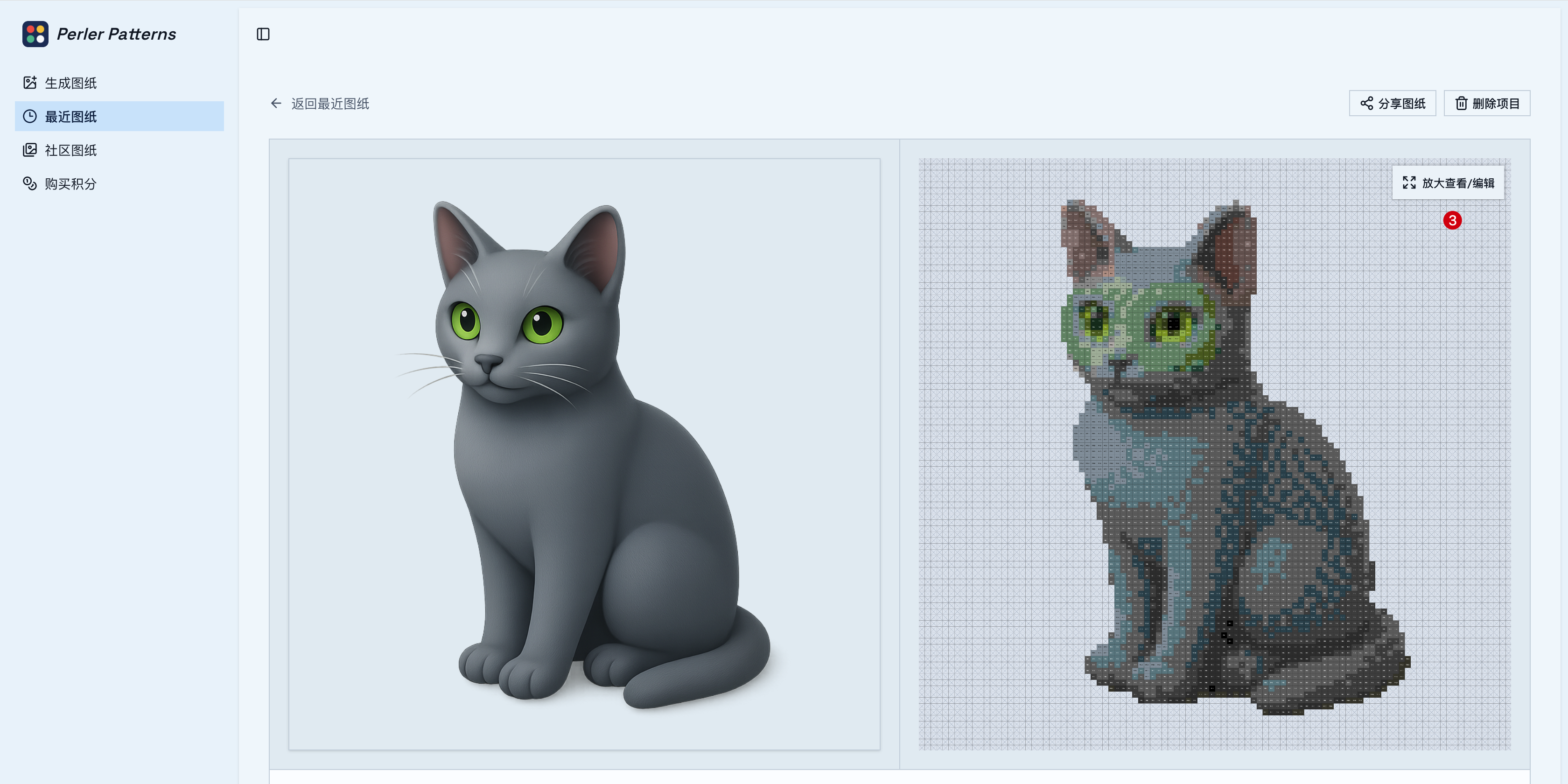
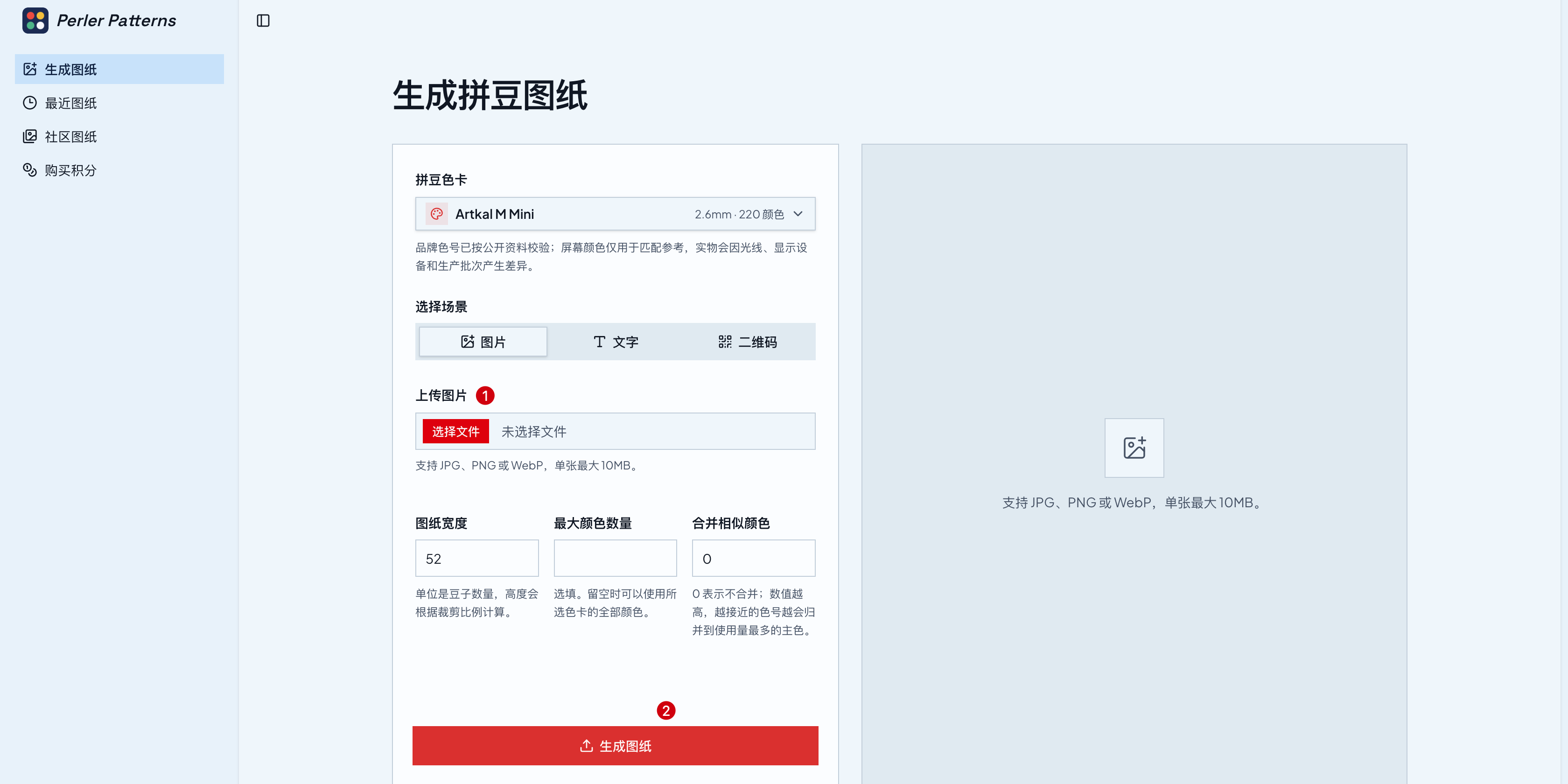
How to use Perler Patterns
- 1
Upload an image
Upload a photo, illustration or artwork and crop it. A preview can be tried without an account and stays on the device for 30 minutes.
- 2
Choose palette and size
Select a MARD, Artkal, Hama, Perler or Nabbi palette, then set grid width, maximum colors and, for photos, optional AI background removal.
- 3
Review and edit
Compare the generated result, open it in the editor to change individual cells or colors, and check the per-color bead counts.
- 4
Export and build
Sign in to save and download the pattern as SVG, PNG or PDF, optionally with row-by-row details, then place beads and fuse.
Perler Patterns key features
Perler pattern maker with real brand colors
Palettes for MARD, Artkal, Hama, Perler and Nabbi, so each cell maps to an actual color code from the selected brand and series.
AI background removal
Optionally strip distracting photo backgrounds before generation, review the transparent result, and reopen saved results without reprocessing.
Multiple interpretations
Compare balanced, structure-first and simplified directions to choose the version that keeps the image recognizable.
Online grid editor
Adjust individual cells and refine colors after generation instead of redrawing details elsewhere.
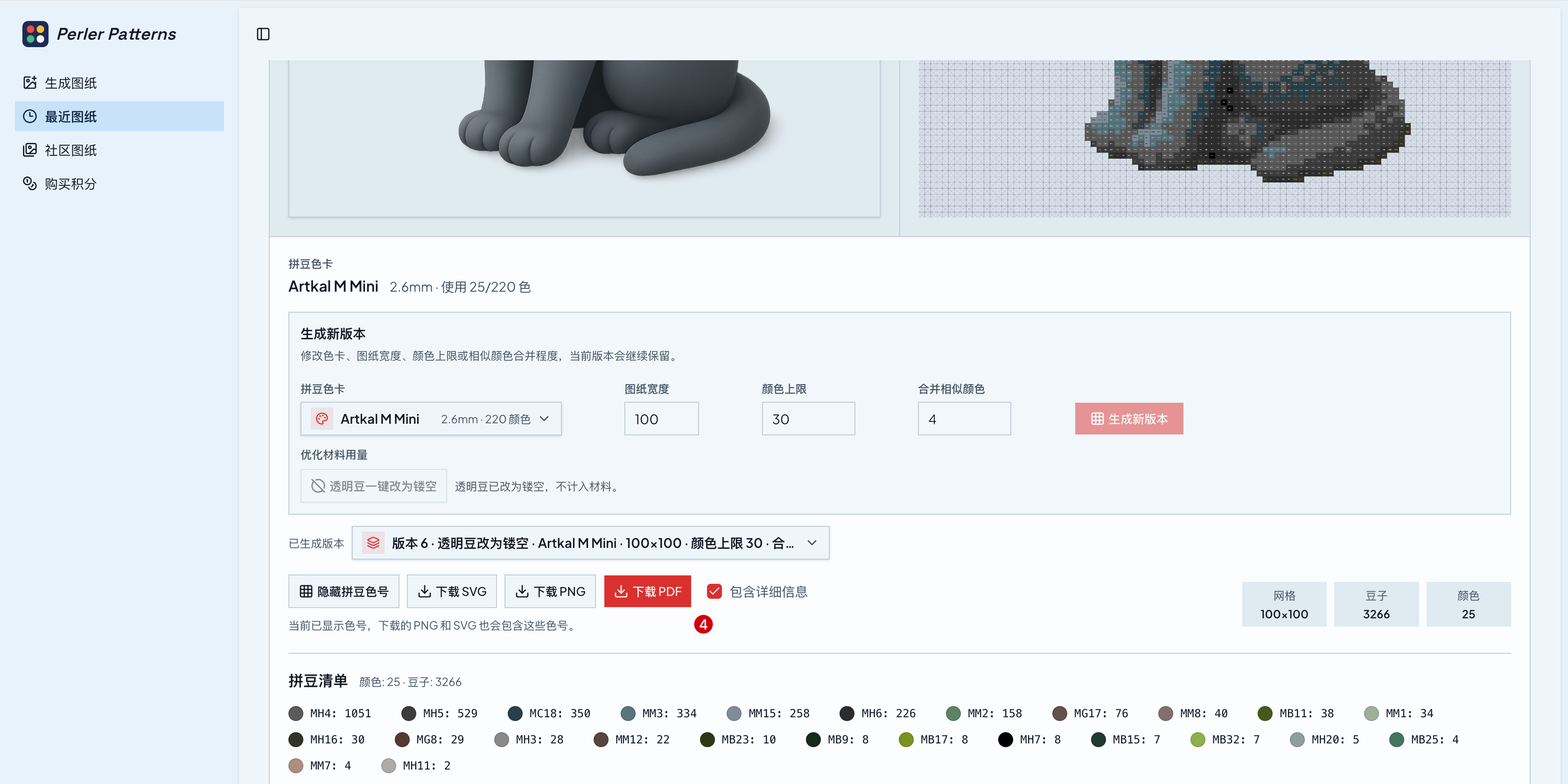
Bead counts and materials list
Each result lists the color codes used and an exact bead quantity per color; saved patterns can also be exported as a CSV list.
SVG, PNG and PDF export
Download scalable SVG, quick-reference PNG, or printable PDF with optional row-by-row color sequences for section-by-section building.
Perler Patterns use cases
Pet and portrait bead art
Turn a pet photo or portrait into a bead pattern, removing the background first so the subject stands out.
Brand-specific projects with the MARD pattern maker
Generate patterns that match the MARD palette or another supported brand, using beads the maker already owns.
Large multi-session builds
Work through big patterns section by section using PDF exports and row-by-row placement guidance.
Inspiration from featured bead patterns
Browse editor-picked and community patterns, such as holiday designs, and import a copy to build.
How Perler Patterns is built
Perler Patterns runs on the ShipAny TanStack template, whose ready-made sign-in, payments, subscriptions and credits system supports the site's model of free standard generation for signed-in users plus credit packs and a monthly plan for optional AI background removal and extra game slots.
View the ShipAny TanStack templatePerler Patterns FAQ
What is Perler Patterns?
Perler Patterns is a bead pattern generator that converts photos, illustrations and artwork into buildable bead patterns using verified color codes from major bead brands.
Is Perler Patterns free?
Standard pattern generation is currently free for a limited time, and editing and export cost no extra credits after signing in. Optional AI background removal and extra game slots use credits, available through paid one-time packs or a monthly plan.
How do I turn an image into a bead pattern with Perler Patterns?
Upload and crop an image, choose a brand palette, grid width and maximum colors, then generate. You can edit the result and download it as SVG, PNG or PDF.
Which bead brands does the perler pattern maker support?
It supports verified palettes from MARD, Artkal, Hama, Perler and Nabbi.
Does AI background removal cost credits?
Yes. The cost is shown before confirming, reopening a saved result is not charged again, and credits are returned if removal fails.
Are my uploaded images private?
Projects are private by default. Share links show the pattern without the source image or account details, while publishing to the community makes the source image, display name and avatar public.
This introduction is based on the public pages of perlerpatterns.com, read on October 28, 2026.