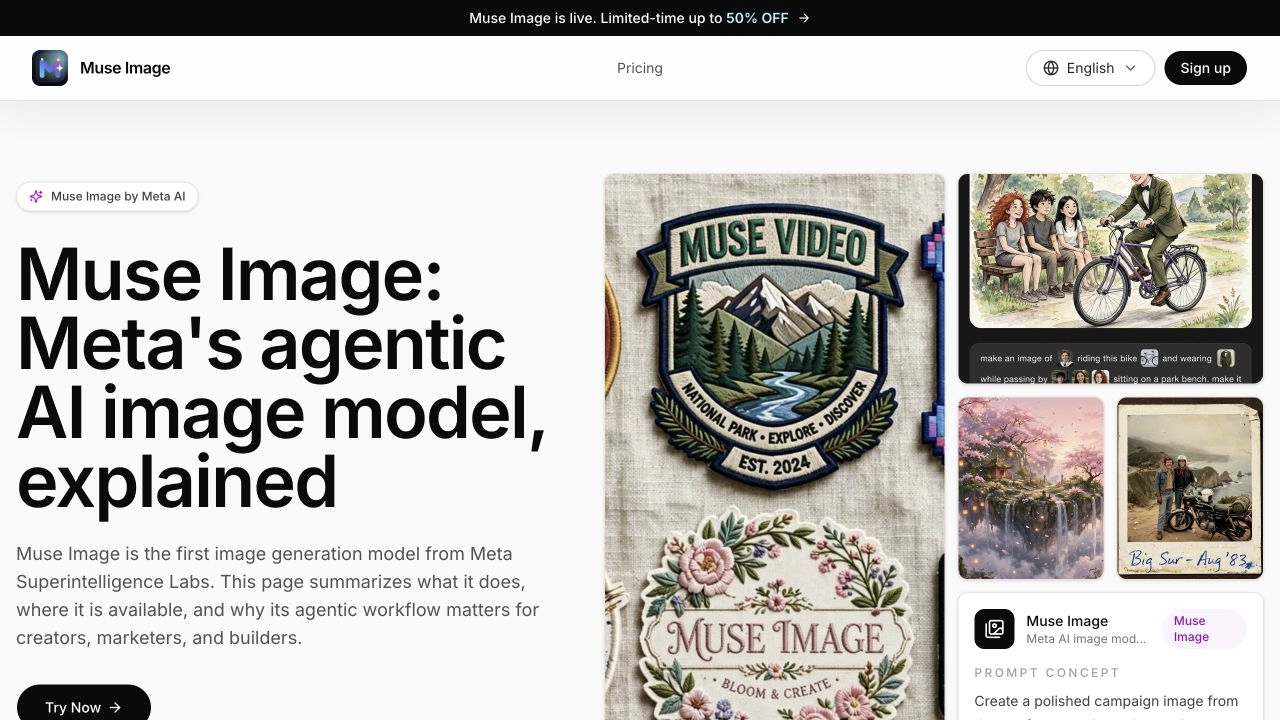
What is Muse Image?
Muse Image (muzeimage.com) is a website that pairs an online AI image generator and editor with a guide to Muse Image, the image model Meta Superintelligence Labs introduced as its first media generation model. On the site, you write a prompt, optionally add reference images, and generate visuals such as product shots, posters, campaign scenes and social posts. You need to sign in to generate, and finished images are saved to a personal history.
The generator has Text to Image and Image to Image modes, a model selector, prompts of up to 3,000 characters, and up to ten reference images per request. You can choose from seven aspect ratios, from square to vertical story formats, and pick Basic or High quality. Alongside the tool, the site explains how Meta's Muse Image works, including agentic tool use, multi-reference composition and local edits. It also states that Meta has not published a developer API for the model.
Who it's for
- Social media creators
- Marketers drafting campaign visuals
- E-commerce sellers needing product shots
- Designers exploring early concepts
- People following Meta's Muse Image model
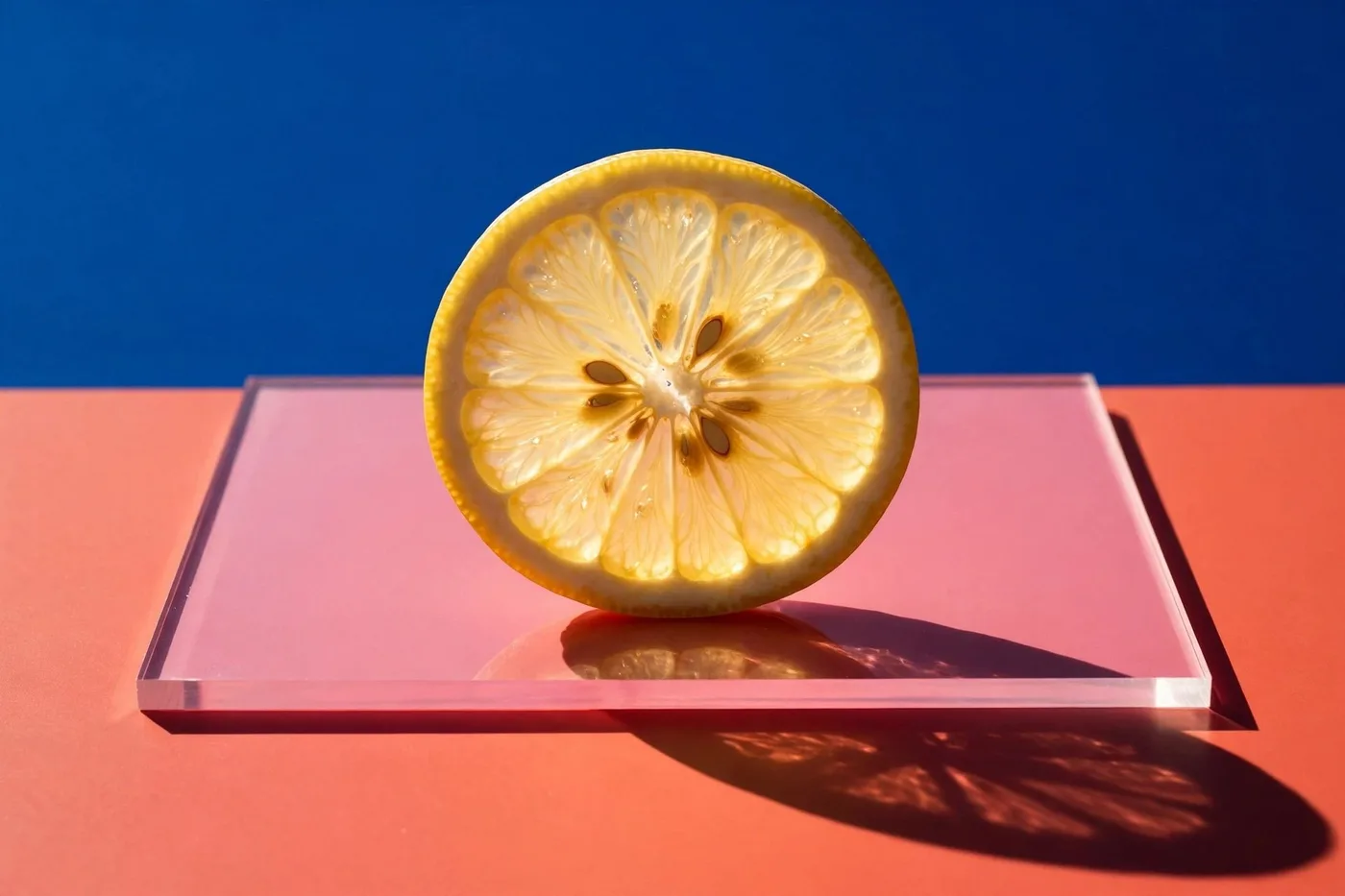
How to use Muse Image
- 1
Sign in and pick a mode
Create an account, open the generator, and choose Text to Image or Image to Image, then select a model.
- 2
Write a detailed visual brief
Describe the subject, style, layout, lighting, and any exact text you want in the image. Prompts can be up to 3,000 characters.
- 3
Add reference images
Upload up to ten references of people, products, rooms or styles so the output keeps the details that matter.
- 4
Set format and generate
Choose an aspect ratio and Basic or High quality, generate the image, and find it later in your generation history.
Muse Image key features
AI image generator from text prompts
Creates images from long, detailed prompts that cover subject, style, composition and in-image text.
Reference image generation
An Image to Image mode accepts up to ten reference images, so you can combine products, people, scenes and styles.
Social-ready aspect ratios
Seven aspect ratios, including 1:1, 16:9, 9:16 and 2:3, cover feeds, stories, banners and posters.
Quality and model options
Choose Basic or High quality and pick from the models offered in the generator.
Generation history
Signed-in users get a history of their recent generations, so earlier results stay easy to find.
Guide to Meta Muse Image
Explains the model's agentic workflow, local editing, text rendering, where it is available, and its current limits.
Muse Image use cases
Product shots and posters
Sellers and brands can draft product scenes, ad concepts and seasonal variants before sending them into a full design workflow.
Social visuals
Creators can turn an idea or a reference photo into feed or story visuals in vertical or square formats.
Concept exploration
Designers can test character looks, environments, props and mood boards by mixing references.
Visual explainers
Teams can make quick illustrated examples, social cards or educational visuals for content that needs more than text.
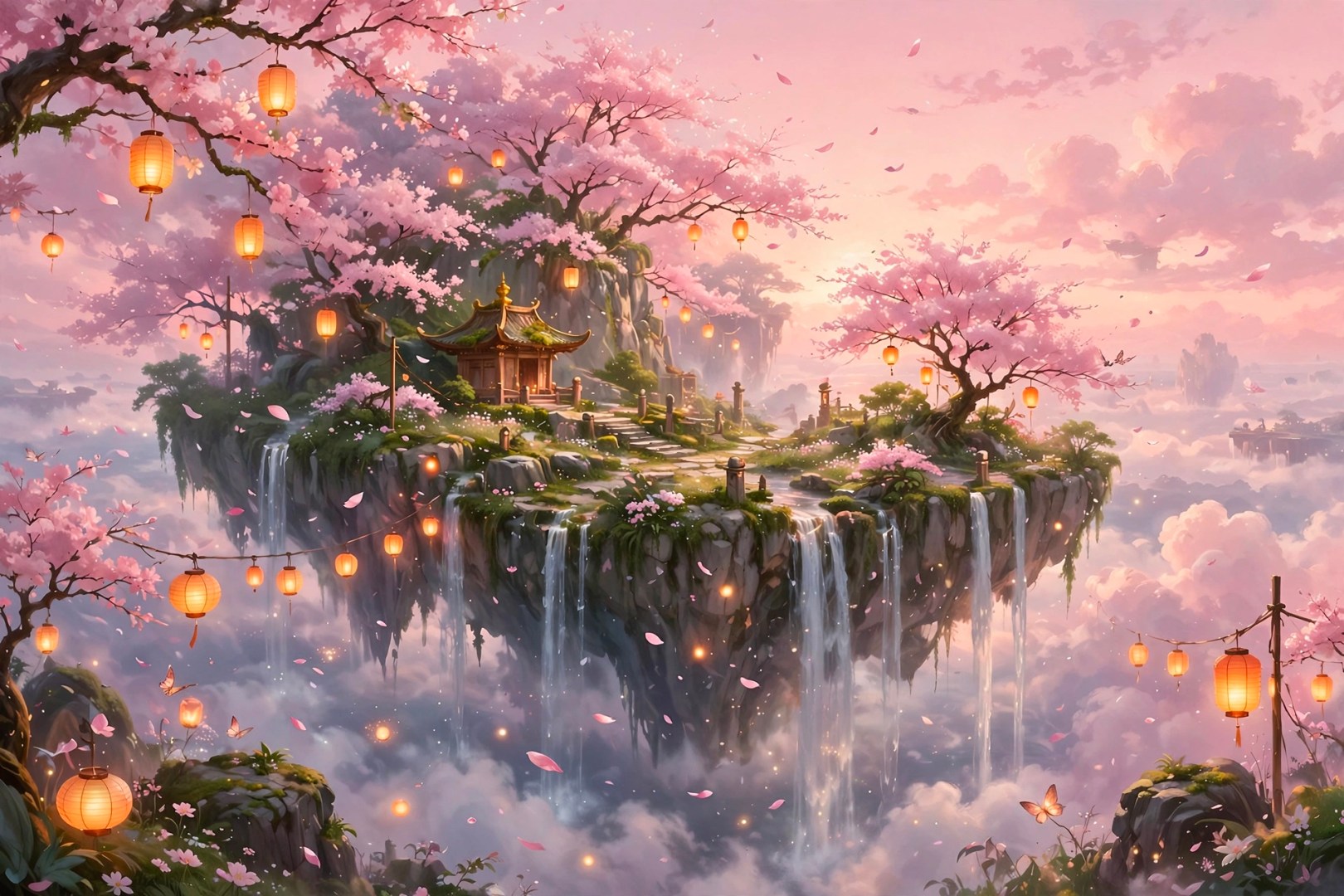
How Muse Image is built
Muse Image is built on the ShipAny TanStack template, whose ready-made authentication, subscription billing and credit system match the site's model of signing in to generate, with monthly or yearly subscriptions and credit-pack top-ups.
View the ShipAny TanStack templateMuse Image FAQ
What is Muse Image?
Muse Image (muzeimage.com) is an online AI image generator and editor that creates images from prompts and optional reference images. The site also serves as a guide to Meta's Muse Image model.
Is Muse Image free?
The site's title calls it a free image generator, but generating requires signing in, and the pricing page lists paid subscriptions and credit packs. Every generation costs credits.
How do I generate images from reference images with Muse Image AI?
Switch to Image to Image mode, upload up to ten references, describe what should stay the same and what should change, then generate.
Can I use Muse Image as an image editor online?
Yes. The Image to Image mode lets you edit by uploading source images with a prompt that describes the change you want.
Is there a Meta Muse Image API?
According to the site, Meta's Muse Image is currently available through Meta products such as Meta AI, Instagram Stories and WhatsApp, and there is no documented public developer API.
What aspect ratios does the generator support?
It supports 1:1, 4:3, 3:4, 16:9, 9:16, 2:3 and 3:2, with Basic or High quality.
This introduction is based on the public pages of muzeimage.com, read on October 9, 2026.