What is Mattevia?
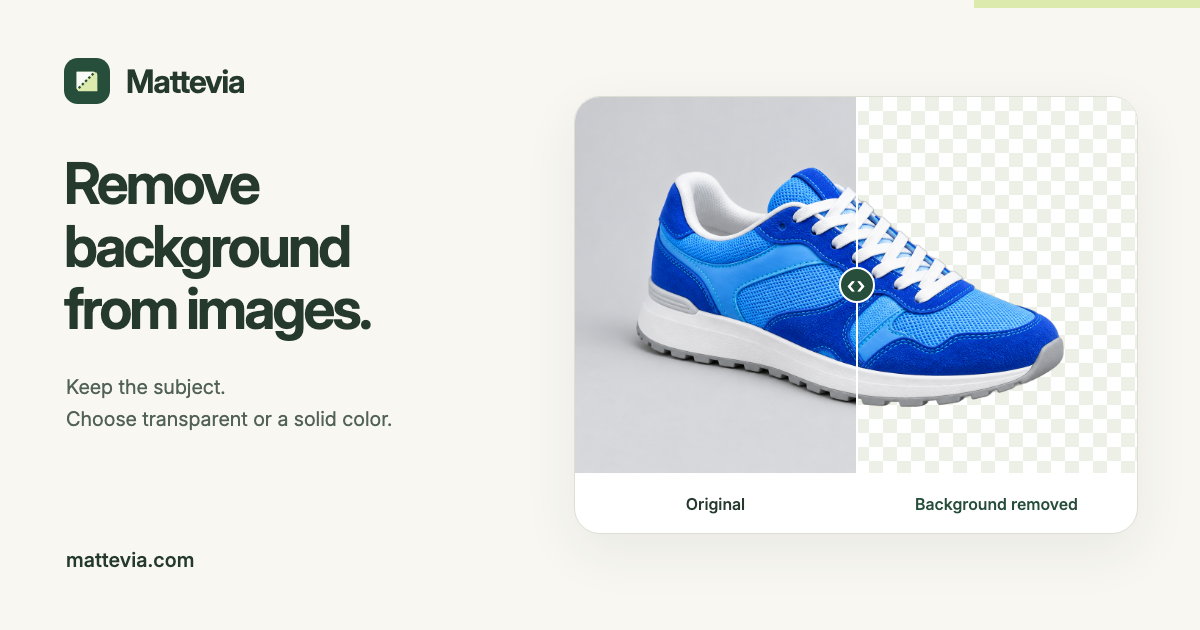
Mattevia is a web-based background remover that lets you remove the background from an image online, aimed at product photos, portraits and pet pictures. You upload, drag in or paste a JPG, PNG, WebP, HEIC or HEIF file up to 10 MiB and 60 MP. AI then separates the subject, and you can download the result as a transparent PNG or WebP, or as a JPG.
A before/after slider lets you check the cutout's edges before you export, and you can preview it on light or dark backgrounds. Once an image is processed, changing the background color, canvas size or file format happens in your browser using the same cutout, so nothing has to be uploaded again. The site says uploaded images are not used to train AI models, and it works in mobile browsers without installing an app.
Who it's for
- Online sellers preparing product photos
- People editing portraits or profile pictures
- Pet owners and creators
- iPhone users with HEIC photos
- Anyone who needs a transparent PNG quickly
How to use Mattevia
- 1
Upload a photo
Upload, drag or paste a JPG, PNG, WebP, HEIC or HEIF image of up to 10 MiB and 60 MP. Sample images are available if you don't have a photo ready.
- 2
Check the cutout
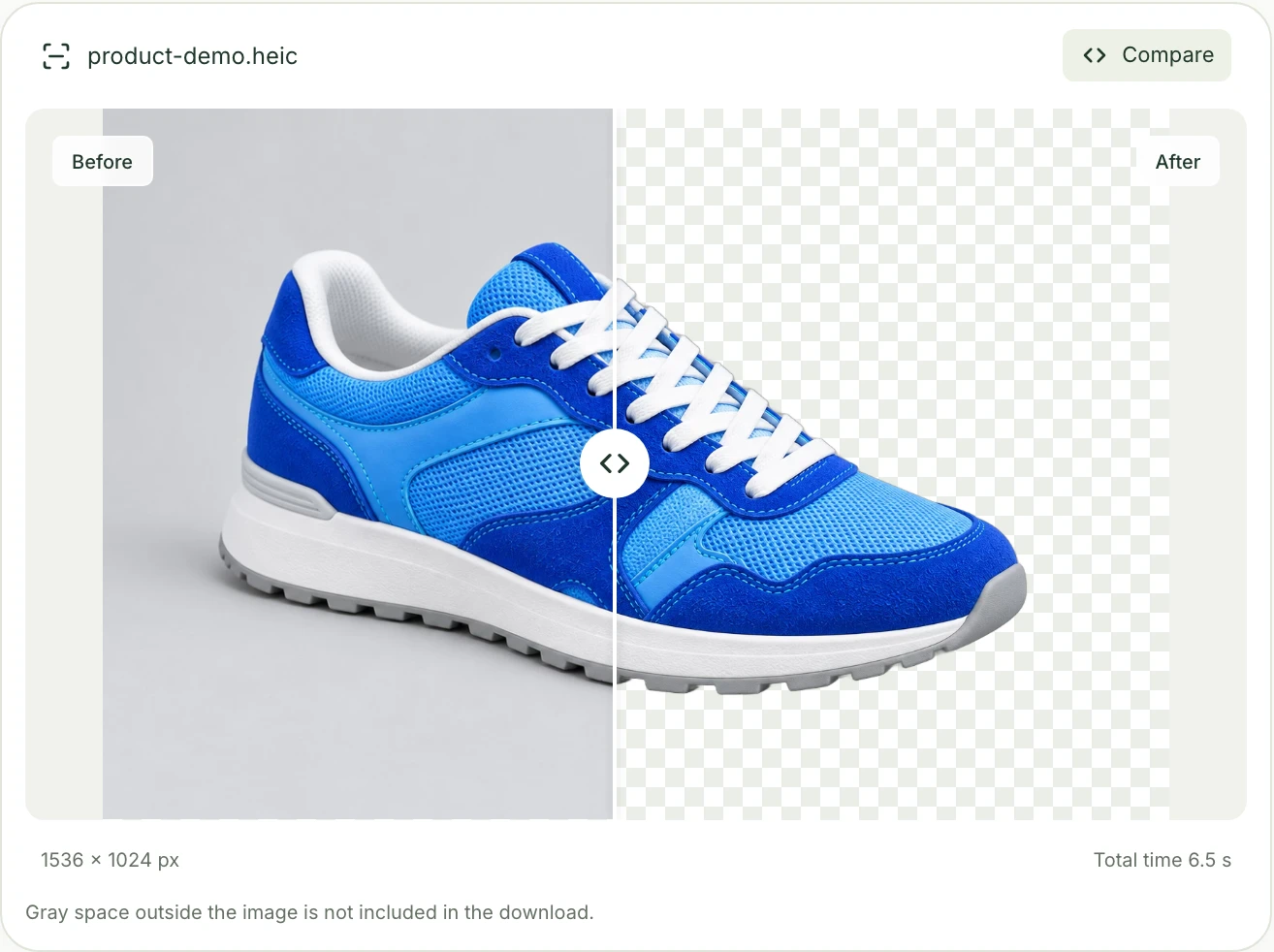
When the AI has separated the subject, move the Compare slider across the preview to check the edges against the original.
- 3
Choose a background and canvas
Keep the background transparent or pick a white or custom solid color, then choose the original size or a square canvas of up to 4096px.
- 4
Download the result
Export as PNG, JPG or WebP. Use PNG or WebP to keep transparency, because JPG fills transparent areas with white.
Mattevia key features
Transparent PNG and WebP export
Choose Transparent with PNG or WebP to get a transparent background. JPG output fills transparent areas with white.
White background for photos and custom colors
Put the cutout on white, blue or any other solid color. Changing the color reuses the same cutout without running background removal again.
HEIC background remover
Supports iPhone HEIC and HEIF still images alongside JPG, PNG and WebP. Live Photo video, RAW files and bursts are not supported.
Before/after edge inspection
A comparison slider and different preview backgrounds help you spot fringes around hair, glass or translucent materials before you download.
Batch background removal
Upload up to 20 images, apply shared export settings, and download results one by one or as a ZIP packaged by your browser.
Square canvas option
Export at the original aspect ratio, or on a square canvas that keeps the subject's proportions and is capped at 4096 pixels per side.
Mattevia use cases
Product photos for online stores
Remove the background from product shots and export them on white or as transparent PNGs for listings.
Portraits and profile images
Cut out a person from a photo and place them on a solid color background for profiles or documents.
Pet pictures
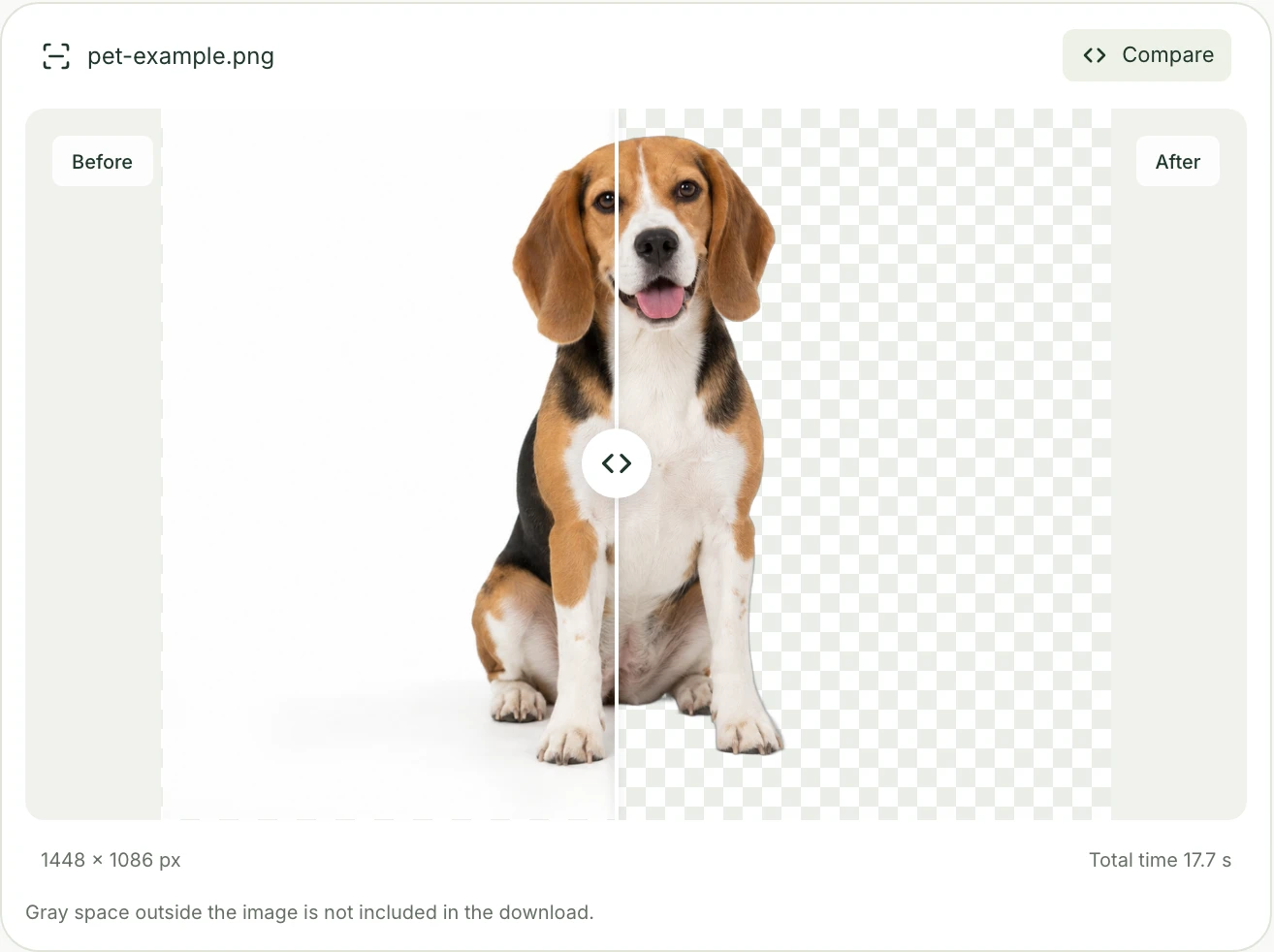
Isolate a pet from its surroundings to use in designs, cards or social posts.
Processing a set of photos
Use batch background removal to process up to 20 images with the same export settings and download them together.
How Mattevia is built
Mattevia is built on the ShipAny TanStack template, whose ready-made auth, payments and credits support a SaaS business model. The current preview is free and needs no sign-in, so those pieces are available if paid options are added later.
View the ShipAny TanStack templateMattevia FAQ
What is Mattevia?
Mattevia is an online background remover that uses AI to cut out the subject of a photo. You can download the result as a transparent PNG or WebP, or on a solid color background.
Is Mattevia free?
Yes, for now. The current version is a free preview where you can process single images without signing in. Requests are rate-limited and no payment is collected.
How do I remove the background from an image online with Mattevia?
Upload, drag or paste a supported photo and wait for the AI to separate the subject. Check the edges with the Compare slider, then download the result.
How do I get a transparent background?
Choose the Transparent option and export as PNG or WebP. JPG exports fill transparent areas with white.
Does Mattevia work as a HEIC background remover?
Yes. It accepts HEIC and HEIF still photos up to 10 MiB and 60 MP. Live Photo video, RAW files and multi-image bursts are not supported.
Can I do batch background removal?
Yes. The Batch Background Remover takes up to 20 images, applies shared export settings, and lets you download individual results or a ZIP.
This introduction is based on the public pages of mattevia.com, read on October 9, 2026.