What is M3U8 Player?
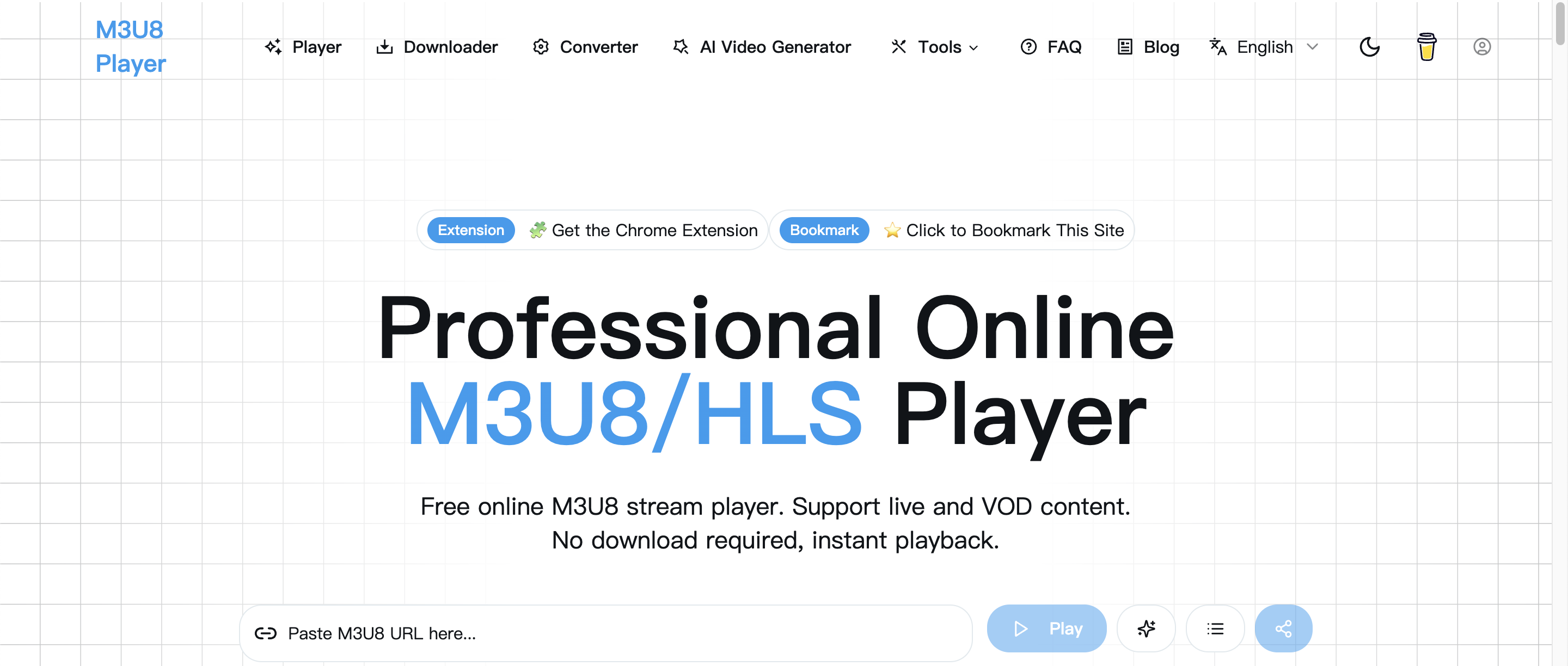
M3U8 Player is a free online M3U8 player and HLS player that runs in the browser. You paste an M3U8 URL and it plays live streams or video on demand without installing software or creating an account. Next to the player, the site has an M3U8 downloader and an M3U8 to MP4 converter, so you can test, save and convert a stream with one set of tools.
The converter uses FFmpeg.wasm to produce MP4, WEBM or MKV files locally in the browser. The downloader uses multi-threaded fetching with resume and retries, and it merges segments on your own device. The site also has IPTV playlist manager pages, embeddable player code, a Chrome extension, a general online video player and converter, and guides that cover CORS errors, 403 responses and failed M3U8 downloads. Ads pay for the service.
Who it's for
- Developers testing HLS streams
- Stream operators checking live feeds
- IPTV users organizing playlists
- Content creators converting video files
- Site owners embedding a video player
How to use M3U8 Player
- 1
Find an M3U8 link
Copy the M3U8 URL from a streaming source or video page you are authorized to use.
- 2
Paste it into the player
Put the link into the input field on the homepage and press play to start the live or on-demand stream.
- 3
Adjust playback
Change the playback speed, switch quality levels, turn on subtitles or use keyboard shortcuts while you watch.
- 4
Download or convert if needed
To keep a local file, open the M3U8 downloader or the M3U8 to MP4 converter.
M3U8 Player key features
Online HLS player
Plays M3U8/HLS master and media playlists in the browser with adaptive bitrate. It also handles MP4, WebM and OGG files.
M3U8 downloader
Downloads with multiple threads and supports resume and retries. Segments are merged locally for privacy.
M3U8 to MP4 converter
Uses FFmpeg.wasm to convert streams to MP4, WEBM or MKV entirely in the browser.
IPTV playlist manager pages
Lets you organize public IPTV playlists by country, category or sport and check which channels still play.
Embeddable player
Creates a direct link or iframe code for a video URL, with an optional autoplay setting, so you can place the player on a website or blog.
Player controls and subtitles
Includes play/pause, seeking, volume, fullscreen, WebVTT subtitles, playlists and keyboard shortcuts.
M3U8 Player use cases
Validating a live HLS stream
Developers and operators can paste a stream URL to check that it loads and plays before they hand it off.
How to download M3U8 as MP4
Users can save an HLS stream with the downloader, then use the converter to turn it into an MP4 file.
Cleaning IPTV playlists
IPTV users can group public channels and keep a shorter list of streams that still work.
Troubleshooting playback errors
The guides explain how to deal with CORS restrictions, 403 errors and failed M3U8 downloads.
How M3U8 Player is built
M3U8 Player runs on the ShipAny One template. Its core tools are free and supported by ads, and the pricing page mentions Pro plans for playlist management that are currently unavailable. ShipAny's ready-made sign-in and payment modules cover what those plans would need.
View the ShipAny One templateM3U8 Player FAQ
What is M3U8 Player?
M3U8 Player is a free browser-based toolkit for M3U8/HLS streams. It includes an online player, an M3U8 downloader, an M3U8 to MP4 converter and IPTV playlist tools.
Is M3U8 Player free?
Yes. The site says its tools are free to use and need no registration, and ads keep the service running.
How do I play an M3U8 stream online?
Paste the M3U8 URL into the player's input field and press play. It works in modern browsers such as Chrome, Firefox, Safari and Edge.
How do I convert M3U8 to MP4 with M3U8 Player?
Use the M3U8 to MP4 tool. It runs FFmpeg.wasm in your browser and outputs MP4, WEBM or MKV.
Why won't my M3U8 video play?
The usual causes are an invalid or expired URL, CORS restrictions, an unsupported format or network problems. The site has guides on CORS and 403 errors.
Can I embed the HLS player on my website?
Yes. The site generates a direct link or iframe code for a video URL, and autoplay is optional.
This introduction is based on the public pages of m3u8-player.net, read on October 9, 2026.