
What is Image To Video AI?
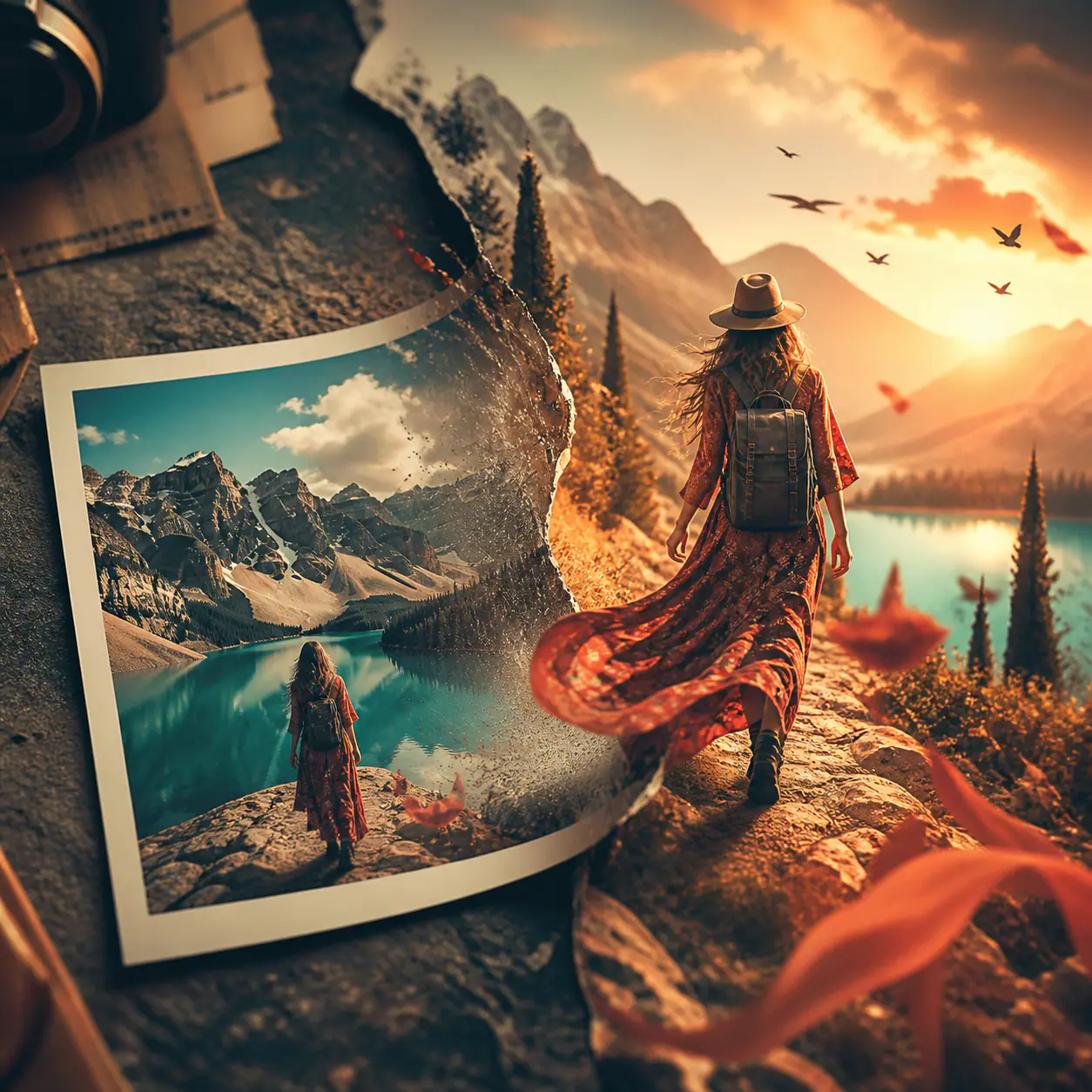
Image To Video AI is a browser-based image to video AI tool: an AI video generator from images that lets people animate photos online. A user uploads a still image, writes a text prompt describing how the subject, camera or scene should move, picks output settings such as aspect ratio, duration and resolution, and then generates a clip to preview and download.
Rather than relying on one-click preset animations, the site offers several AI video models, including Seedance, Kling, Wan, MiniMax, FLUX Video and Gemini Omni Flash, inside the same workflow, so one image and prompt can be compared across models. Alongside the core tool it provides Photo to Video, Animate Old Photos, Frames to Video, Reference to Video, Text to Video, PPT to Video and AI Motion Control, plus image utilities like an image upscaler.
Who it's for
- Social media creators and short-form video makers
- E-commerce sellers and growth marketers
- Designers and indie makers testing creative concepts
- People reviving family or archive photos
How to use Image To Video AI
- 1
Upload your image
Add the still image to animate; JPEG, PNG and WebP files up to 10 MB are accepted.
- 2
Describe the motion
Write a prompt explaining what should move, how the camera travels and the pace or mood of the clip.
- 3
Pick a model and settings
Choose a video model and adjust aspect ratio, duration and resolution; available options vary by model.
- 4
Generate and download
Start the generation, preview the result, and download it if it fits, or regenerate with a refined prompt.
Image To Video AI key features
Multiple models in one image to video AI generator
Switch between video models with different strengths, such as character animation, audio generation or frame control, without changing the workflow.
Prompt-guided motion
Use the image as the starting point and a text prompt to direct subject movement, camera motion and environmental effects.
Adjustable output settings
Set aspect ratio, duration and resolution per generation, with the credit cost shown before generating.
Free image to video with no watermark
Signed-in users get a limited number of free daily generations on the Video Fast model, delivered without a visible watermark and with no credit card required.
Related photo to video tools
Dedicated pages cover Photo to Video, Animate Old Photos, Frames to Video, Reference to Video, Text to Video and PPT to Video.
Automatic credit return on failures
If a credit-priced generation is recorded as failed, the credits it used are restored automatically.
Image To Video AI use cases
Animate photos online for portraits
Add subtle motion such as a glance, a breath or a slow push-in to a headshot for profiles, promos or character tests.
Product photo to video promo clips
Use a product still as the first frame and add a reveal or orbit move for ads, landing pages and catalog tests.
Old and family photo animation
Give scanned portraits or vintage prints gentle movement instead of a static slideshow.
Social media drafts
Turn an existing still into a vertical or landscape draft for Reels, TikTok or Shorts to test a hook before a full shoot.
How Image To Video AI is built
Image To Video AI runs on the ShipAny TanStack template, whose ready-made sign-in, payments, subscriptions and credit system fit the site's model of free welcome credits after sign-in, one-time credit packs and monthly or yearly subscriptions.
View the ShipAny TanStack templateImage To Video AI FAQ
What is Image To Video AI?
It is an online AI video generator from images. You upload a still image, describe the desired motion in a prompt, choose settings and generate a short video clip.
Is Image To Video AI free?
There is a free tier: signing up grants welcome credits, and signing in with Google unlocks a limited number of free daily Video Fast generations without a visible watermark. Paid subscriptions and one-time credit packs are also available, and commercial use requires an eligible paid subscription.
How do I turn an image into a video with Image To Video AI?
Upload a JPEG, PNG or WebP image up to 10 MB, write a prompt describing subject and camera movement, select a model with aspect ratio, duration and resolution, then generate and preview the result before downloading.
Which AI video models can I use?
The site lists models including Seedance 2.5, Kling 4, Wan 3.0, MiniMax H3, FLUX 3 Video and Gemini Omni Flash, as well as its own Video Fast model. Supported settings depend on the selected model.
What happens if a generation fails?
When the system records a credit-priced generation as failed, the credits used are restored automatically. A finished result that simply doesn't match expectations is not treated as a technical failure.
How long are my generated videos kept?
Free accounts can access results from the last 7 days, while an active subscription or a valid credit pack restores the full generation history.
This introduction is based on the public pages of imagetovideoai.tools, read on October 9, 2026.