
What is DSH Plugins?
DSH Plugins is an independent, open-source dsh plugin directory for DeepSeek Harness (dsh). It works as a DSH plugin store for discovery: visitors can browse and search DeepSeek Harness plugins covering UI skins, tools, workflows, memory, vision, agents and plugin managers. The catalog syncs from GitHub and, at the time of writing, lists more than 18,000 indexed plugins, several thousand of them human-curated, across 22 categories.
The site itself installs nothing. Each listing has a detail page with its star count and a snapshot date, linking to the plugin's GitHub repository, where the install steps are documented. A trending section ranks plugins by stars, forks and recent activity, while an editor's list and theme collections offer curated plugin packs. The site also publishes guides on the harness and on plugin development. It is not affiliated with DeepSeek, and it notes that third-party plugins have not been security-audited.
Who it's for
- DeepSeek Harness users
- Developers extending dsh with plugins
- Plugin authors seeking visibility
- People exploring AI agent tooling
How to use DSH Plugins
- 1
Install DeepSeek Harness
Launch the harness Web UI with the command npx @deepseek-ai/dsh web. This requires a Node.js toolchain.
- 2
Find a plugin
Search the directory, or browse by category, trending list, editor's picks or collections, then open the plugin's GitHub repository.
- 3
Install from the README
Follow the repository's own instructions. These are often a single command such as dsh plugin add <name>, or a profile config line.
- 4
List your own plugin
Tag your repository with the dsh-plugin topic and open a pull request to the awesome-dsh-plugins list, which the directory syncs from.
DSH Plugins key features
Searchable dsh plugin directory
A catalog synced from GitHub, with a detail page for each plugin showing its star count and snapshot date.
22 categories, including DeepSeek Harness UI skins
Plugins are grouped into categories such as UI & Experience, Themes & Skins, MCP & Protocols, Web UI, Desktop & Apps and Plugin Tooling.
Trending rankings
A hottest-plugins list ranks entries by a blend of stars, forks and recent activity.
Curated plugin packs and editor's picks
A human-curated list in editorial order, plus theme collections. The site notes that a listing is not an endorsement.
Guides and multilingual pages
Guides cover what DeepSeek Harness is, must-have plugins, plugin development and the wider ecosystem. Pages are available in four languages.
DSH Plugins use cases
Choosing plugins before using the dsh plugin marketplace
Compare repositories in the directory first, then install your chosen plugin through the harness's built-in Plugin Market or the plugin's README.
Customizing the harness look
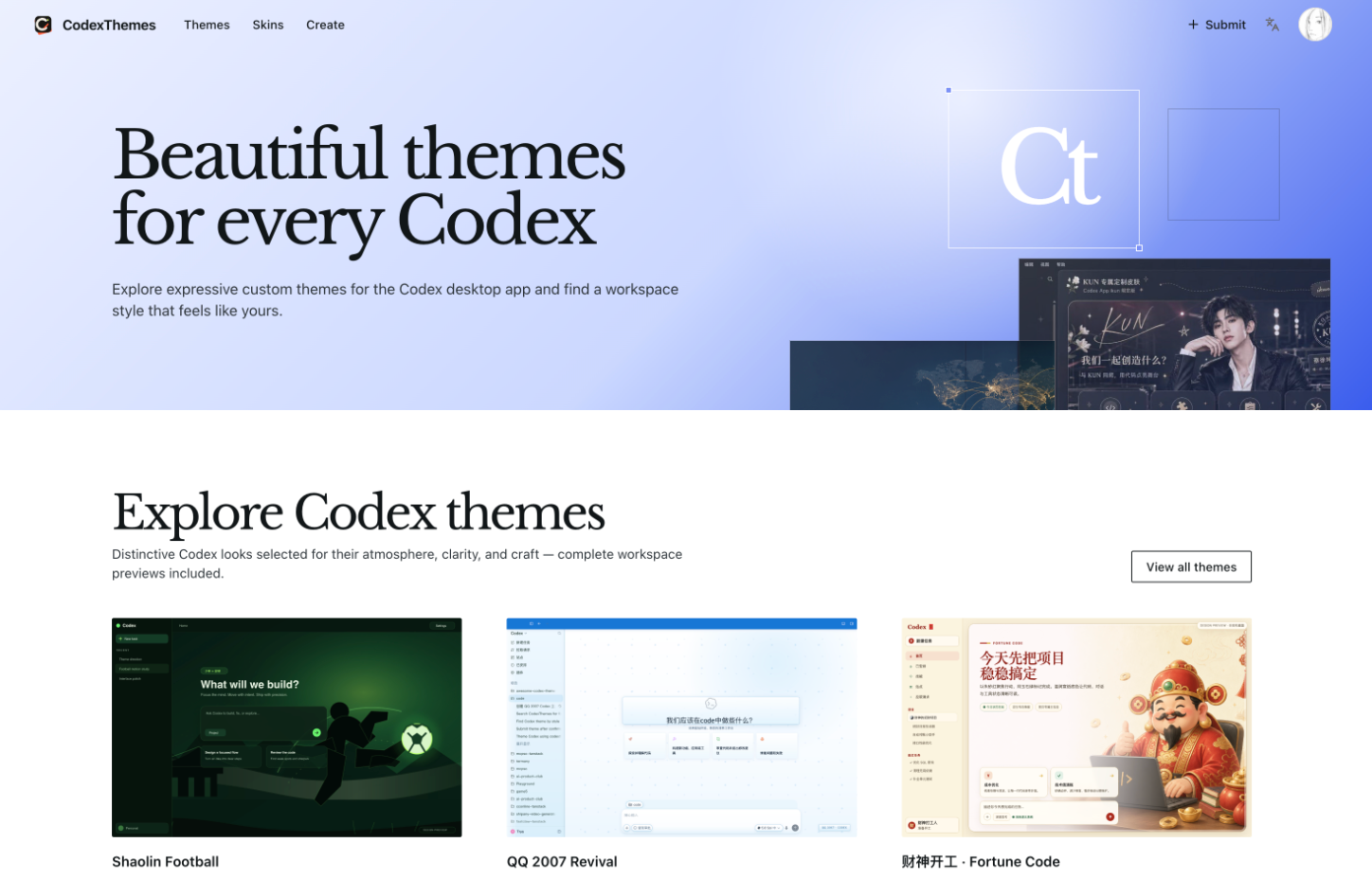
Find UI skins, themes, TUIs and web workbenches to change how DeepSeek Harness looks and behaves.
Extending agent capabilities
Find memory, vision, MCP and workflow plugins that add capabilities to a dsh setup.
Getting a plugin discovered
Plugin authors can get their DeepSeek Harness plugins listed by tagging their repo and submitting a pull request to the community list.
How DSH Plugins is built
DSH Plugins is built on the ShipAny TanStack template. It has no visible sign-in, payments or credits, so it appears to use the template mainly as the base for a content-driven, multilingual directory site.
View the ShipAny TanStack templateDSH Plugins FAQ
What is DSH Plugins?
DSH Plugins is an independent, community-run directory of DeepSeek Harness plugins. It indexes plugin repositories from GitHub and organizes them by category, popularity and curated lists.
Is DSH Plugins a DSH plugin store that installs plugins?
No. The directory helps you choose a plugin, and installation happens through the harness's own Plugin Market or by following the plugin repository's README.
How do I install dsh plugins found on the directory?
First install DeepSeek Harness with npx @deepseek-ai/dsh web. Then follow the plugin's README, which is often a single command such as dsh plugin add <name>.
How do I get my plugin into the dsh plugin directory?
Tag your GitHub repository with the dsh-plugin topic and open a pull request to the awesome-dsh-plugins list. The site syncs from that list automatically.
Is DSH Plugins affiliated with DeepSeek?
No. The site describes itself as independent and not affiliated with or endorsed by DeepSeek.
Are the listed plugins safe to install?
The site states that third-party plugins are not security-audited and that a listing is not an endorsement, so review a plugin's source before installing it.
This introduction is based on the public pages of deepseekharnessplugins.com, read on October 9, 2026.