BeadPattern

Visit site
Introduction
An AI bead pattern maker that turns photos and text prompts into printable Perler, Hama and fuse bead patterns with color codes and bead counts.
Category
AI Image
Built with
ShipAny One
Submitted
Jun 15, 2026
BeadPattern

What is BeadPattern?

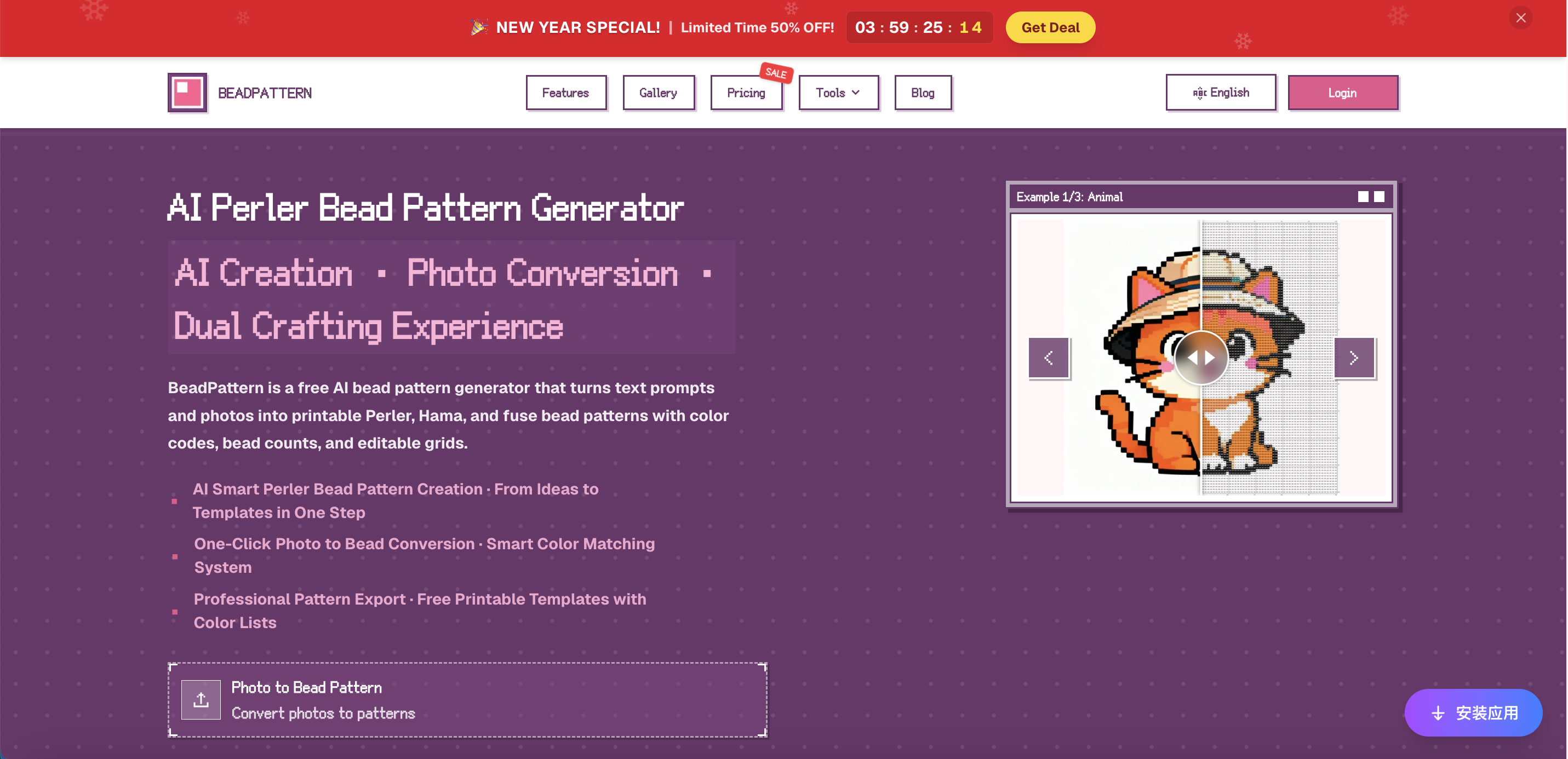
BeadPattern is an online bead pattern maker and AI perler bead pattern generator. It works two ways: you can describe an idea in a text prompt and let the AI draw an original cartoon or pixel-style design, or upload a photo and convert it straight into a bead chart. Either way, the result is a grid pattern for Perler, Hama, Artkal and other fuse beads, with a color code on every cell.

Unlike general image-to-pixel tools, BeadPattern is built for physical bead crafting. It maps colors to the palettes of major bead brands, lets you limit the pattern to the colors you actually own, and counts how many beads of each color you need. Patterns can be edited bead by bead, then exported as printable PDF or PNG files that include grid coordinates, color references and bead totals.

Who it's for

  • Perler and Hama bead hobbyists
  • Parents and kids doing DIY crafts
  • Art teachers running classroom projects
  • Pixel artists and pattern designers
  • Etsy sellers making bead charms
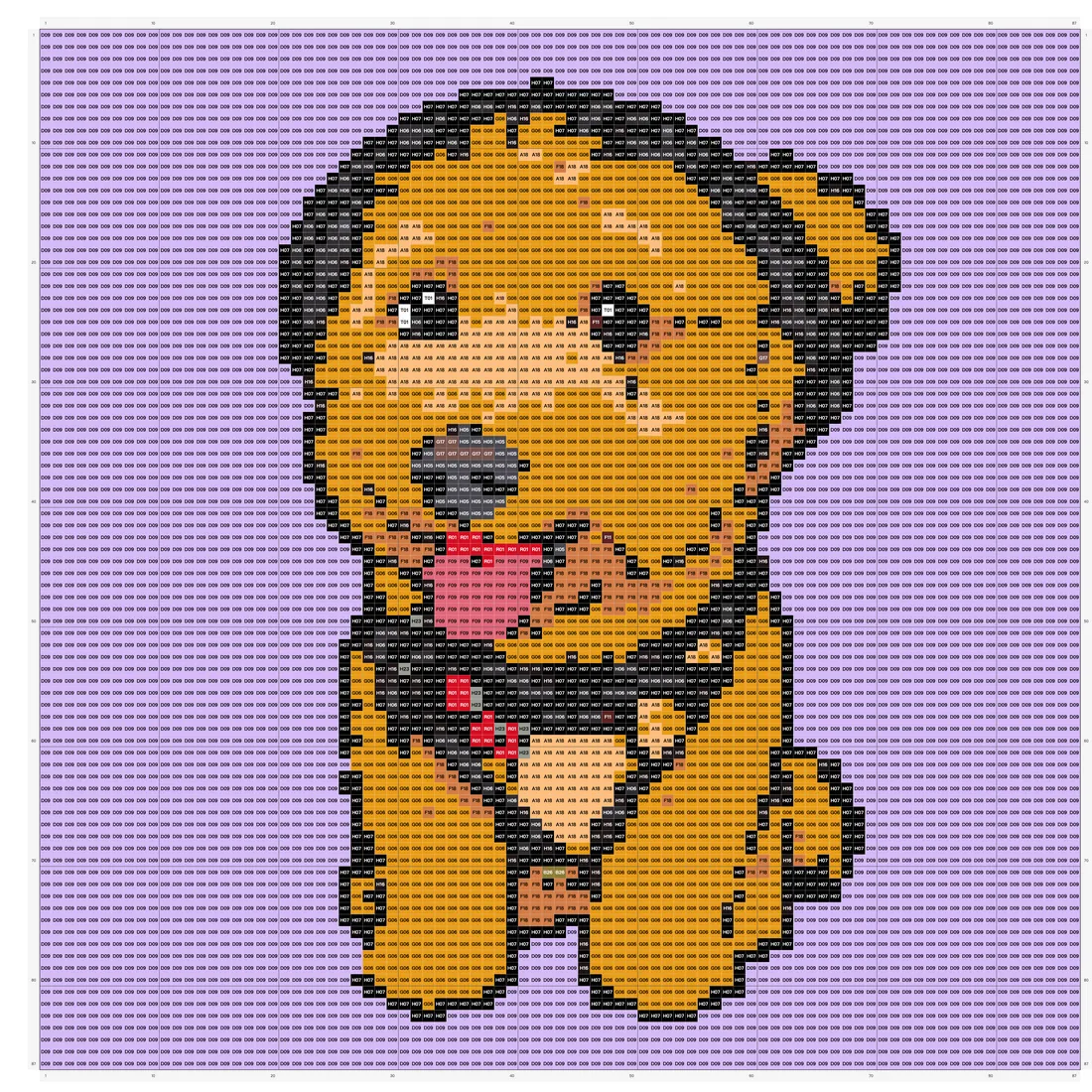
Finished bead pattern grid of the dog with a color code in every cell and numbered rows and columns
The final bead chart with per-bead color codes and grid coordinates. Image: beadpattern.net

How to use BeadPattern

  1. 1

    Add a prompt or photo

    Type a short description such as a cute animal, or upload a JPG, PNG or WebP image you want to turn into a bead pattern.

  2. 2

    Choose a color system and size

    Pick Perler, Hama, Artkal or another supported color system, set the grid size, and optionally restrict the palette to your own bead colors.

  3. 3

    Adjust the pattern

    Use the online editor to change individual beads, with undo and redo. Changing grid or palette settings on the same image does not use extra credits.

  4. 4

    Download printable bead patterns

    Export a PDF or PNG with the grid, color codes, coordinates and bead counts, then print it on A4 paper.

Original photo of a curly-haired dog wearing a hat and harness, used as input for a bead pattern
Step one: a pet photo uploaded as the starting image. Image: beadpattern.net

BeadPattern key features

AI bead pattern generator

Creates original bead designs from text descriptions in styles such as cute, illustration and pixel art, and can produce several options at once.

Photo to bead pattern conversion

Converts uploaded images into bead charts using a dominant-color method intended to avoid dark edges and keep outlines clear.

Brand color matching for fuse beads

Matches colors to major bead brands including Perler, Hama, Artkal and Nabbi, for standard 5mm fuse beads.

Custom palettes

Select the colors you own manually or import your bead inventory as a CSV so patterns only use available colors.

Bead-by-bead editor

Adjust any bead position in the browser with undo and redo support. Patterns range from 10x10 up to 300x300 beads.

Printable exports with shopping list

PDF and PNG exports include the full grid, color codes, coordinates, bead counts and fusing tips.
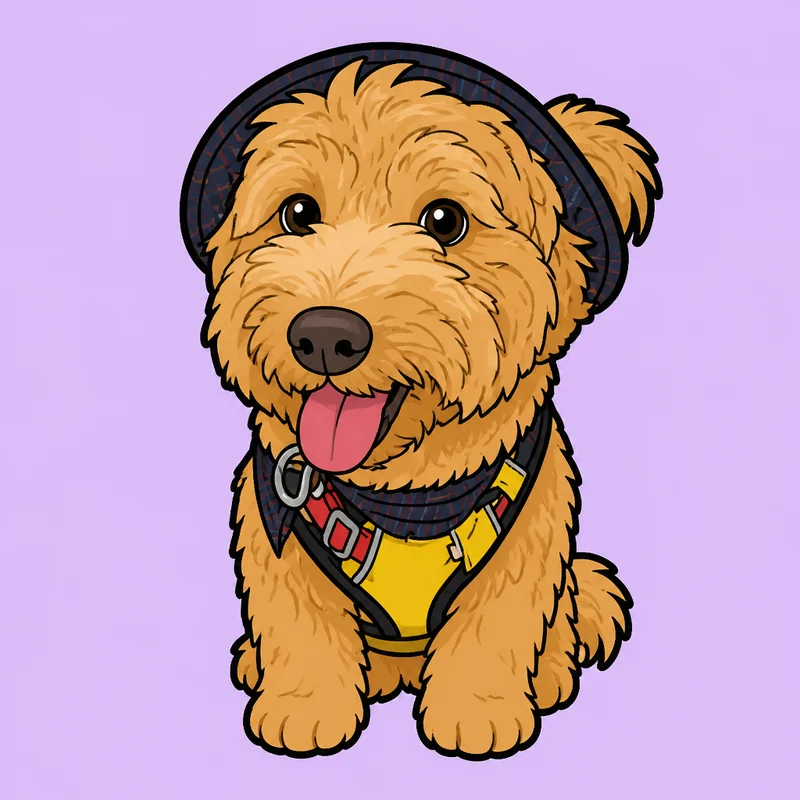
Cartoon-style illustration of the same dog generated from the photo
The photo turned into a cartoon version before conversion to beads. Image: beadpattern.net

BeadPattern use cases

Hama bead patterns from pet photos

Turn a photo of a pet or family member into a bead chart for a handmade gift or keepsake.

Classroom and family crafts

Teachers and parents can generate simple, small patterns that children can follow, and use them to talk about color.

Designing products to sell

Makers producing pixel art charms can generate patterns quickly and use bead counts to plan materials.

Large multi-board artwork

Create bigger designs at higher grid sizes for wall pieces and other large bead projects.

How BeadPattern is built

Built with ShipAny One

BeadPattern runs on the ShipAny One template, whose ready-made sign-in, Stripe payments, subscriptions and credit system fit the site's model of a free monthly allowance for logged-in users, a shared credit wallet, credit packs, yearly plans and a one-time purchase option.

View the ShipAny One template

BeadPattern FAQ

What is BeadPattern?

BeadPattern is an online bead pattern maker that uses AI to generate designs from text or convert photos into printable bead patterns for Perler, Hama, Artkal and other fuse beads.

Is BeadPattern free?

There is a free tier: logged-in users get a limited number of photo conversions and watermarked downloads each month. Paid credit packs, subscriptions and a one-time option add more usage and watermark-free exports.

How do I make a photo to bead pattern with BeadPattern?

Upload a JPG, PNG or WebP image, pick a color system and grid size, adjust the result if needed, and download the PDF. High-contrast images with a clear subject, such as pets or cartoon characters, work best.

Does the perler bead pattern generator work with Hama and Artkal beads?

Yes. You can choose Perler, Hama, Artkal or Nabbi color systems, and the patterns work with standard 5mm fuse beads.

What size bead patterns can I create?

Patterns can range from 10x10 to 300x300 beads. The site suggests beginners start below 50x50.

What is included in printable bead patterns from BeadPattern?

Each PDF includes the complete grid, color codes with bead counts, grid coordinates and tips for fusing the beads.

This introduction is based on the public pages of beadpattern.net, read on October 9, 2026.

More products built with ShipAny One

View all →
Traffic.cv

Traffic.cv

Traffic.cv is a website traffic intelligence and discovery platform that helps founders, marketers, SEO professionals, and researchers understand where attention is moving across the internet.

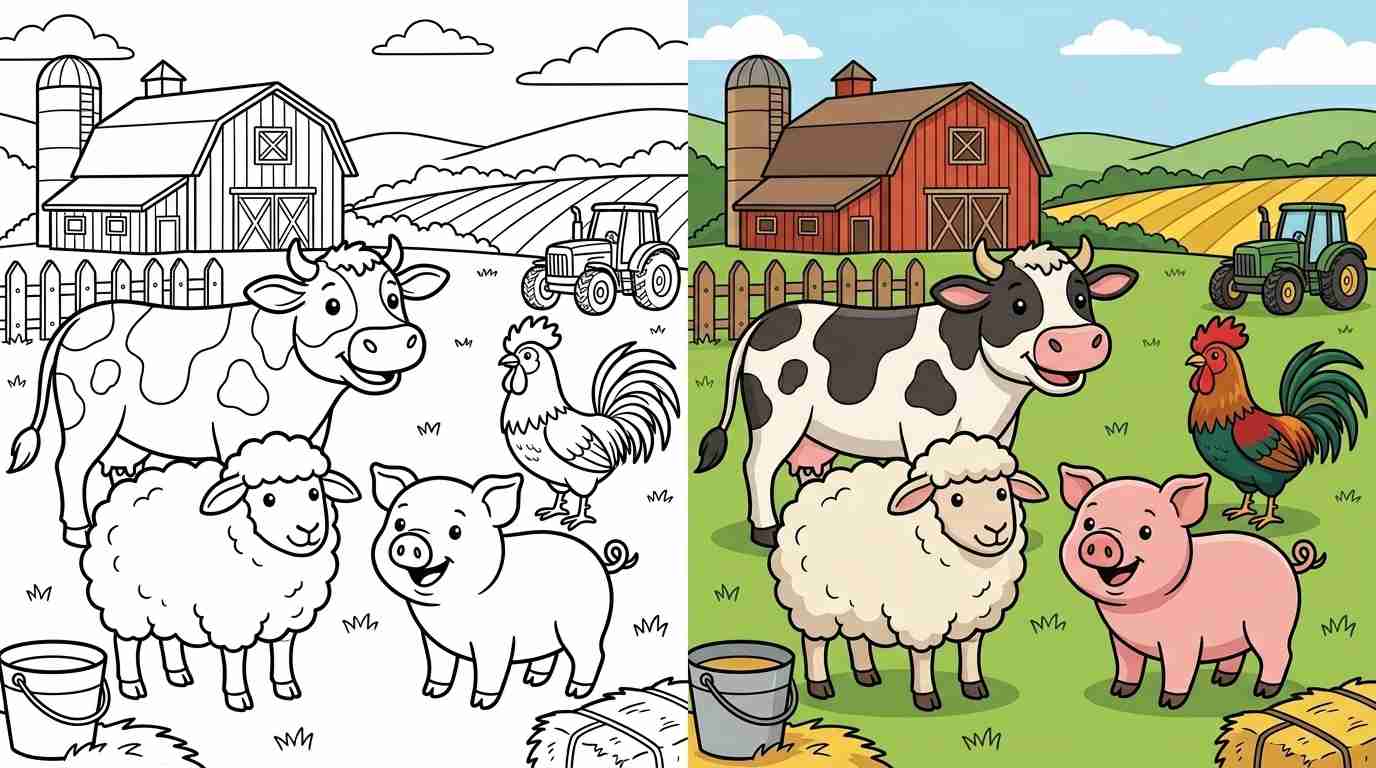
coloring pages for kids and adults

coloring pages for kids and adults

Free online coloring pages and printable coloring sheets for kids and adults. Color online or download PDFs — animals, anime, cartoons, mandalas, and more!

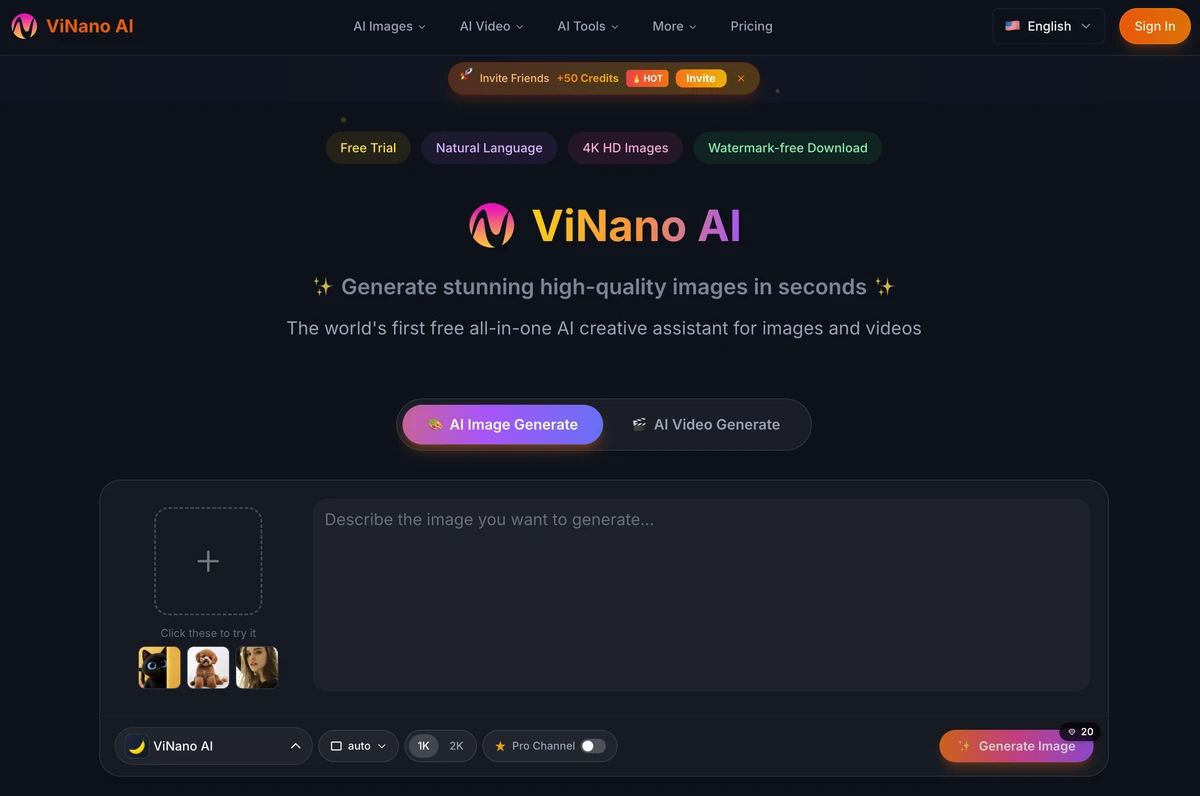
Generate stunning high-quality images in seconds

Generate stunning high-quality images in seconds

The world's first free all-in-one AI creative assistant for images and videos

Clean Paste AI

Clean Paste AI

Clean Paste AI is a browser-based text cleaning tool built for writers, editors, marketers, developers, and content teams who regularly copy AI-generated text into documents, websites, and publishing platforms. Paste content from ChatGPT, Claude, Gemini, Google Docs, email, a CMS, or almost any web application, then detect and remove invisible Unicode characters, zero-width spaces, narrow no-break spaces, unusual whitespace, and unwanted Markdown formatting. Clean Paste AI converts messy AI output into clean, readable plain text while preserving the visible words, meaning, and paragraph structure of the original draft. The free cleaning tools run entirely inside the user’s browser, so pasted text is not uploaded during character detection or Markdown removal. Users can inspect detailed residue counts, review what was detected, and compare the cleaned output before copying it into WordPress, Webflow, Notion, Google Docs, email platforms, internal wikis, or client deliverables. For drafts that require more than surface-level cleanup, Clean Paste AI also provides optional Pro tools for meaning-preserving text reconstruction and more natural, reader-friendly rewriting. The platform separates basic formatting cleanup from sentence-level rewriting, giving users greater control over exactly what changes. Key Features • Invisible Unicode Character Detection • Zero-Width Character Remover • Narrow No-Break Space Normalization • Markdown Stripper • Plain Text Converter • Detailed Residue Counts • Before-and-After Preview • Local In-Browser Processing • No Login for Free Cleaning • AI Text Watermark Rewriting • AI Humanizer • ChatGPT, Claude & Gemini Support Best For • Content Writers • Copywriters • Editors • SEO Teams • Content Marketing Teams • Bloggers • Technical Writers • Developers • Publishing Teams • Ecommerce Marketers • Agencies • AI Power Users

AI Text Cleaner

AI Text Cleaner

AI Text Cleaner is a privacy-focused text hygiene tool built for content creators, editors, marketers, developers, and publishing teams that need clean, format-free drafts from ChatGPT, Claude, Gemini, and other AI writing assistants. Paste raw AI output into the browser-based workspace to identify and remove hidden Unicode characters, zero-width spaces, non-standard whitespace, narrow no-break spaces, byte order marks, and unwanted Markdown syntax. The tool strips formatting artifacts such as heading hashes, bold asterisks, blockquotes, and list markers, producing clean plain text that is easier to edit, publish, store, and reuse. Free character scanning and Markdown cleaning run locally inside the browser without uploading the draft to a server. Users can review detailed artifact counts and see exactly what was detected before cleaning the text. Visible wording, facts, arguments, and sentence structure remain unchanged during the free cleanup process. For drafts that need deeper revision, AI Text Cleaner also provides optional Pro tools for full-sentence reconstruction and AI text humanization. These tools can reduce formulaic phrasing, improve sentence cadence, and address wording-level patterns that cannot be removed through simple character deletion. Designed for modern publishing workflows, AI Text Cleaner helps teams prepare reliable drafts for WordPress, Webflow, documentation systems, email platforms, internal knowledge bases, client projects, and editorial review.

MiniMax H3

MiniMax H3

MiniMax H3 is an online AI video studio for creating 2K-class short videos with synchronized audio from text prompts or start-frame images. The platform delivers a MiniMax H3 (Hailuo 3.0 / 海螺3) generation experience in the browser: text-to-video, image-to-video, multi-ratio framing, and credit-based plans. Creators can describe subjects, camera moves, lighting, dialogue, and sound effects—or animate an approved still—then preview and download production-ready shorts without installing desktop software. Designed for creators, marketers, agencies, and filmmaking teams, MiniMax H3 focuses on cinematic short-form output with native audio rather than silent draft clips. Key Features: • Text-to-Video AI Generation • Image-to-Video Animation • Native 2K-Class Output • Synchronized Dialogue, SFX & Atmosphere Audio • Multi-Ratio Framing (16:9, 9:16, and more) • Short-Form Durations (up to ~15s class) • Reference-Guided Consistency • Browser-Based Video Studio • Credit-Based Plans & Packs • Showcase, Guides & SEO Workflow Pages The site also publishes educational content covering MiniMax H3 / Hailuo 3.0 capabilities, model comparisons, prompting tips, and practical AI video production workflows.

Build your AI product today

Get ShipAny Premium, unlock the ShipAny template code, and launch in as little as an hour.