
What is Video Upscaler?
Video Upscaler is a free AI video upscaler for people who want to enhance video quality online. It targets footage that has become blurry, pixelated, noisy or compressed after export, download, reposting or long-term storage, and aims to clean up soft edges, grain, noisy shadows and blocky compression. Visitors can try a basic browser mode without signing up, which runs on the device at a fixed 2x scale and exports MP4.
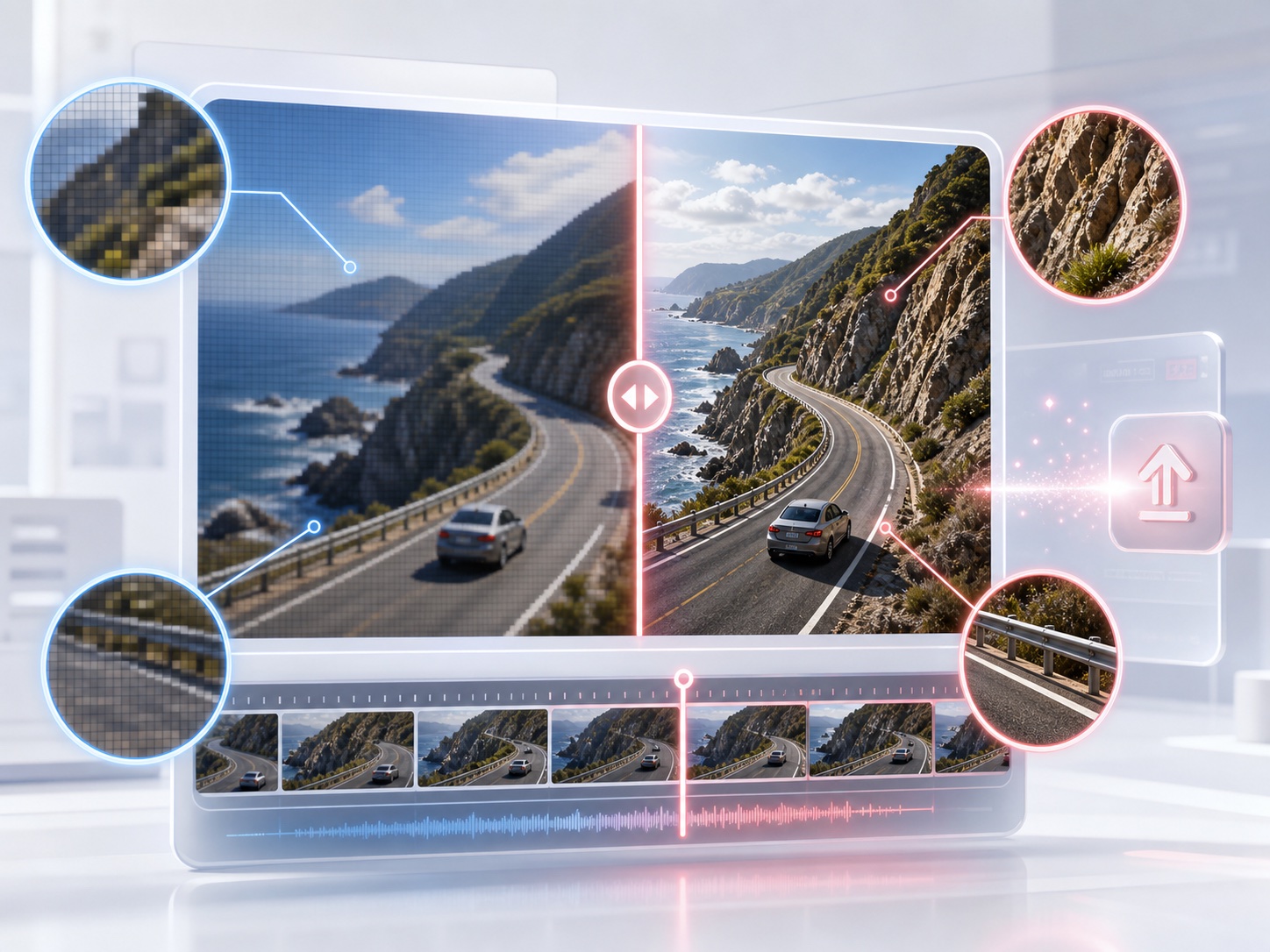
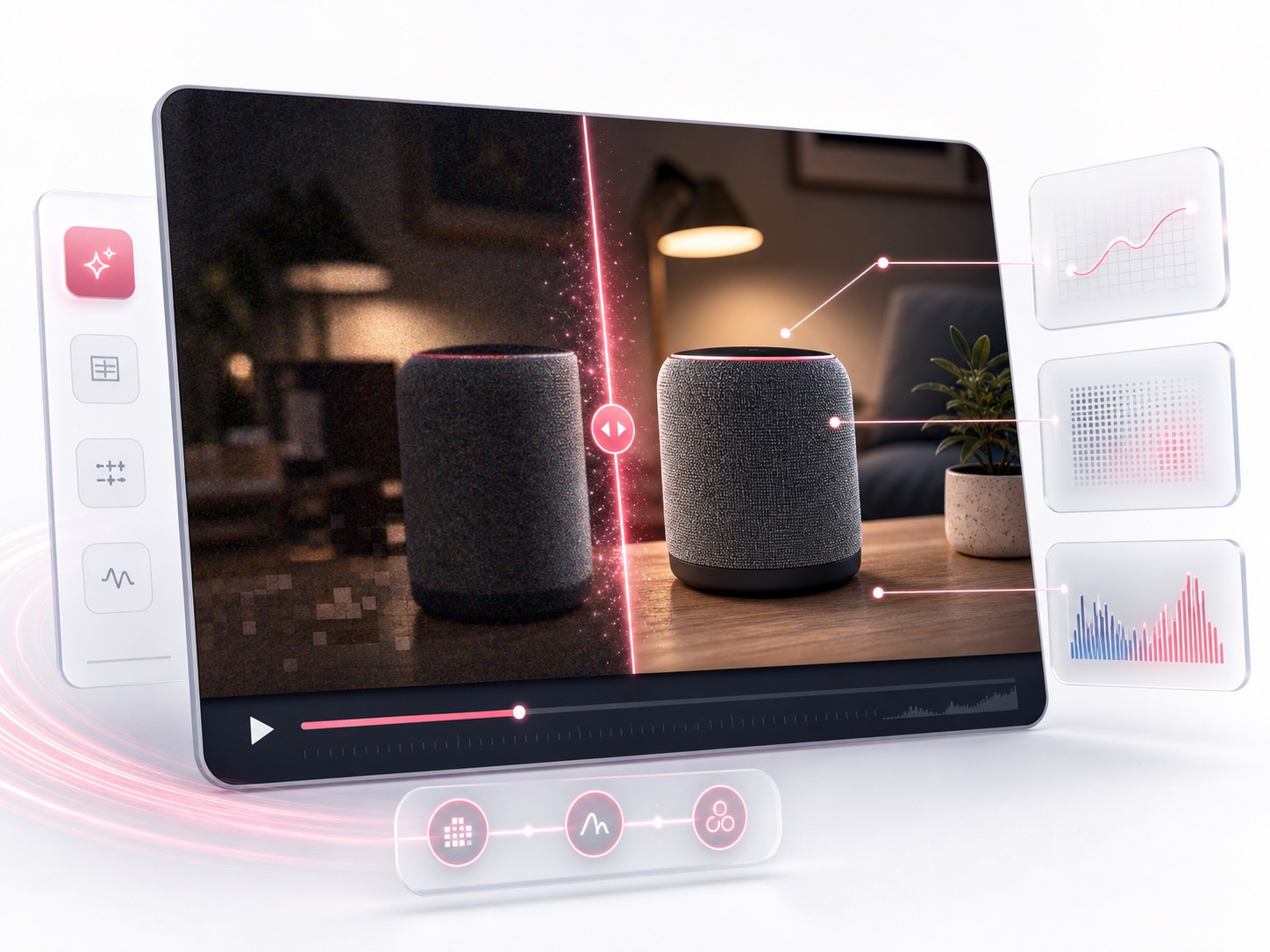
The workflow is built around review rather than a single click. Users upload a clip, choose a recovery preset for old footage, social clips, products, low light or motion, then inspect a draggable before-and-after comparison. A result summary shows resolution, model, duration and file-size tradeoffs, so problems like halos, over-sharpening or waxy faces can be caught before download. Signed-in users can move to cloud AI processing using credits.
Who it's for
- Content creators reposting social clips
- Video editors doing first-pass triage
- Ecommerce teams with product demo videos
- Agencies preparing client previews
- People restoring old or archived footage
How to use Video Upscaler
- 1
Upload a source clip
Drag and drop or browse for a blurry, pixelated, noisy or compressed video you want to improve.
- 2
Pick a preset and output
Choose a recovery preset such as Old, Social, Product, Low Light or Motion, along with the model and MP4 output format.
- 3
Compare before and after
Use the slider to compare original and upscaled frames and check for halos, over-sharpening or unnatural detail.
- 4
Export or run another pass
Review the result summary, then download the MP4 or send the clip back into the workspace for another pass.
Video Upscaler key features
No sign up video upscaler mode
A Browser Basic mode lets visitors try upscaling on their own device a limited number of times, at a fixed 2x scale with MP4 output, before creating an account.
Video enhancer for blur, noise and compression
AI enhancement aims to reduce blur, grain, noisy shadows and blocky compression artifacts when the source still has recoverable structure.
Scenario presets
Presets cover old footage, social clips, product videos, low-light scenes and motion, so the same settings can be reused on the next clip.
Before-and-after comparison
A draggable slider compares original and AI-upscaled frames so weak results can be spotted before export.
Result summary
Each job shows resolution, model, duration and file-size tradeoffs, plus the preset and export target, to support a download-or-retry decision.
Cloud AI with credits
Signed-in users can run cloud AI upscaling using credits, with a free daily allowance and paid credit options.
Video Upscaler use cases
Sharper social clips for reposting
Creators can clean up downloaded or recompressed social videos before posting them again.
Higher-quality product demos
Ecommerce teams can improve soft or compressed product demo footage for product pages and presentations.
Old footage and archive restoration
Archivists and families can test whether aged, noisy footage can be recovered before handing it off.
Client-ready enhancement previews
Agencies can share a before-and-after preview with model, format and target resolution before committing to deeper editing.

How Video Upscaler is built
Video Upscaler is built on the ShipAny TanStack template. Its sign-in, free daily credits and paid credit purchases map onto the authentication, payments, subscriptions and credit system that ShipAny provides out of the box.
View the ShipAny TanStack templateVideo Upscaler FAQ
What is Video Upscaler?
Video Upscaler is an online AI video upscaler that enhances blurry, pixelated, noisy or compressed footage. It offers presets, a before-and-after comparison and MP4 export.
Is Video Upscaler free?
Yes, there is a free option. A Browser Basic mode can be tried a few times without signing up, signed-in users get free daily credits, and paid credits are available for heavier use.
How do I upscale video online with Video Upscaler?
Upload a clip, choose a preset and output format, compare the original and upscaled frames with the slider, then export the MP4 or run another pass.
Can I upscale video to 4K with Video Upscaler?
The basic browser mode uses a fixed 2x scale. The site also publishes guides on preparing footage and exporting cleaner 4K-ready MP4 video with an AI upscaler.
Is a video upscaler the same as a video enhancer?
They overlap. Video Upscaler raises resolution and also applies enhancement such as reducing blur, noise, grain and compression artifacts.
Can AI fix blurry or compressed video?
It can often help, but results are best when the source still has recoverable structure. The preview lets you check for halos or waxy detail before downloading.
This introduction is based on the public pages of videoupscaler.pro, read on October 9, 2026.