
What is Veo 3?
Veo 3 is a web-based AI video generator powered by Google Veo 3. It lets users make short clips through text to video or image to video: write a scene description, or upload a reference image when a product, character or composition needs to stay recognizable. New users can start as a free AI video generator using signup credits.
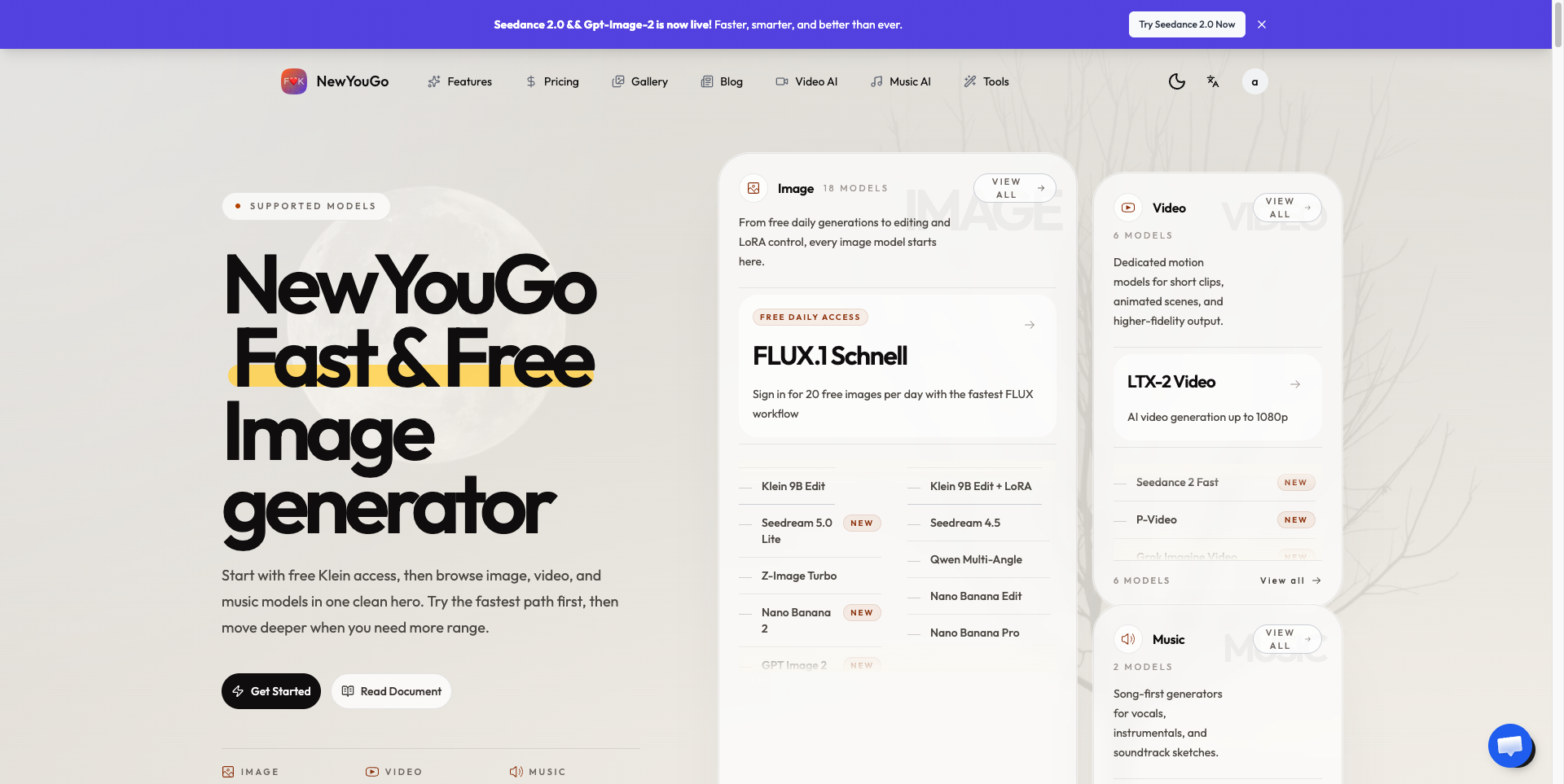
Before generating, users choose an available aspect ratio and resolution, and they can describe camera movement, action and sound such as dialogue, ambience or effects, since supported results can pair audio with the picture. The site frames each clip as a draft for answering one creative question at a time, such as whether a camera path or opening frame works. The same workspace also links to related tools including Veo 3.1, Gemini Omni and several image models.
Who it's for
- Video creators and editors
- Directors and storyboard artists
- Product and e-commerce marketers
- Social media content creators
- Designers and creative agencies
How to use Veo 3
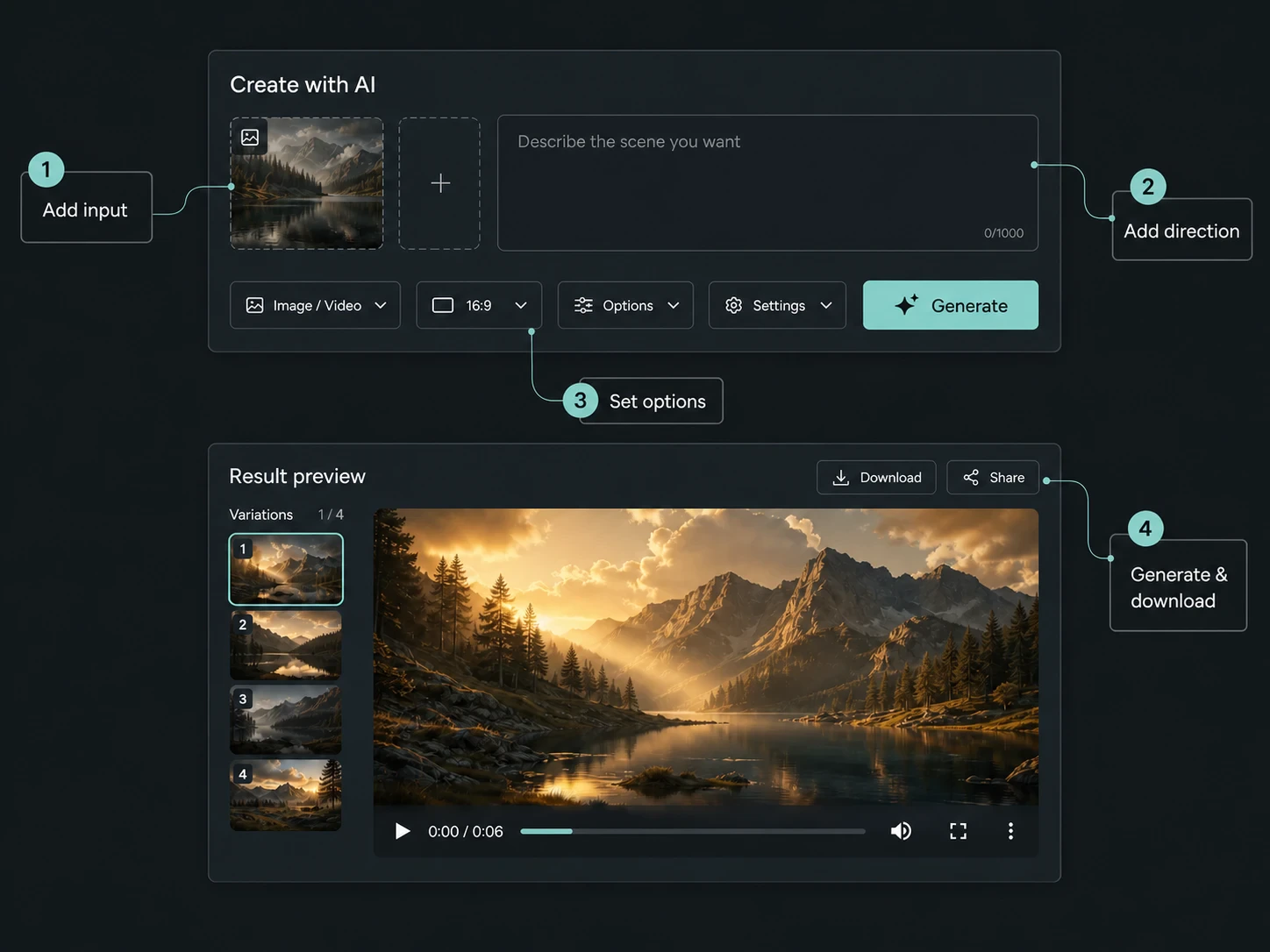
- 1
Choose a starting point
Write a scene description for text to video, or add a reference image when the subject or composition already exists.
- 2
Describe the moment
State the action, the camera movement that reveals it, and any sound that matters, then pick the available ratio and resolution.
- 3
Generate and review
Watch the opening and closing frames, follow the subject's motion and listen for the intended audio.
- 4
Keep or refine
Download a useful take, or change the single biggest mismatch and generate again for an easier comparison.
Veo 3 key features
Text to video
A written prompt can carry subject, action, setting, lighting and mood into a short clip, useful before any footage or storyboard exists.
Image to video
A reference image anchors product shape, character look or materials while Veo 3 adds subject and camera motion.
AI video with sound
Dialogue, room tone or sound effects can be described as part of the scene, and supported results pair audio with the visuals.
Ratio and resolution controls
Users pick from the available aspect ratios and resolutions before generating, including landscape and vertical framing.
Related video and image models
Links to other tools such as Veo 3.1, Gemini Omni, GPT Image 2 and Nano Banana models, all drawing on shared credits.
Veo 3 use cases
Product motion studies
Test how packaging, surfaces or hand interactions look once light and reflection enter the frame.
Vertical opening tests
Try a hook or reveal in portrait framing before committing to a full social edit.
Moving storyboards
Give directors, designers or clients a watchable scene to discuss framing, scale, pace and tone early.
Dialogue and atmosphere tests
Check whether a line, ambience or sound effect supports a visual beat before the final mix.
How Veo 3 is built
Veo 3 is built on the ShipAny Two template, which supplies ready-made sign-in, payments, subscriptions and a credits system. These cover the site's model of free signup credits, recurring credit plans and pay-as-you-go purchases.
View the ShipAny Two templateVeo 3 FAQ
What is Veo 3?
Veo 3 is an AI video generator powered by Google Veo 3. It creates short clips from a text prompt or a reference image.
Is Veo 3 a free AI video generator?
New users get signup credits so they can try it for free. More generations require paid credit plans, which can be billed monthly or annually, or bought pay-as-you-go.
How do I make a video from text or an image with Veo 3?
Use text to video when the idea is still open, and image to video when the look of a subject or product needs to stay consistent. Then describe the action and camera move, choose a ratio and resolution, and generate.
Can Veo 3 create AI video with sound?
Yes. Supported results can include sound such as dialogue, ambience or effects described in the prompt.
What can I control before generating?
You can set the input mode, the available aspect ratio and resolution, and describe the subject, motion, camera and atmosphere.
Why do generations cost different amounts of credits?
The credit cost depends on the selected model, input mode and output settings shown in the workspace.
This introduction is based on the public pages of veo3.dev, read on October 9, 2026.