What is NewYouGo?
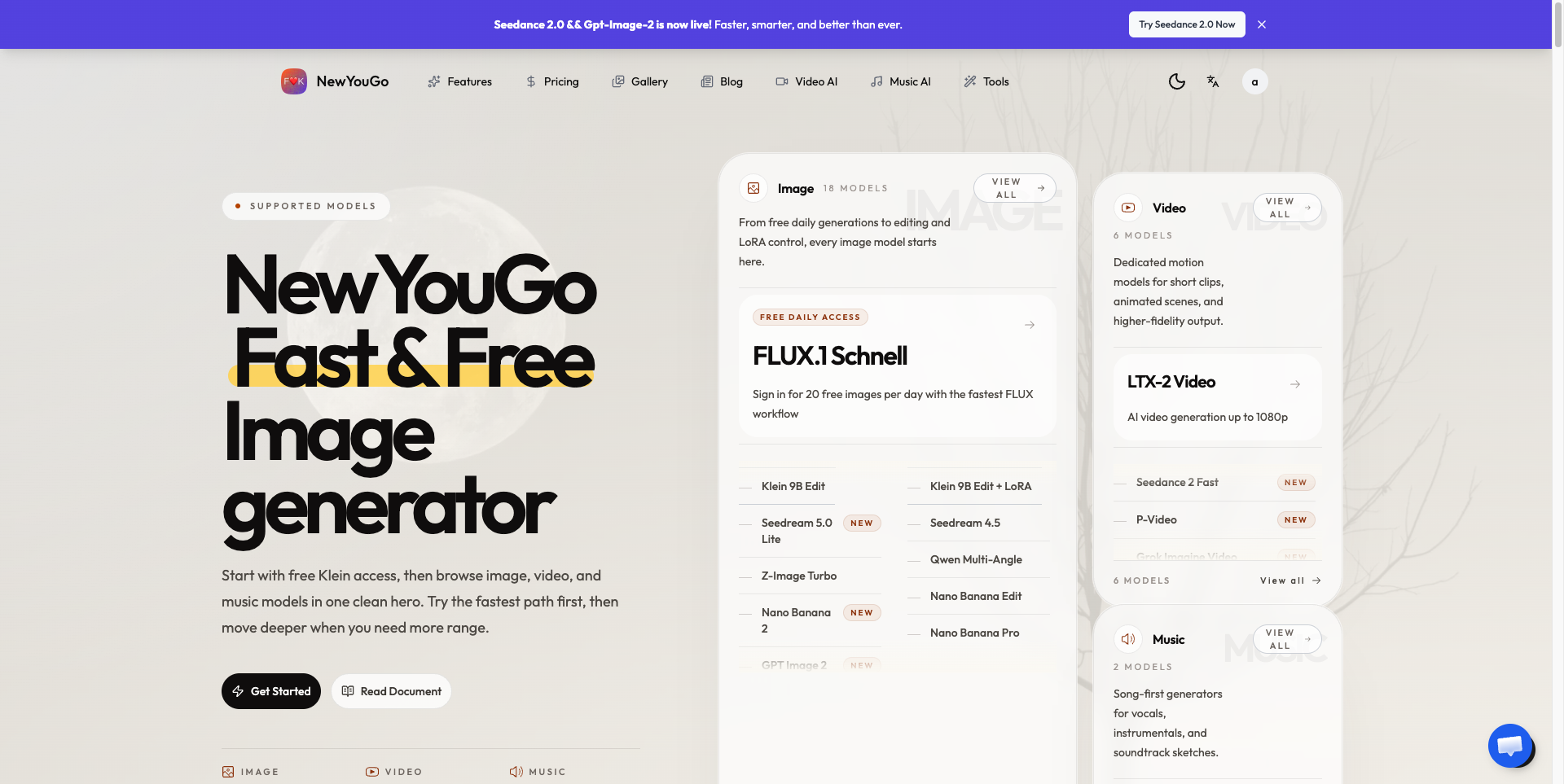
NewYouGo is a browser-based AI image generator that brings image, video and music creation into a single Studio. Users can write a prompt to produce a picture, use image to video to animate their visuals, or generate soundtracks with the AI music generator. Signed-in users get a daily allowance of free FLUX.1 Schnell images, and other models are used through a credit system.
Instead of relying on a single model, NewYouGo lets people choose between several: GPT Image 2, Flux 2 Klein, Seedream 4.5, Z-Image Turbo and the Nano Banana family for images (Nano Banana 2.1 outputs up to 4K), Seedance 2 Fast, Kling 3.0 and LTX-2 for video, and ACE Step 1.5 and Minimax Music 2.5 for music. Everyday tools such as a background remover, batch background removal, an image upscaler and custom LoRA styling sit next to the generators.
Who it's for
- Content creators and social media makers
- Small businesses and ecommerce sellers
- Filmmakers and storytellers
- Musicians and soundtrack hobbyists
- Designers exploring visual concepts
How to use NewYouGo
- 1
Sign in and open the Studio
Create an account and open the Studio. Signing in is required, including for the daily free FLUX.1 Schnell images.
- 2
Pick a medium and model
Choose images, video or music, then select a model such as GPT Image 2, Nano Banana 2.1, Seedance 2 Fast or ACE Step 1.5.
- 3
Describe your idea or upload a reference
Write a prompt, or upload an image for editing, image-to-image or image to video work. Specify details like subject, lighting, aspect ratio and resolution.
- 4
Check the credit cost and generate
Review the credit cost shown for the request, then create and download the result.
NewYouGo key features
Multi-model AI image generator
Text-to-image and image-to-image with GPT Image 2, Flux 2 Klein, Seedream 4.5, Z-Image Turbo and Nano Banana models, with Nano Banana 2.1 supporting output up to 4K.
AI video generator with image to video
Animate photos or prompts using Seedance 2 Fast, Kling 3.0 and LTX-2, with LTX-2 offering 480p, 720p and 1080p clips.
AI music generator
Generate tracks from text with ACE Step 1.5 or Minimax Music 2.5 to explore music, lyrics and soundtracks.
AI image editing
Edit reference images with Nano Banana and Klein Edit, or create multiple viewpoints with Qwen Multi-Angle.
Background remover and image upscaler
Remove backgrounds one at a time or in batches, and upscale images for final use.
Hotel Lobby AI duet template
Upload one photo of each person, pick a motion template or your own clip, and turn two portraits into a stage duet video.

NewYouGo use cases
Ecommerce product images
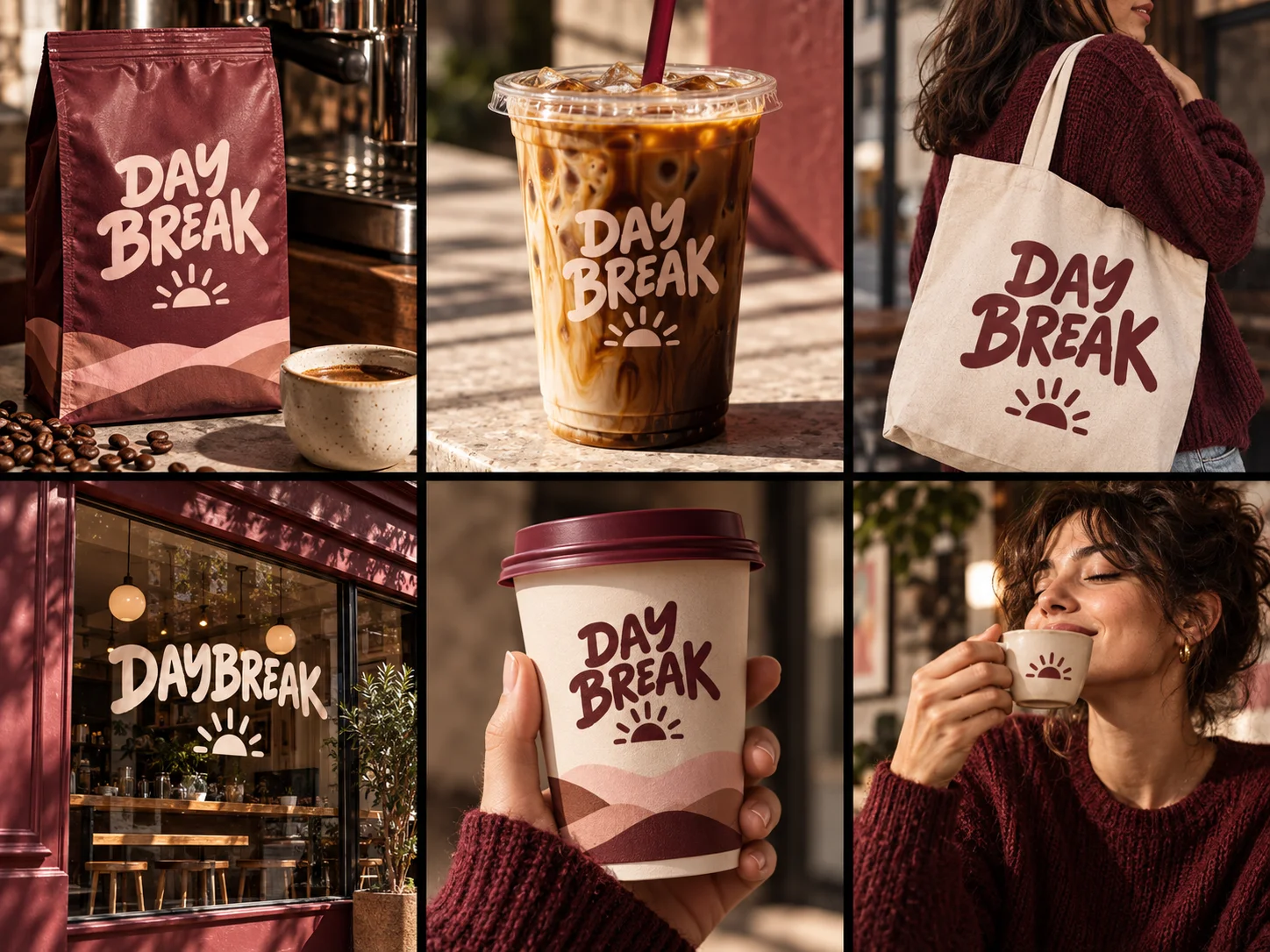
Create product shots and place the same product in new settings for launches, product pages and campaigns.
Social posts and posters
Design event posters and social graphics, including posters with specified Chinese and English text.
Short film look development
Use image to video to explore scenes and visual styles for a short film or story.
Soundtracks for content
Produce music for videos and personal projects with the AI music generator.
How NewYouGo is built
NewYouGo is built on the ShipAny Two template, whose ready-made sign-in, payments, subscriptions and credit system fit the site's model of free daily images for signed-in users plus credit-based paid plans.
View the ShipAny Two templateNewYouGo FAQ
What is NewYouGo?
NewYouGo is an online AI image generator that also offers image to video, AI video generation, AI music generation and image editing tools in one Studio.
Is NewYouGo free?
Signed-in users can generate a limited number of free FLUX.1 Schnell images each day. Other models use credits, which come with paid subscriptions or pay-as-you-go options.
How do I turn an image into a video with NewYouGo?
Open the video tools in the Studio, upload your image, choose a video model such as Seedance 2 Fast, Kling 3.0 or LTX-2, and generate the clip.
Which models does the AI music generator use?
NewYouGo lists ACE Step 1.5 and Minimax Music 2.5 for music generation.
Does NewYouGo include a background remover?
Yes. It provides a background remover, a batch background remover and an image upscaler alongside its generators.
Can I use NewYouGo outputs commercially?
The paid plans list a commercial license among their inclusions.
This introduction is based on the public pages of newyougo.com, read on October 9, 2026.