What is Nano AI Maker?
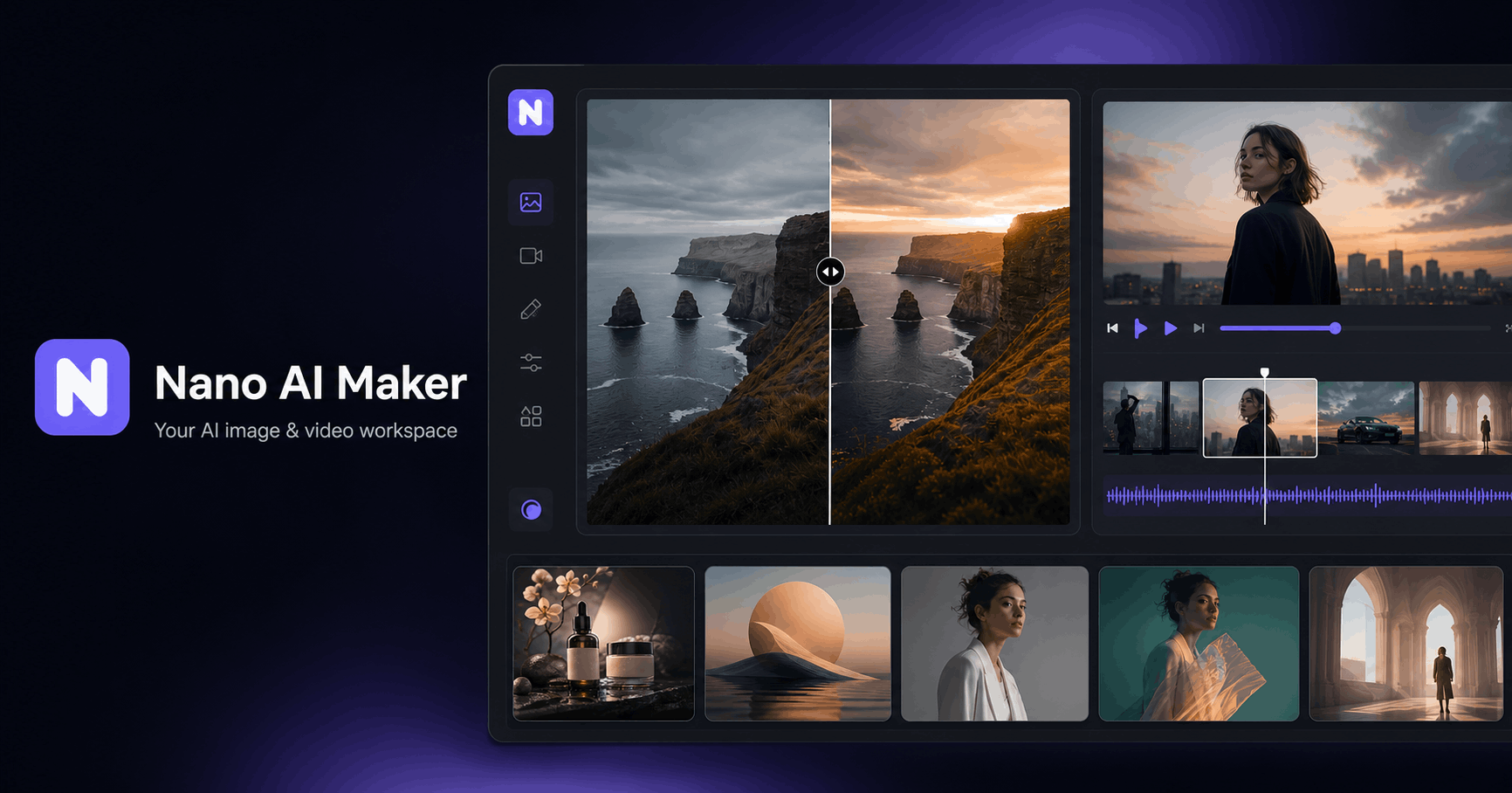
Nano AI Maker is an AI image and video workspace that runs in the browser. It works as an AI image generator, a reference-based photo editor and an AI video generator, so product shots, ad visuals, social graphics and short clips can be made in one place rather than across separate tools.
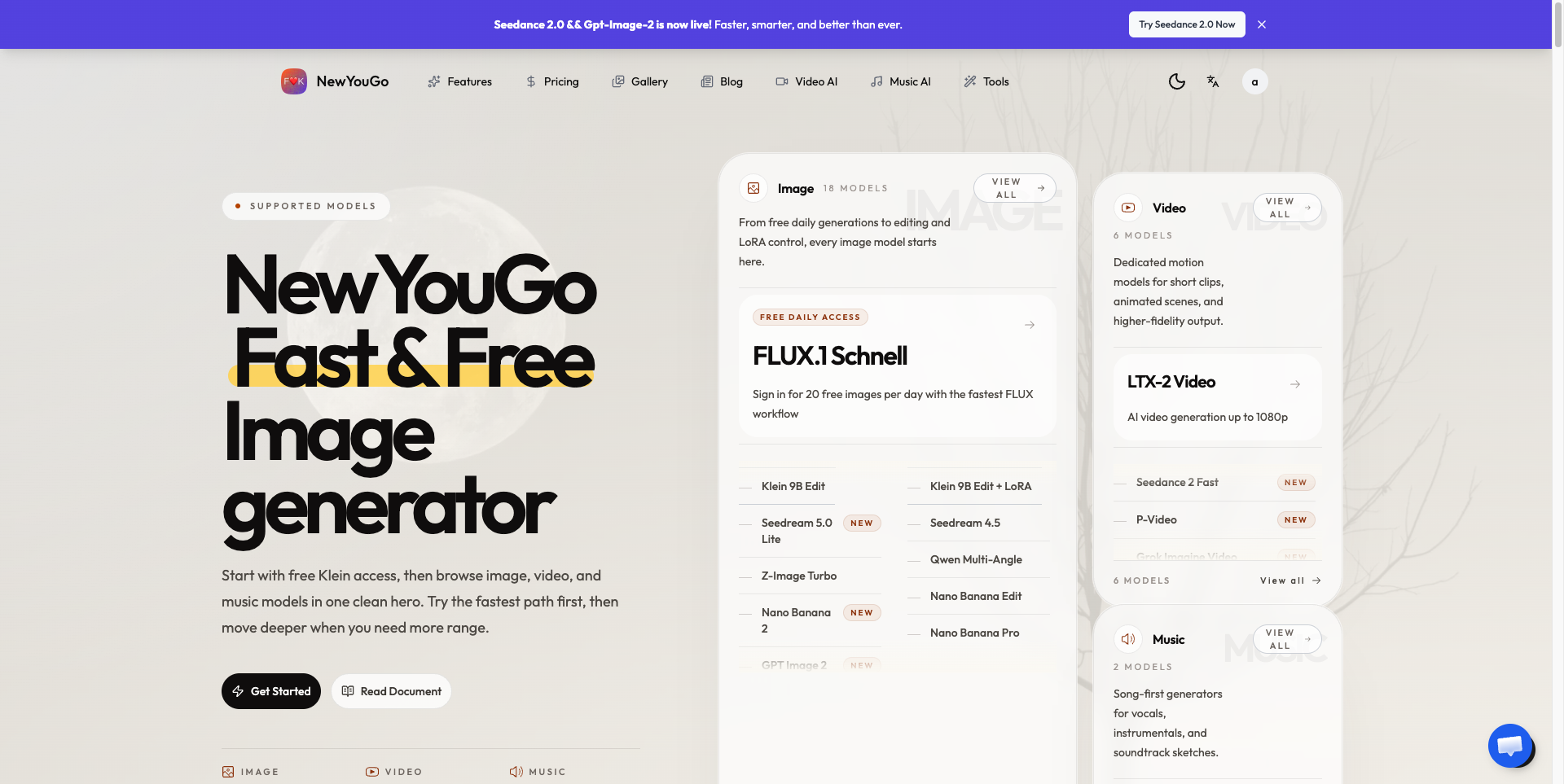
Users begin with a text prompt or an uploaded reference image, pick a model from a list that includes options such as GPT Image 2, Nano Banana, Seedance, Wan, Kling and Grok Imagine, and submit a task. The cost of each run is shown before submission, and finished images and videos are kept in an Activity area for preview and download. Supported workflows cover text-to-image, image-to-image, text-to-video, image-to-video and reference-to-video.
Who it's for
- Marketers producing ad and social visuals
- E-commerce sellers and product teams
- Founders testing creative concepts
- Content creators making short AI videos
How to use Nano AI Maker
- 1
Start with a prompt or reference
Describe the visual you want, or upload a reference image such as a product photo or character frame.
- 2
Choose image or video and a model
Switch between the AI Image and AI Video modes and select the model that fits the task; the generator displays the credit cost before you submit.
- 3
Generate and track the task
Submit the job, optionally requesting several variations on supported image models, and follow its status.
- 4
Download from Activity
Open Activity to preview completed images or playable videos and download the files.
Nano AI Maker key features
AI image generator with multiple models
Pick from several image models depending on whether the job is a product visual, a poster or a quick concept.
AI image editing with plain-language prompts
Edit uploaded photos by describing changes in text, such as restyling or replacing a background while keeping the main subject recognizable.
Image-to-video and text-to-video
Turn a still product image, character frame or campaign visual into a short clip, or generate video from a prompt, using supported video models.
Character consistency
Reference-guided edits aim to keep facial features and identity direction steadier across outputs.
Multiple variations per task
Supported image models let users set an output count to get several candidates from one run.
Tracked results in Activity
Every image and video task is saved with its status so results can be reviewed and downloaded later.
Nano AI Maker use cases
AI product photos for catalogs
Create catalog-style product scenes from a product idea or an uploaded product photo.
Social posters and ad visuals
Turn campaign ideas into square ad or social graphics with room for headline text.
Product video generator for motion drafts
Animate a product still into a short image-to-video clip for ads or social posts.
Fast creative testing
Run lower-cost image generations for quick concept checks before moving to higher-resolution images or video.
How Nano AI Maker is built
Nano AI Maker is built on the ShipAny Two template, whose ready-made sign-in, payments, subscriptions and credits system supports the site's model of free starter credits, credit-based generation, and paid monthly, yearly and one-time credit options.
View the ShipAny Two templateNano AI Maker FAQ
What is Nano AI Maker?
Nano AI Maker is a browser-based AI image and video workspace for generating images, editing reference photos and creating short videos. It is aimed at creators, marketers, founders and product teams making ads, social posts and product shots.
Is Nano AI Maker free?
New accounts can start with free credits when they are available. Paid subscriptions and one-time credit packs add more capacity for image and video generation.
How do I make an image-to-video clip with Nano AI Maker?
Switch to the AI Video mode, upload one reference image such as a product shot or campaign still, choose a supported video model and submit. The finished clip appears in Activity for playback and download.
Can I use Nano AI Maker as an AI image generator for commercial projects?
Outputs can be used in commercial work if you hold the rights to the prompts, references, logos or people you upload, subject to Nano AI Maker's terms and the policies of the underlying models.
Are outputs watermarked?
Nano AI Maker does not add its own watermark to image downloads. Whether videos carry a watermark depends on the selected model and its settings.
How do credits work?
Credits are deducted for each generation based on the chosen model and settings, such as resolution or video length. The exact cost is shown before you submit a task.
This introduction is based on the public pages of nanoaimaker.com, read on October 9, 2026.