
What is Findly?
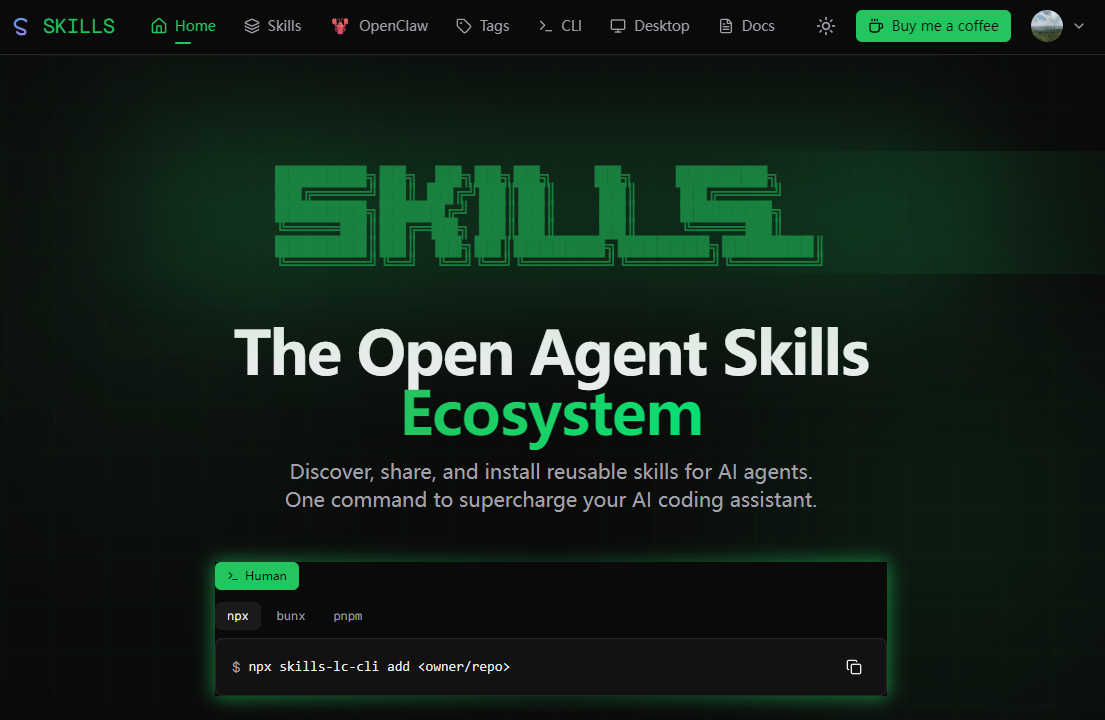
Findly organizes AI infrastructure projects into agents, CLI tools and workflows.
Its directory combines project descriptions with signals such as repository activity and rankings. Readers can explore workflow examples, compare projects and save a watchlist after signing in. Products made by the Findly team are labeled separately from the directory rankings.
Who it's for
- Developers evaluating AI tools
- People building agent workflows
How to use Findly
- 1
Step 1
Choose agents, tools or workflows.
- 2
Step 2
Compare descriptions and project signals.
- 3
Step 3
Open the project or sign in to save it.
Findly key features
Agent and CLI discovery
Findly includes agent and CLI discovery in the workflow described on its website.
Project activity signals
Findly includes project activity signals in the workflow described on its website.
Reusable workflow examples
Findly includes reusable workflow examples in the workflow described on its website.
Saved project watchlist
Findly includes saved project watchlist in the workflow described on its website.
Findly use cases
Compare tools for an agent stack
Use Findly to compare tools for an agent stack. Choose agents, tools or workflows, then follow the workflow described above.
Find a workflow to reproduce
Use Findly to find a workflow to reproduce. Choose agents, tools or workflows, then follow the workflow described above.
How Findly is built
Findly FAQ
What is Findly?
Discover AI agents, tools and reproducible workflows. Findly organizes AI infrastructure projects into agents, CLI tools and workflows.
How do I get started with Findly?
Choose agents, tools or workflows; Compare descriptions and project signals; Open the project or sign in to save it.
Who is Findly for?
Its documented workflow is relevant to developers evaluating ai tools and people building agent workflows.
This introduction is based on the public pages of findly.dev, read on November 14, 2026.