What is Makify AI?
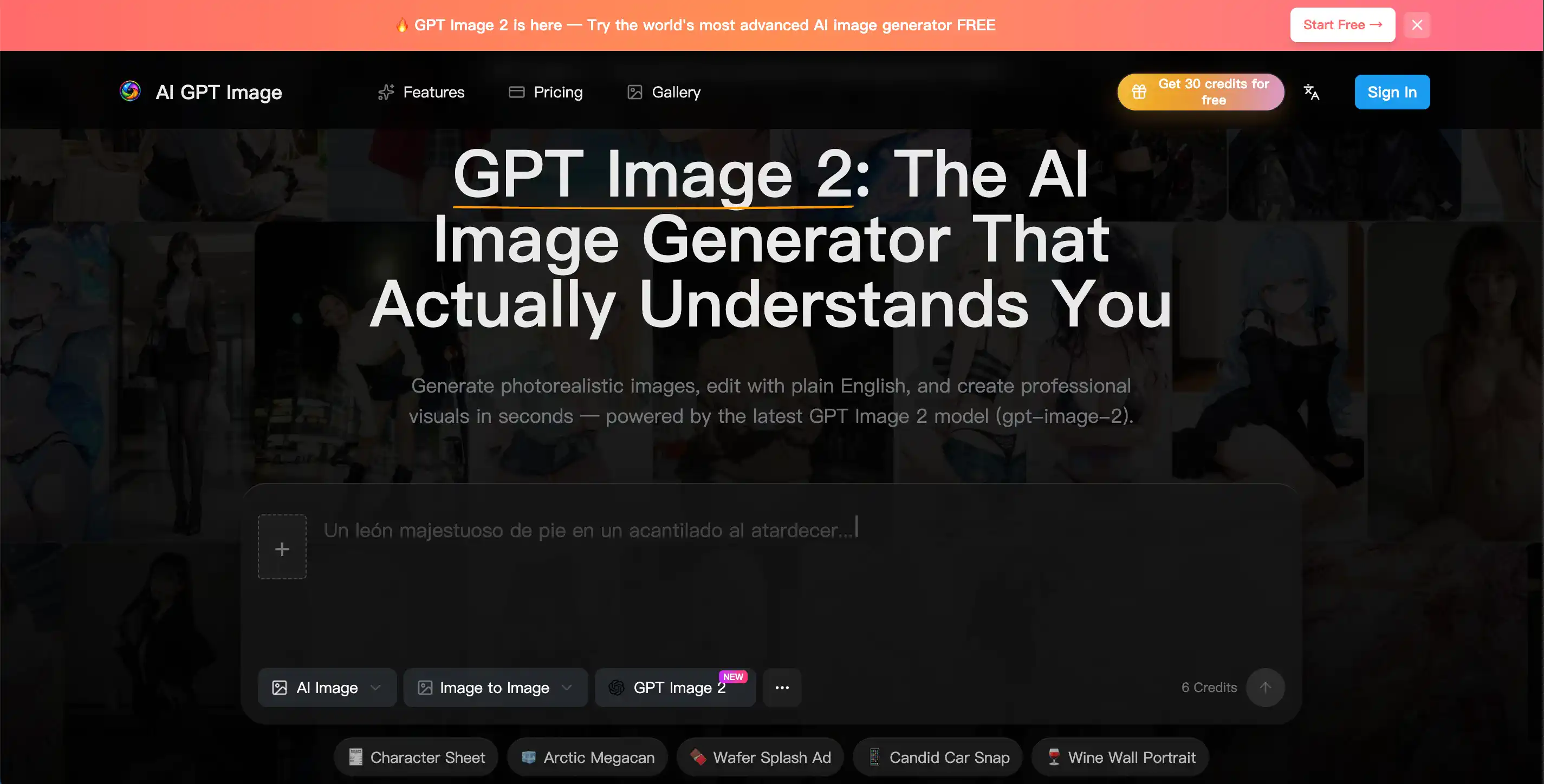
Makify AI, formerly known as AI GPT Image, is a web-based creative platform built around GPT Image 2 (gpt-image-2). It works as an AI image generator for text to image creation and as an AI photo editor, where users describe changes in plain English instead of using manual editing tools. The site highlights photorealistic AI image output, legible text inside images, and multi-turn edits that keep the rest of the picture intact.
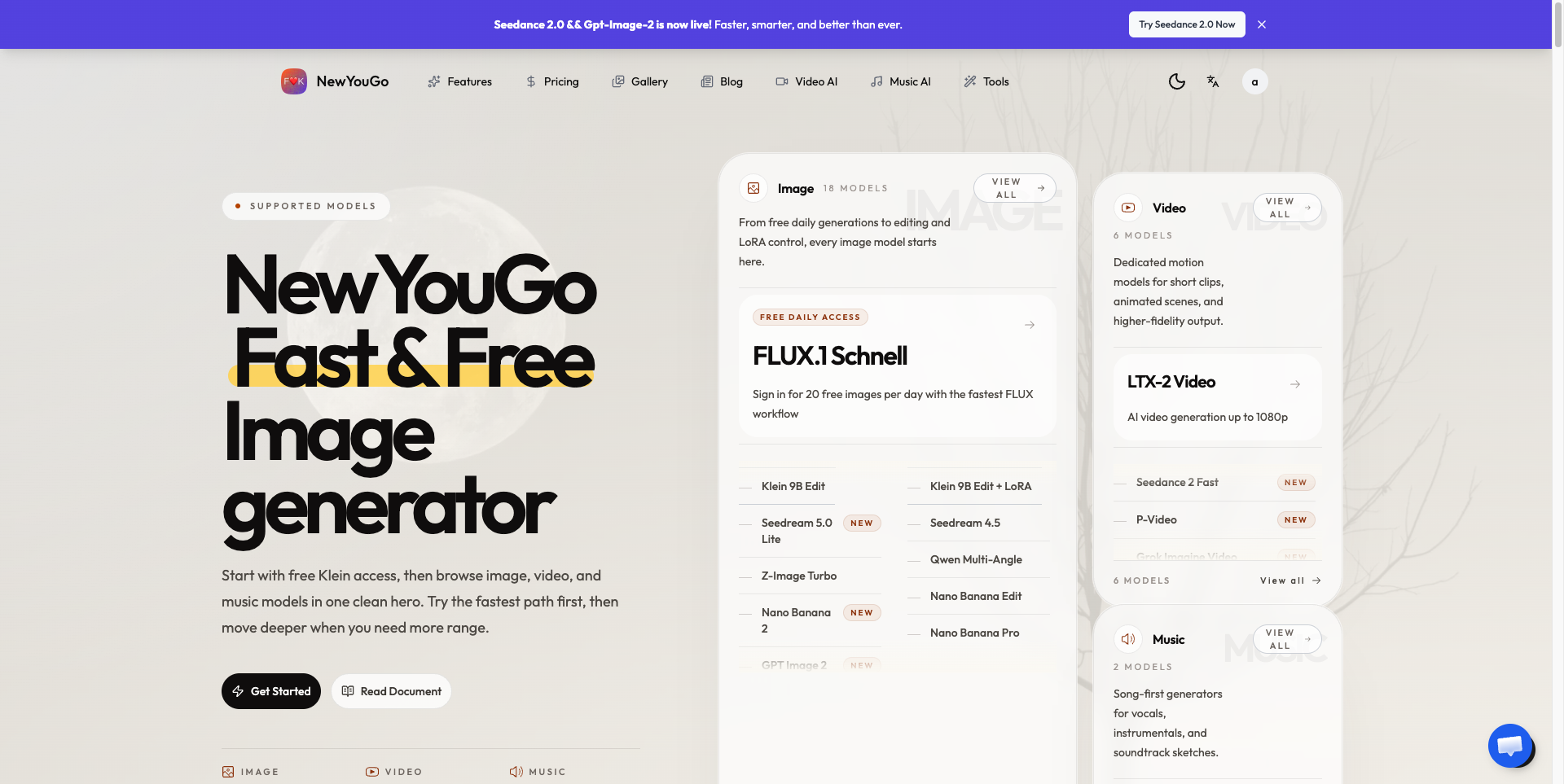
Beyond GPT Image 2, the platform offers other image models such as GPT Image 1.5, Nano Banana 2, Seedream, Qwen Image and Ideogram, plus video models including Seedance, Kling, Wan and MiniMax. It also bundles single-purpose tools like an image upscaler, background remover, image expander, text remover and outfit generator. Generations draw on a shared credit balance, and new users can start with free credits.
Who it's for
- Content creators and social media managers
- Marketers producing ad and campaign visuals
- E-commerce sellers needing product shots
- Designers prototyping UI mockups
- Developers adding image generation via API
How to use Makify AI
- 1
Write a prompt
Describe the image you want in plain English, including style, composition and any text that should appear in it.
- 2
Generate and refine
Let GPT Image 2 create the image, then request follow-up changes such as a darker background or a moved object to adjust it conversationally.
- 3
Download the result
Export the finished image as PNG, JPEG or WebP for ads, social posts, websites or presentations.
- 4
Automate with the API
Developers can connect to the gpt-image-2 API for batch generation and custom pipelines.
Makify AI key features
Text to image with GPT Image 2
Generates images from written prompts, with the site emphasizing accurate rendering of dense text, UI labels, poster copy and non-Latin scripts.
GPT photo editor with natural language
Edits uploaded or generated images by instruction—changing backgrounds, swapping outfits or removing objects—across multiple turns.
Photorealistic AI image output
Aims for natural skin tones, realistic lighting and material textures, with support for formats from square to 16:9 widescreen.
Multiple image and video models
Gives access to models such as GPT Image 2.5, Nano Banana 2, Seedream 5.0, Seedance 2.5, Kling and Wan from one account.
AI image editor toolkit
Includes tools for upscaling, background removal, image expansion, angle changing, shadow removal, unpixelating and old photo restoration.
Commercial use and API
Paid plans list a commercial license and no-watermark outputs, and a gpt-image-2 API is offered for integrations.
Makify AI use cases
Marketing creatives
Produce ad banners, social graphics, email headers and campaign visuals without a dedicated designer.
Product photography
Create product shots, packaging mockups and e-commerce hero images from a prompt instead of a studio shoot.
UI and app mockups
Prototype app screens and website layouts with readable text and buttons for pitches or user testing.
Blog and content visuals
Generate thumbnails, cover images and editorial illustrations matched to an article's topic.
How Makify AI is built
Makify AI runs on the ShipAny Two template, whose ready-made sign-in, payments, subscriptions and credit system fit the site's model of free starter credits, pay-as-you-go purchases and monthly or annual credit plans.
View the ShipAny Two templateMakify AI FAQ
What is Makify AI?
Makify AI (formerly AI GPT Image) is a web platform for generating and editing images and videos with AI models, centered on GPT Image 2. It also includes photo editing and enhancement tools.
Is Makify AI free to use?
New users can get free credits to try the platform without a credit card. Ongoing use is covered by paid credit purchases or subscription plans.
How do I edit a photo with the GPT Image 2 AI photo editor?
Upload or generate an image, then type the change you want in plain English, such as replacing the background or removing an object. You can keep issuing follow-up instructions to refine the result.
Is GPT Image 2 the same as gpt-image-2?
Yes. The site treats GPT Image 2, gpt-image-2, GPT Image v2 and GPT Image 2.0 as names for the same model.
Can I use Makify AI images commercially?
The site's paid plans list a commercial license and no-watermark outputs for generated content.
Which formats does the AI image generator export?
Images can be exported as PNG, JPEG or WebP, and the site notes support for transparent backgrounds.
This introduction is based on the public pages of makifyai.com, read on October 9, 2026.