What is GPT Image 2.0?
GPT Image 2.0 is a GPT Image 2.0 generator online: a web-based AI image generator where users write a prompt for text to image or upload a reference for image editing. Before generating, they pick an aspect ratio and a resolution of 1K, 2K or 4K, and the credit cost is displayed up front. Finished images can be downloaded or reopened later from the AI Tasks history.
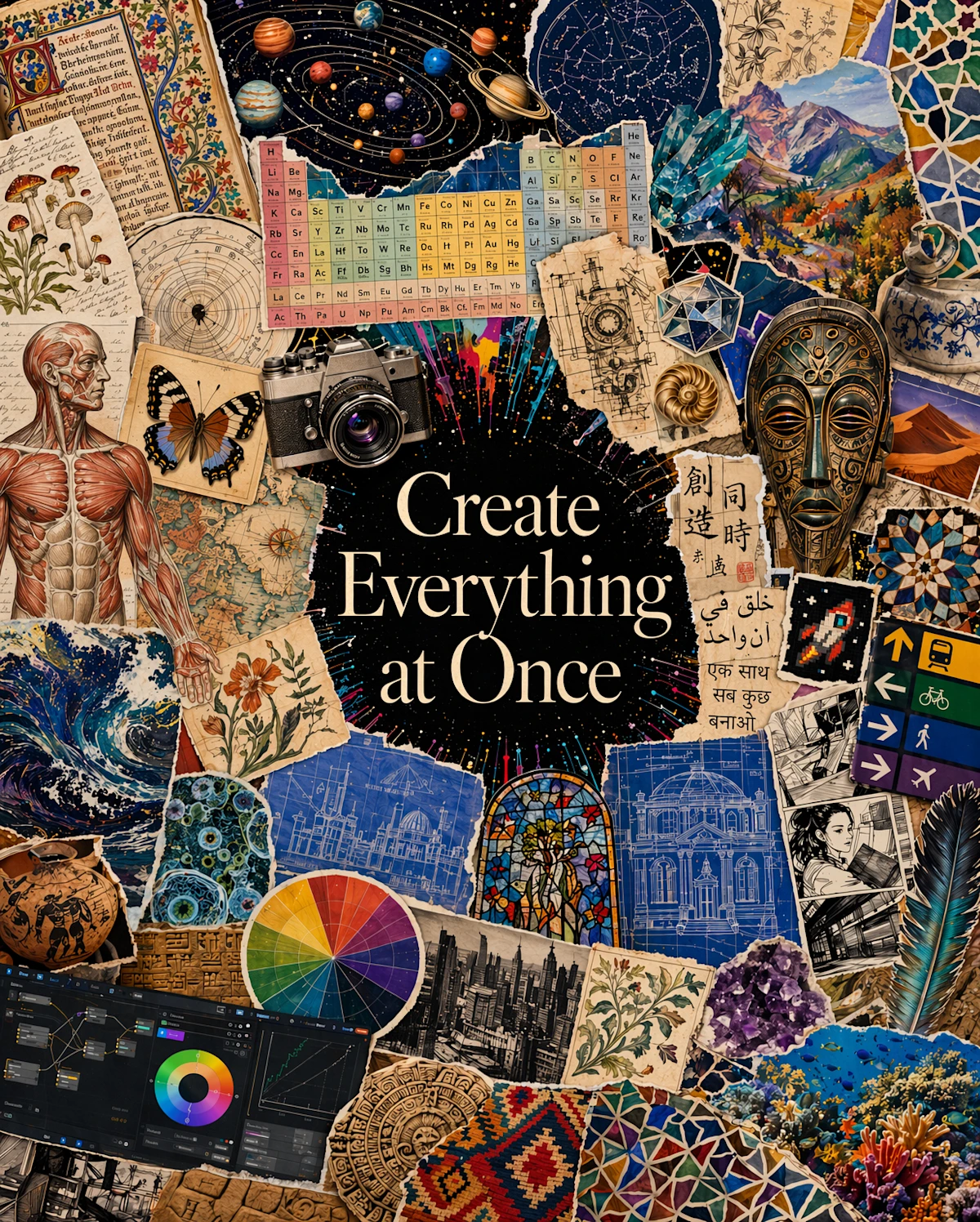
The site puts particular weight on legible text inside images, including exact copy and several writing systems in one layout, which suits posters, ads, covers and infographics. A prompt library of curated, copy-ready examples helps users get started, and the footer links to related tools for old photo restoration and birthday doodles. After email verification, the first 1K text-to-image result is free.
Who it's for
- Designers drafting posters and ad layouts
- Marketers producing social and campaign visuals
- Content creators needing illustrations with text
- Small studios handling multi-brand image work
- People editing or restyling existing photos
How to use GPT Image 2.0
- 1
Describe the image or upload a reference
Type the subject, style and purpose in the prompt box, or load an example from the prompt library. Switch to Image to Image to work from an uploaded picture.
- 2
Set aspect ratio and resolution
Pick a square, portrait, landscape or wide format and select 1K, 2K or 4K. The credit cost appears before you start.
- 3
Generate the image
Start the generation. New users can verify their email to receive one free 1K text-to-image result without entering a card.
- 4
Review, refine and download
Inspect the output, download it, adjust the prompt for another version, or reopen the saved task from AI Tasks.
GPT Image 2.0 key features
Text to image with readable typography
Builds text-led graphics such as posters, labels and product cards, placing exact copy and multiple scripts in a clear visual hierarchy. The site advises proofreading generated text before publishing.
Image editing from an uploaded reference
Uploaded images can be changed with plain-language instructions covering palette, style, background or composition, keeping the original as the starting point.
Photorealistic portraits and detailed scenes
Prompts can specify lighting, lens behavior, setting, expression and mood for portraits, editorial imagery and layered environments.
Flexible aspect ratios and up to 4K
Square, portrait, landscape and wide formats are available at 1K, 2K or 4K resolution, with settings and cost shown before credits are spent.
Curated prompt library
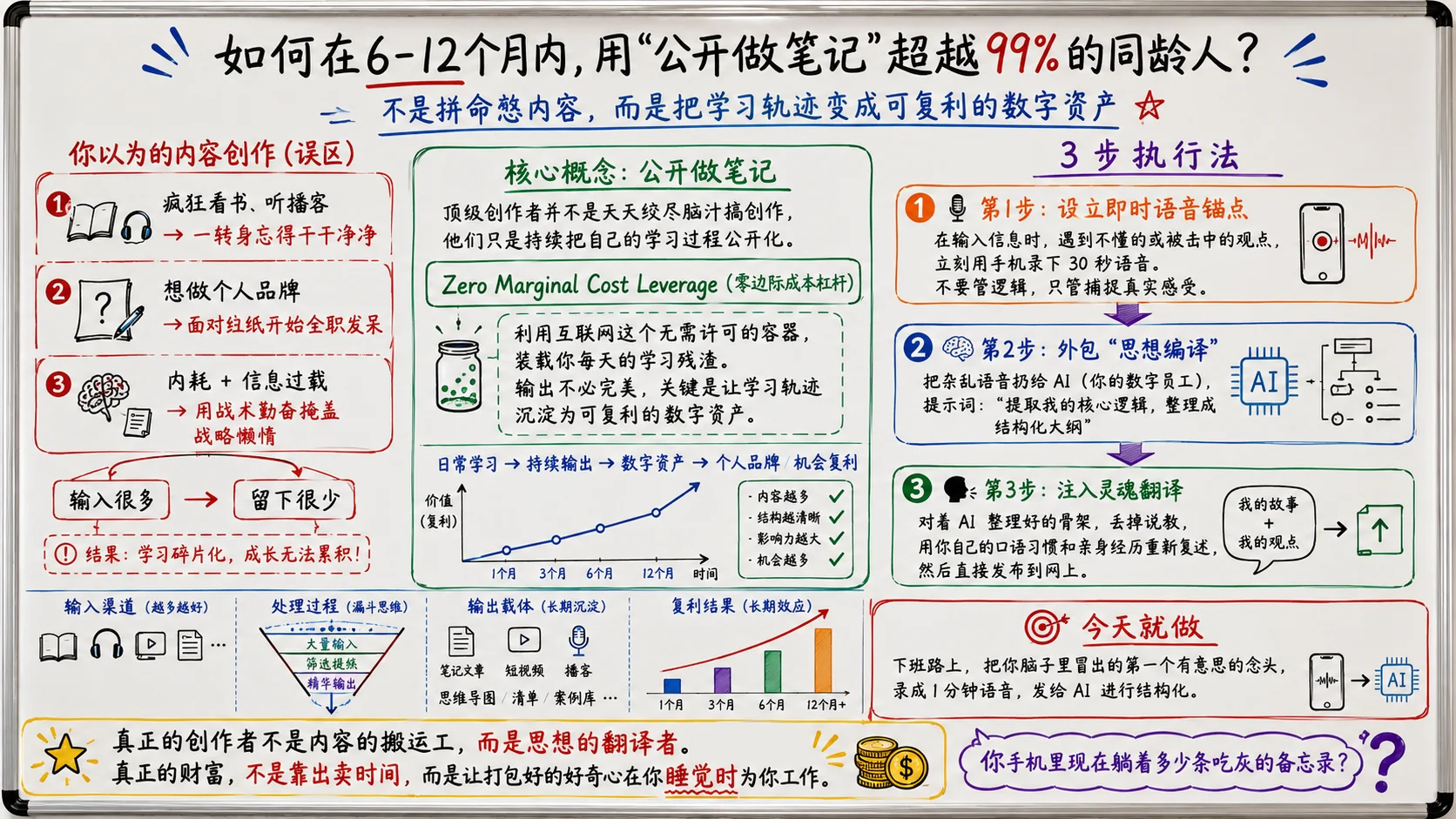
A gallery of prompt-and-output examples, such as whiteboard explainers, ticket infographics and manga pages, can be copied straight into the generator.
Saved task history
Generated images are kept as tasks in AI Tasks, so earlier results can be reopened and refined.
GPT Image 2.0 use cases
Posters, ads and covers with exact copy
Create layout directions for marketing materials where the headline and supporting text must stay legible.
Infographics and visual explainers
Turn a topic into a whiteboard-style lesson or an editorial infographic with labels, diagrams and structured sections.
Restyling product and portrait photos
Upload an existing image and try new backgrounds, palettes or visual treatments for product visuals and design studies.
Social posts and landing page visuals
Generate images in the aspect ratio each channel needs, from square social posts to wide presentation and landing page banners.
How GPT Image 2.0 is built
GPT Image 2.0 runs on the ShipAny Two template, whose built-in auth, payments, subscriptions and credits system supports the site's flow of email verification, a free first generation, credit-based image tasks, recurring plans and one-time credit packs.
View the ShipAny Two templateGPT Image 2.0 FAQ
What is GPT Image 2.0?
GPT Image 2.0 is an online AI image generator that creates images from text prompts and edits uploaded reference images, with output at 1K, 2K or 4K.
Is GPT Image 2.0 free?
After verifying an email address, users get their first 1K text-to-image generation free with no card required. Further generations use credits, which come from paid subscriptions or one-time credit packs.
How do I do image editing with GPT Image 2.0 online?
Switch to Image to Image, upload a reference picture and describe the changes you want, such as a new palette, background or composition, then choose the output settings and generate.
Can the GPT Image 2.0 generator render text in images?
Yes. The site highlights readable text, including exact copy and several writing systems in one image, though it recommends proofreading generated text before use.
What resolutions and aspect ratios does the GPT Image 2 generator support?
You can choose 1K, 2K or 4K output in square, portrait, landscape or wide formats, and the credit cost is shown before generation.
Where can I find images I generated?
Completed images are saved as tasks in AI Tasks, where they can be reopened, downloaded or used as a basis for another version.
This introduction is based on the public pages of gptimage2.wwkejishe.top, read on October 9, 2026.