What is Edit Pic Text?
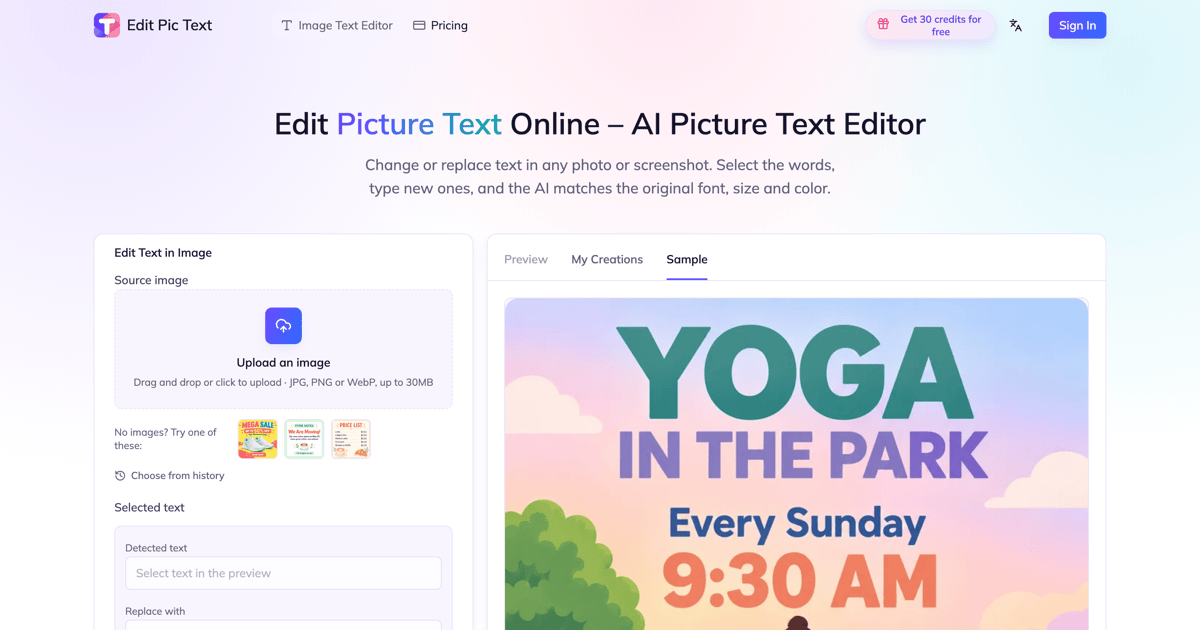
Edit Pic Text is an AI image text editor for people who need to edit picture text online when the original design file is no longer available. It works on the words already inside a photo, screenshot, poster or finished graphic. You upload the image, the tool detects the text blocks, and you choose which ones to change. Type new wording for a selected region, or leave the field empty to remove those words entirely.
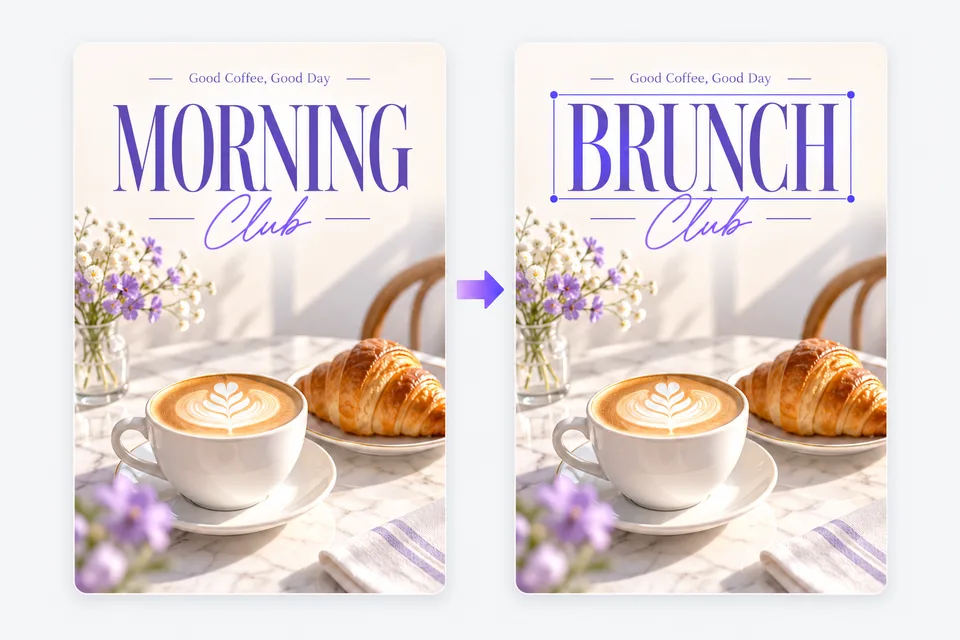
Rather than placing a new text layer on top of the picture, this picture text editor redraws the existing lettering. The AI reads the original typeface, weight, size, color and angle, writes the replacement to match, and rebuilds the background behind the old letters. Several regions can be edited in one run, and an optional instruction field accepts plain-English notes such as keeping a logo untouched. It runs in the browser and accepts JPG, PNG and WebP files.
Who it's for
- Content creators and social media managers
- Graphic designers without the source file
- Marketers updating banners and ads
- Small business owners editing flyers and labels
- Product teams adjusting UI screenshots
How to use Edit Pic Text
- 1
Upload an image
Drag in or select a JPG, PNG or WebP file of up to 30MB, such as a photo, screenshot, poster or product shot.
- 2
Select the detected text
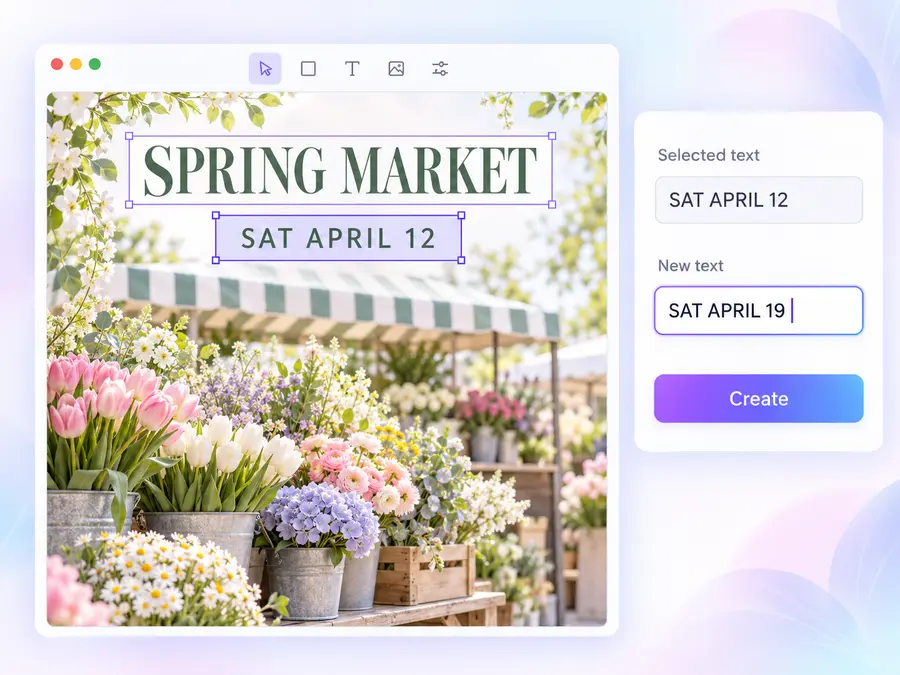
Text is found and outlined automatically. Click the region you want to change; you can select more than one.
- 3
Enter replacement wording
Type the new words for each region, or leave a field blank to remove that text. Optionally add instructions describing the edit.
- 4
Generate and download
Run the edit, check the result, and download the image in 1K, 2K or 4K.
Edit Pic Text key features
Change text in image without changing the font
The replacement is drawn in the same typeface, weight, size, color and angle as the original lettering, so it blends into the design.
Automatic text detection
Every block of text in the uploaded image is located and outlined, so you only need to click the words you want to edit.
Multiple edits in one run
Different text regions in the same image can each receive their own replacement, applied together in a single generation.
Background repair and text removal
The area behind the old words is rebuilt to avoid leftover letter traces, which also allows words to be removed completely.
Plain-English instructions
An optional instruction field lets you guide the AI on wording, spacing or style, while unselected parts of the image stay as they were.
Browser-based JPG and PNG editing
No software installation is needed; it accepts JPG, PNG and WebP uploads up to 30MB and exports in up to 4K.
Edit Pic Text use cases
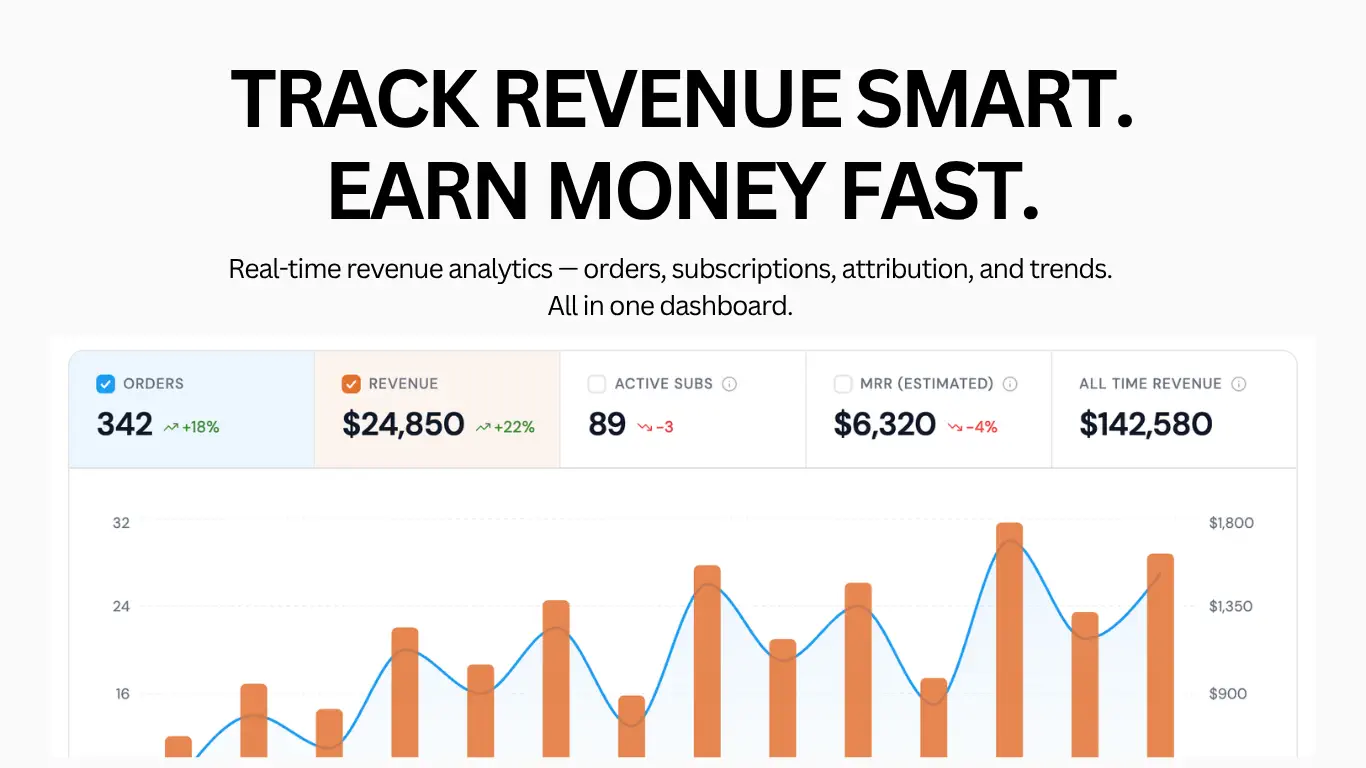
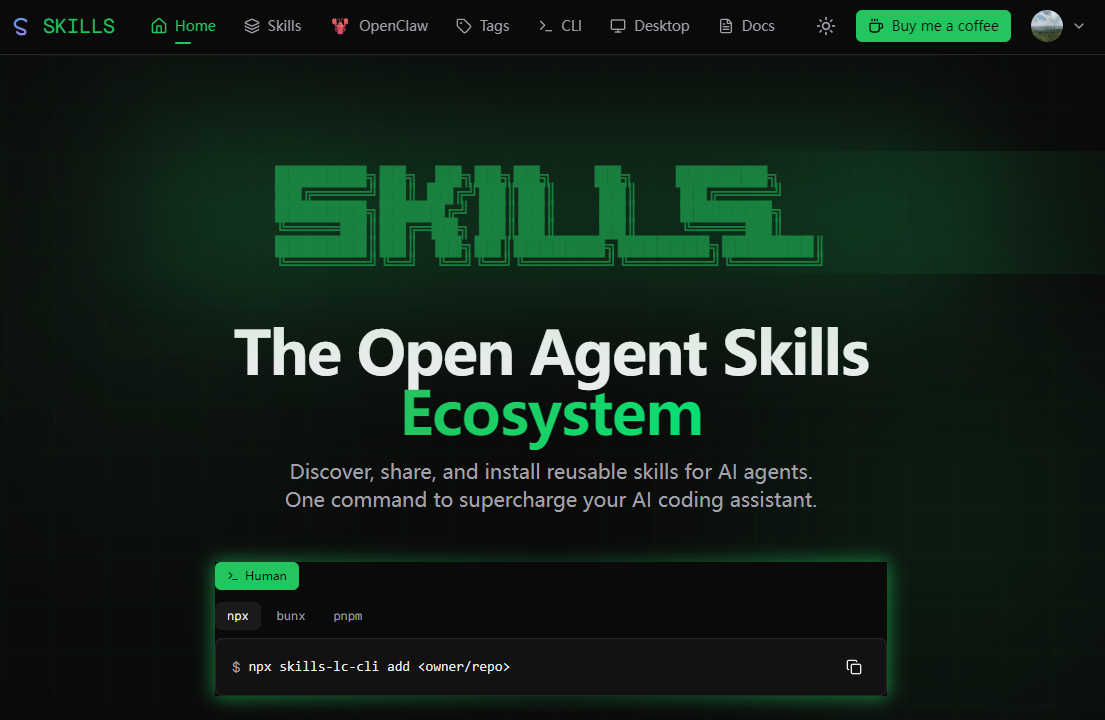
Screenshot text editor for apps and webpages
Swap a button label, correct a heading in a UI mockup or update copy in a webpage capture while icons and spacing remain intact. The terms prohibit editing screenshots of payments, bank transfers or official records.
Fixing typos in exported designs
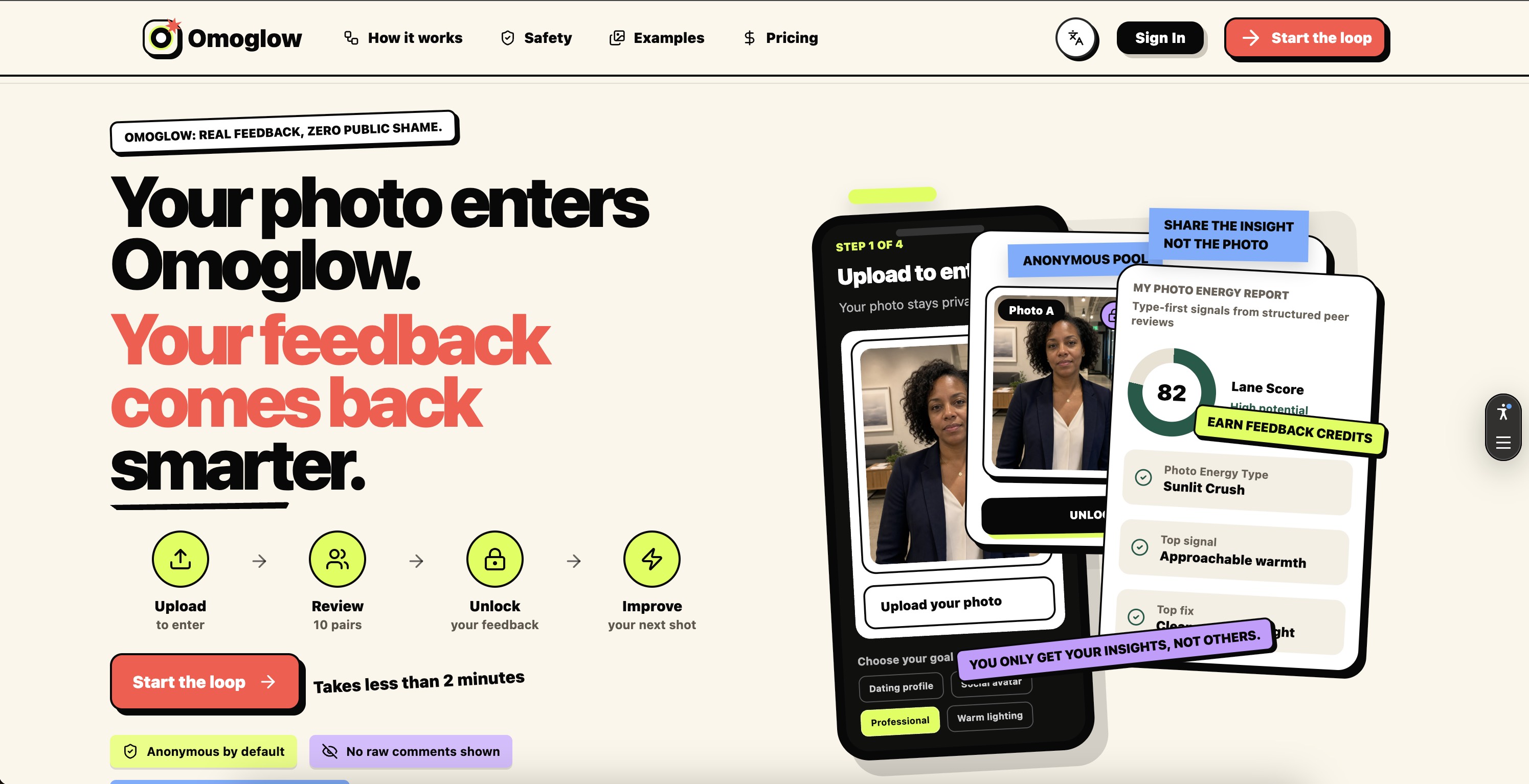
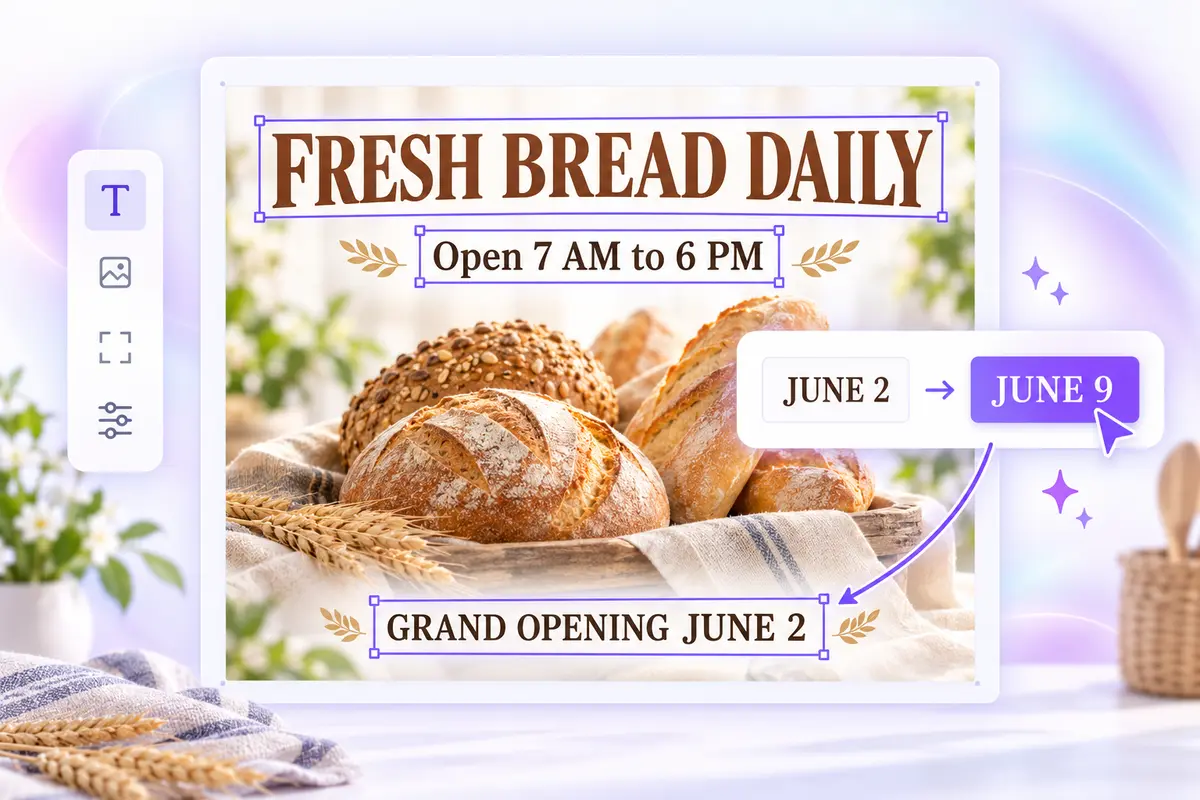
Correct a misspelled word, wrong date or name on your own poster, banner or invitation without rebuilding the original file.
Photo text editor for marketing images
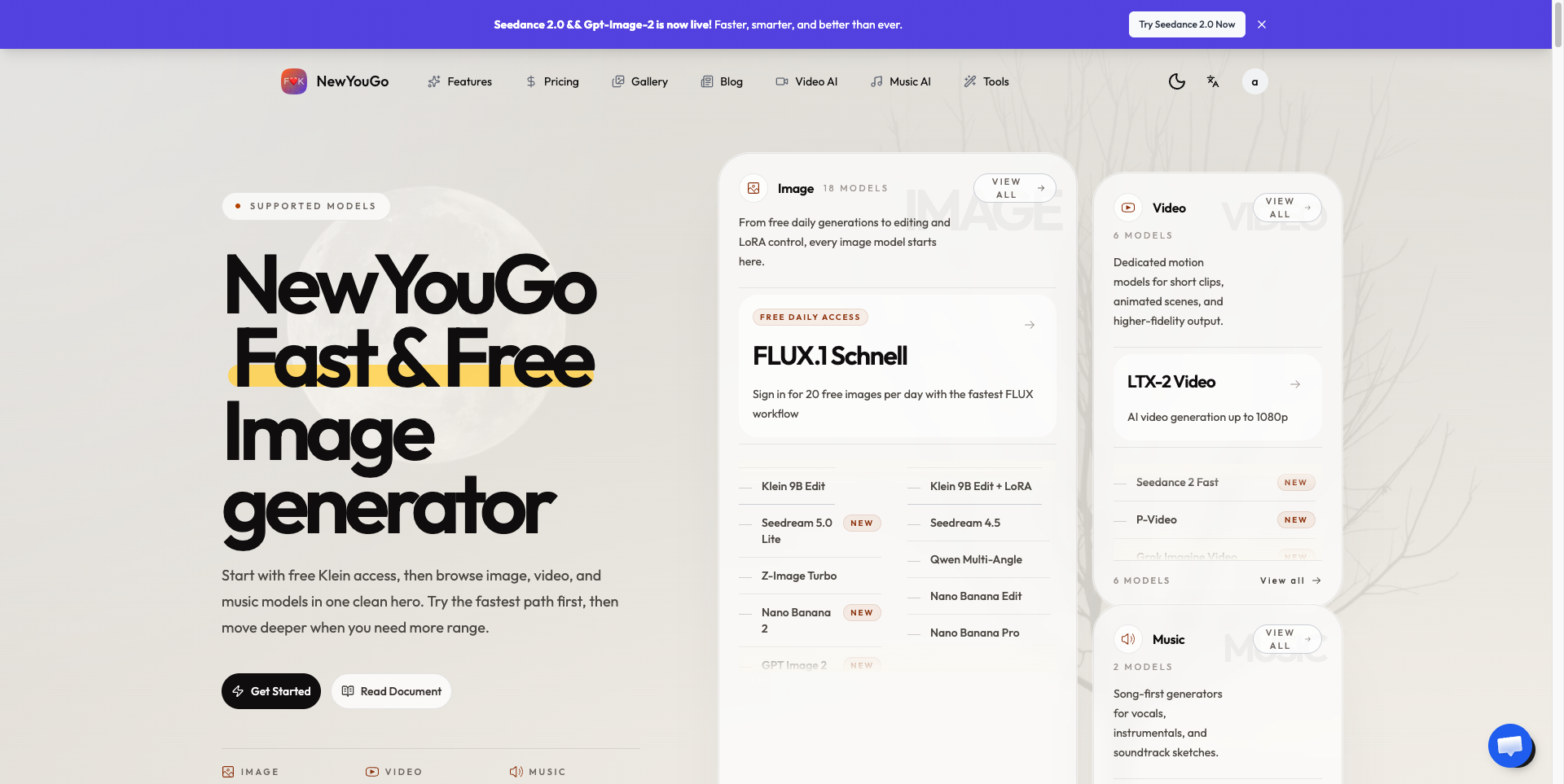
Update prices, dates or offers on sale banners, social posts and product labels directly from the exported image.
Image text changer for event flyers
Change a flyer's day and time for a rescheduled event while keeping the existing font and layout.
How Edit Pic Text is built
Edit Pic Text is built on the ShipAny Two template, whose ready-made sign-in, payments, subscriptions and credit system support the site's model of free starter credits, credit-based edits and paid monthly or annual plans.
View the ShipAny Two templateEdit Pic Text FAQ
What is Edit Pic Text?
Edit Pic Text is an AI picture text editor that changes or replaces words already inside photos, screenshots and designs while keeping the original font, size, color and background.
Is Edit Pic Text free?
New users can get free credits to try it. Additional edits use credits, which are available through paid plans.
How do I edit text in an image with Edit Pic Text?
Upload a JPG, PNG or WebP image, click a detected text region, type the replacement and run the edit. You can then download the result in 1K, 2K or 4K.
Can I change text in an image and keep the same font?
Yes. The AI reads the original letters and draws the new words in a matching typeface, weight, size, color and angle.
Can I use it as a screenshot text editor?
Yes, it can update labels, headings and copy in app or webpage screenshots. Editing screenshots of payments, bank transfers or official records is not permitted under its terms.
Which image formats does the AI image text editor support?
It accepts JPG, PNG and WebP files up to 30MB and exports results at 1K, 2K or 4K resolution.
This introduction is based on the public pages of editpictext.com, read on October 28, 2026.