What is Banana AI?
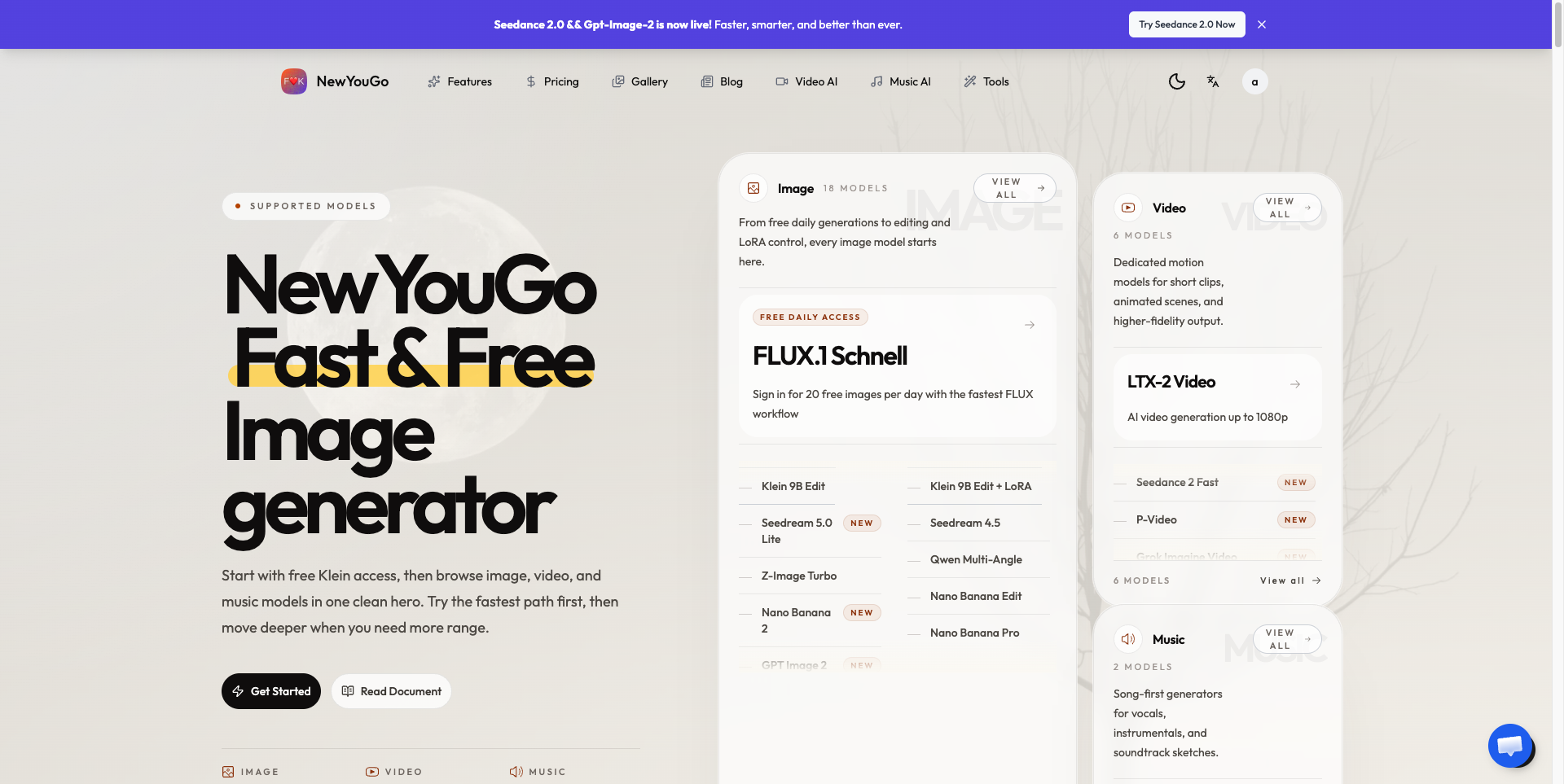
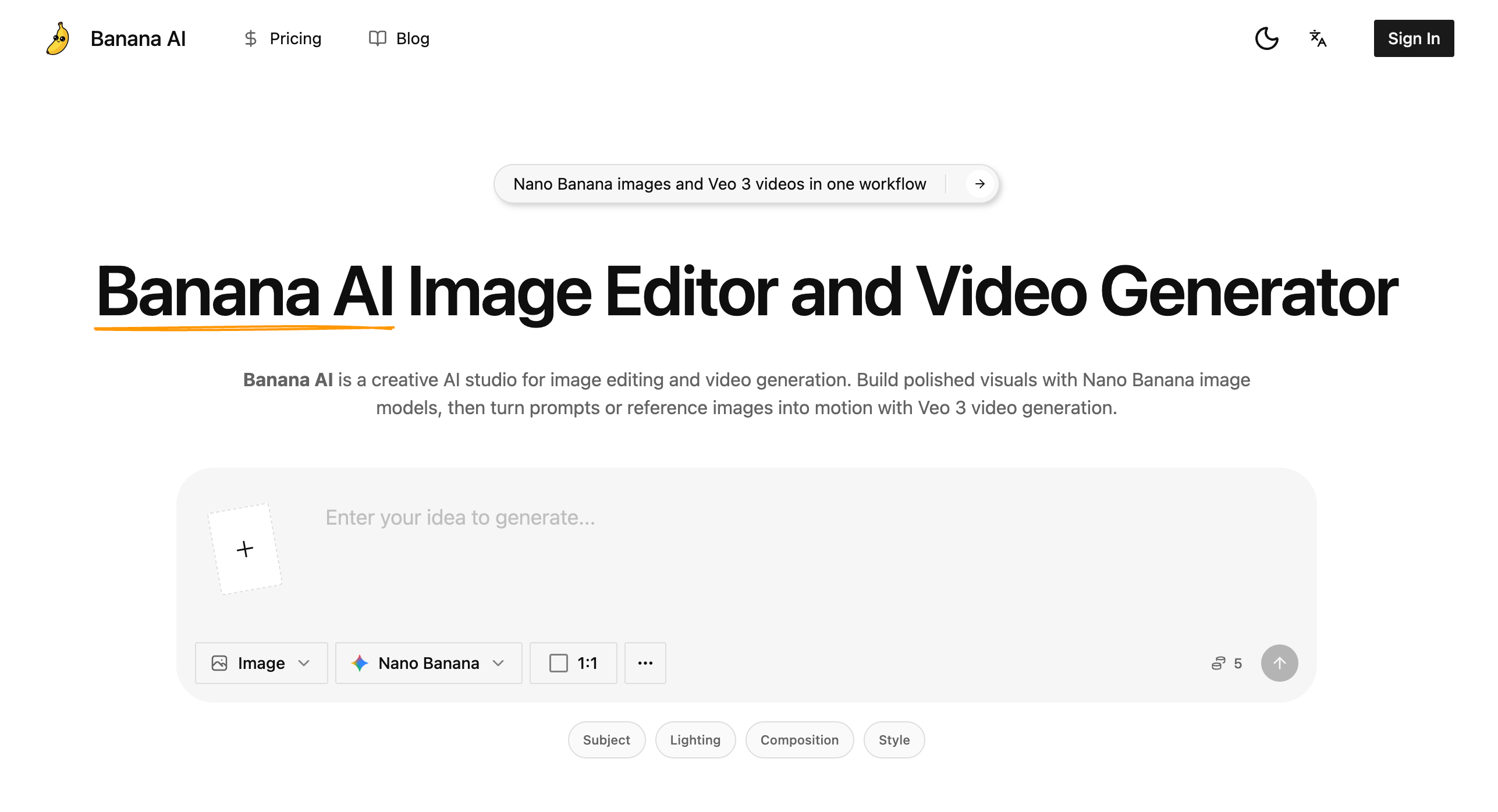
Banana AI is an online AI image editor and AI video generator for product visuals, marketing assets, and content graphics. Its image workflows use Nano Banana models to generate pictures from text or revise uploaded references. Users can describe subjects, lighting, composition, and style, then compare variations and refine their direction. Veo 3 provides a related workflow for turning prompts or reference images into video drafts.
The studio brings prompt development, reference editing, visual variations, and motion drafting into one browser workspace. Rather than treating every output as a separate concept, its workflows support retaining recognizable subjects and scenes while changing backgrounds, objects, or styling. The site also describes maintaining related product, character, and brand cues across assets, making the tool relevant to campaign exploration and pre-production planning.
Who it's for
- Ecommerce teams preparing product visuals
- Marketers developing campaign assets
- Content teams creating page graphics
- Creators testing storyboards and short video concepts
How to use Banana AI
- 1
Choose an image or video workflow
Select Nano Banana for image generation or editing, or use Veo 3 to develop a video concept.
- 2
Describe the intended result
Write a prompt covering the subject, setting, composition, lighting, style, and aspect ratio. For video, include the intended movement and camera direction.
- 3
Add a reference when needed
Upload a product photo, portrait, room image, mockup, or key frame to guide the subject, layout, and visual details.
- 4
Generate, revise, and download
Compare outputs and adjust the prompt or reference to refine the result. Selected still images can become starting points for Veo 3 motion drafts, and assets can be downloaded.
Banana AI key features
Prompt-based image generation
Nano Banana workflows use written descriptions to guide subjects, camera angles, lighting, composition, and visual style.
Reference-guided AI image editor
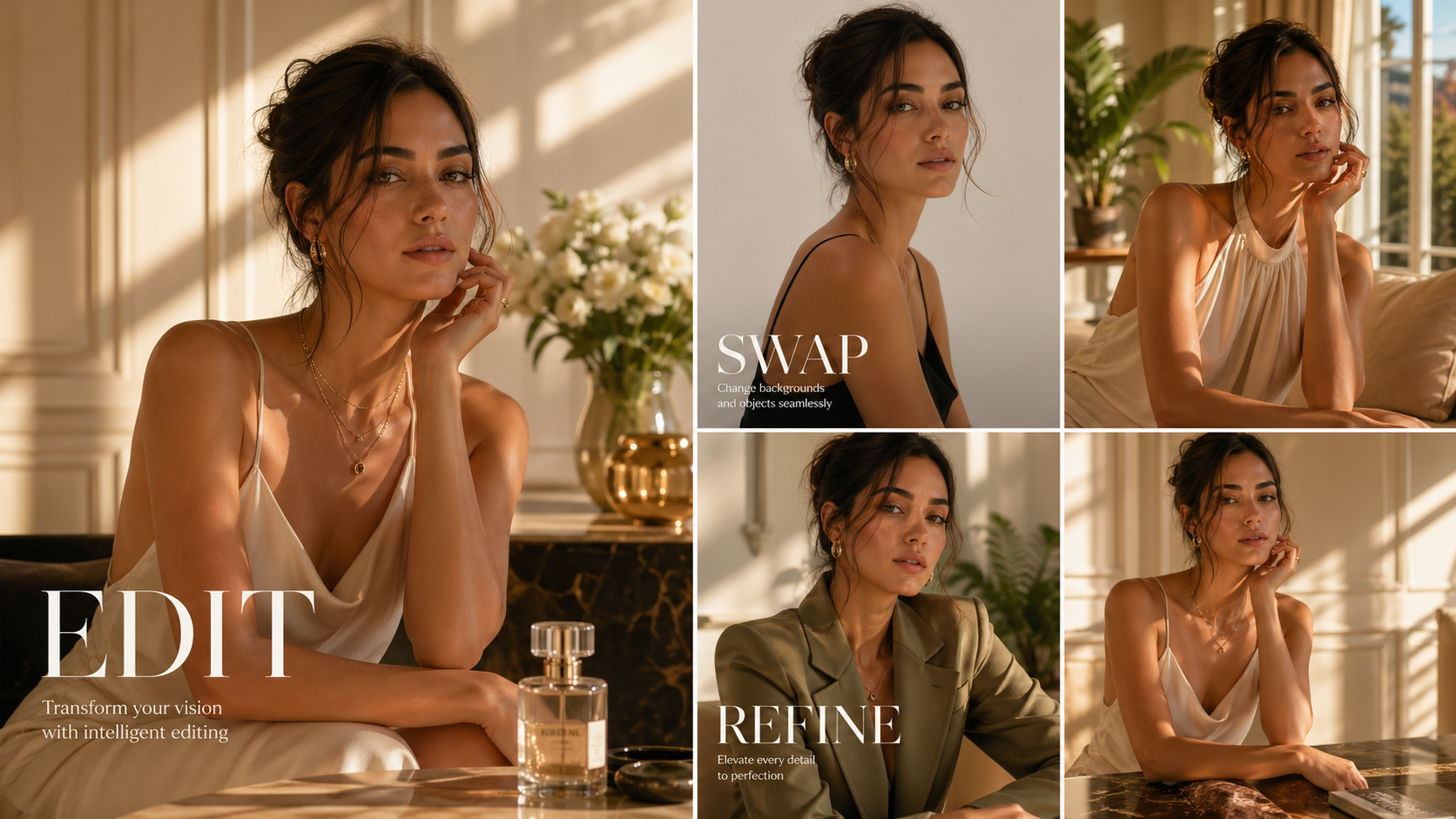
Uploaded images can be revised through background replacement, object additions or removal, lighting adjustments, and styling changes.
Image-to-image scene control
Reference-based workflows support changing an image's look while keeping its subject, composition, and scene recognizable.
Veo 3 AI video generator
Prompts and reference frames can be used to develop motion drafts for demos, explainers, social clips, and cinematic concepts.
Related visual variations
The site describes workflows for keeping products, characters, colors, and brand cues aligned across multiple images and campaign assets.
Banana AI use cases
AI product images for ecommerce
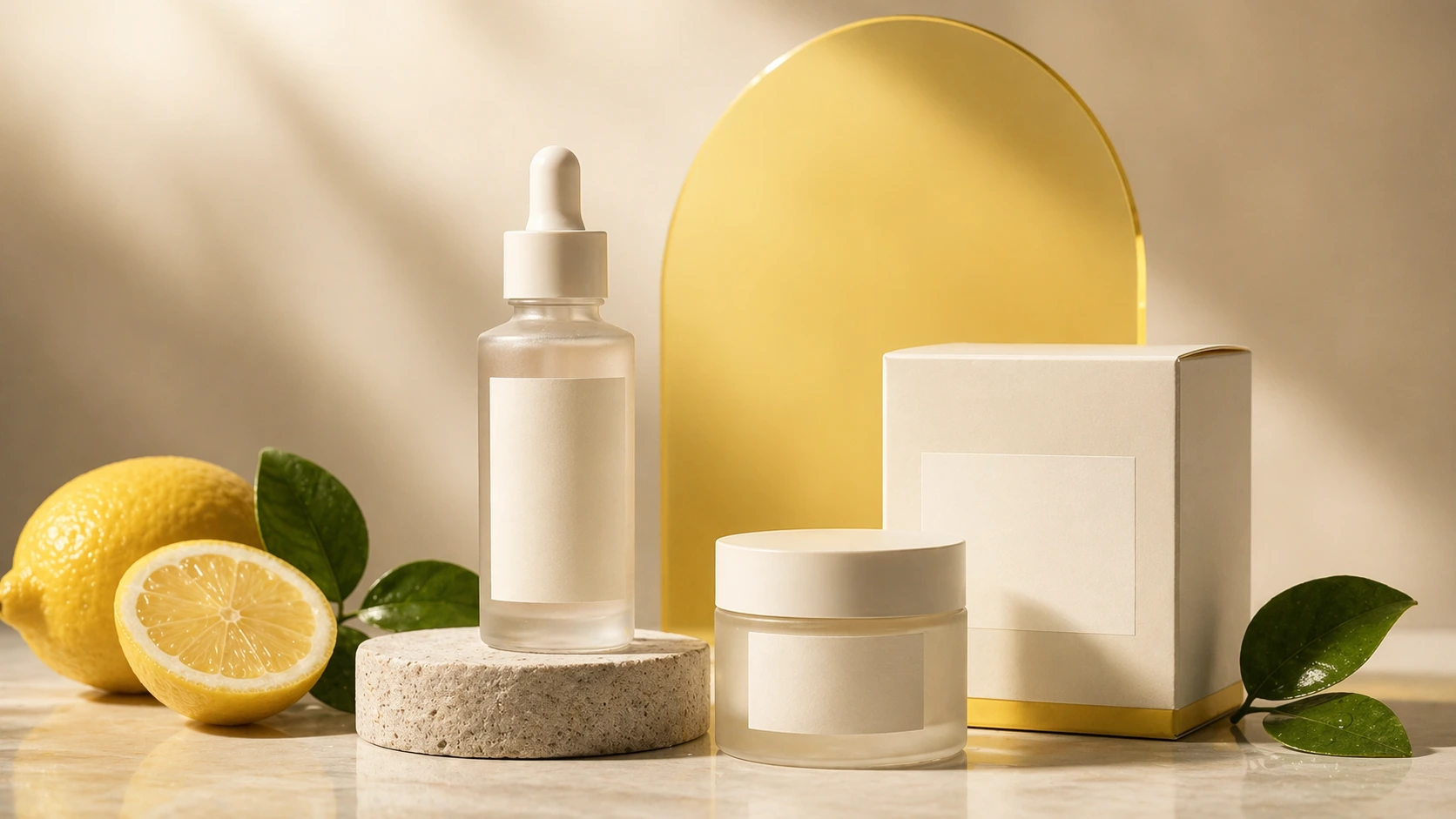
Develop product hero images, listing visuals, packaging concepts, and launch graphics while testing backgrounds, lighting, and framing before a photo shoot.
AI ad creative and on-brand campaign creatives
Explore social ads, thumbnails, campaign covers, and opening-frame concepts with related products, colors, and visual styles across variations.
AI blog covers and landing page graphics
Create visuals around article topics, newsletters, feature announcements, and landing page briefs to match the intended message and layout.
Image-to-video storyboards
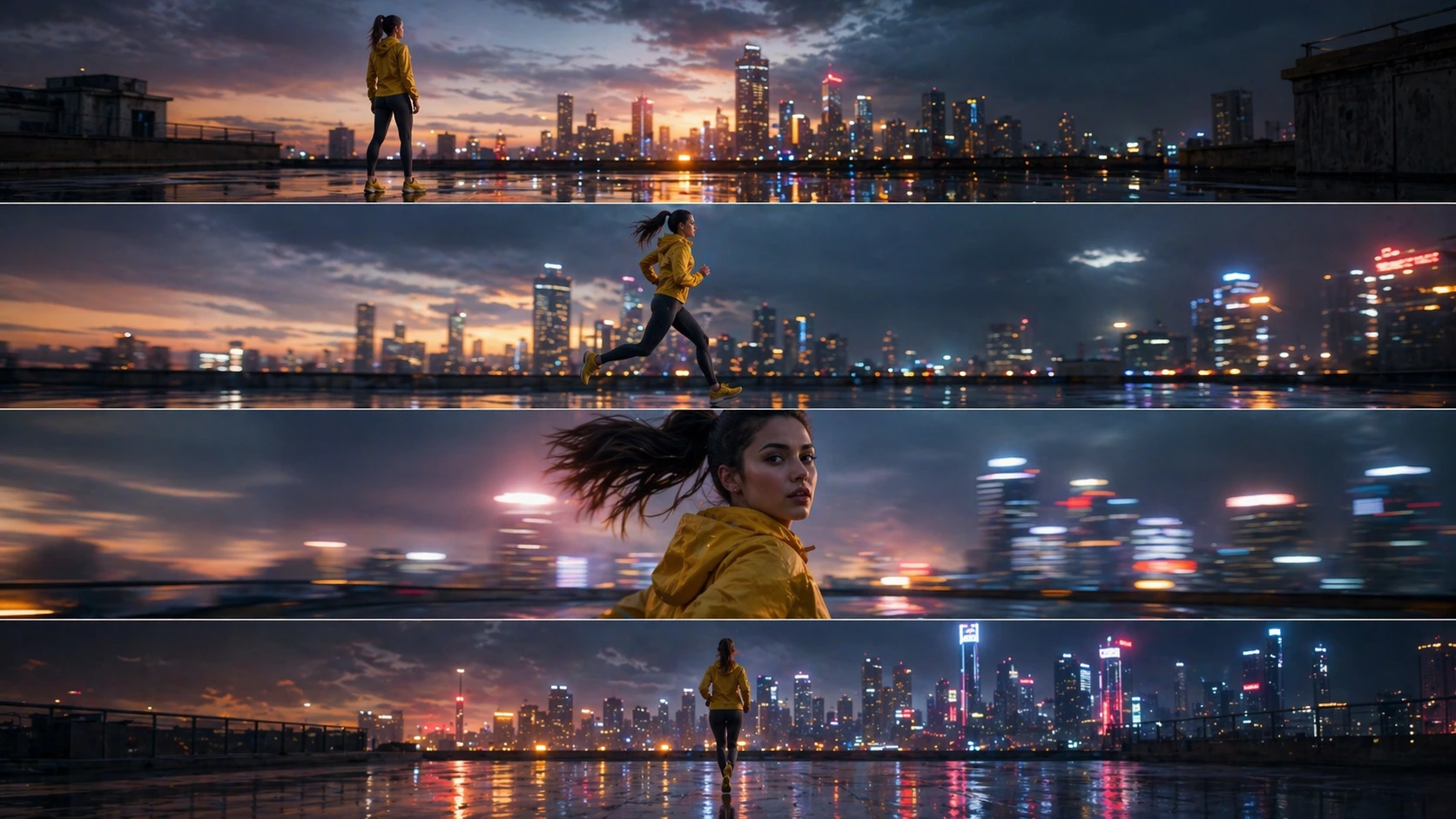
Generate key frames with Nano Banana and use selected images in Veo 3 to test movement and scene direction for product demos or short social videos.
How Banana AI is built
The submitter identifies ShipAny Two as the template used to build Banana AI. Its paid subscription business model aligns with ShipAny's ready-made authentication, payments, subscription, and credit-management capabilities.
View the ShipAny Two templateBanana AI FAQ
What is Banana AI?
Banana AI is a browser-based studio for generating and editing images with Nano Banana models and creating video drafts with Veo 3.
Is Banana AI free to try?
The homepage advertises a free starting option, and the site also lists paid subscriptions. The supplied pages do not specify the free allowance or trial conditions.
How can Banana AI edit a photo with text prompts?
Users upload a reference photo and describe the desired changes. The site lists background replacement, object additions or removal, lighting adjustments, and styling changes as supported editing tasks.
How can users create AI product images with Banana AI?
Users can describe a product scene or supply a product photo as a reference, then vary the background, lighting, and composition. The site presents this workflow for ecommerce listings, product pages, and launch visuals.
Can Banana AI turn an image into a video?
Yes. The site describes passing selected images or key frames into Veo 3 workflows to develop motion drafts.
Can Banana AI keep characters and products consistent?
The site describes reference-guided workflows intended to retain recognizable subjects and align product, character, color, and brand cues across variations.
This introduction is based on the public pages of bananaaigen.com, read on October 9, 2026.