
What is AI Doll Generator?
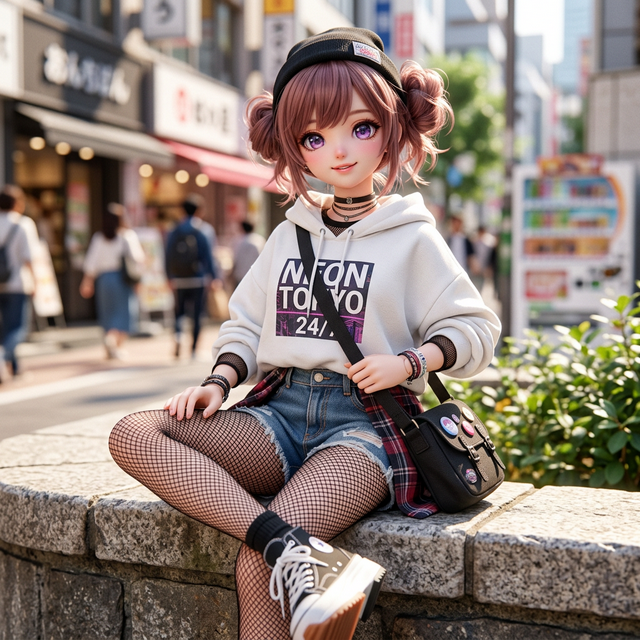
AI Doll Generator is an online doll maker that creates digital doll and collectible figure images from an uploaded photo or a written description. Its photo to doll workflow combines a source image with a selected aesthetic, while Text Mode starts from descriptive text. The resulting images can depict fashion dolls, anime characters, or action figures; the site provides a download and sharing workflow for the finished artwork.
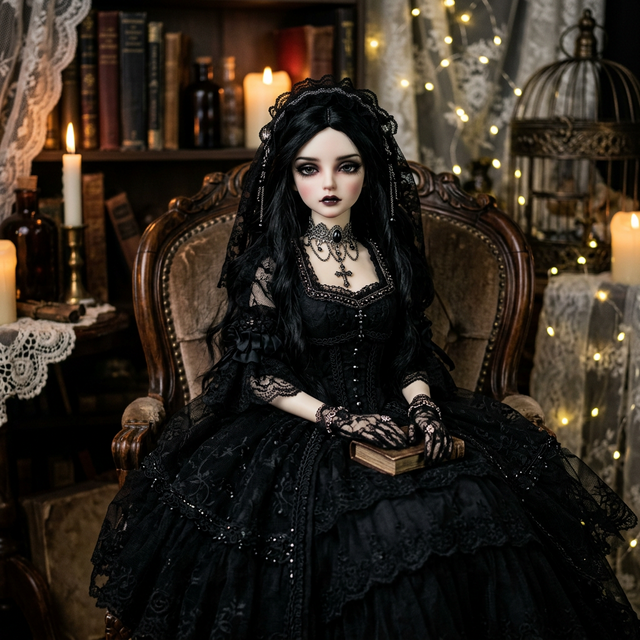
The generator offers nine named styles, including Barbie, Anime, Chibi, Gothic, BJD, 3D Pop, Pixel Art, Action Figure, and Labubu. Its interface also presents Clean, Base, and Packaged options alongside a resemblance control. A gallery supplies visual examples, and the Prompt Laboratory provides copyable descriptions for different aesthetics. Together, these tools let users explore custom figure concepts through both preset styles and written prompts.
Who it's for
- People creating doll versions of their portraits
- Anime and collectible figure enthusiasts
- Creators exploring character aesthetics
- Users seeking doll prompt inspiration
How to use AI Doll Generator
- 1
Choose a photo or text input
Select Photo Mode and upload a JPG or PNG image, or use Text Mode to describe a character. The site recommends a frontal face photo with clear lighting.
- 2
Select the doll aesthetic
Choose a style such as Barbie, Anime, Action Figure, or Gothic. Review the presentation options and adjust the resemblance control when using a photo.
- 3
Generate the image
Use the generation button to create the doll artwork. The site's examples and copyable prompts can help define clothing, accessories, and backgrounds.
- 4
Download or share
Download the finished result or share the generated artwork.
AI Doll Generator key features
Photo and text doll maker
Two input modes support turning a face photo into a doll image or creating a character from a written description.
Nine doll aesthetics
Style presets cover fashion dolls, anime, chibi, gothic dolls, vinyl-style toys, ball-jointed dolls, pixel art, action figures, and Labubu-inspired characters.
Action figure generator
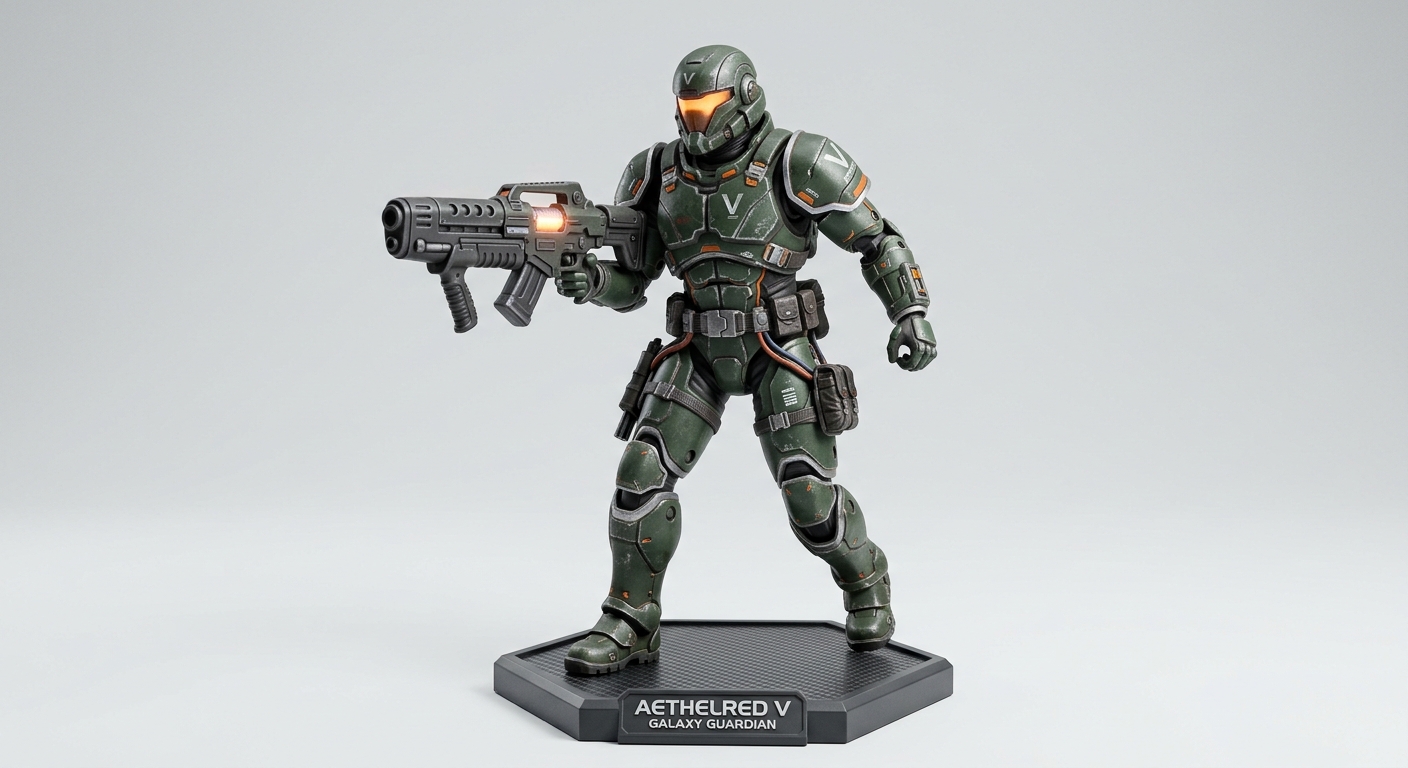
The Action Figure aesthetic targets collectible imagery with articulated joints, accessories, and retail-style packaging.
Presentation and resemblance controls
The interface includes Clean, Base, and Packaged presentation choices and a resemblance control for photo-based creations.
Prompt inspiration and gallery
The Prompt Laboratory offers copyable character descriptions, while the gallery and style previews illustrate different visual directions.
AI Doll Generator use cases
Personal photo to doll portraits
Users can upload a portrait and reinterpret it as a fashion doll, gothic doll, or another supported collectible aesthetic.
Anime doll creator for character ideas
Photo or text input can produce anime-style doll imagery with expressive eyes, colorful hair, and styled outfits.
Custom figure concepts
Text descriptions can explore a character's clothing, accessories, and setting in action figure or designer toy styles.
Compare doll aesthetics
The presets and prompt examples provide starting points for exploring how a character looks in chibi, BJD, gothic, or pixel art form.
How AI Doll Generator is built
The submission identifies ShipAny Two as the product's template. Its free entry point and paid credit and subscription options fit the authentication, payments, subscriptions, and credit management capabilities that ShipAny provides ready-made.
View the ShipAny Two templateAI Doll Generator FAQ
What is AI Doll Generator?
It is an online tool that generates digital doll and collectible figure images from photos or text descriptions. Its styles include fashion dolls, anime, action figures, and gothic dolls.
Is AI Doll Generator free?
The homepage advertises free use without signing up. It also offers paid options.
How does photo to doll generation work?
Users upload a JPG or PNG portrait, select a style, and generate a doll image. The site recommends a frontal face photo with clear lighting and provides a resemblance control.
How can users make a boxed character with the action figure generator?
Select the Action Figure style and the Packaged presentation option. A photo or text description supplies the character input.
Can the anime doll creator work without a photo?
Yes. Text Mode accepts a written description, which can be combined with the Anime aesthetic.
Does the custom figure tool create physical dolls?
The described workflow produces digital images for downloading or sharing. The source page does not describe physical doll manufacturing or delivery.
This introduction is based on the public pages of doll-generator.com, read on October 9, 2026.