
What is AutoDub?
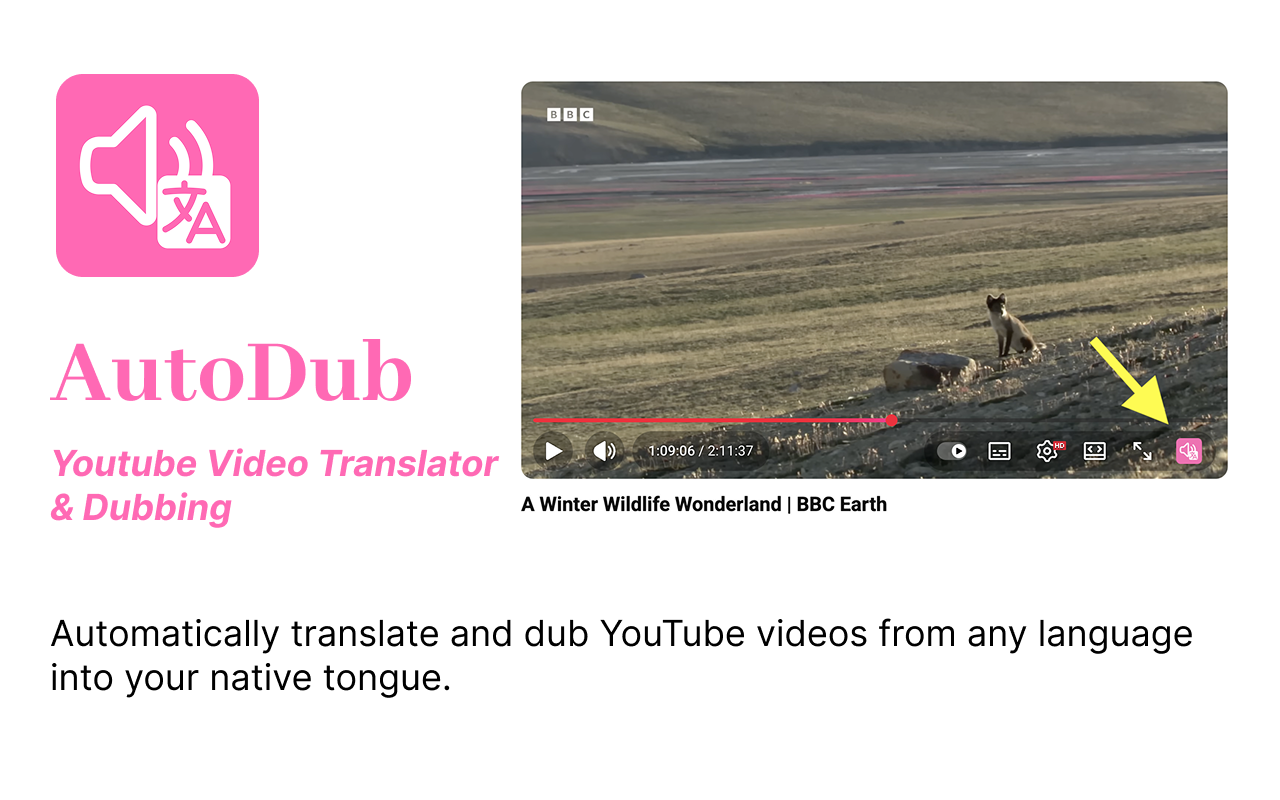
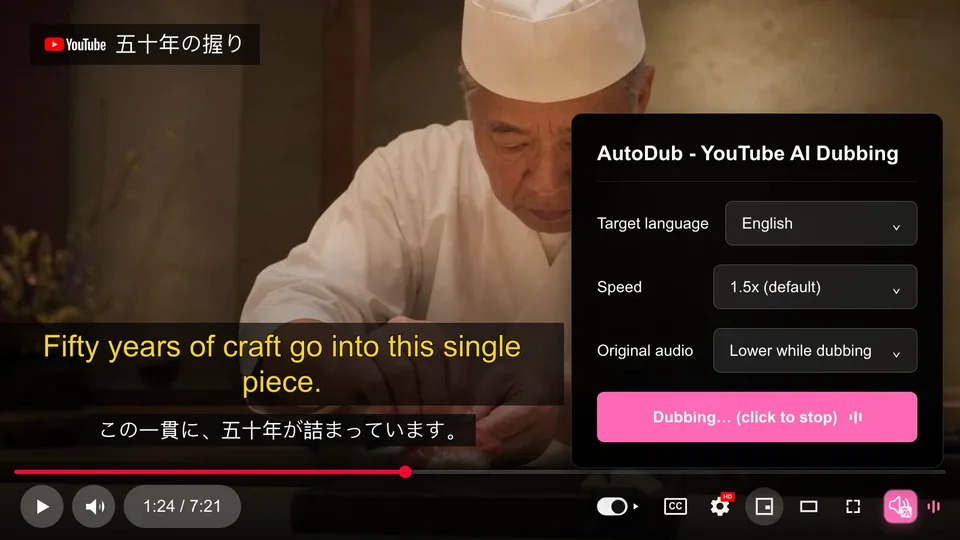
AutoDub is a browser extension for YouTube AI dubbing and translation. It takes a foreign-language YouTube video, translates it, and plays an AI-voiced dub so the viewer hears the content in their own language, with bilingual subtitles displayed over the original. It dubs into 42 languages, offers more than 90 neural voices, and detects the source language automatically. It runs in Chrome, Edge, Brave and other Chromium-based browsers, and a separate Firefox version is available.
The extension adds an AutoDub button to YouTube's player controls. From the panel, the viewer selects a target language and starts playback, and the dub runs along with the video. Translation relies on Google's AI models, and the processing happens on AutoDub's servers using the video's caption track, so a video needs subtitles (YouTube's auto-generated captions count) for dubbing to work. The current version needs no account, and personal use is free with no usage limits.
Who it's for
- YouTube viewers watching foreign-language content
- Learners following lectures and coding tutorials
- Podcast and interview listeners
- People who prefer listening over reading subtitles
How to use AutoDub
- 1
Install the extension
Add AutoDub from the Chrome Web Store in one click, or use the Firefox Add-ons version. A manual .crx download is also offered.
- 2
Open a YouTube video
Go to any YouTube video that has a subtitle track; auto-generated captions are enough.
- 3
Pick your language
Click the AutoDub button in the player controls and choose a target language. The original language is detected automatically.
- 4
Press play
The AI dub starts with the video, and translated subtitles appear on screen alongside the original text.
AutoDub key features
YouTube AI dubbing in 42 languages
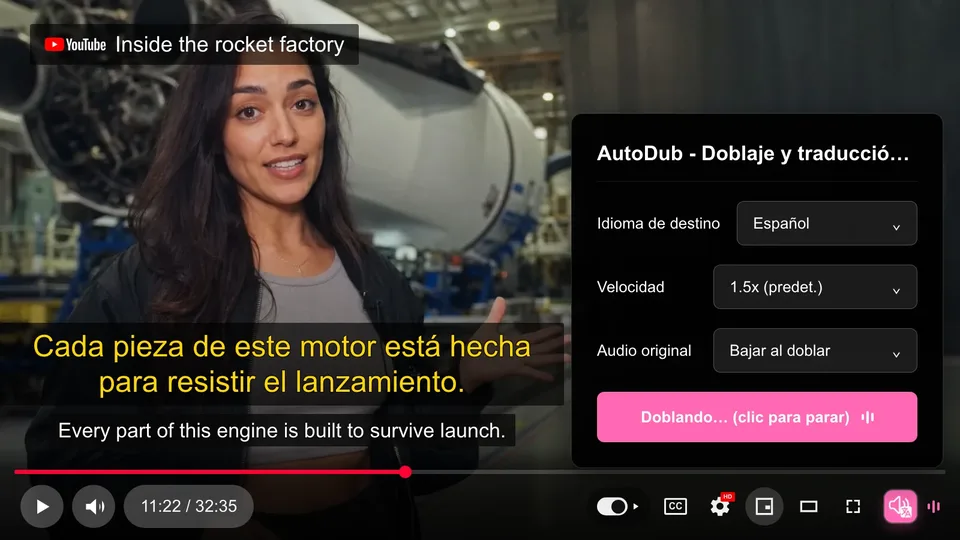
Videos can be dubbed into 42 languages, including English, Chinese, Japanese, Korean, Spanish, Arabic, Hindi and Ukrainian, from any source language.
Bilingual subtitles
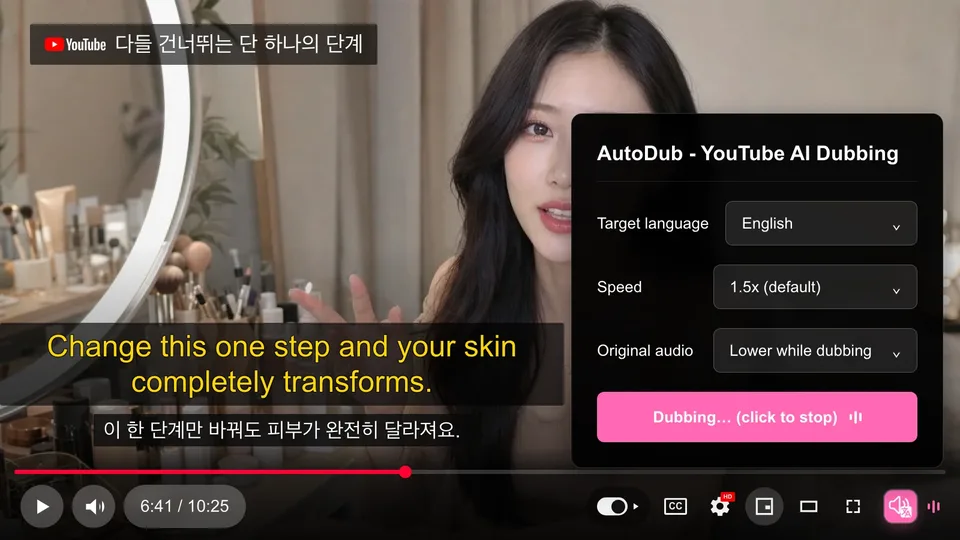
Translated subtitles are shown together with the original lines, so viewers can follow both versions.
Natural neural voices
More than 90 voices are available for the dubbed audio, paired with translation from Google's AI models.
Automatic language detection
AutoDub identifies the language of the source video, so only the target language needs to be chosen.
In-player YouTube dubbing extension panel
The control panel sits inside the YouTube player, with options such as target language, playback speed and how the original audio is handled while dubbing.
No account required
The current extension works without sign-in. Results are cached per video rather than per user.
AutoDub use cases
Programming tutorials
Follow coding tutorials from English-speaking creators with a dub in your own language.
Educational videos and lectures
Watch science explainers and lectures as a YouTube video translator would present them: spoken in your language with subtitles.
Podcasts and long interviews
Listen to long-form interviews without reading subtitles for hours.
Vlogs, documentaries and business talks
Watch YouTube in your language across travel, cooking, documentary, startup and finance content from creators worldwide.
AutoDub FAQ
What is AutoDub?
AutoDub is a browser extension that translates and dubs YouTube videos so you hear them in your own language, with bilingual subtitles on screen.
Is AutoDub free?
Yes. It is free for personal use with no usage limits. The site says any future optional paid features would be announced in advance.
How do I watch YouTube in my language with AutoDub?
Install the extension, open a YouTube video, click the AutoDub button in the player controls, pick a target language and press play. The source language is detected automatically.
Which browsers does the YouTube translation extension support?
It works on Chrome, Edge, Brave and other Chromium-based browsers, and a Firefox version is available. Safari is not supported.
Why doesn't dubbing start on some videos?
AutoDub needs the video to have a subtitle track, and YouTube's auto-generated captions count. Videos with no subtitles at all can't be dubbed yet.
Does AutoDub work on Netflix or other sites?
No. It is built specifically for YouTube, and the team says it is exploring other platforms.
This introduction is based on the public pages of autodub.net, read on October 9, 2026.