
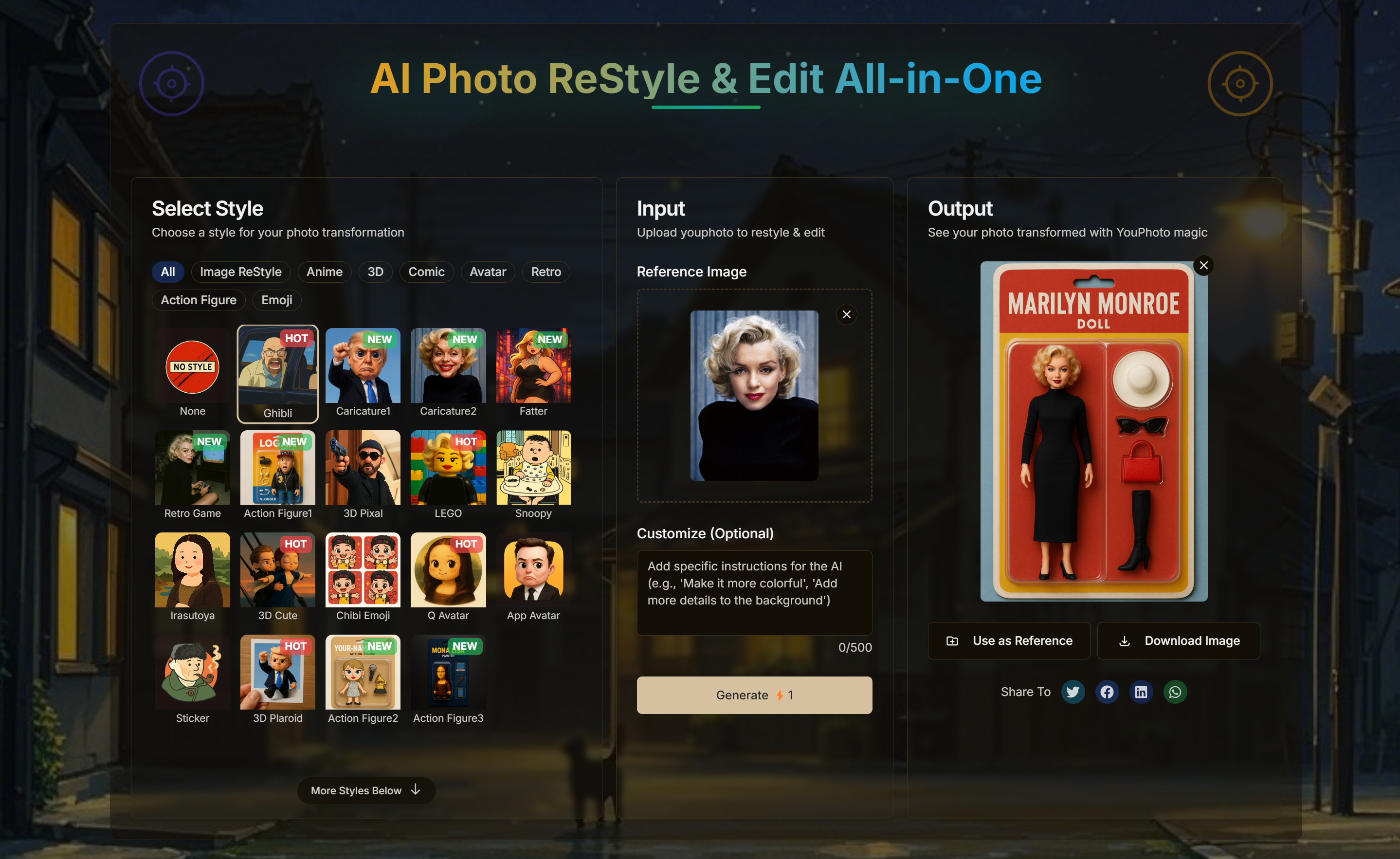
What is YouPhoto AI?
YouPhoto AI is a browser-based AI photo editor that offers image restyle, avatar creation, headshots, emojis and memes in one interface. Users upload a reference image, select a style and generate a new version. The library includes anime, comic, retro, 3D and toy figure looks, alongside named meme styles such as Soyjak, Wojak and Troll Face.
Its preset workflow lets users transform photos without writing complex prompts, while an optional text field supports custom instructions. The editor also provides output aspect ratio choices, a preview area, image downloads and an option to reuse an output as a reference. Beyond creative style transfer, the site describes enhancement tools for resolution, detail and lighting.
Who it's for
- Social media content creators
- People making profile pictures
- Meme and emoji enthusiasts
- Photography hobbyists
How to use YouPhoto AI
- 1
Upload a reference photo
Add the image you want to transform. The site supports subjects including portraits, landscapes, pets and objects, and recommends clearer source images.
- 2
Choose a style and ratio
Select a preset from the style library and choose an output aspect ratio. Add optional text instructions if you want to customize the transformation.
- 3
Generate and preview
Click Generate, then review the transformed image in the output area.
- 4
Download or reuse the result
Download the image for sharing, or use the generated output as a reference for another transformation.
YouPhoto AI key features
Image restyle and style transfer
Apply selectable looks spanning anime, comics, retro imagery, 3D, action figures and toy figures.
Meme generator
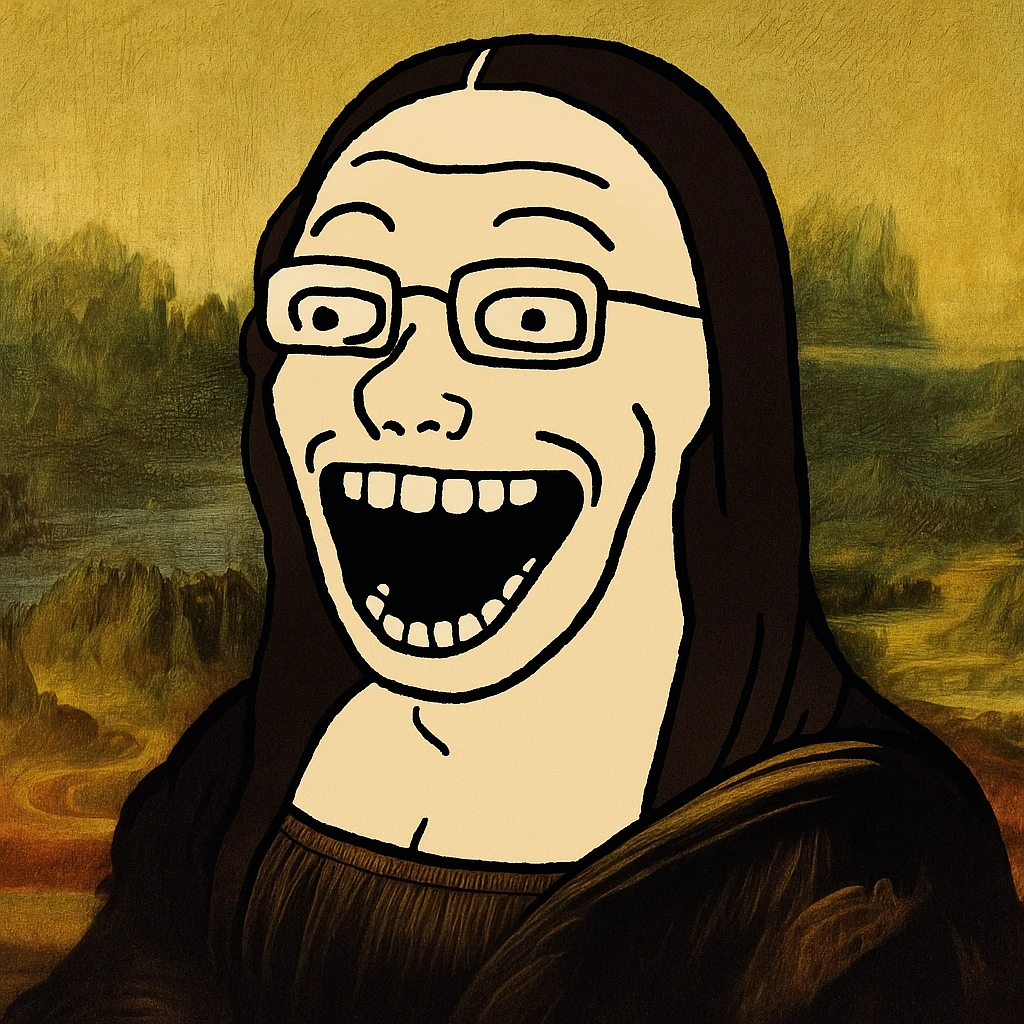
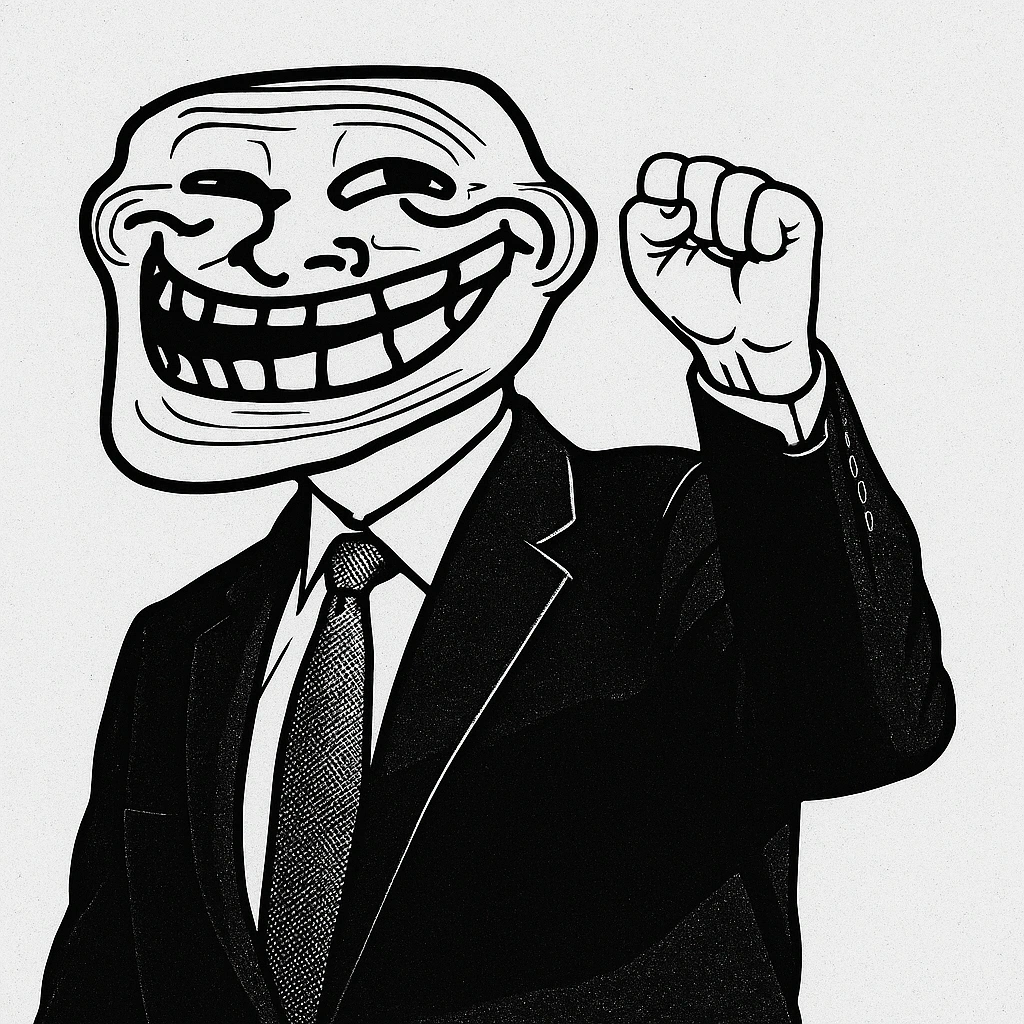
Create photo-based memes with styles such as Soyjak, Wojak, Rage Face and Troll Face. The site's FAQ also describes adding text and effects.
AI avatar and AI headshot options
The site offers avatar and headshot creation, with avatar presets including Q Avatar and App Avatar.
Optional prompts and output ratios
Presets work without complex prompts. Users can supply custom instructions and select square, landscape or portrait output ratios.
AI photo enhancement
The site describes tools for upscaling resolution, sharpening details and improving lighting, alongside its creative transformations.
YouPhoto AI use cases
Create a styled profile picture
Transform a selfie or portrait into an avatar, anime image or 3D look for a personal profile.
Make reaction memes
Use expressive meme presets to turn a source photo into an image for social posts or conversations.
Restyle personal photos
Explore comic, retro or toy figure interpretations of portraits, pet photos and other images.
Improve photos for sharing
Use the described enhancement tools to improve resolution, detail or lighting before downloading a photo.
YouPhoto AI FAQ
What is YouPhoto AI?
YouPhoto AI is an online photo editing tool for restyling images and creating avatars, headshots, emojis and memes. It also describes photo enhancement capabilities.
Is YouPhoto AI free?
The pricing page lists free introductory access for new users and paid one-time top-ups for further use.
How do I use image restyle with YouPhoto AI?
Upload a reference photo, choose a style and output ratio, then click Generate. Preview the result and download it or reuse it as a reference.
Do I need prompts to create an AI avatar?
Most preset features do not require prompts. Optional text instructions are available for custom transformations.
What photos can I use with the meme generator?
The site says portraits, landscapes, pets and objects can be used as source images. Clearer images generally produce better results.
Does YouPhoto AI offer AI photo enhancement?
The site describes resolution upscaling, detail sharpening and lighting improvements. It also states that generated images can be used for digital sharing and personal printing.
This introduction is based on the public pages of youphoto.ai, read on October 9, 2026.