
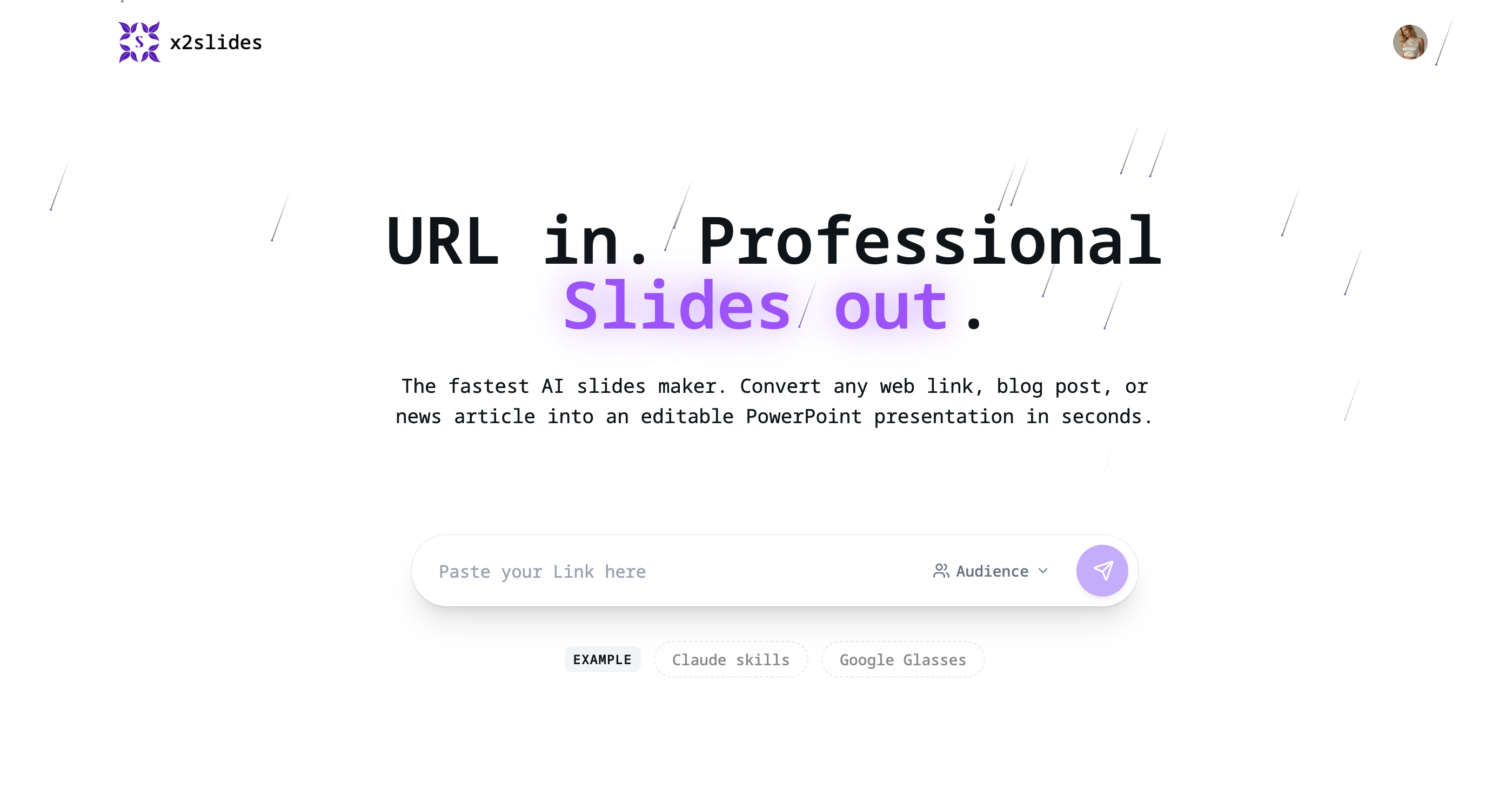
What is X2Slides?
X2Slides is an AI presentation maker for converting web content into editable PowerPoint presentations. Its URL to slides workflow starts with a link to an article, blog post or news report. The service analyzes the linked content, organizes it into a presentation narrative and generates slide layouts, giving users a deck they can preview and download as a PPTX file.
The site highlights content summarization, professional layouts and audience-specific presentation structure. It also describes speaker notes generated for the intended audience, with students, executives and technical teams given as examples. After generation, users can edit the downloaded presentation in their preferred presentation software. This combines source analysis, slide organization and downloadable output within a three-step workflow centered on an existing web link.
Who it's for
- Students presenting web-based reading
- Marketers preparing presentations from articles
- Professionals summarizing news reports
- Presenters addressing executives or technical teams
How to use X2Slides
- 1
Paste a source link
Copy the URL of a web article, blog post or news report and paste it into the X2Slides input box.
- 2
Generate the presentation
Click generate to have the AI analyze the content, organize the narrative and create the slides.
- 3
Preview and download
Preview the generated deck, download the editable PPTX file and open it in your preferred presentation software for further editing.
X2Slides key features
URL-based AI slides generator
Creates presentation slides from linked web content through an automated analysis and generation process.
AI content summarization
Summarizes source material and organizes its content into a slide narrative.
Audience-tailored structure
Adapts the presentation framework to the target audience, such as students, executives or technical teams.
Generated speaker notes
Produces speaker notes based on the intended audience to accompany the presentation.
Editable PowerPoint export
Provides a downloadable PPTX file that users can revise in presentation software.
Automatic slide layouts
Generates slide designs automatically, with professional layouts listed among the site's features.
X2Slides use cases
Web to PowerPoint for student presentations
Turn a linked article or blog post into a presentation for a student audience, then edit the downloaded slides.
News reports for professional presentations
Convert a news report into a structured deck for presenting its content to colleagues or executives.
Blog content for marketing presentations
Use a blog post as the source for a presentation, with AI handling the initial summary and slide organization.
Audience-specific technical presentations
Create a presentation from web content with a framework and speaker notes tailored to technical teams.
X2Slides FAQ
What is X2Slides?
X2Slides converts linked web content into AI-generated presentations. Users can preview the result and download an editable PowerPoint file.
How do I use X2Slides as a URL to PPT converter?
Paste an article, blog post or news report URL into the input box and click generate. Then preview the presentation and download the PPTX file.
Can I edit the generated PowerPoint presentation?
Yes. The site states that its PPTX output is editable and can be opened in your preferred presentation software.
What links can X2Slides convert?
The homepage describes support for web links, including blog posts, articles and news reports. It does not specify compatibility with individual websites or restricted pages.
Is X2Slides free to use?
The homepage advertises a free way to try X2Slides, and the site also lists paid options. The supplied pages do not explain the scope or conditions of free access.
Does X2Slides generate audience-specific speaker notes?
Yes. The homepage describes presentation frameworks and speaker notes tailored to the target audience, including students, executives and technical teams.
This introduction is based on the public pages of x2slides.online, read on October 9, 2026.