
What is WAN 3.0 Video?
WAN 3.0 Video is a browser-based studio for AI text-to-video and AI image-to-video. Users write a prompt or upload a start frame, choose the clip duration and aspect ratio, and then download the finished file. When the underlying model returns an audio track, the sound is included in the same video file, so a clip can arrive with both picture and audio.
The site is aimed at finished short-form video for marketing and social posts, so users do not have to piece together several silent fragments. The site markets clips of up to about 30 seconds, but the studio controls show the range actually available to each account. Generation is billed in credits based on output seconds, and the cost appears before each run. The site describes itself as an independent third-party studio that is not affiliated with Alibaba, Tongyi Lab or the official Wan AI.
Who it's for
- Creators posting short videos every week
- Performance marketers testing ad variants
- Brand and ecommerce teams
- Agencies drafting client concepts
- Game, app and indie filmmakers
How to use WAN 3.0 Video
- 1
Sign in to the workspace
Create an account or log in so that the studio can save your generation history and keep track of your credit balance.
- 2
Pick text or image input
Write a prompt for text-to-video, or upload a photo as the starting frame for image-to-video. You can also add reference stills to keep characters and style consistent.
- 3
Set duration and aspect ratio
Choose the clip length and a landscape or vertical format, then check the credit estimate shown on the generate button.
- 4
Generate and download
Run the job and wait for it to finish, which usually takes a few minutes. Preview the clip and download the file, which includes audio if the model returned any.
WAN 3.0 Video key features
AI text to video
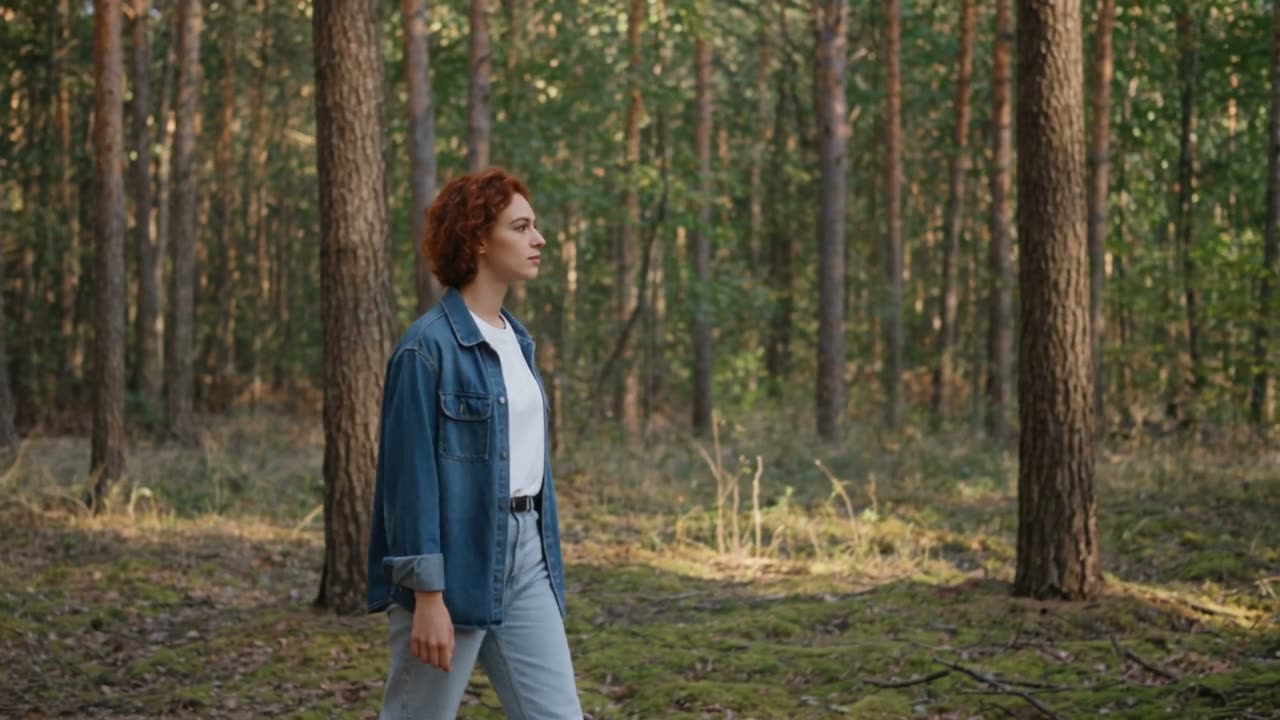
Prompts can describe the subject, camera movement, lighting and mood, and the model generates a clip from that description.
AI image to video
A still image such as a product shot, character or key artwork can serve as the start frame for an animated clip.
Reference to video with multiple stills
Users can add several reference images to tie down the subject and setting, and the desk also offers first-to-last-frame motion.
AI video with sound
If the connected model returns an audio track, the sound is saved in the same file as the picture.
Short-form video formats
Clips can be rendered in 16:9, 9:16 and other ratios for feeds, Stories and Reels. Duration is adjustable within the range each account allows.
Credits shown before you generate
Cost depends on output seconds and is displayed before each run. Credit packs and plans can be bought on the site.
WAN 3.0 Video use cases
Vertical hooks for Reels and Shorts
Weekly creators can produce vertical clips for social platforms without organizing a film shoot.
Ad variant testing
Marketers can replace the product still or change the prompt to produce more versions of an ad for testing.
Product motion for ecommerce
Brand teams can animate packshots for product pages and paid social campaigns.
Storyboards and look exploration
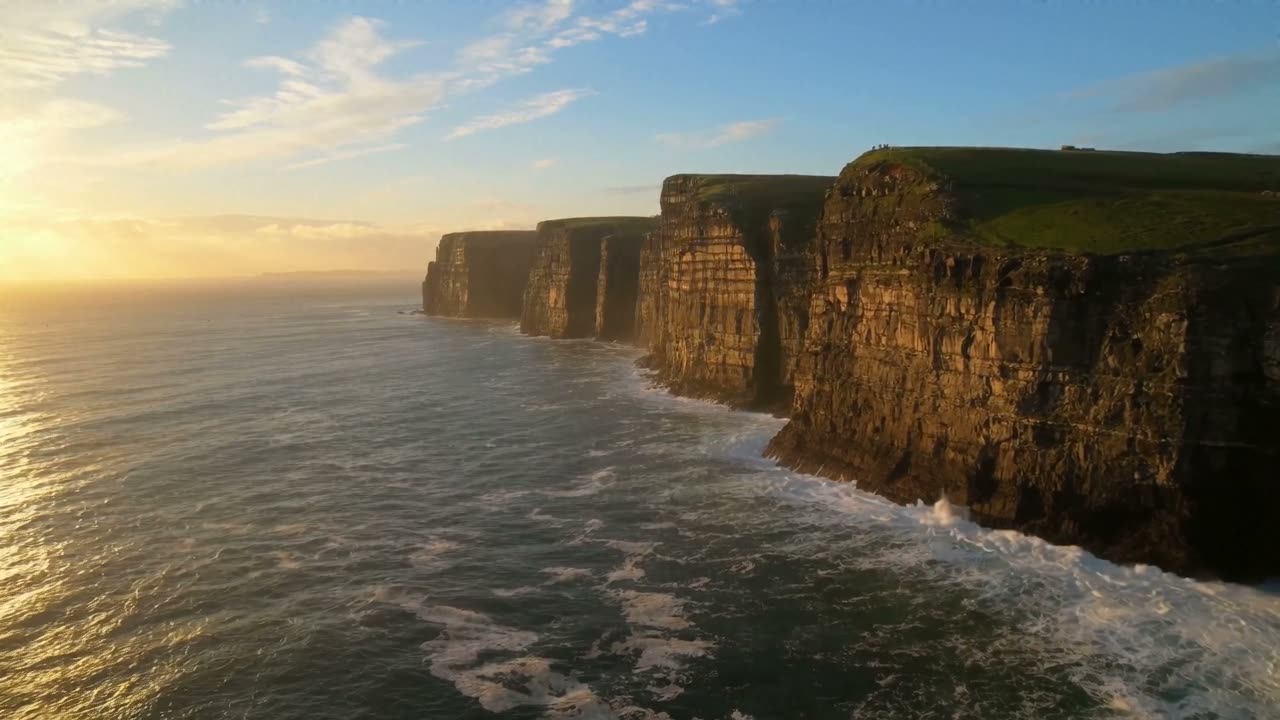
Agencies and filmmakers can try out camera language and visual styles in the browser before committing to a larger production.
How WAN 3.0 Video is built
WAN 3.0 Video uses the ShipAny Vinext template. Its account sign-in, starter credits, credit packs and plans can draw on the authentication, payments, subscriptions and credit system that ShipAny provides ready-made.
View the ShipAny Vinext templateWAN 3.0 Video FAQ
What is WAN 3.0 Video?
It is a browser workspace for short AI video that supports text-to-video, image-to-video, several aspect ratios, credit-based generation and downloads. It describes itself as an independent studio that is not affiliated with Alibaba or the official Wan AI.
Is WAN 3.0 Video free?
Signing up is free. When starter credits are enabled, new accounts get a trial balance that covers a first short clip. Further generations use credits from paid packs or plans.
How do I make an AI video with sound with WAN 3.0 Video?
Enter a prompt or upload a start frame, then set the duration and ratio and generate the clip. If the connected model returns audio, the sound is part of the downloaded file.
Can I turn an image into a video?
Yes. Upload a still as the start frame for image-to-video. You can also add extra reference stills to keep the character or style consistent.
How long can a clip be?
The site markets clips of up to about 30 seconds per generation. The studio controls show the range currently allowed for your account.
Can I use the videos commercially?
Yes, as long as you follow the site's Terms and your plan. You remain responsible for the rights to any faces, brands, music or materials you upload.
This introduction is based on the public pages of wan3video.art, read on October 9, 2026.