
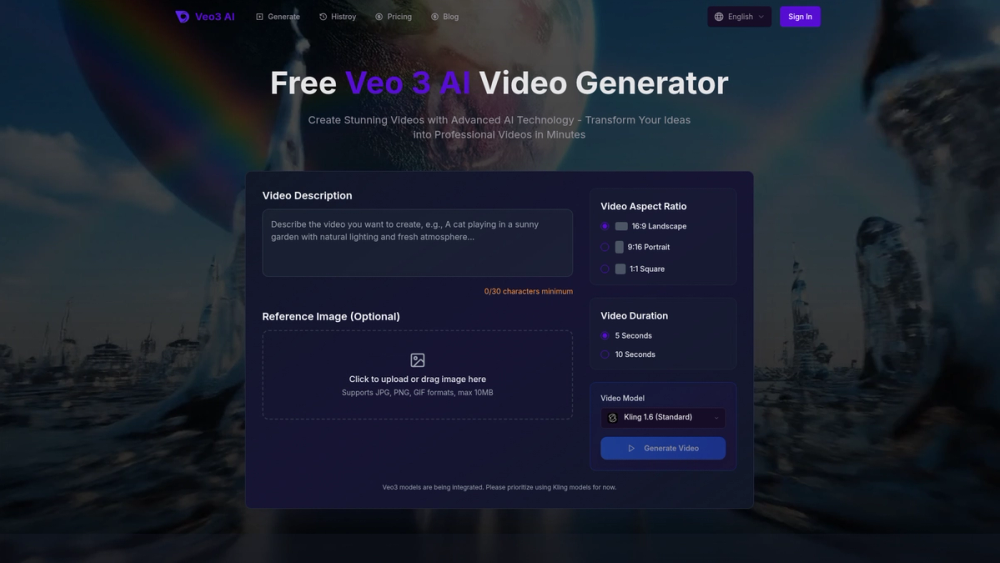
What is Veo3 AI?
Veo3 AI is a free Veo 3 AI video generator for creating short clips from written prompts or still images. Users choose a model, describe a scene or upload a picture, and the platform generates the video. Its text to video AI and image to video AI tools sit alongside image generation features such as text to image and image to image, all inside one web app.
What sets Veo3 AI apart is that it brings several video models together in one place: Veo 3 with native synchronized audio for clips of up to 8 seconds, Veo 3.1 with output up to 4K and first and last frame control, and Gemini Omni Flash 1.1 for 4 to 10 second clips. Seedance, Kling, MiniMax/Hailuo and Sora 2 are also listed. The site says it is an independent product and is not affiliated with Google.
Who it's for
- Content creators making short-form videos
- Marketers producing product ads
- AI filmmaking hobbyists
- Social media managers for TikTok and Reels
- Designers animating still images
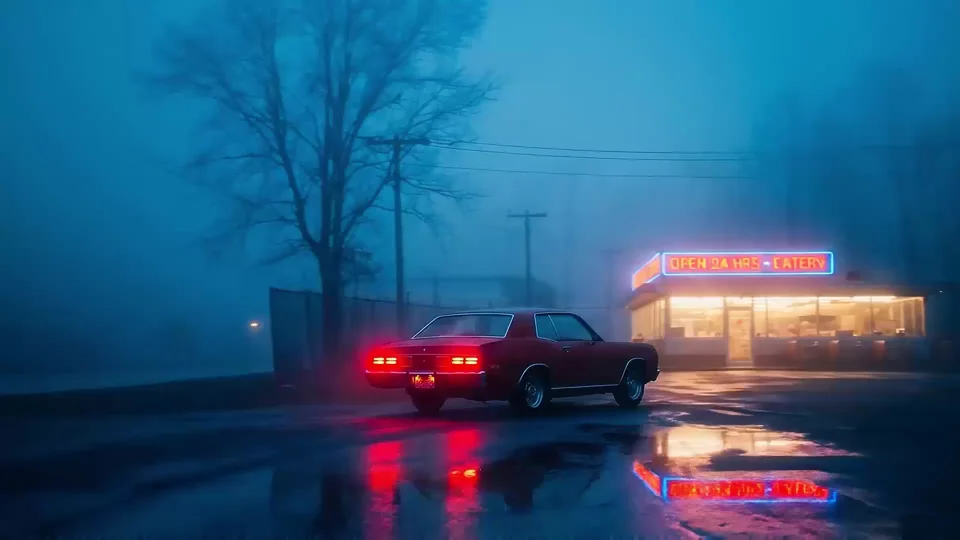
How to use Veo3 AI
- 1
Sign in
Create an account or sign in on veo3ai.io to start generating.
- 2
Pick a mode and model
Choose text to video or image to video, then select a model such as Veo 3, Veo 3.1 or Gemini Omni Flash 1.1.
- 3
Write a prompt or upload an image
Describe the scene, camera movement and mood, or upload a photo to animate; with Veo 3.1 you can also set first and last frames.
- 4
Generate and download
Run the generation, then review the result and find it later under My Creations.
Veo3 AI key features
Text to video AI
Turns written prompts describing scenes, styles and camera movement into video clips.
Image to video AI
Animates an uploaded still image based on a prompt, adding motion and camera work.
Veo 3.1 with 4K and frame control
Supports output up to 4K and lets users define the first and last frame of a clip.
Veo 3 native audio
Generates clips of up to 8 seconds with synchronized audio produced by the model.
Multiple video and image models
Offers Seedance, Kling, Hailuo, Sora 2, Gemini Omni and image models such as Nano Banana and Seedream in one place.
Templates for specific tasks
Includes tools for product ads, product photos, logo animation, YouTube videos, TikTok and Reels, and animating old photos.
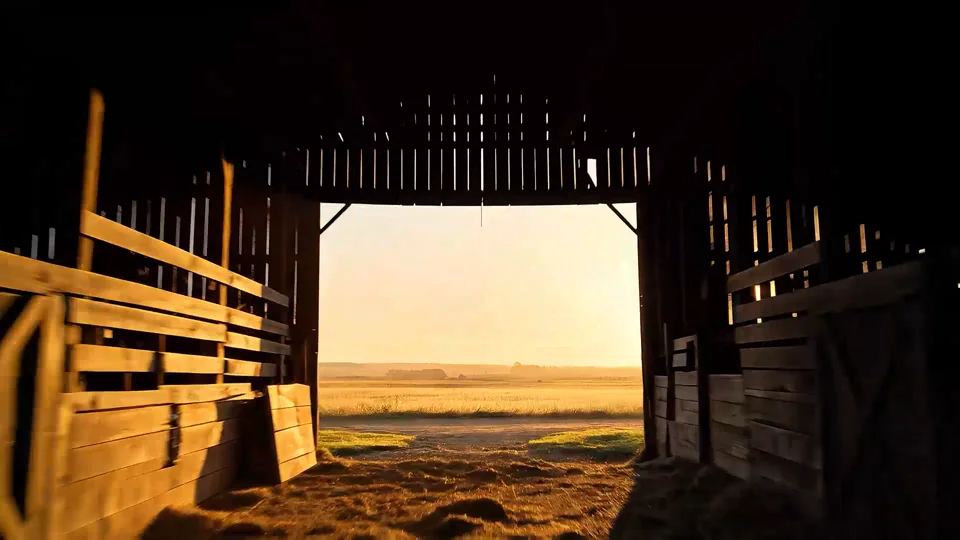
Veo3 AI use cases
AI filmmaking and short scenes
Create cinematic shots from a written description, such as a car outside a foggy diner or a rider at sunset.
Social video content
Produce short clips sized for YouTube, TikTok and Reels without filming.
Product ads and logo animation
Turn product photos or logos into animated promotional clips.
Bringing old photos to life
Animate still or vintage photographs with the image to video AI tool.
Veo3 AI FAQ
What is Veo3 AI?
Veo3 AI is a web-based AI video generator that creates videos from text prompts or images using models such as Veo 3, Veo 3.1, Gemini Omni Flash 1.1, Seedance and Kling.
Is Veo3 AI free?
The site invites users to start free, and paid subscription plans are available for more credits, higher resolution and other extras.
Is Veo3 AI the official Google Veo 3?
No. The site states it is an independent product and is not affiliated with Google; it provides access to Veo models alongside others.
How do I make a video with the text to video AI in Veo3 AI?
Select text to video, choose a model, write a prompt describing the scene and camera movement, and generate the clip.
Can Veo3 AI create 4K AI videos?
Yes. Veo 3.1 and Gemini Omni Flash 1.1 are listed with output up to 4K, though available resolution depends on the plan.
Can I use videos from Veo3 AI commercially?
The paid plans list commercial usage rights for generated content.
This introduction is based on the public pages of veo3ai.io, read on October 9, 2026.