
What is Unblur Image?
Unblur Image is a web tool for people who want to unblur image files free online. It targets motion blur from camera shake, out-of-focus shots, noise from low light and low-resolution pictures, and works as a no login AI photo enhancer: visitors can upload a PNG, JPG or WEBP file and start without creating an account.
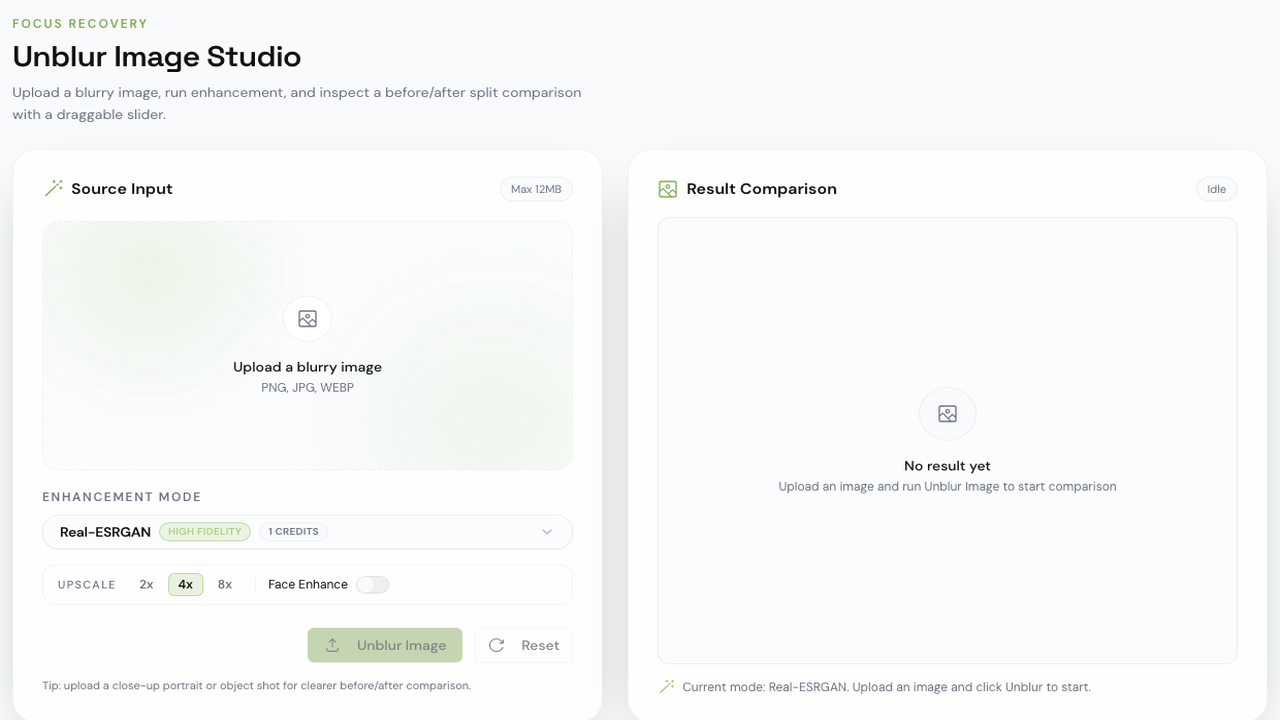
Two processing paths are offered. A free local model runs entirely in the browser, so the photo never leaves the device and no credits are used. For higher-fidelity photo deblur results, the cloud model UModel restores images at 1K, 2K or 4K output sizes using a daily free credit allowance, with paid plans available for heavier use. Results are shown in a before/after slider and download without watermarks.
Who it's for
- People with blurry phone or camera photos
- Pet and wildlife photographers
- Users restoring old family pictures
- Anyone needing readable scans or screenshots of text
- Privacy-conscious users who prefer on-device processing
How to use Unblur Image
- 1
Upload a blurry photo
Drag and drop or select a PNG, JPG or WEBP image on the homepage; no account is needed to begin.
- 2
Pick a model and output size
Use the cloud UModel with a 1K, 2K or 4K output size, or switch to the free local model to keep the image on your device.
- 3
Compare before and after
Drag the comparison slider to check the restored photo against the original.
- 4
Download the result
Save the sharpened image, which is delivered without a watermark.
Unblur Image key features
Local AI image upscaler in the browser
A free on-device model deblurs and upscales photos without uploading them or spending credits; the site shows a 400-pixel photo enlarged 4×.
Remove blur from photo automatically
The AI identifies blur types such as motion, defocus, Gaussian blur or compression artifacts and applies a matching restoration.
Face and detail enhancement
Facial features like eyes, skin texture and hair are rebuilt, along with edges and fine textures elsewhere in the image.
Low-light and old photo restoration
Reduces noise from high ISO or slow shutter speeds and cleans blur, scratches and artifacts from older photographs.
Text and document clarity
Makes blurry text in scans, screenshots and photos of documents easier to read.
Batch processing on paid plans
Paid plans let users process several images at once and download the results together as a ZIP file.
Unblur Image use cases
Fix blurry photo free after camera shake
Recover handheld night shots, pet pictures or food photos smeared by movement.
Sharpen image online free for portraits
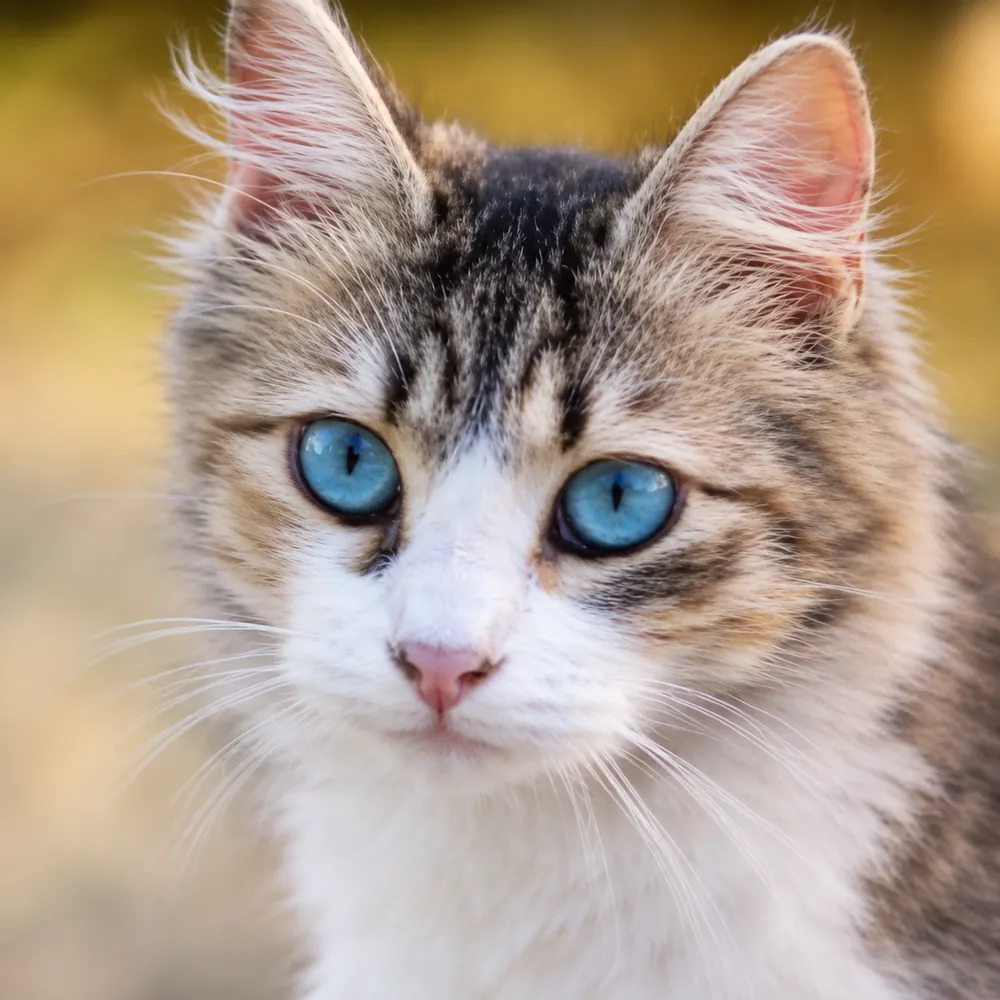
Bring back eye, lash and hair detail in out-of-focus portraits while keeping the background soft.
Upscale small or low-resolution images
Enlarge tiny photos, such as a distant wildlife shot, into higher-resolution versions with clearer texture.
Make documents readable
Clean up blurry scans and screenshots so the text can be read again.
Unblur Image FAQ
What is Unblur Image?
Unblur Image is an online AI tool that restores blurry, out-of-focus, noisy or low-resolution photos, using either a local in-browser model or a cloud model called UModel.
Can I unblur image files free online without logging in?
Yes. The local model is free and needs no account, and the cloud model also includes a daily free credit allowance with no sign-up required to start. Paid plans exist for larger workloads.
How do I unblur a photo online with Unblur Image?
Upload a PNG, JPG or WEBP image, choose the cloud UModel or the free local model, compare the result with the slider and download the sharpened photo.
Does Unblur Image work as a local AI image upscaler?
Yes. The free local model runs in your browser, keeps the photo on your device and can upscale images, for example enlarging a 400-pixel photo 4×.
What kinds of blur can it remove from a photo?
The site lists motion blur, out-of-focus blur, Gaussian blur, compression artifacts, low-light noise and damage on old photos, plus blurry text.
Are downloads watermarked?
No. Restored images are downloaded without watermarks.
This introduction is based on the public pages of unblur-image.io, read on October 9, 2026.