
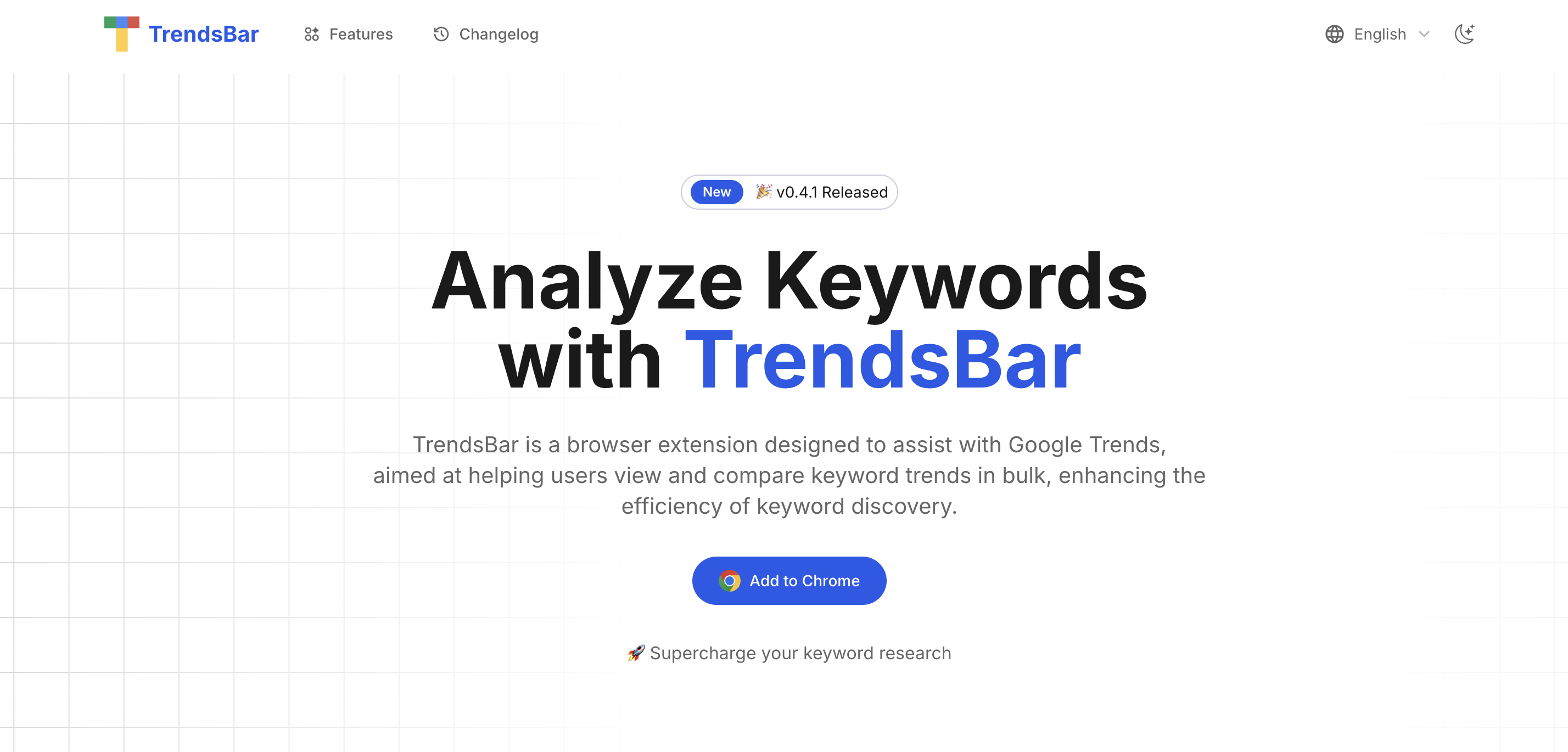
What is TrendsBar?
TrendsBar is a free browser extension for Google Trends, available for Chrome and Edge. It is built for keyword research: rather than entering terms into Google Trends one by one, you can open the trends for several seed keywords at once and compare them. This makes trend analysis faster when you are working through a long list of ideas.
Beyond bulk viewing, TrendsBar adds a hover toolbar to keywords on the Google Trends page, so you can compare, analyze or edit a term in one click. An analysis assistant translates keywords and calculates a keyword score, and configurable analysis links let you look a term up in search engines and domain tools. According to the site, all data stays in your browser and is not uploaded to servers.
Who it's for
- SEO specialists
- Indie makers looking for niche ideas
- Content marketers
- Website builders researching domains and keywords
How to use TrendsBar
- 1
Install the extension
Add TrendsBar to Chrome or Edge from the links on the homepage.
- 2
Enter seed keywords
Add or edit a batch of seed keywords in the extension panel and open their Google Trends charts with one click.
- 3
Compare and analyze
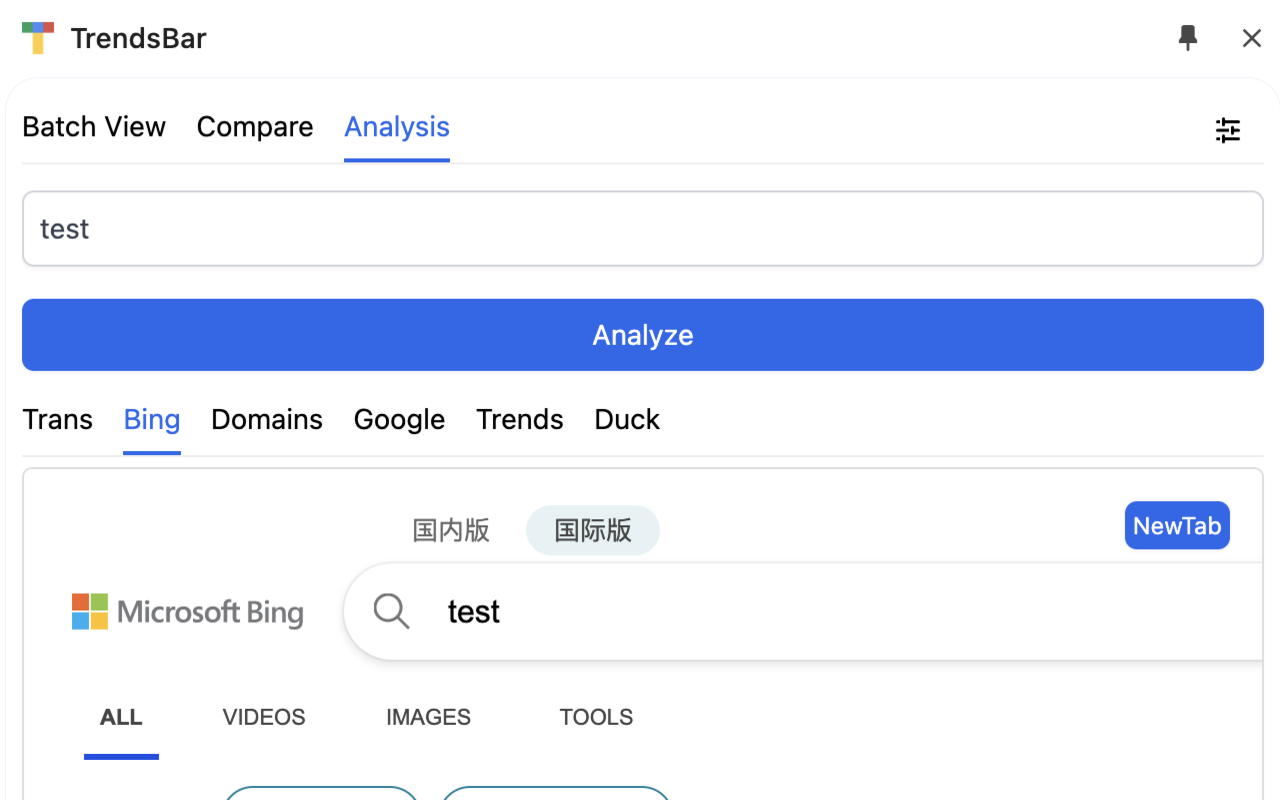
Hover over keywords on the Google Trends page to compare them, or use the Analysis tab to translate a term, see its score and look it up in search engines.
- 4
Adjust settings
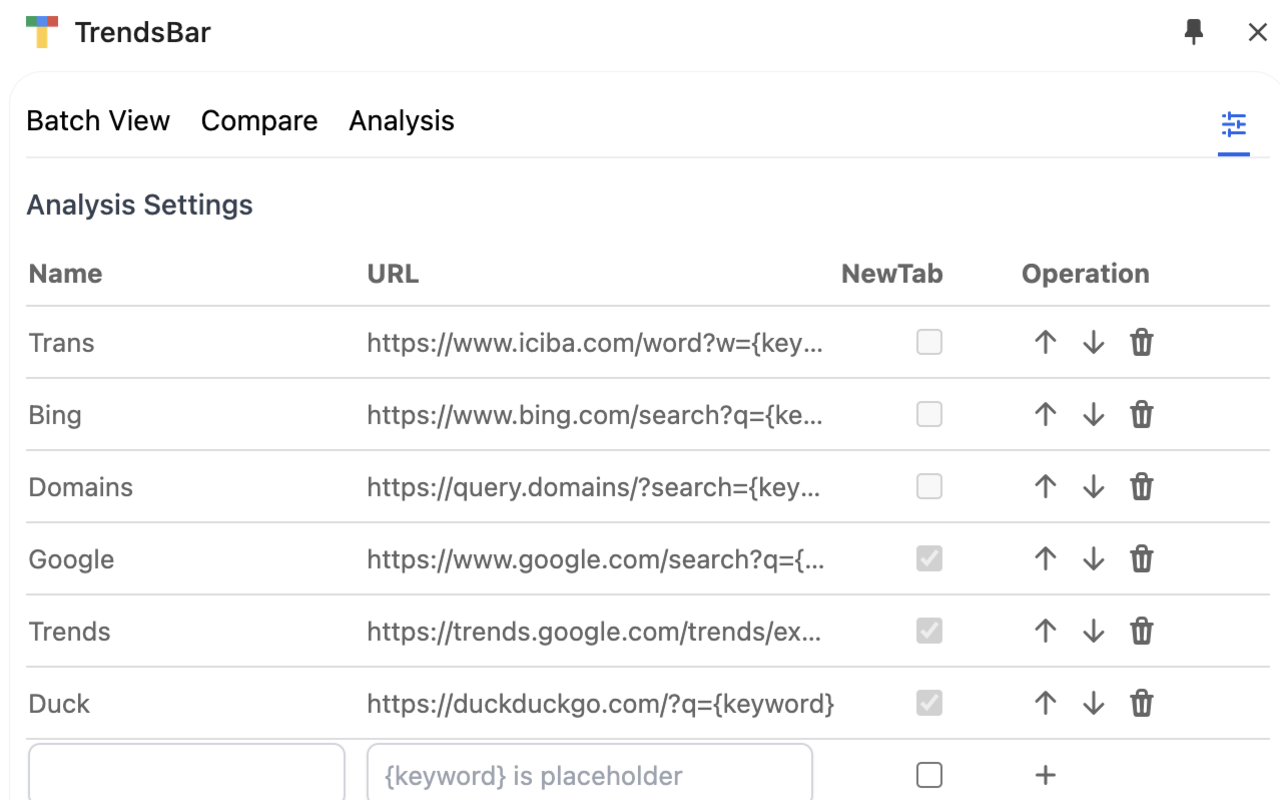
Edit the analysis links, set regions and review your analysis history, bookmarked keywords and organized lists.
TrendsBar key features
Bulk keyword trends
Opens the Google Trends data for multiple seed keywords in one click, with time and region comparison links.
Compare keyword trends on hover
Hovering over a keyword on the Google Trends page brings up a toolbar to compare it, analyze it, delete it or add and remove quotation marks.
Keyword analysis assistant
Translates keywords and calculates a keyword score to help you understand what a term means and the search intent behind it.
Customizable analysis links
A settings page lets you add, reorder and remove lookup links such as search engines and domain search, using a keyword placeholder.
Right-click menu
Select text on any page and launch TrendsBar from the context menu to analyze or compare it.
History and bookmarks
Keeps an analysis history, lets you bookmark and organize keywords, and stores data locally in the browser.
TrendsBar use cases
Keyword research for new sites
Check many candidate keywords at once to see which ones show rising interest before choosing a niche.
Trend analysis across regions and time
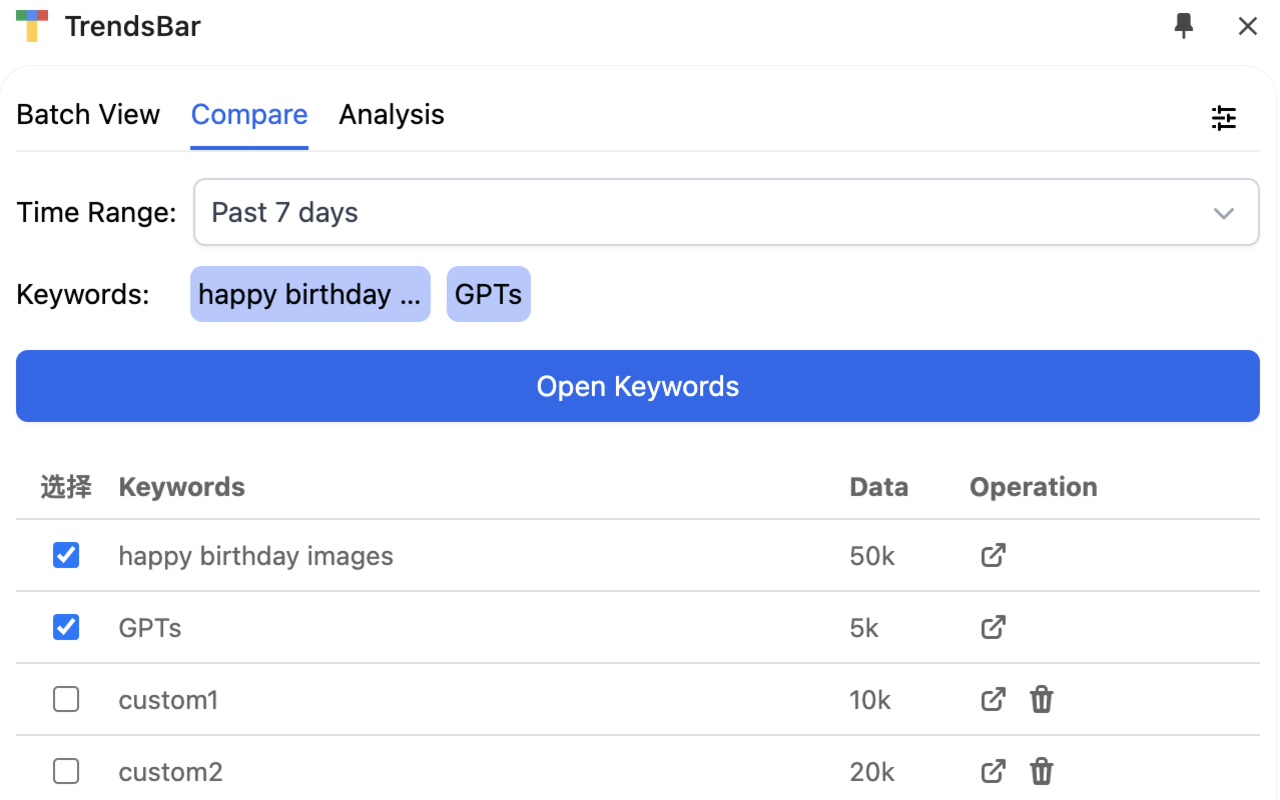
Use comparison links to see how a group of keywords performs over different time ranges and regions.
Understanding foreign-language keywords
Translate unfamiliar trending terms and review their search intent before deciding whether to target them.
Checking domains for a keyword
Jump from a trending keyword to domain search and search engine results to judge competition and availability.
TrendsBar FAQ
What is TrendsBar?
TrendsBar is a browser extension for Google Trends that lets you view and compare keyword trends in bulk and analyze individual keywords.
Is TrendsBar free?
Yes. The site states that TrendsBar is completely free to use.
How do I compare keyword trends with TrendsBar?
Hover over keywords on the Google Trends page and use the toolbar to compare them, or select keywords in the Compare tab and open them together with a chosen time range.
Which browsers does the Google Trends extension support?
TrendsBar currently supports Chrome and Edge, and the developers say more browsers are planned.
Does TrendsBar collect my data?
According to the site, all TrendsBar data is stored locally in your browser and is never uploaded to servers.
Does TrendsBar support multiple languages?
Yes. It currently supports languages including English and Chinese, with more planned.
This introduction is based on the public pages of trendsbar.net, read on October 9, 2026.