
What is TRELLIS 3D AI?
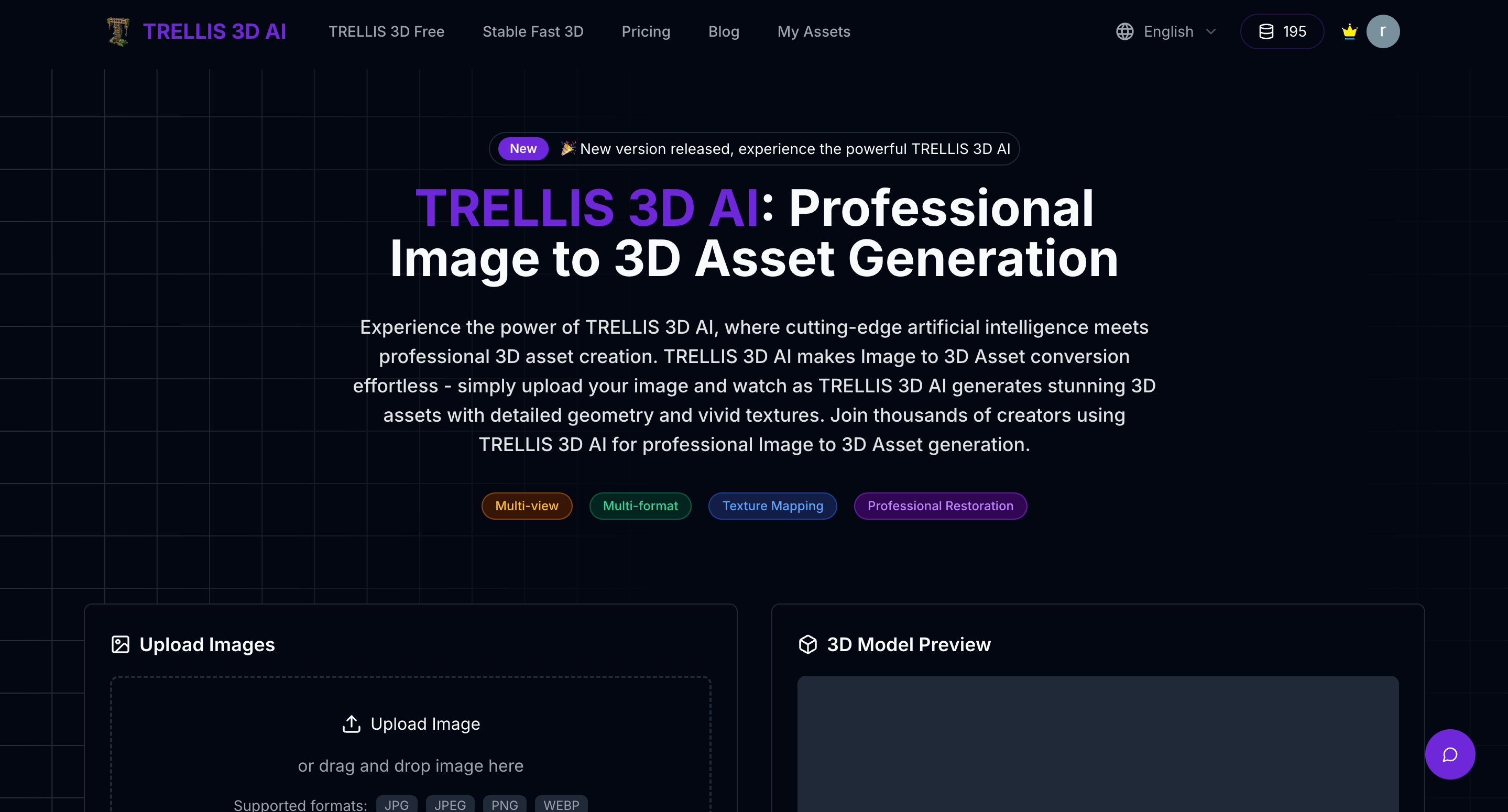
TRELLIS 3D AI is a browser-based image to 3D service for 3D asset generation. Users upload a picture, the AI builds a model with geometry and textures, and the result can be previewed in an in-browser viewer before being downloaded in GLB, OBJ, STL, GLTF, USDZ or PLY format. A free online version is available, and the site notes it has since been upgraded and rebranded as Morfx 3D.
The tool is based on the TRELLIS approach, which uses Structured Latents (SLAT) together with pretrained vision encoders and rectified flow transformers to keep both the shape and visual detail of the source image. Beyond generation, the site describes local editing of specific regions of an asset, multi-view input, and a set of free 3D file viewers for formats such as GLB, STL, OBJ, FBX and USDZ.
Who it's for
- Game developers needing quick 3D assets
- 3D artists and designers
- AR and e-commerce creators
- 3D printing hobbyists
- Indie makers prototyping 3D content
How to use TRELLIS 3D AI
- 1
Upload an image
Choose a clear, well-lit image of the object you want to turn into a 3D model and upload it.
- 2
Generate the 3D asset
Let the AI convert the image into a 3D asset with geometry and textures.
- 3
Preview in the browser
Inspect the generated model in the built-in browser viewer without installing any software.
- 4
Download your file
Export the asset in GLB, OBJ, STL, GLTF, USDZ or PLY format for use in games, apps or other projects.
TRELLIS 3D AI key features
Image to 3D asset generation with SLAT
Uses Structured Latents and vision encoders to preserve structure and visual detail when converting an image to a 3D model.
Multiple 3D output formats
Exports generated assets as GLB, OBJ, STL, GLTF, USDZ and PLY files.
Browser-based 3D preview
Generated models can be viewed directly in the browser, with no software installation required.
Local region editing
Allows targeted changes to specific regions of a generated asset.
Multi-view and texture support
Supports multi-view image input and texture mapping; paid plans add PBR texture support.
Free 3D file viewers
Includes online viewers for GLTF, GLB, STL, OBJ, FBX, PLY, 3DM, VOX, 3MF and USDZ files.
TRELLIS 3D AI use cases
Game asset creation
Turn concept art or reference photos into 3D props and characters for game prototypes.
3D printing from a photo
Generate an STL or OBJ model from an image as a starting point for printing.
AR and product previews
Produce USDZ or GLB files from product images for web or AR viewing.
Free image to 3D experiments
Try AI 3D model generation in the free online version before committing to a paid plan.
TRELLIS 3D AI FAQ
What is TRELLIS 3D AI?
TRELLIS 3D AI is an online tool that converts a single image into a textured 3D asset. It is built on the TRELLIS approach using Structured Latents (SLAT), and the site has since been upgraded to Morfx 3D.
Is TRELLIS 3D AI free?
Yes, a free online version is offered. Paid subscriptions with credits add capabilities such as more generations, advanced models and faster speed.
How do I convert an image to 3D with TRELLIS 3D AI?
Upload an image, let the AI generate the 3D asset, preview it in the browser viewer, then download it in your preferred format.
Which 3D formats does TRELLIS 3D AI export?
Generated assets can be downloaded as GLB, OBJ, STL, GLTF, USDZ or PLY files.
What images work best for 3D asset generation?
Clear, well-lit images in which the object's features are easy to see give the best results.
Can I use the generated 3D assets commercially?
According to the site, assets created with TRELLIS 3D AI may be used commercially, subject to its terms of service.
This introduction is based on the public pages of trellis3d.co, read on October 9, 2026.