
What is ClothMotion?
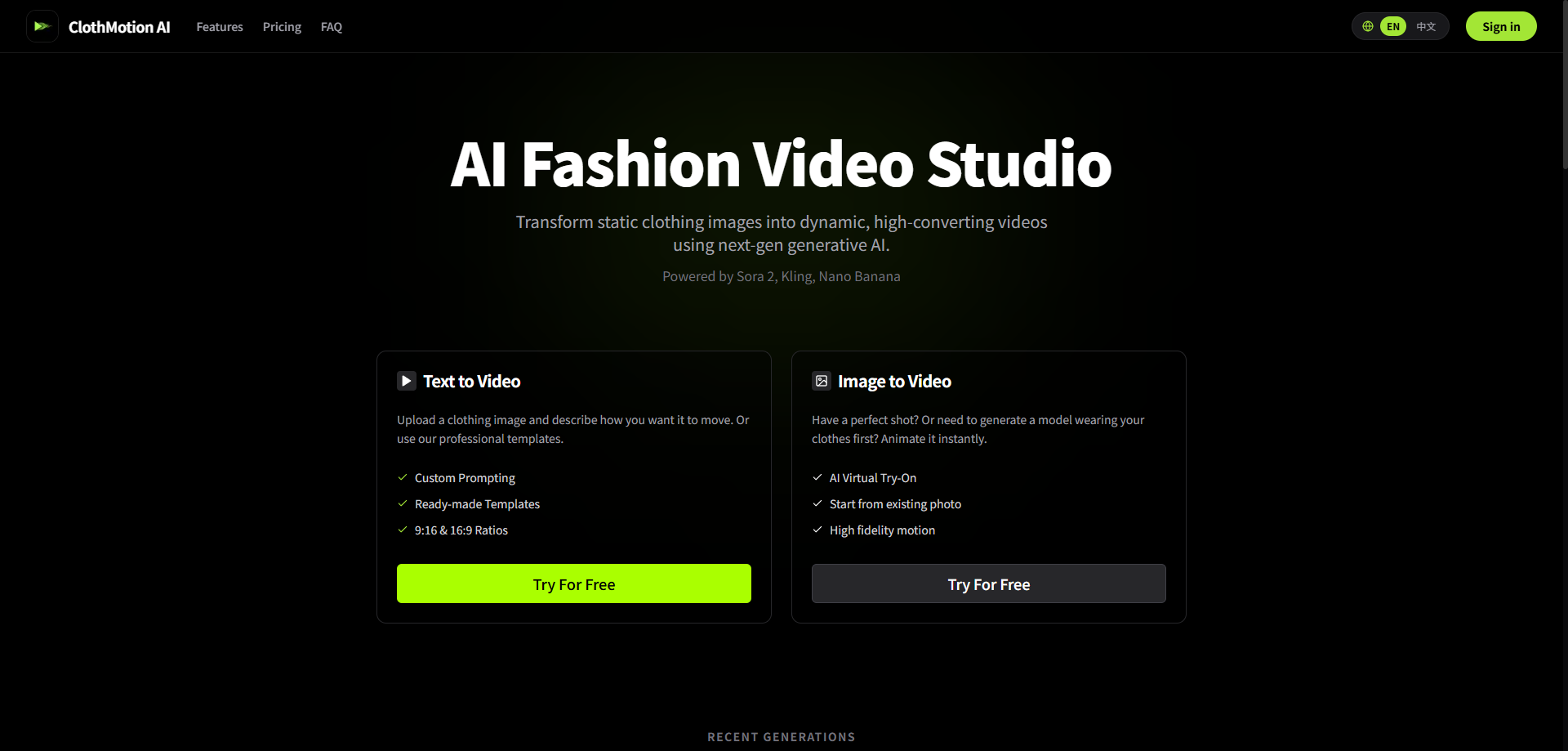
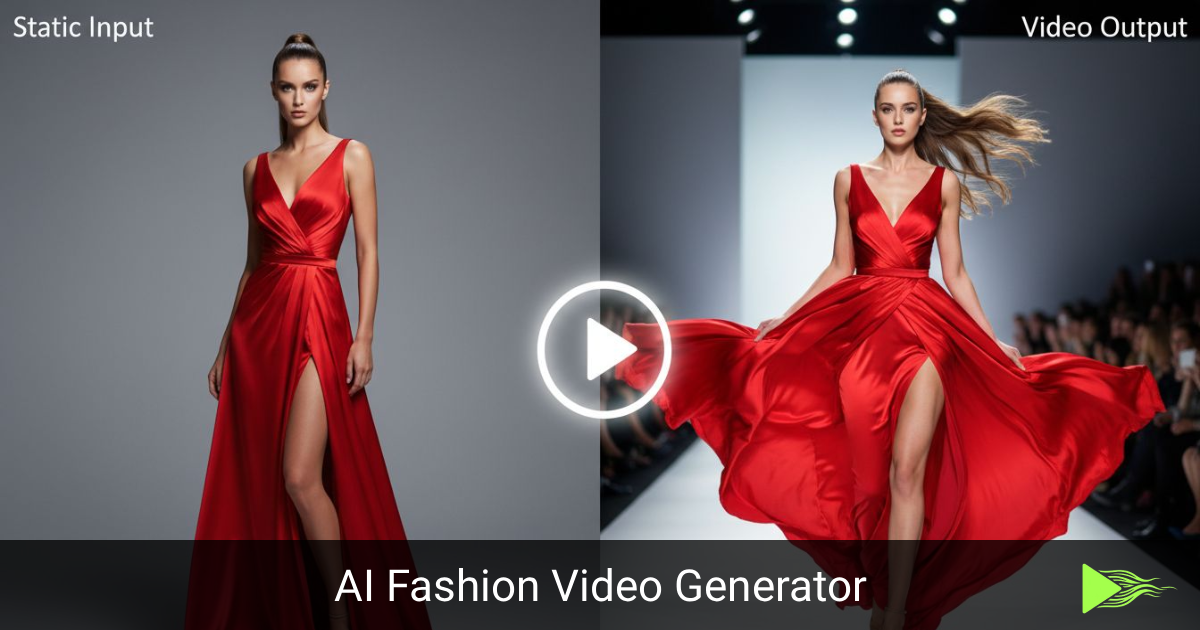
ClothMotion is an AI fashion video generator built for e-commerce sellers and fashion designers. It takes a static clothing image and produces a moving video of the garment being worn, so brands can create product clips without organizing a model shoot. Users can work in text to video mode, describing the motion they want or picking a ready-made template, or in image to video mode, animating an existing photo or first generating a model wearing the clothes through AI virtual try-on.
Generation runs on a choice of third-party models, including Seedance 2.0, Veo 3.1, Kling, Hailuo, Sora and Nano Banana, alongside an in-house cm base option intended for high-volume work. A Motion Control mode copies the movement, posture and rhythm from a short reference clip onto a new subject image. Output supports 9:16 and 16:9 ratios, 720p or 1080p, and lengths from 3 to 30 seconds depending on the model. The site says uploads are not used to train AI models.
Who it's for
- Fashion brands and clothing designers
- Shopify and e-commerce store owners
- TikTok Shop sellers
- Social media marketers producing product videos
How to use ClothMotion
- 1
Sign in
Create an account with email or Google; new users receive free credits to try the tool.
- 2
Choose a mode
Pick text to video, image to video, AI virtual try-on or Motion Control depending on whether you have a finished photo, just a garment, or a reference clip.
- 3
Upload and describe
Upload your clothing image, write a prompt or select a template or script, and set the model, aspect ratio, resolution and duration.
- 4
Generate and review
Run the generation, check the result in your task history, and download it for your store or social channels.
ClothMotion key features
Text to video with custom prompts
Describe how a garment should move, or start from professional templates, and export in vertical 9:16 or horizontal 16:9.
Image to video and AI virtual try-on
Animate an existing product photo, or first generate a model wearing your clothes and then bring that image to life.
Motion control from a reference clip
Combine a short mimic video with a subject image so the new video follows the same action while keeping your character and styling.
Multiple video models
Switch between models such as cm base, Kling, Seedance 2.0, Veo 3.1, Hailuo and Sora to balance credit cost against visual quality.
Script library and multi-scene settings
Reuse built-in viral video scripts and place outfits in settings like malls, parks, offices and cafes.
Private task history
Task records and result links are saved to the user's account, and uploads are not used for model training; some media links may expire after 24 hours.
ClothMotion use cases
TikTok Shop videos
Sellers can turn catalog photos into short vertical clips for product listings and promotion without hiring models.
AI clothing video for product pages
Online stores can add motion to garment pages to show how fabric drapes and moves.
Runway-style lookbooks
Designers can present a collection as runway-like clips generated from studio photos.
Recreating trending motions
Marketers can use Motion Control to apply a popular dance or pose sequence to their own model and outfit.
ClothMotion FAQ
What is ClothMotion?
ClothMotion is an AI fashion video generator that creates clothing videos and virtual try-on clips from text prompts or images. It is aimed at e-commerce sellers and fashion designers.
Is ClothMotion free?
New users get free credits on registration, and paid plans are available. Videos made on the free tier carry a watermark and require attribution for commercial use, while paid subscribers get watermark-free downloads.
How do I make an AI virtual try-on video with ClothMotion?
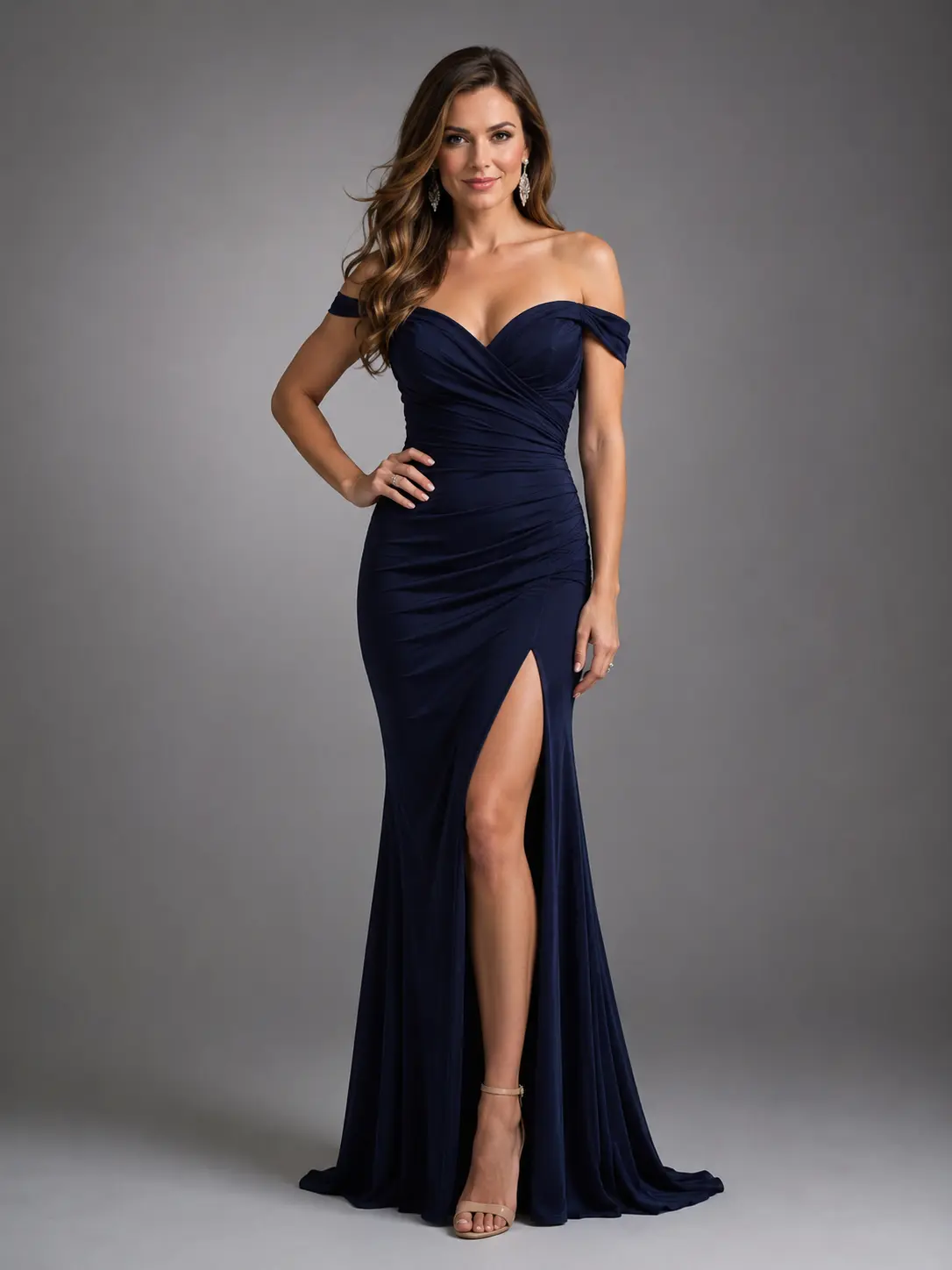
Choose the image to video mode, use AI virtual try-on to generate a model wearing your garment, then animate that image into a video.
How does motion control work?
You upload a short mimic video and a subject image. ClothMotion transfers the action, posture and rhythm of the clip to a newly generated video of your subject.
What ratios, resolutions and durations does ClothMotion support?
It supports 9:16 and 16:9 ratios, 720p and 1080p, and durations from 3 to 30 seconds, depending on the selected model.
Does ClothMotion offer an API?
No public API is currently available, though multi-concurrency processing is supported. For bulk generation or integration, the team asks users to get in touch by email.
This introduction is based on the public pages of clothmotion.app, read on October 9, 2026.