
What is Tool.Video?
Tool.Video is a set of free online video tools that run in the browser. You can use the video compressor, video trimmer, video cropper, an audio cutter and an MP4 to MP3 converter, and there is also a free timeline editor. The site says these local tools process files on your device, so nothing gets uploaded and you don't need an account. Each finished file downloads as an MP4 or MP3.
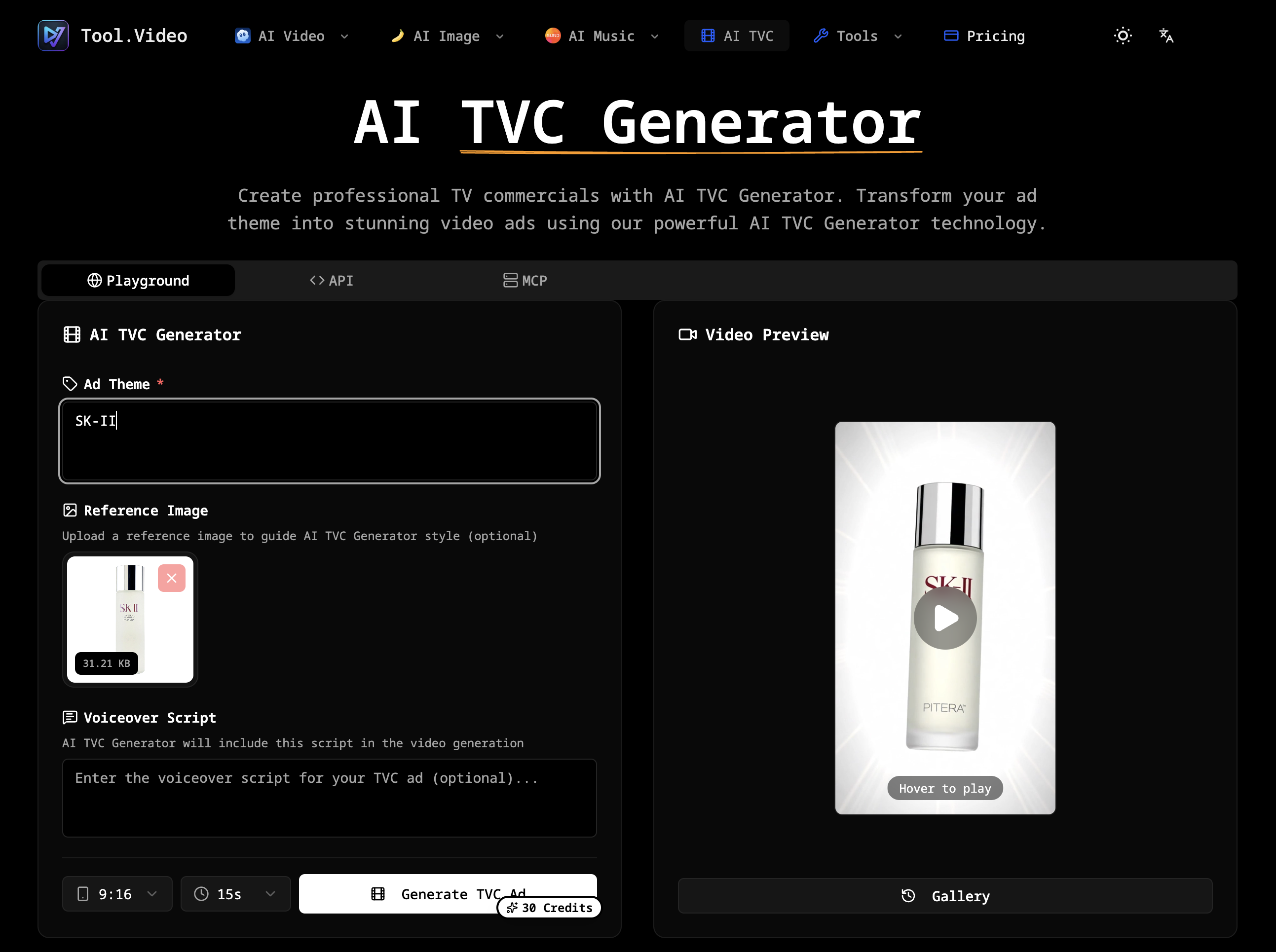
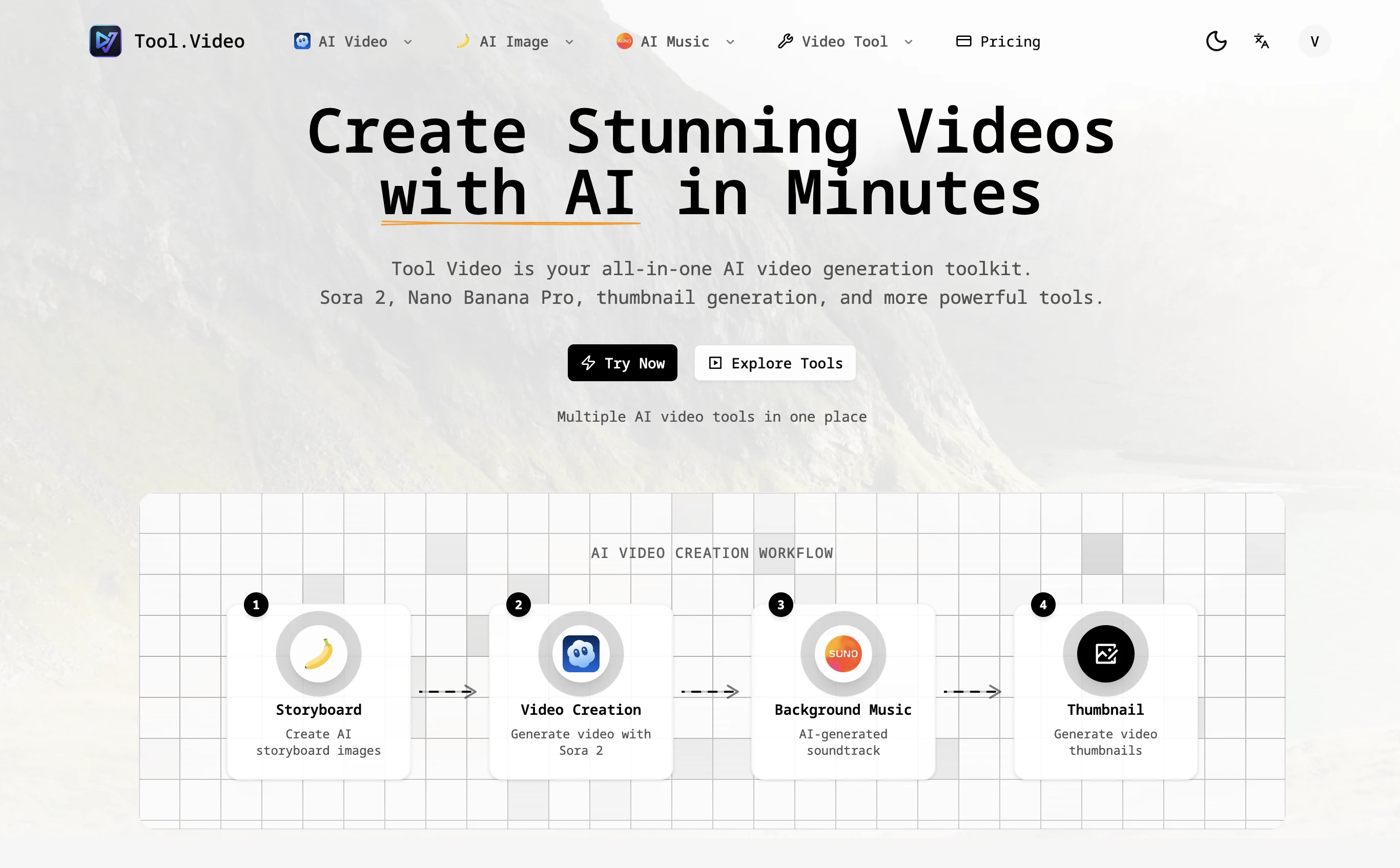
Next to the free utilities, Tool.Video also hosts AI tools that follow their own usage rules. These include an AI video generator with models such as Sora 2, VEO 3.1 and Kling 3, image generation with Nano Banana Pro, music generation with Suno 5, an AI TV commercial generator and a video thumbnail generator. Paid plans for the AI tools are listed for reference only. According to the site, payment happens on PAMA, not on Tool.Video.
Who it's for
- Content creators preparing short clips
- Social media managers resizing videos
- People who need to shrink or trim a file without installing software
- Marketers experimenting with AI video and ad generation
How to use Tool.Video
- 1
Pick a tool
Choose a tool from the menu, such as the video compressor, trimmer, cropper or Video to MP3.
- 2
Add your file
Pick a video, or drag one onto the workspace. Local tools accept files up to 200 MB, and the site recommends staying under 50 MB on mobile.
- 3
Set options
Pick quality and resolution presets, set start and end times, or choose a square, landscape or portrait crop. Leave the tab open while the file processes.
- 4
Download the result
Save the output as an MP4, or as an MP3 if you used the audio tools.
Tool.Video key features
Video compressor with presets
Shrinks video files in the browser using quality and resolution presets and outputs an MP4 when the source file allows it.
Video trimmer and video cropper
Keeps one segment between a start and end time, or crops to a centered square, landscape or portrait frame.
MP4 to MP3 and audio trimming
Pulls the existing soundtrack out of a local video as a 192 kbps MP3, and cuts recordings or songs down to one excerpt.
Free browser video editor
Comes with a timeline that supports multiple clips, picture-in-picture and an audio track. You can split, reorder and mix clips and export an MP4 without a watermark or an account.
AI video generator with Sora 2 and more
Offers several video models, including Sora 2, VEO 3.1 and Kling 3, along with AI image, music and TV commercial generators.
Video thumbnail generator and watermark tools
Includes an AI video thumbnail generator, video and image watermark adders, a frame extractor and a video reverse prompt tool.
Tool.Video use cases
Making a video small enough to share
Run a large recording through the video compressor so it fits upload or messaging limits.
Preparing clips for social platforms
Use the video trimmer and video cropper to cut a highlight and reframe it as a square or portrait video.
Pulling audio out of a video
Turn MP4 into MP3 to keep a talk, interview or soundtrack as an audio file.
Producing AI-generated content
Create clips with the AI video generator, add generated background music and finish with a thumbnail.
Tool.Video FAQ
What is Tool.Video?
Tool.Video is a collection of free online video tools for compressing, trimming, cropping and converting video and audio in the browser. It also offers AI generators for video, images and music.
Is Tool.Video free?
The local video and audio tools are free and don't require sign-up. The AI tools have their own usage rules and paid plans, and the site says those payments are handled on PAMA.
Are my files uploaded when I use the video compressor?
No. According to the site, the local tools such as the video compressor process files on your device, so no upload is needed.
How do I convert MP4 to MP3 with Tool.Video?
Open the Video to MP3 tool and choose a local video. The tool extracts the existing soundtrack and saves it as a 192 kbps MP3.
Can I use the video trimmer on a phone?
Yes. The site recommends using files under 50 MB on mobile and keeping the tab open while the file processes.
Does Tool.Video include an AI video generator like Sora 2?
Yes. Its AI section includes Sora 2, VEO 3.1, Kling 3 and a multi-model AI video generator, alongside a video thumbnail generator.
This introduction is based on the public pages of tool.video, read on October 9, 2026.