
What is Text To Any?
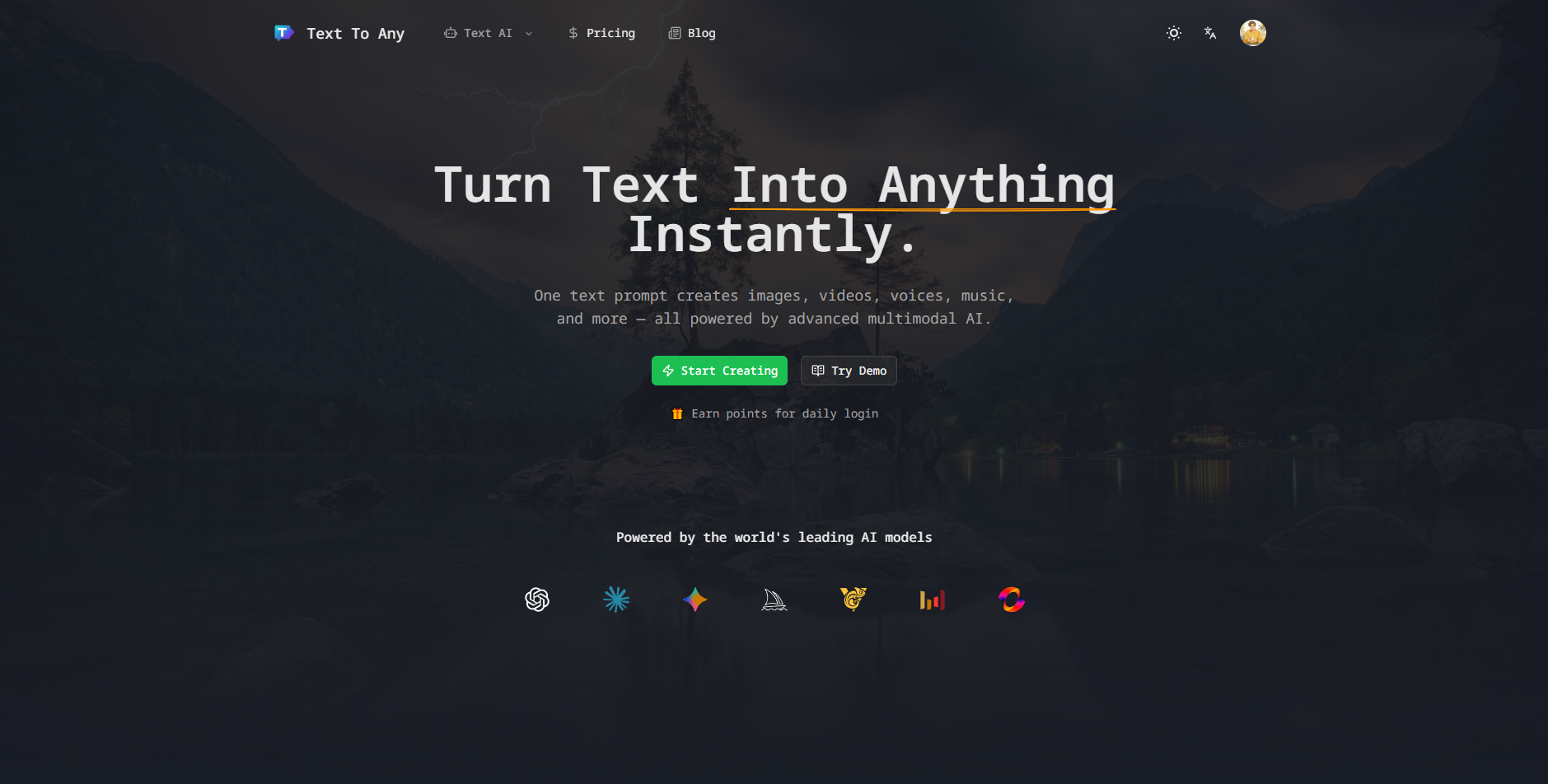
Text To Any is a web-based AI platform for turning written prompts into other formats: text to image, text to speech, text to video, music, stories and more. Instead of signing up for a separate tool for each format, users work in one workspace with one account and a shared credit system, picking the output type and the model they want for each job.
The platform brings together third-party models such as Sora 2 Pro and Veo 3.1 for video, Flux 2, Nano Banana Pro and Z-Image Turbo for images, Gemini 3 Pro and DeepSeek 3.2 for text, and Suno 5 for music. Its main difference from single-purpose tools is a shared prompt and output history across every asset type, along with batch generation, export in common formats and API access.
Who it's for
- Content creators and video producers
- Marketers producing campaign visuals
- Designers looking for quick concepts
- Educators preparing teaching materials
- Developers automating content generation
How to use Text To Any
- 1
Write a prompt with context
Describe what you want, including the audience, style and constraints such as video length, resolution, language, voice gender or music style.
- 2
Pick an output type and model
Choose the output type, such as video, image, music, speech or text, and select a model, for example Sora 2 Pro or Veo 3.1 for video.
- 3
Generate variations
Batch-generate several versions. Results are saved to your history automatically so you can compare and reuse them.
- 4
Export the result
Download images, video, audio or text files in one click, then edit them further or use them commercially within your plan's rules.
Text To Any key features
AI video generator
Create video from text prompts with models such as Sora 2 Pro and Veo 3.1, with settings for duration and aspect ratio. Image-to-video and video editing tools are also available.
AI image generator
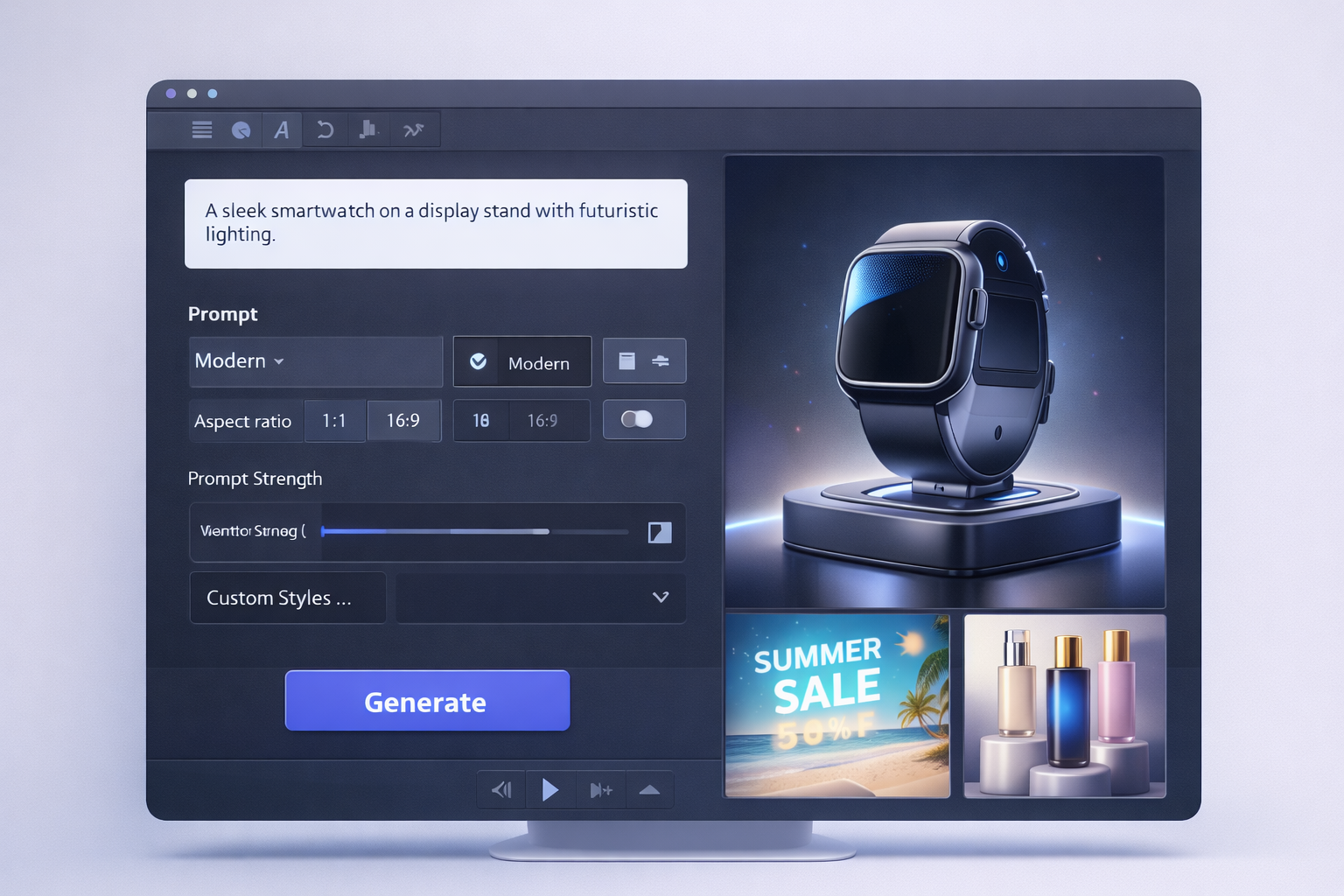
Turn text into high-resolution images with style controls and multiple aspect ratios, using Flux 2, Nano Banana Pro or Z-Image Turbo. An avatar generator keeps the same character consistent across images.
AI music generator and text to speech
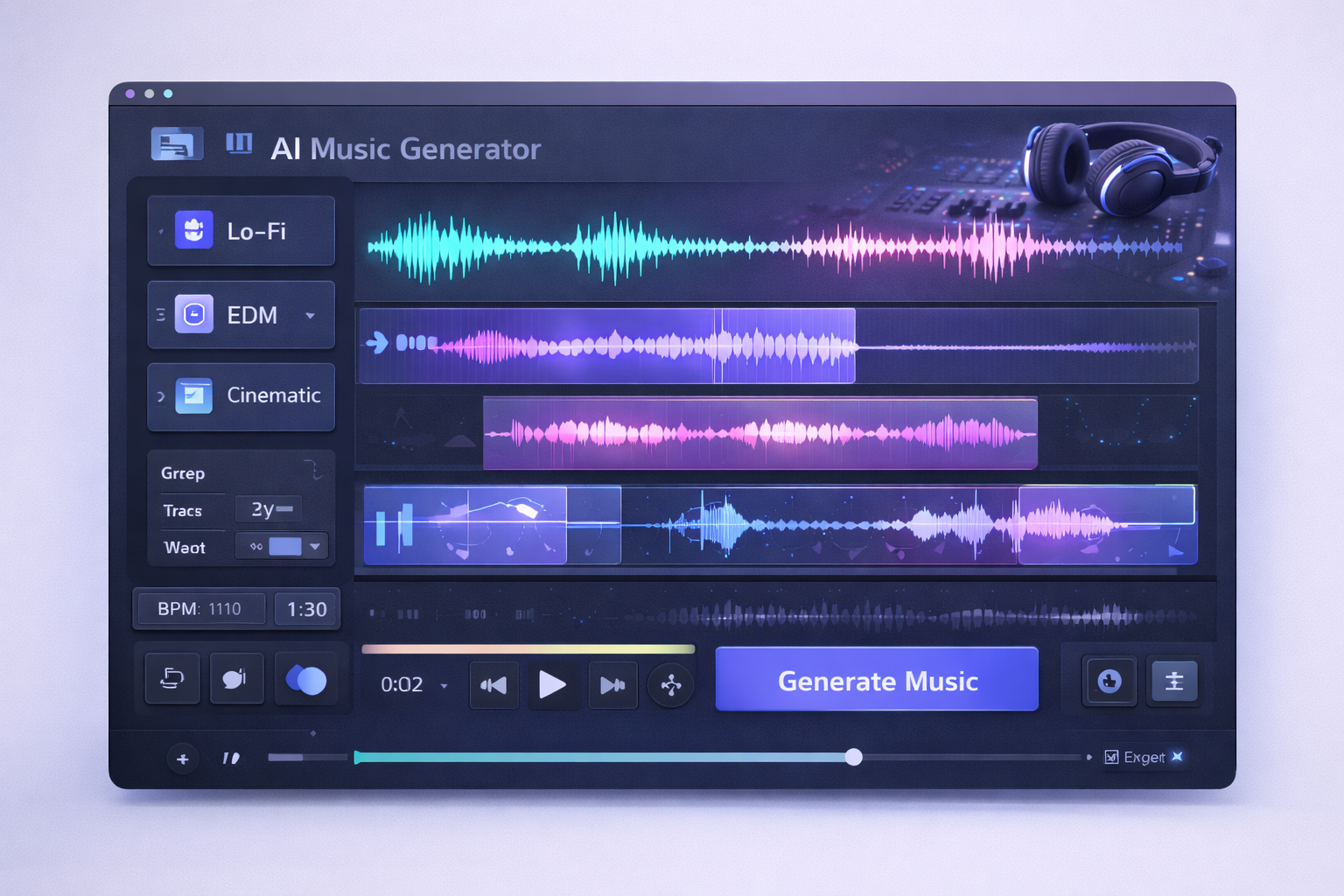
Compose royalty-free tracks in a range of genres and moods with Suno 5, or turn text into speech in multiple languages and voice styles.
AI story generator
Write stories across genres, styles and lengths, from short pieces to novel chapters, using language models such as Gemini 3 Pro and DeepSeek 3.2.
Unified history and cloud storage
Every prompt and output, whether image, video, music, voice or text, is saved to your account in one place, ready to download and manage.
Batch generation and API
Generate several variations at once, and use the API to connect Text To Any to your own applications.
Text To Any use cases
Marketing visuals and ads
Produce product concepts, social images and short promotional videos from one brief, without switching between separate image and video tools.
Podcast and video background music
Generate original background tracks that match a chosen mood or genre for podcasts, videos and games.
Social media video content
Use text to video or image to video to turn ideas or still images into short clips for social platforms.
Teaching materials and storytelling
Create illustrated stories, narration and visuals for classes or creative writing projects.
Text To Any FAQ
What is Text To Any?
Text To Any is an AI platform that converts text into images, speech, video, music, stories and other formats. All of these tools sit in one workspace under a single account.
Is Text To Any free?
You can try the tools for free from the site. Paid subscription plans offer more credits and features such as API access.
How do I create a video with the AI video generator on Text To Any?
Open the AI video tool, write a prompt, and choose a model such as Sora 2 Pro or Veo 3.1. Set the duration and aspect ratio, then click Generate.
Can Text To Any do text to image and text to speech?
Yes. It generates images from text with style and aspect ratio controls, and it turns text into speech in multiple languages and voice styles.
Can I use the generated content commercially?
The site says generated content can be used commercially. Usage scope depends on the selected model and your subscription plan.
Does Text To Any have an API?
Yes. Text To Any offers an API for automating content generation, and API access is included in its higher paid plans.
This introduction is based on the public pages of texttoany.com, read on October 9, 2026.