
What is Ricebowl AI?
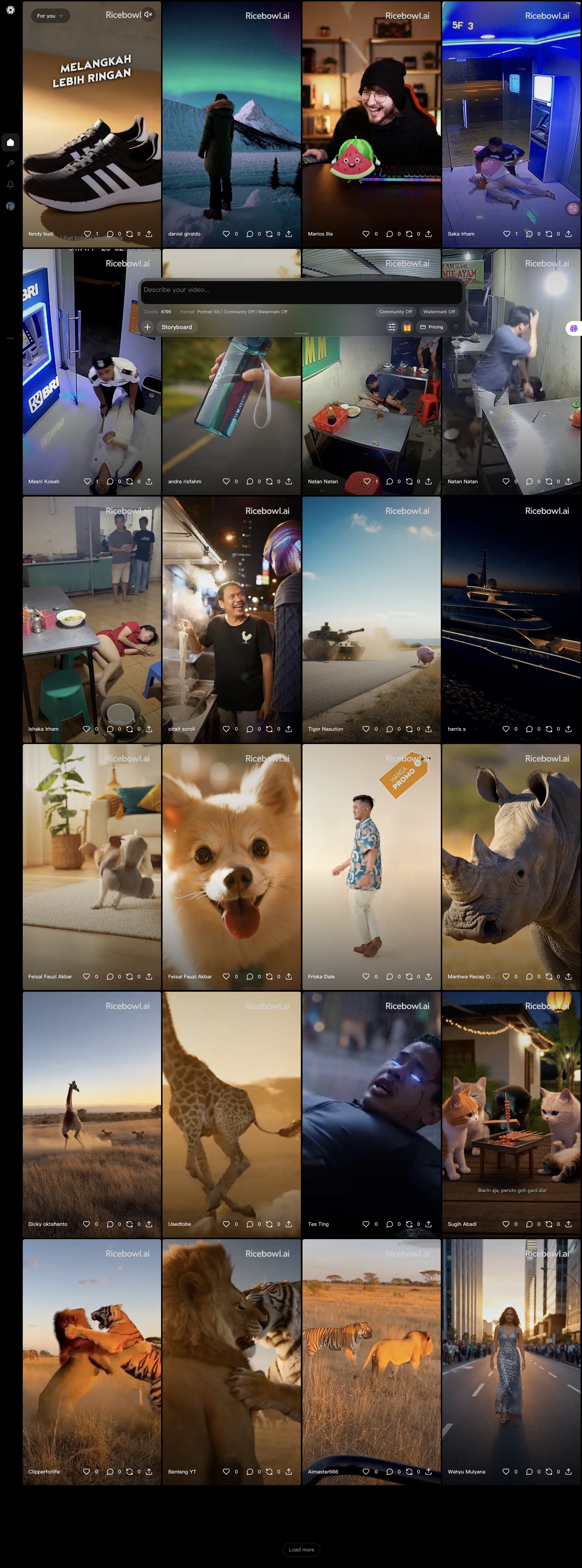
Ricebowl AI is an AI video generator that turns written shot descriptions or uploaded photos into short clips. Its Sora 2 video generator page explicitly says that this entry does not produce Sora 2 footage: requests switch to MiniMax H3 after the user accepts a notice. The resulting videos support stereo audio and output up to 2K. Watermark-free video generation also applies to the starter credits available to new accounts.
The workspace brings multiple video and image models together under one login and a shared credit balance. Users describe subjects, lighting, camera movement and action, then retrieve completed clips from their library. Generation continues after the browser tab closes. The site also offers photo-based effects and an Explore sharing option. Its stated applications include advertising, ecommerce clips, creator B-roll and visual drafts for client pitches, with commercial use available on paid plans.
Who it's for
- Marketers making short video ads
- Ecommerce sellers creating product clips
- Creators producing B-roll and transitions
- Agencies preparing visual pitches
How to use Ricebowl AI
- 1
Choose the video entry
Select Sora 2 in the generator. Accept the notice explaining that the request will run on MiniMax H3 before generation proceeds.
- 2
Describe or upload the subject
Write a shot brief covering the subject, camera movement, lighting and action. Alternatively, upload a photo and describe how it should move.
- 3
Set options and generate
Choose the available duration, resolution and aspect ratio, then review the displayed credit requirement before submitting.
- 4
Retrieve the finished clip
Download the completed video from the library. The job continues running if the browser tab is closed.
Ricebowl AI key features
Disclosed Sora 2 routing
The Sora 2 entry routes generation to MiniMax H3. A notice requires acceptance before the request is sent or credits are charged.
Watermark-free output
Generated clips have no watermark, including clips made with new-account starter credits. The site states that paid plans allow commercial use.
Audio and video together
The MiniMax H3 route generates stereo audio in the same video file and supports output up to 2K.
Multiple video formats
The routed model supports landscape, portrait and ultrawide aspect ratios for uses such as landing pages, social feeds and banners.
Shared model workspace
Video and image models use a common login and credit balance, allowing users to try different models within the same workspace.
AI video effects
Photo-based tools include hug videos, animated old photos, dance clips and birthday videos.
Ricebowl AI use cases
AI video for marketing
Create short advertising clips in vertical or landscape formats for social feeds and landing pages.
AI product demo video generator
Turn product photos or written briefs into rotating product views, tabletop scenes and launch clips for ecommerce pages.
Creator B-roll
Generate opening shots, transitions and supporting footage for short-form videos.
Client pitches and pre-visualisation
Render alternative shot concepts to help clients assess a visual direction before production.
Ricebowl AI FAQ
What is Ricebowl AI?
Ricebowl AI is a workspace for generating videos and images with multiple AI models. Users can submit text prompts or photos and retrieve generated assets from a library.
Does the Sora 2 video generator actually use Sora 2?
No. The supplied product page says Sora 2 is discontinued and that this entry routes requests to MiniMax H3 after user acceptance.
Is Ricebowl AI free to try?
New accounts receive starter credits for a trial render. The site also offers paid subscriptions and one-time credit purchases.
How does watermark-free video generation work?
The site states that generated videos have no watermark, including trial outputs. It separately specifies commercial use for paid plans.
How can users create a video from a photo?
Upload a photo in the generator and describe the desired movement. Select the available output settings, generate the clip and download it from the library.
This introduction is based on the public pages of ricebowl.ai, read on October 9, 2026.