
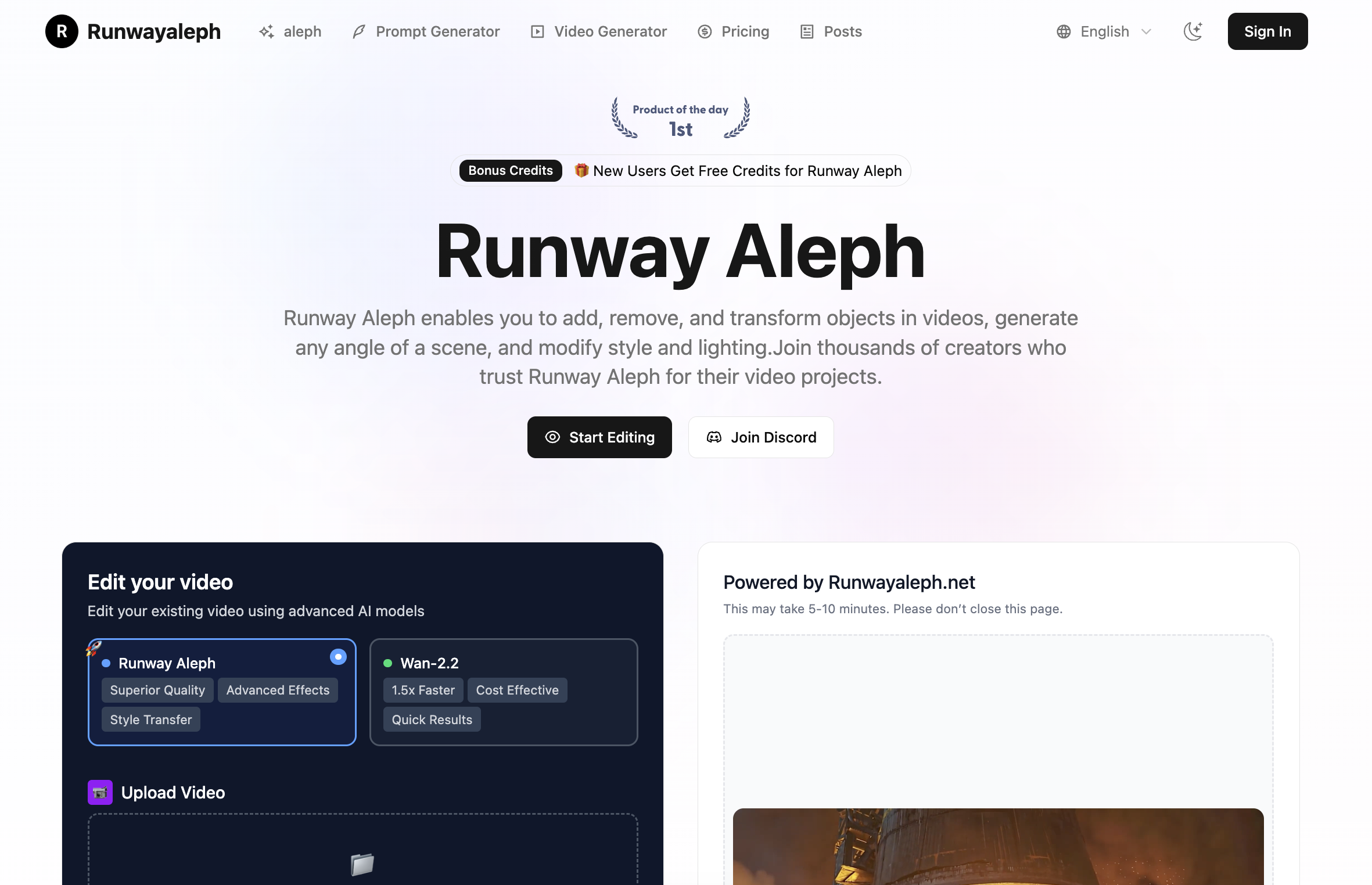
What is VideoEditAI.app?
VideoEditAI.app is a web-based video editing AI platform that combines an AI video editor with AI video generation and AI image generation. Instead of masking and keyframing by hand, users upload a clip, describe the change they want in plain text, and the platform produces an edited version. It draws on several third-party models, including Runway Aleph, Seedance 2.5 Edit, Kling O1, Veo, Sora and Nano Banana.
The editor accepts MP4 or MOV clips of 4 to 30 seconds (up to 200MB) with optional reference images, audio and video, and outputs at 480p or 720p while keeping the source duration and ratio. Supported edits include new camera angles, next-shot continuation, style transfer, environment and time-of-day changes, adding, removing or recoloring objects, relighting and green screen extraction. A built-in prompt generator helps write edit instructions, and new users receive free credits.
Who it's for
- Content creators and YouTubers
- Independent filmmakers
- Social media and marketing teams
- Video editors and VFX artists
- Documentary producers
How to use VideoEditAI.app
- 1
Upload your footage
Sign in and drop in an MP4 or MOV clip between 4 and 30 seconds long, optionally adding reference images, audio or video.
- 2
Describe the edit
Type what you want changed, such as removing background objects or adding fire effects, or use the quick examples and the AI prompt generator.
- 3
Pick quality and generate
Choose 480p or 720p output and start the job; duration and aspect ratio follow the source video.
- 4
Review and export
Check the result in My Creations, compare versions and download the edited clip.
VideoEditAI.app key features
Text-prompt video editing AI
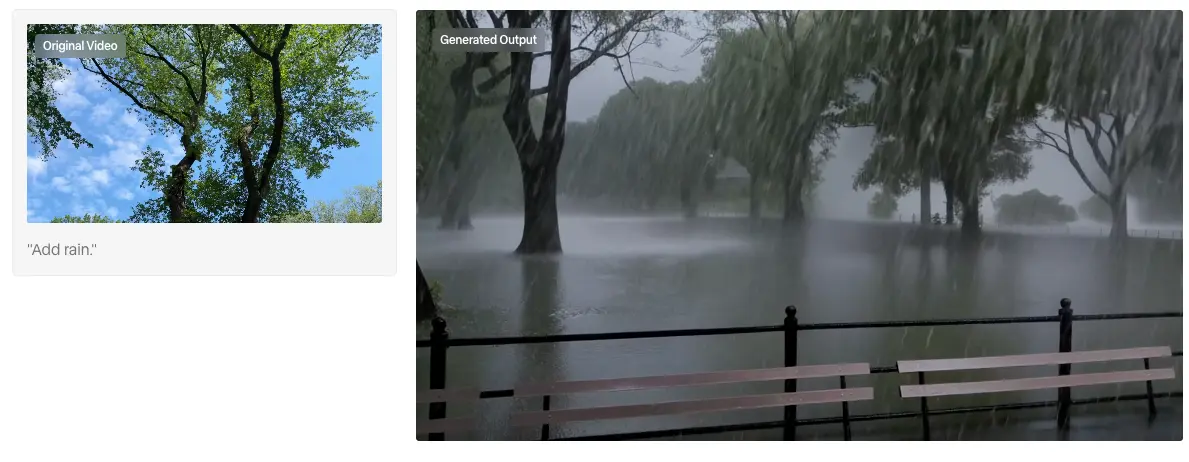
Edit existing footage by describing changes in words, powered by models such as Seedance 2.5 Edit and Runway Aleph.
New camera angles and next shots
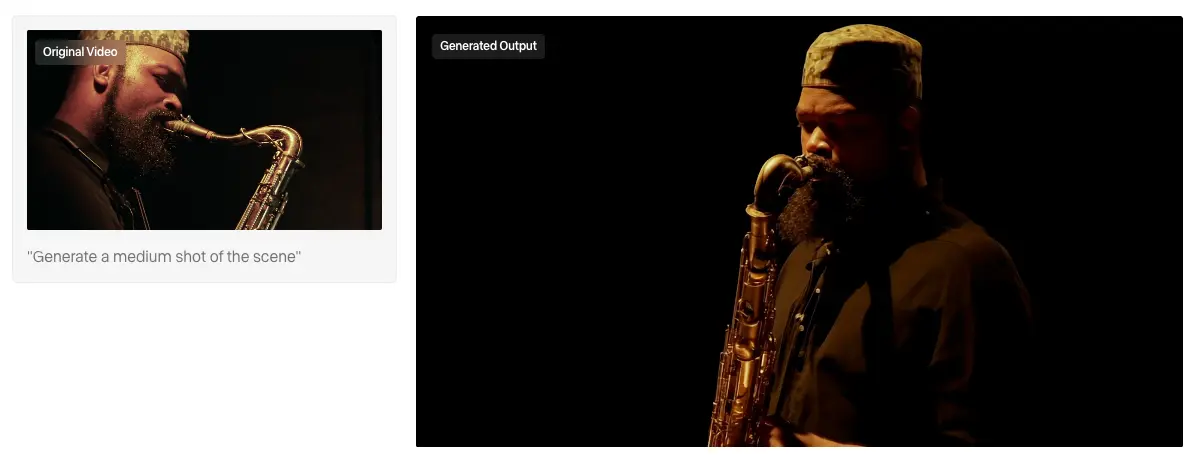
Create alternate views of a scene, like reverse or low-angle shots, or generate a continuation of the current sequence.
Add, remove and change objects
Insert props or crowds, clear unwanted elements, retexture or recolor objects, and alter a character's age or appearance.
Style, environment and relighting
Apply a visual style, change location, season or time of day, and relight shots, for example from midday to golden hour.
AI video generation with Kling O1, Veo and Sora
Turn text or images into new clips using multiple video models from the same workspace.
AI image generation
Create and edit images with Nano Banana models alongside video work.
VideoEditAI.app use cases
Removing unwanted elements from footage
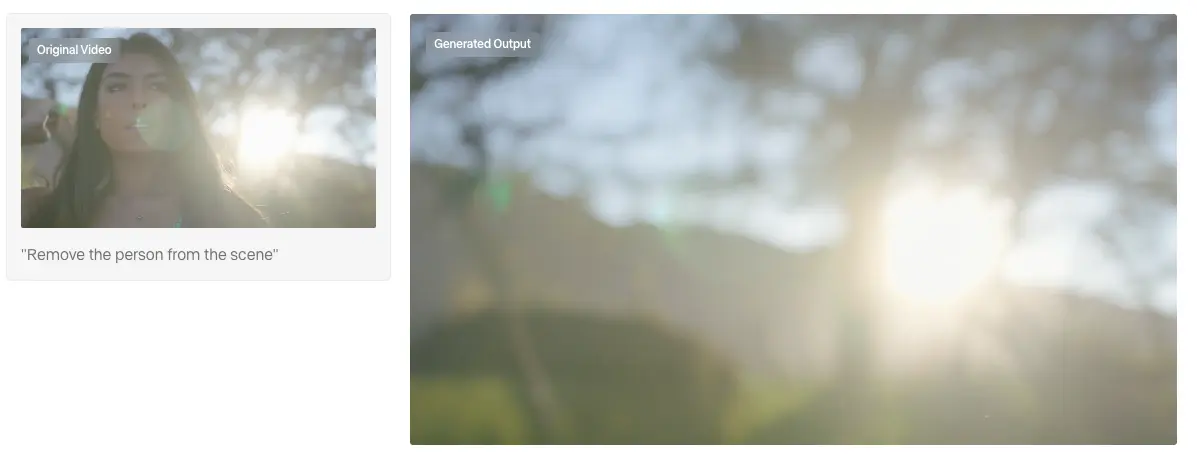
Clean up cluttered shots by asking the AI video editor to remove people or objects instead of reshooting.
Extra coverage for short films
Generate additional camera angles or the next shot of a scene when coverage is missing.
Social and campaign variants
Produce several versions of one clip by swapping environments, lighting or styles.
Green screen and compositing
Extract a person or object from footage with a transparent background for further compositing.
VideoEditAI.app FAQ
What is VideoEditAI.app?
It is an all-in-one AI platform for video editing, AI video generation and AI image generation. It edits uploaded clips from text prompts and gives access to several models in one workspace.
Is VideoEditAI.app free?
New users get free credits to try the platform. Continued use runs on credits available through paid plans, and failed generations do not consume credits.
Which models does the AI video editor use?
The site lists Runway Aleph, Seedance 2.5 Edit, Kling O1, Veo, Sora and Nano Banana, with Seedance 2.5 Edit handling edits of existing footage and the others used for generation.
How do I remove objects from a video with video editing AI?
Upload the clip, describe what to remove (for example, "Remove the person from the scene") and generate. The edited result appears in My Creations.
What video files can I upload?
The editor accepts MP4 and MOV clips of 4 to 30 seconds, up to 200MB, with output at 480p or 720p.
Can I cancel a subscription?
Yes. Subscriptions can be cancelled from billing settings, and access continues until the end of the current cycle.
This introduction is based on the public pages of videoeditai.app, read on October 9, 2026.