

What is ReWords AI?
ReWords AI is an AI image text editor for changing words already embedded in finished PNG, JPG, and WebP files. Users can edit text in images directly in a browser without the original design file. The workflow involves uploading an image, selecting detected lettering or marking a missed region, entering new wording, and generating a revised image for download.
The tool combines text detection, background inpainting, and best-effort font matching to handle copy changes on flattened graphics. It supports replacement, correction, removal, and translation of existing text in assets such as posters, screenshots, and packaging photos. Matching is approximate rather than guaranteed: image clarity and unusual fonts affect results, and standard printed lettering is more reliably recognized than handwriting or highly stylized script.
Who it's for
- Marketers updating campaign graphics
- Product teams revising screenshots
- Designers adjusting exported assets
- Content creators correcting image text
- E-commerce sellers updating product imagery
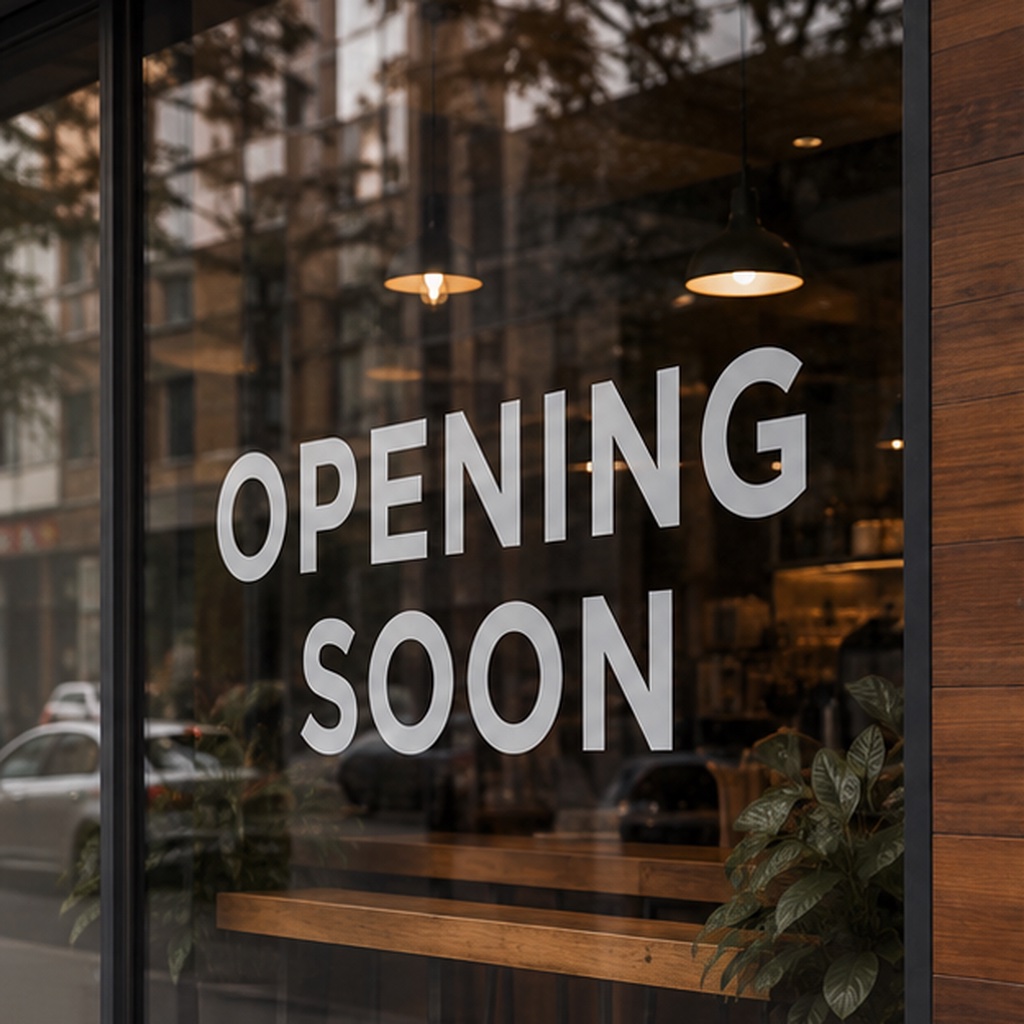
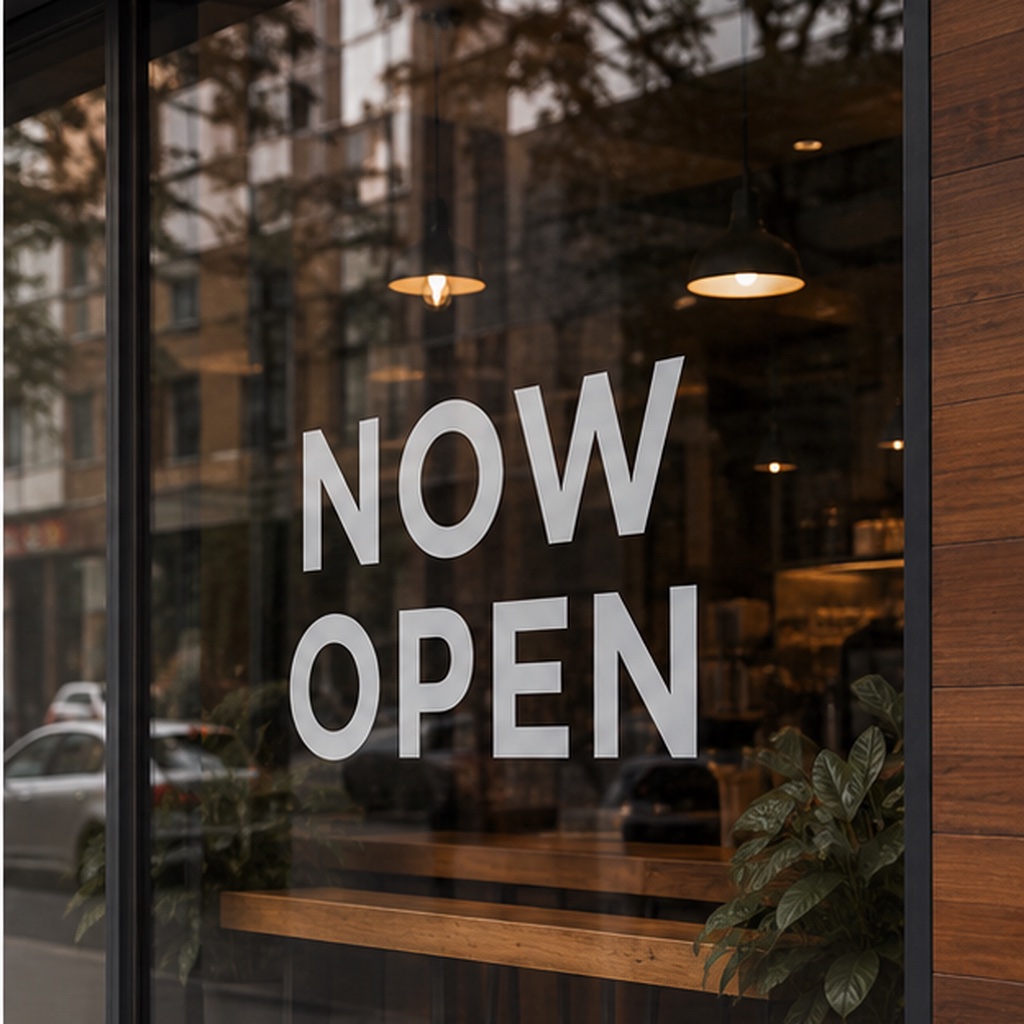
How to use ReWords AI
- 1
Sign in and upload an image
Open the browser workspace and upload a finished PNG, JPG, or WebP file.
- 2
Select the text
Click a detected text region, or draw a box around words the detection missed.
- 3
Enter replacements and generate
Provide the new wording for the selected regions and generate an edited image.
- 4
Review and download
Check the replacement text and its visual fit, then download the generated result.
ReWords AI key features
Editing text in finished images
Works on lettering merged into image files, so an editable text layer or source design file is not required.
Automatic detection with manual selection
Detects text regions and lets users draw a selection box when words are missed. Multiple text regions can be replaced within an image.
Best-effort font matching
Examines characteristics such as letter geometry, weight, slant, color, and angle to approximate the existing typography.
Background inpainting
Fills the area behind modified text automatically, attempting to blend the edit with surrounding textures.
Text removal and translation
Supports removing existing words or changing their language within finished image layouts.
ReWords AI use cases
Campaign and social graphic updates
Revise promotional wording, event dates, calls to action, or headlines on posters, banners, and YouTube thumbnails.
Product imagery and menu revisions
Change packaging labels, menu prices, price tags, and product feature callouts in existing images.
Corrections to AI-generated lettering
Replace misspelled or garbled words in AI-generated artwork without generating the whole image again.
Screenshot edits and localization
Update interface labels and placeholder details in screenshots, or translate visual assets for another audience.
ReWords AI FAQ
What is ReWords AI?
ReWords AI is a browser-based tool for modifying existing text embedded in finished images. It attempts to match the surrounding typography and background when generating replacements.
Can ReWords AI be used as a free image text editor?
New users can try a free image edit after signing in, without a credit card. Further use requires purchased credits or a subscription.
How do I replace text in images without source files?
Upload a PNG, JPG, or WebP image, select detected text or draw a box around it, and enter the replacement wording. ReWords AI generates an edited version that can be downloaded.
Does ReWords AI preserve the exact original font?
It attempts to match the original style, but an identical font is not guaranteed. Image clarity and rare or unusual typefaces can affect the result.
Can ReWords AI edit handwritten text?
Handwritten, distorted, or highly artistic lettering may be detected less reliably. The site identifies standard printed typography as the most consistent option.
How are uploaded images handled?
Images are processed to produce the requested edit, which may involve third-party AI and storage providers. The site's Privacy Policy provides its current data handling and retention details.
This introduction is based on the public pages of rewordsai.app, read on October 9, 2026.