
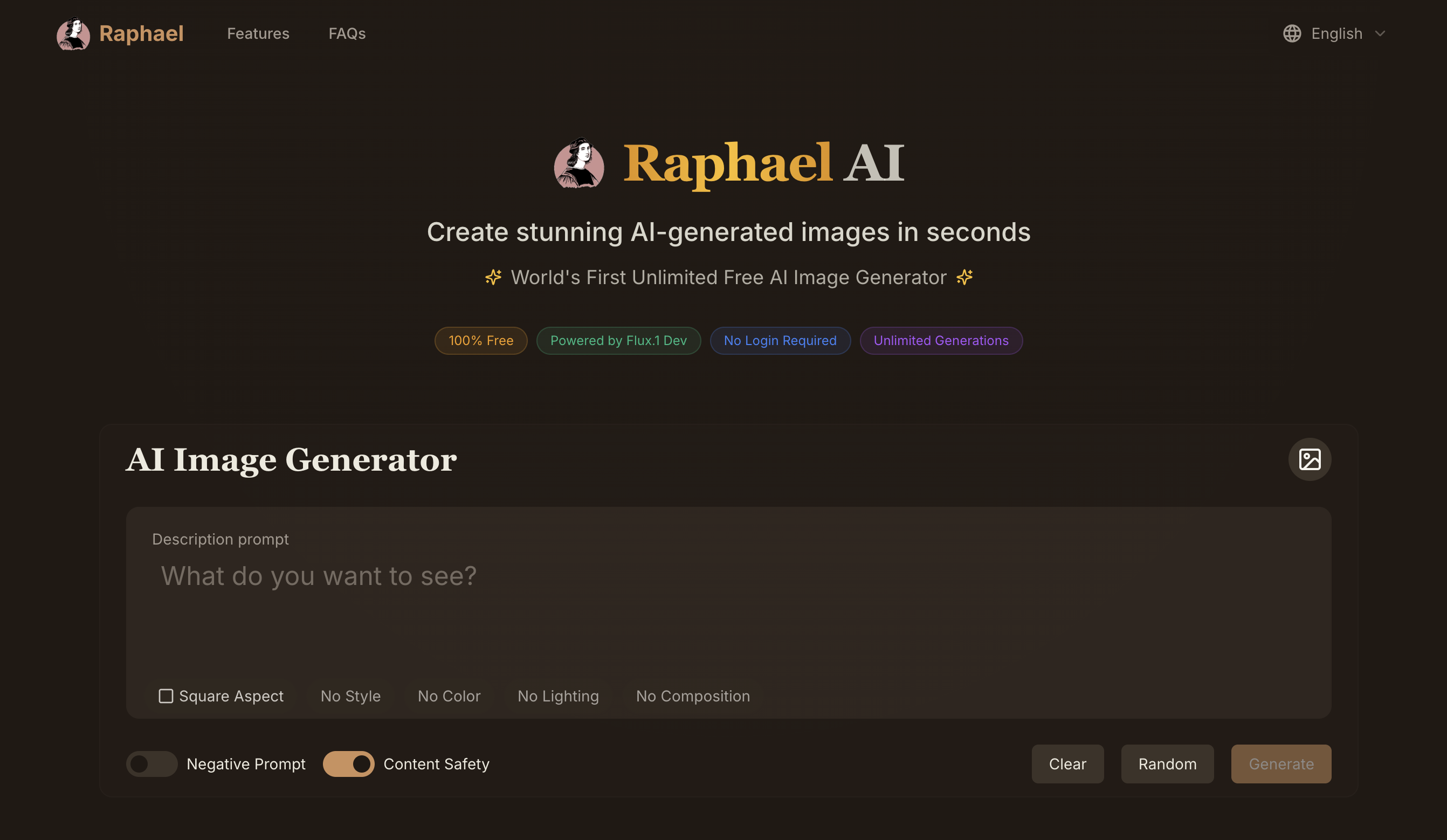
What is Raphael AI?
Raphael AI is a free AI image generator that runs in the browser and turns text prompts into images. Visitors can start generating without creating an account or entering a card, and signed-in users get unlimited generations in the basic mode, with a short queue instead of a count limit. The site also offers AI video generation and a set of photo editing tools.
Rather than relying on one model, Raphael AI routes prompts across several image models, including Nano Banana 2, Nano Banana Pro, GPT Image 2, Seedream 5.0 and Seedream 3.5. Users can add up to six reference images, choose an aspect ratio, and produce up to four images per prompt. Free outputs carry a watermark; paid plans remove it, add priority in the queue, keep images private and allow commercial use.
Who it's for
- Designers and illustrators
- Content creators and marketers
- E-commerce sellers needing product visuals
- Game and concept artists
- Casual users wanting free AI art
How to use Raphael AI
- 1
Open the generator
Go to raphael.app; no account is needed to begin generating images.
- 2
Write a prompt
Describe the image you want in up to 3,000 characters, optionally using AI Enhance and up to six reference images.
- 3
Choose settings
Pick a model, aspect ratio, output count of one to four, resolution and quality, then click Generate.
- 4
Sign in for more
Sign in to keep your history, get daily free credits and unlock higher-resolution models such as Seedream 5.0.
Raphael AI key features
Free text to image without login
The basic mode can be used without registration or a credit card, and signed-in users get unlimited basic generations with a brief queue.
Multi-model routing with Nano Banana Pro and Seedream 5.0
Prompts can run on models including Nano Banana Pro, Nano Banana 2, GPT Image 2 and the Seedream family, with scene-aware routing selecting a suitable model.
Reference images and batch output
Up to six reference images can guide a generation, and up to four images can be produced from a single prompt.
AI image editor and tools
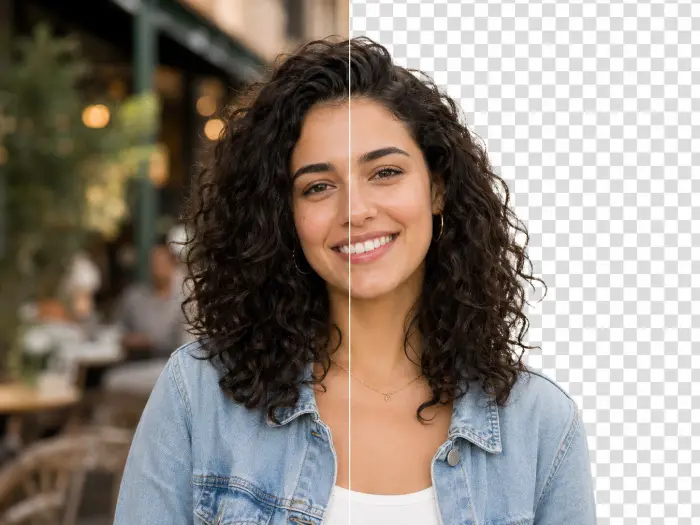
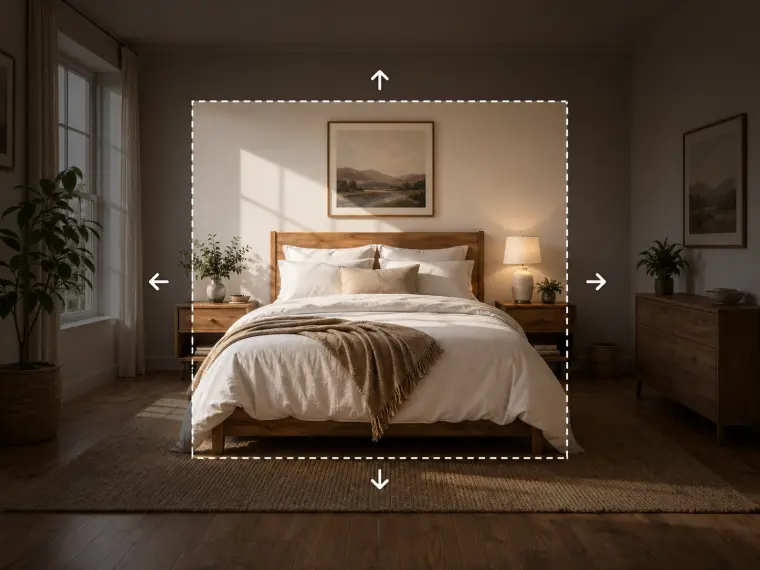
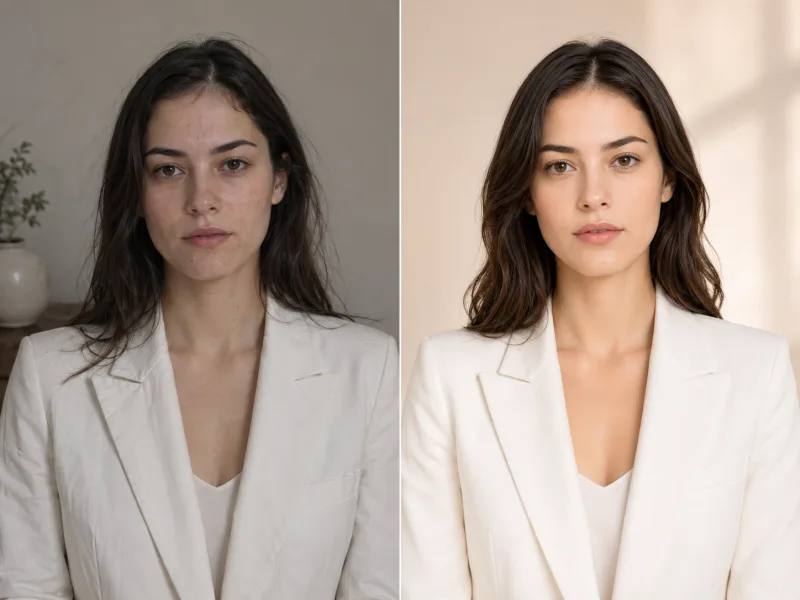
Built-in tools include an image editor, background removal, image expansion, upscaling, watermark removal and style transfer.
AI video generation
Text-to-video and image-to-video are available with models such as Seedance, Veo 3.1 and Kling 3.0.
Minimal data collection
Guest requests are processed temporarily, and the site states it does not sell prompts or images.
Raphael AI use cases
AI art creation in many styles
Generate photorealistic scenes, anime, oil-painting looks or digital art from a written description.
Product and marketing visuals
Create product shots and ad creatives, with commercial use available on paid plans.
Photo retouching and cleanup
Use the AI image editor to remove backgrounds, expand images or upscale existing photos.
Concept exploration
Produce several variations per prompt to explore ideas quickly for design or game concepts.
Raphael AI FAQ
What is Raphael AI?
Raphael AI is a browser-based AI image generator that creates images from text prompts using several models, and also offers AI video and photo editing tools.
Is Raphael AI a free AI image generator?
Yes. The basic mode is free and can be used without signing up; signed-in users get unlimited basic generations plus daily free credits. Paid plans are also available for faster generation and watermark-free output.
Can I use the AI image generator with no login?
Yes. You can open raphael.app and start generating right away. Guest results are not saved unless you sign in within 10 minutes.
Which models does Raphael AI support?
Image models include Nano Banana Pro, Nano Banana 2, GPT Image 2, Seedream 5.0 and Seedream 3.5 Pro, among others; video models include Seedance, Veo 3.1 and Kling 3.0.
Can I use Raphael AI images commercially?
According to the pricing page, commercial use is for paid subscribers; free users may use images for personal and non-commercial purposes.
How do I do text to image with Raphael AI?
Type a prompt, choose a model, aspect ratio and number of images, then click Generate; results usually arrive within seconds.
This introduction is based on the public pages of raphael.app, read on October 9, 2026.