
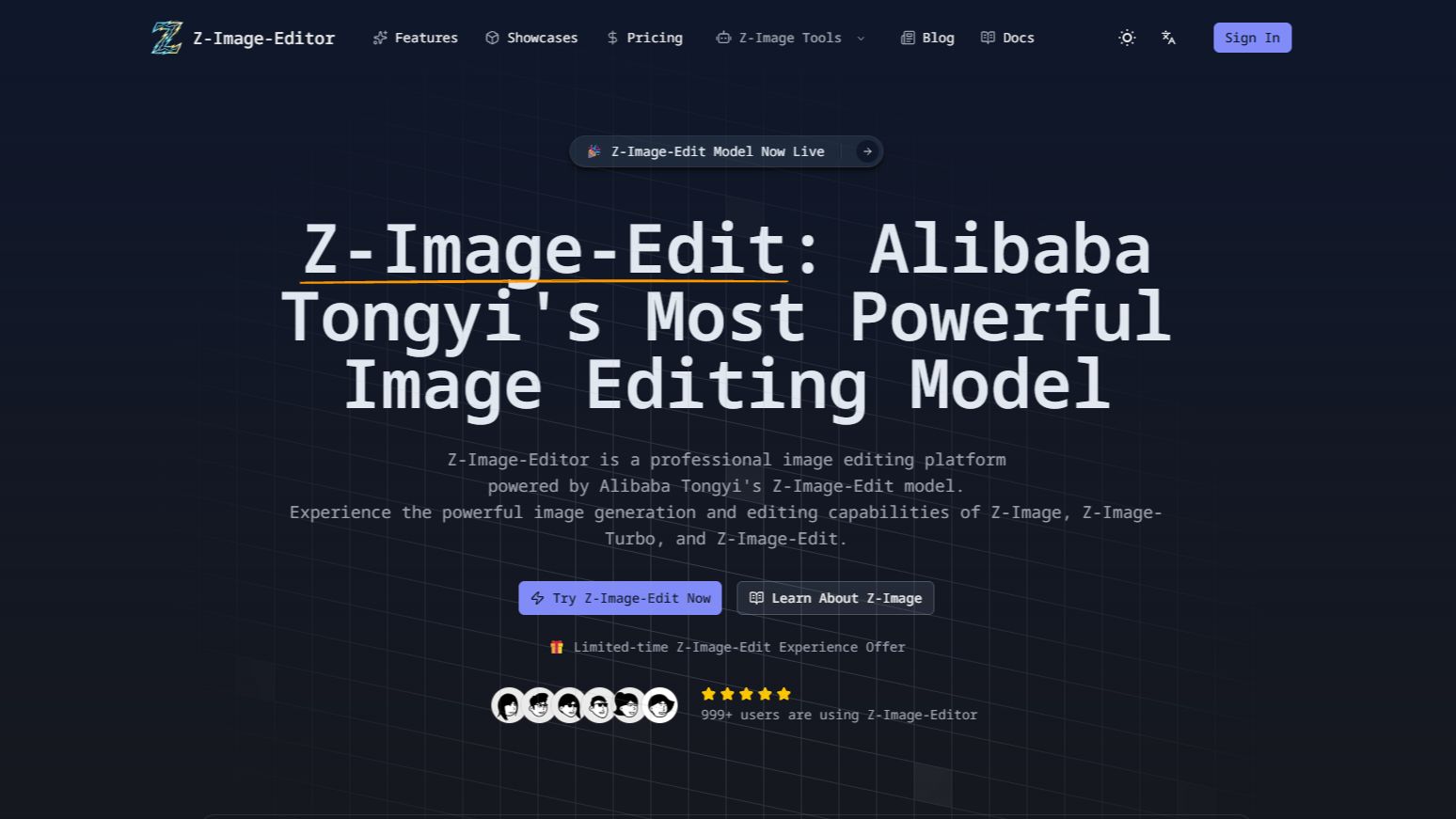
What is Z-Image-Edit?
Z-Image-Edit is a web-based AI image generator and editor built around the Z-Image model series from Alibaba Tongyi. It offers two modes, text to image and image to image. You write a prompt, set the output width and height (64 to 2048 pixels, in multiples of 16) and an output format, and the result shows up in a preview panel. Each generation uses credits from the user's account.
The site gives access to three model variants. Z-Image-Edit handles instruction-based edits written in plain English or Chinese. Z-Image-Turbo is built for fast generation using 8 inference steps. Z-Image-Base is the open-source base model meant for fine-tuning and custom development. The underlying models have 6B parameters, use a Single-Stream DiT (S3-DiT) architecture and can render Chinese and English text inside images. Z-Image-Edit states that it is an independent third-party platform and is not affiliated with Alibaba or Tongyi.
Who it's for
- Digital artists and illustrators
- Advertising and marketing designers
- Content creators who need images with Chinese or English text
- Game and product designers making concept assets
- Developers exploring the Z-Image models
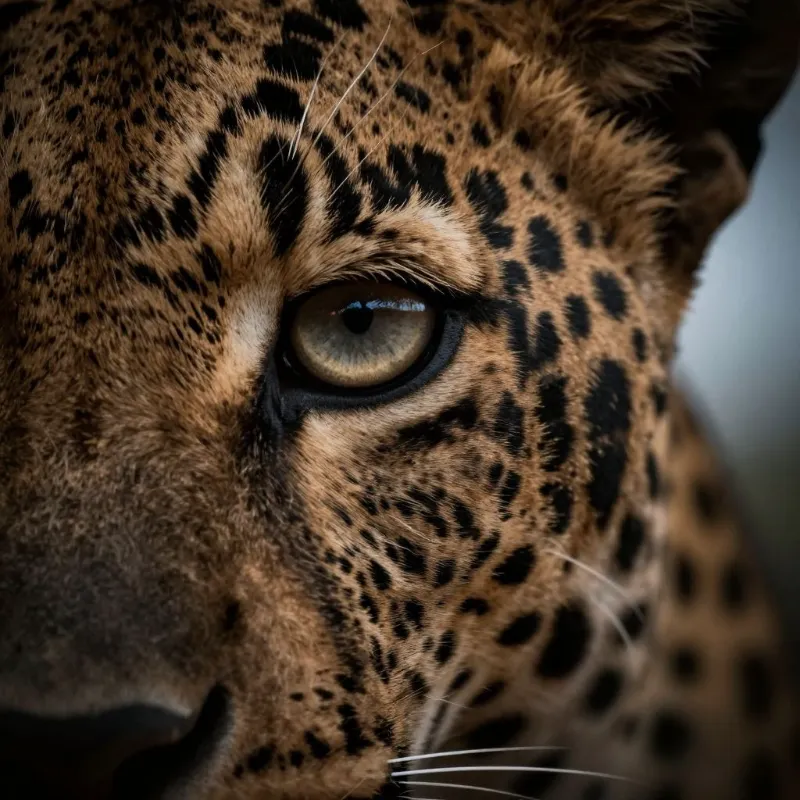
How to use Z-Image-Edit
- 1
Choose a mode and model
Choose text to image or image to image, then pick a model: Z-Image-Edit for edits, Z-Image-Turbo for fast generation or Z-Image-Base for foundation work.
- 2
Describe what you want
Write a prompt or editing instruction in English or Chinese. Prompts can be up to 5,000 characters.
- 3
Set output options
Set the width and height (multiples of 16, up to 2048 pixels) and the output format. More settings are available under the advanced options.
- 4
Generate and download
Run the generation, check the result in the preview panel and download the image for design, advertising or content work.
Z-Image-Edit key features
Image editing AI with natural-language instructions
Z-Image-Edit changes an existing image based on written instructions, such as a style adjustment or a creative transformation. Instructions can be in English or Chinese.
Z-Image-Turbo fast generation
Z-Image-Turbo creates images in 8 inference steps. The site describes its latency as sub-second and says it supports consumer GPUs with 16G of VRAM.
Bilingual text rendering
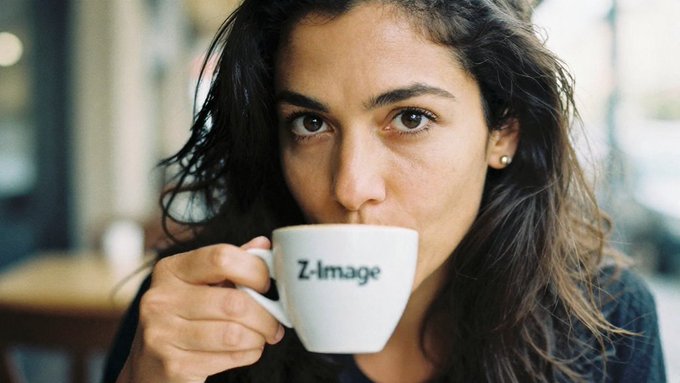
The Z-Image models can place Chinese and English text inside generated images, for example a word printed on a product.
Z-Image-Base for fine-tuning
Z-Image-Base is an open-source model that the community can fine-tune and build on for custom development.
Text to image and image to image modes
One interface handles both generation from a prompt and editing of an uploaded image. Users can set the output size and format.
Showcase gallery with re-generation
The site has a gallery of example images with their prompts. Users can re-generate any example with one click to make their own version.
Z-Image-Edit use cases
Advertising and marketing visuals
Create ad materials that need accurate Chinese or English text inside the image.
Game and concept art
Generate character and scene drafts, then adjust them with editing instructions.
Photo edits and style changes
Use image-to-image editing to restyle or transform an existing photo by describing the change in words.
Fast design iteration
Use Z-Image-Turbo to produce many quick variations while exploring product or design ideas.
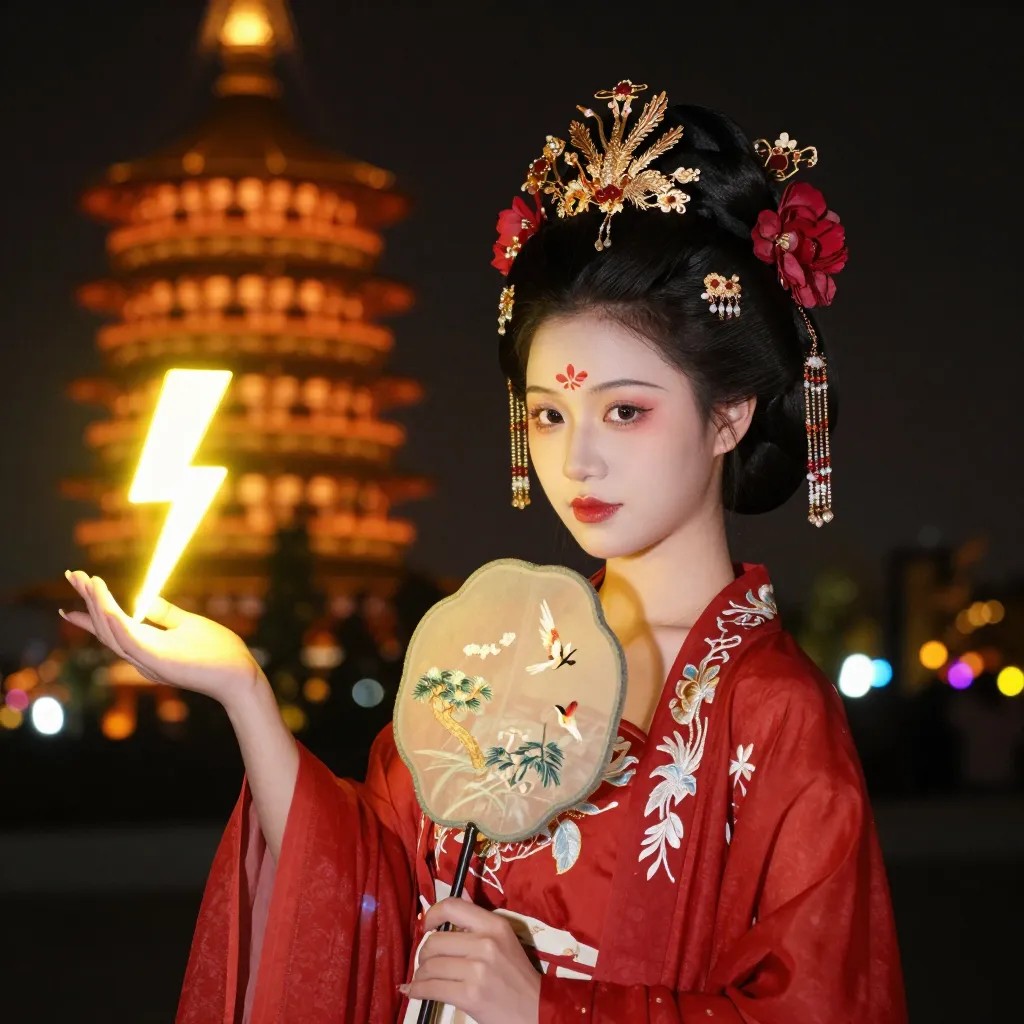
Z-Image-Edit FAQ
What is Z-Image-Edit?
Z-Image-Edit is an online AI image generator and editor that runs Alibaba Tongyi's Z-Image models for text-to-image and image-to-image tasks. It is an independent third-party site and is not affiliated with Alibaba or Tongyi.
Is Z-Image-Edit free?
New users get free credits when they first sign in, and no credit card is required. Paid plans with more credits are also available.
How is Z-Image-Edit different from Z-Image-Turbo?
Z-Image-Edit makes instruction-based changes to an existing image. Z-Image-Turbo is designed for fast text-to-image generation in 8 inference steps.
Does Z-Image support bilingual text rendering?
Yes. Z-Image can render both Chinese and English text inside generated images, and it accepts prompts in either language.
Is Z-Image-Base open source?
Yes. The site describes Z-Image-Base as an open-source model that supports fine-tuning and custom development.
How do I edit an image with Z-Image-Edit?
Switch to image-to-image mode and select the Z-Image-Edit model. Then describe the change you want in English or Chinese and generate the edited result.
This introduction is based on the public pages of z-image-edit.com, read on October 9, 2026.