

What is ProductShot AI?
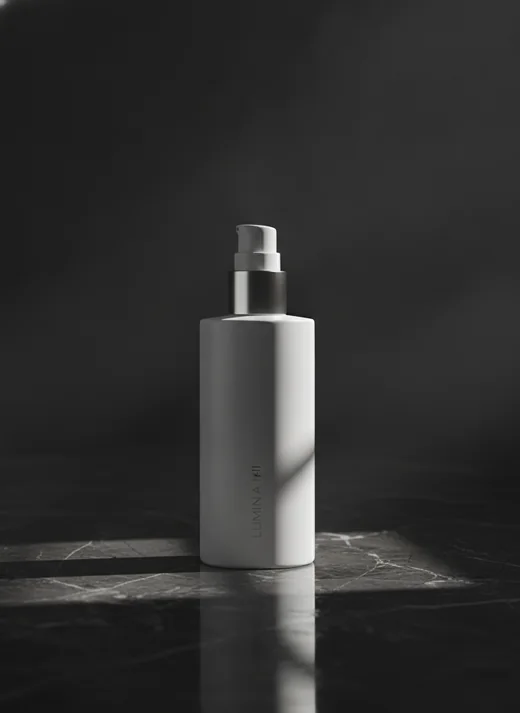
ProductShot AI is a browser-based AI product photography workspace for ecommerce sellers, marketers and small teams. Starting from a single uploaded product image, it produces ecommerce product photos such as white-background shots, marketplace listing images, studio photos, lifestyle scenes and ad creative for marketplaces like Amazon, Etsy and Shopify stores.
The workflow is upload, configure, generate and compare. Users can add optional reference images, then pick a scene, lighting, angle, aspect ratio and platform preset. Its main difference from a generic AI image generator is Product Lock, a setting intended to keep shape, colors, packaging, labels and logos consistent across outputs. A before-and-after view, saved history and shareable result pages support iteration, and the site notes outputs still need review against platform rules.
Who it's for
- Amazon and marketplace sellers
- Shopify and DTC store owners
- Ecommerce marketers
- Small brand teams
- Fashion and apparel sellers
How to use ProductShot AI
- 1
Upload a product image
Start with one clear photo of the product so its shape, label, color and materials can be preserved.
- 2
Add references and settings
Optionally add reference images, then choose Product Lock, scene, lighting, angle, ratio and a channel or platform preset.
- 3
Generate and compare
Create new images and review them in the before-and-after view against the original.
- 4
Download, share or iterate
Export the final images, share a result page, or reuse saved history to make more variations.
ProductShot AI key features
Product Lock for consistent details
Aims to keep shape, color, materials, packaging, logo placement and label details recognizable while backgrounds and scenes change.
White background product images
Generates clean white or light-neutral backgrounds for catalog-style listings and marketplace main images.
Studio product photos and lifestyle scenes
Places a product in studio lighting setups or realistic lifestyle settings without a separate shoot for each scene.
Reference-guided styling
Reference images can steer props, surfaces, composition, lighting and brand mood.
Apparel tools
Includes an AI fashion model generator for flat-lay or hanger garments and a virtual try-on tool using a garment and a person photo.
Free utility tools
Offers a free background remover with transparent PNG export, an in-browser image compressor and an image clarity enhancer.
ProductShot AI use cases
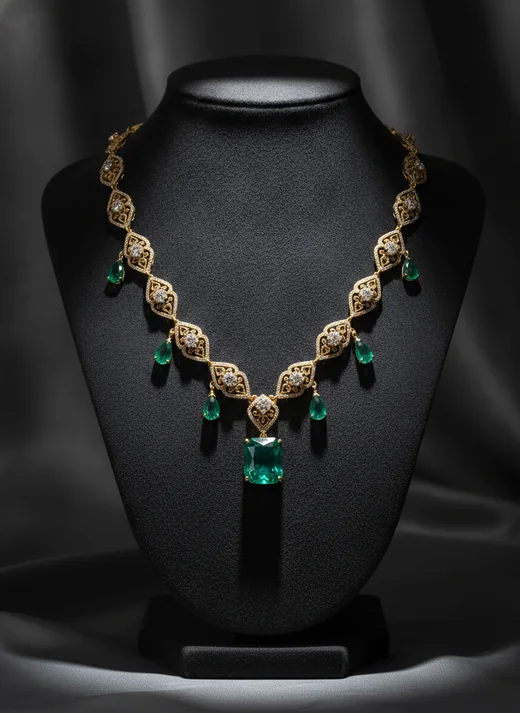
Marketplace listing images for Amazon sellers
Produce centered listing images, cleaner backgrounds and supporting gallery visuals for marketplace listings.
Shopify and DTC product pages
Create product page images, collection visuals and launch assets from one upload.
Product launch campaigns
Explore several campaign directions from one product image before committing to a full photoshoot.
Social ads and marketing creative
Build product-led visuals with copy space and channel-specific ratios for banners and paid social.
ProductShot AI FAQ
What is ProductShot AI?
ProductShot AI is a browser-based AI product photography tool that turns an uploaded product image into marketplace photos, white-background shots, studio images, lifestyle scenes and campaign visuals.
Is ProductShot AI free?
New users can start with free credits, and some tools such as the background remover, image compressor and image enhancer are free. Generating more images requires a paid subscription or credit pack.
How do I create white background product images with ProductShot AI?
Upload a clear product photo, select the white background option or a marketplace preset, and generate. Product Lock helps keep key product details intact while the background is replaced.
How is it different from a generic AI product image generator?
It starts from your real product upload and uses Product Lock to keep shape, labels, packaging and logos consistent, whereas generic generators may alter those details.
Can ProductShot AI make lifestyle product photos and studio product photos?
Yes. It can place a product in studio lighting setups or realistic lifestyle scenes, optionally guided by reference images.
Do the generated images still need review?
Yes. The site states that outputs should still be checked for marketplace platform rules, text accuracy and brand or legal fit.
This introduction is based on the public pages of productshotai.app, read on October 9, 2026.