
What is PowerVideo?
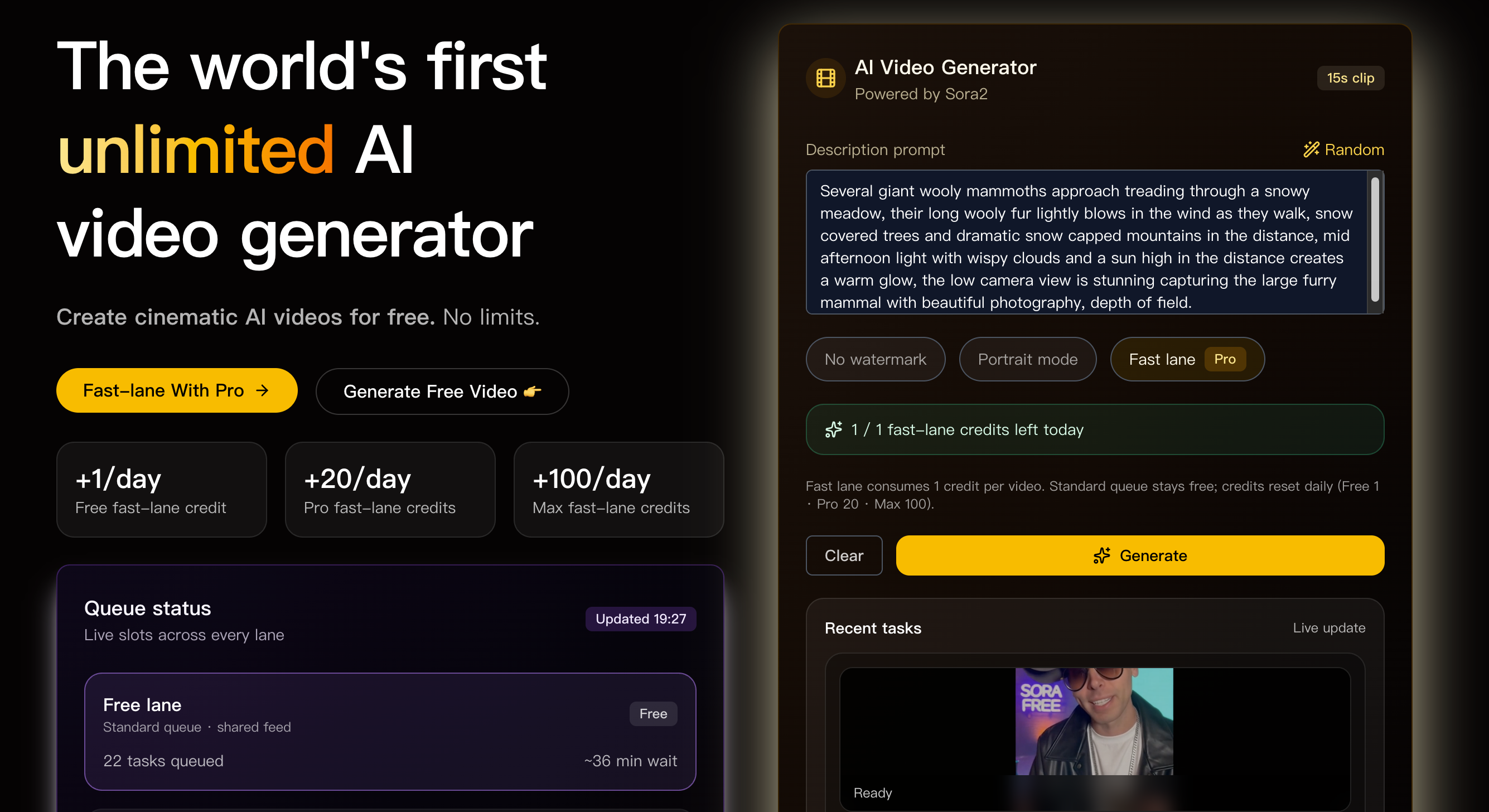
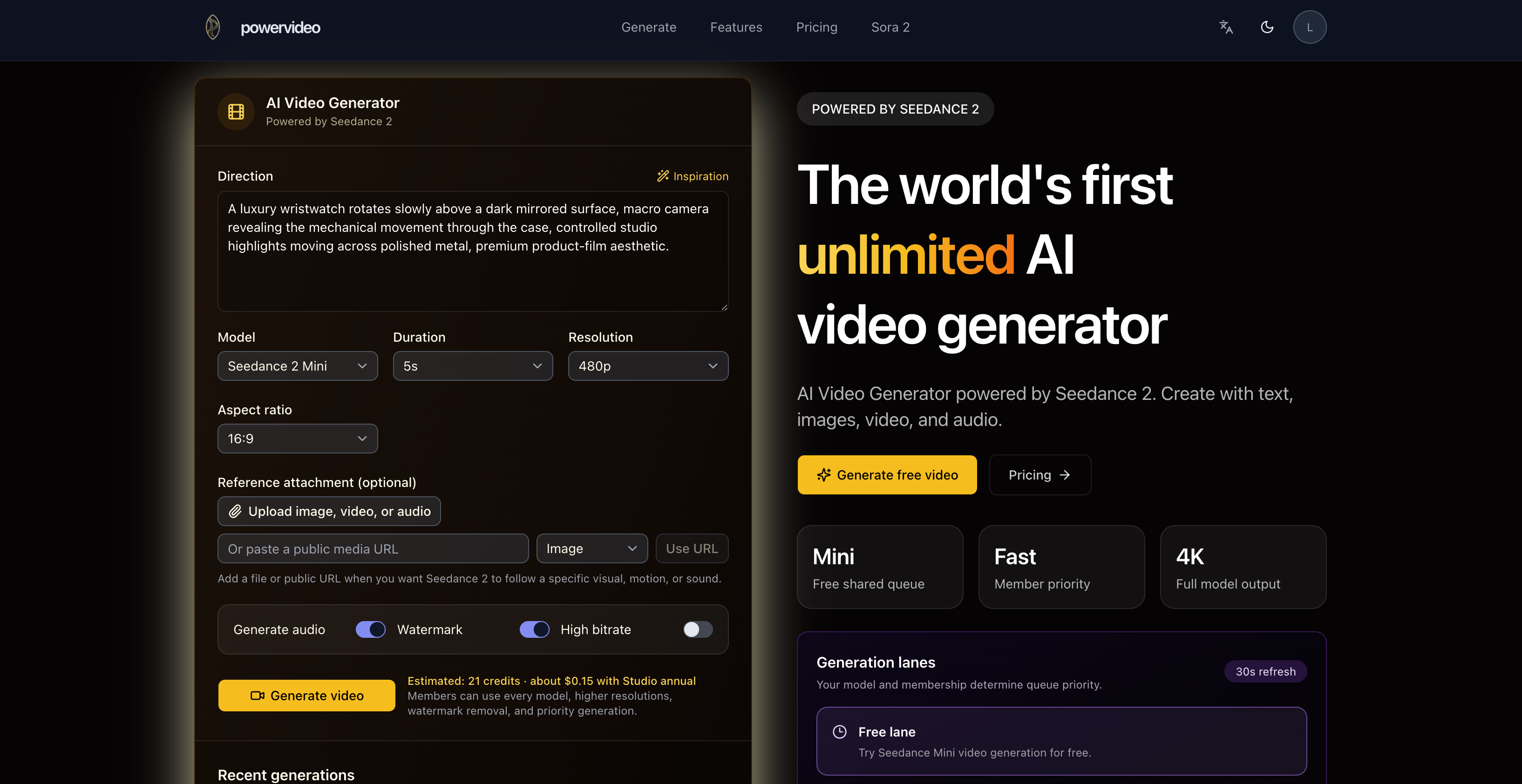
PowerVideo is an AI video generator built around the Seedance 2.5 model family. Users describe a shot in a text prompt, optionally attach image, video or audio references, choose production settings and let the model render a finished clip. New users can try it with one free Seedance 2 Mini video at 5 seconds and 480p before deciding whether to continue on a paid option.
The service presents itself as an AI video agent and as a Sora 2 alternative, with a site section covering the move away from Sora 2. It offers four Seedance models, multimodal references of up to nine images, three video clips and three audio files, and output controls ranging from 480p to 4K across seven aspect ratios. Completed videos are kept in the user's account for later review and download.
Who it's for
- Video creators and filmmakers
- Marketers producing product ads
- Social media content creators
- Teams looking for a Sora 2 alternative
- Developers exploring Seedance-based generation
How to use PowerVideo
- 1
Write the direction
Describe the shot in the prompt box, use the Inspiration example, or start from a quick template such as Cinematic, Product ad, Anime or Fashion.
- 2
Add references if needed
Upload an image, video or audio file, or paste a public media URL, when the clip should follow a specific subject, motion, style or sound.
- 3
Set the production options
Pick the model, duration, resolution, aspect ratio, and whether to include sound, a watermark or high bitrate output.
- 4
Generate and review
Start the render, track it in recent generations, then play, download or reuse the uploaded references for the next video.
PowerVideo key features
Seedance 2.5 video generation
Seedance 2.5 supports clips of up to 30 seconds, with output from 480p up to 4K.
Four Seedance models including Seedance 2 Mini
Users can start with Seedance 2 Mini and, with paid access, switch to Seedance 2.5, Fast or the full Seedance 2 model.
Multimodal references
A prompt can be combined with up to nine images, three video clips and three audio references to keep scenes and motion consistent.
Production controls
Seven aspect ratios, sound generation, watermark settings and a high bitrate option can be adjusted for each render.
Generation lanes and priority
Free trial renders and paid priority generation run in separate lanes, and the queue status refreshes regularly.
Saved results and variations
Every generation is tracked in one place, and paid users can create fresh variations from the same direction.
PowerVideo use cases
Product ad clips
Marketers can use the Product ad template and an image of the product to generate short promotional videos.
Cinematic short scenes
Creators can write detailed camera and lighting direction to produce cinematic shots such as tracking scenes or macro close-ups.
Character and style consistency
Image and video references help keep a character, motion or visual style consistent across several generations.
Moving from Sora 2 to an alternative
Users who relied on Sora 2 can continue generating AI video with Seedance models, with the site providing migration guides.
PowerVideo FAQ
What is PowerVideo?
PowerVideo is an AI video generator powered by Seedance 2.5 that creates videos from text prompts combined with optional image, video and audio references.
Is PowerVideo free?
New users get one free trial video made with Seedance 2 Mini at 5 seconds and 480p. Additional generations, other models and reference media require paid access through one-time packs or memberships.
Which Seedance models can I use on PowerVideo?
The site offers Seedance 2 Mini, Seedance 2.5, Seedance 2 Fast and the full Seedance 2 model. Mini is available for the free trial, while the others need paid access.
How do I generate a video with Seedance 2.5 on PowerVideo?
Write the shot description, optionally add references, select Seedance 2.5 along with duration, resolution and aspect ratio, then start the generation. Seedance 2.5 is available with paid access.
Is PowerVideo a Sora 2 alternative?
Yes. The site describes a move away from Sora 2 and now generates videos with Seedance models, and it publishes a Sora 2 API migration guide.
Can I reuse images, videos and audio in later generations?
Yes. Uploaded references can be reused in later generations, and completed videos remain in the account for review and download.
This introduction is based on the public pages of powervideo.net, read on October 9, 2026.