

What is Novel Translator?
Novel Translator is an AI novel translator for authors, translators and readers who work with their own files. It handles manuscript translation from EPUB and TXT uploads, creates a translation draft, and keeps a translation glossary so that character names, places and invented terms stay consistent over a long book. The site says plainly that it supplies no books itself: users upload material they wrote, own, licensed or have permission to translate.
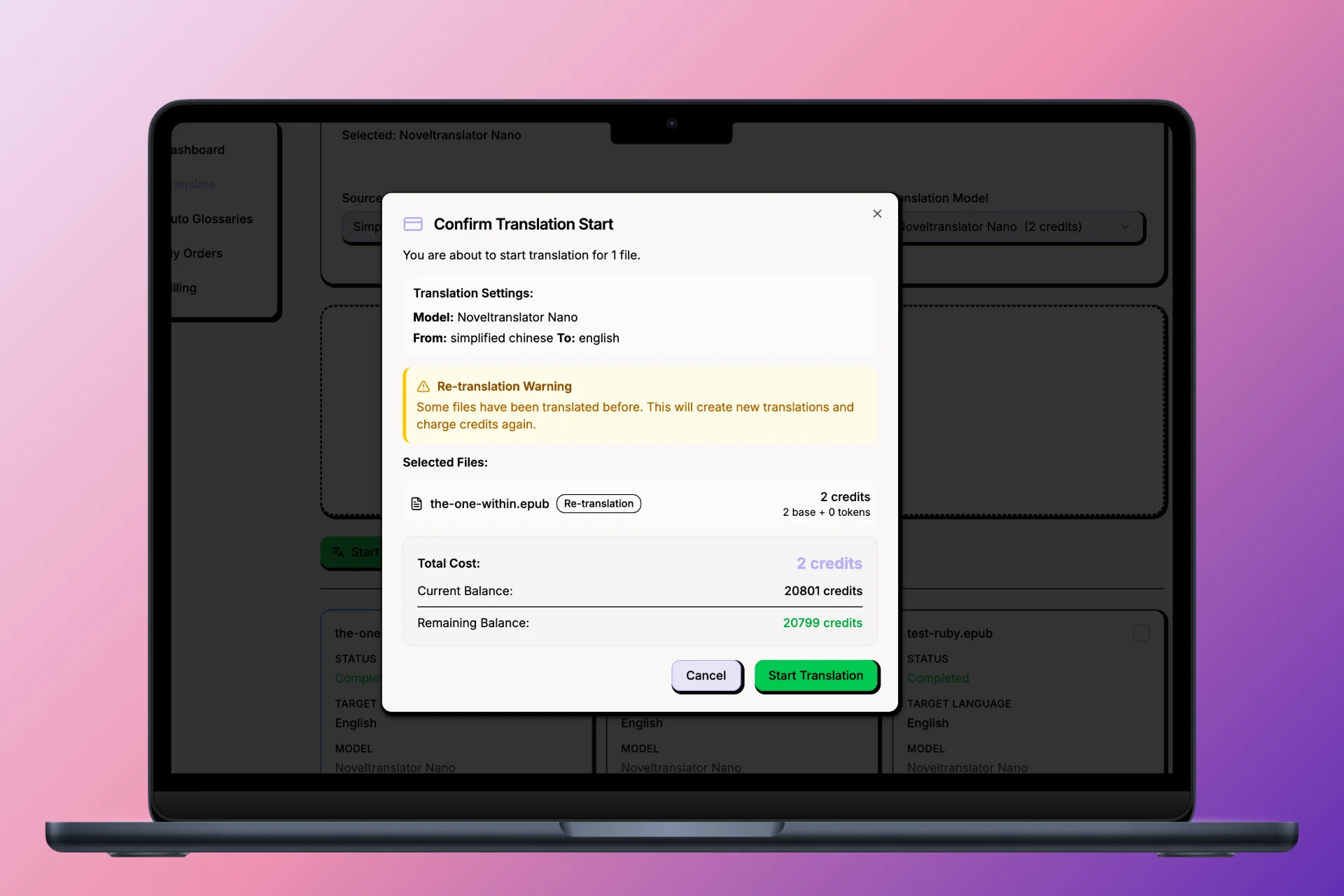
The workflow is to upload a file, pick a translation model, and let the job run in the background, then compare the draft with the source side by side. Before a job runs, a calculator estimates the credit cost from a fixed base charge per file plus a token-based processing charge. The site treats the output as a draft and advises having a qualified reader check meaning and voice before publication. Extra tools cover file cleaning, EPUB split and merge, and beta image translation.
Who it's for
- Authors translating their own novels
- Translators handling long fiction
- Readers translating files they have rights to
- Writers of web novels and light novels
How to use Novel Translator
- 1
Create an account
Sign up with an email address. No credit card is needed until you decide to buy credits.
- 2
Upload a sample chapter
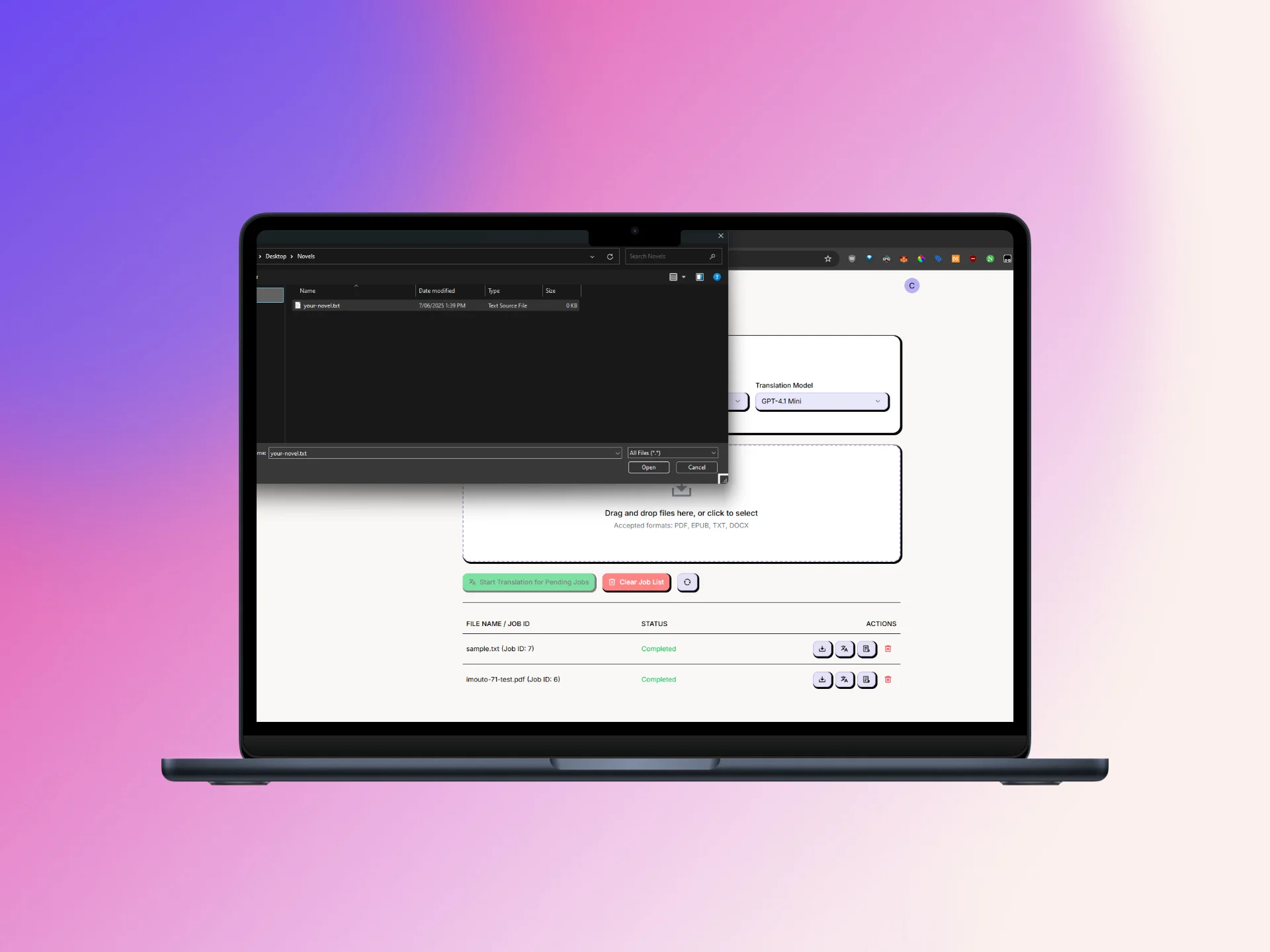
Start with one chapter from an EPUB or TXT file you wrote or have permission to translate, and choose a translation model.
- 3
Set up the glossary and run the job
Add character names, places and invented terms to the glossary, check the estimated credit cost, then start the translation. Long files keep processing in the background.
- 4
Review the draft
Compare the translation with the source side by side, check names and missing passages, and have a fluent reader of the target language review it before you publish.
Novel Translator key features
EPUB translator with structure checks
Translates EPUB and TXT files. After translation you can check chapter order, italics, images and the table of contents in an EPUB reader.
Translation glossary for names and terms
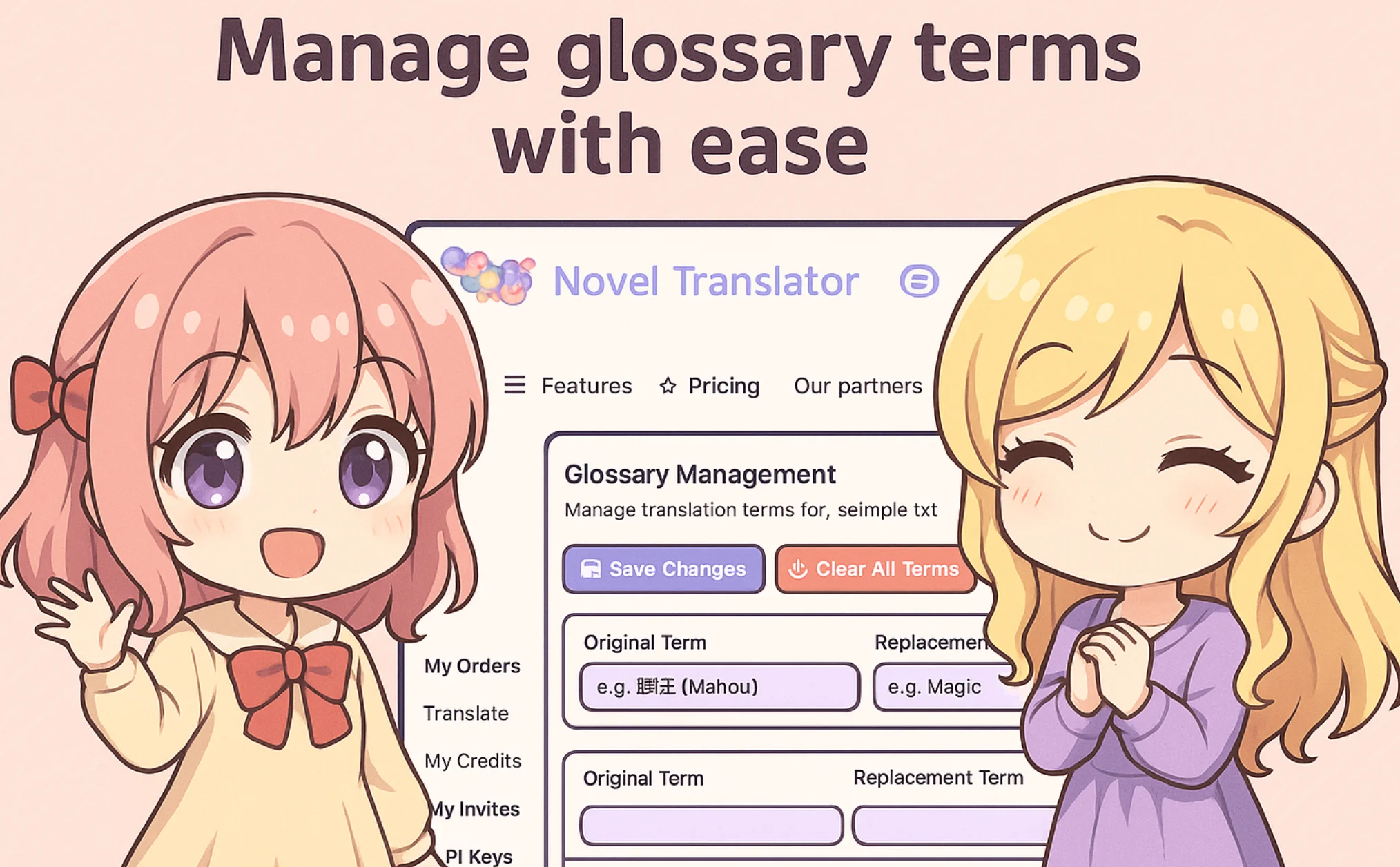
Glossaries keep character names, sect names, techniques and honorifics such as -san or -nim consistent across long files.
Context-aware AI book translator
Uses context-aware translation with model fallback to keep tone and terminology steady, producing a draft meant for editorial review.
Up-front credit cost estimate
A calculator analyzes an uploaded file and shows the credit cost (a base cost per file plus token processing) before you commit.
File cleaning and project library
Fixes OCR errors, missing punctuation and formatting problems before translation, and keeps finished jobs organized so you can return to them later.
Image translation (beta)
Translates text inside images you have rights to use, such as speech bubbles, screenshots, scanned pages and signs.
Novel Translator use cases
Book translation for authors
Authors turn their own manuscript into a first draft in another language and send it to an editor or native-speaker reviewer.
Manuscript translation of long web novels
Translators working on Chinese, Japanese or Korean fiction rely on glossaries to keep recurring genre terms and names consistent.
Testing translation quality on one chapter
Users translate a single chapter to check dialogue, narration and names before running the full book.
Preparing EPUB files
Authors clean, split or merge EPUB files and check the structure before and after translation.
Novel Translator FAQ
What is Novel Translator?
Novel Translator is an AI novel translator that converts manuscripts and EPUB or TXT files into translation drafts, with glossaries to keep names and terms consistent. It works only with files that users upload themselves.
Is Novel Translator free?
Signing up is free and needs no credit card. Translations are paid for with credits, bought as needed, and the cost is shown before a job runs.
How do I translate an EPUB with Novel Translator?
Upload the EPUB or TXT file (up to 30 MB), choose a model, set up your glossary, check the estimated credit cost and start the job. Then review the draft against the source.
How does the translation glossary work?
You list original terms and the replacements you want, such as character names, places, cultivation terms or honorifics, and the translator applies them consistently across the file.
How long does manuscript translation take?
According to the site, a 300-page novel usually takes a few hours and very large projects can run overnight. Speed depends on length, model choice and queue load.
Which languages does Novel Translator support?
The site lists Chinese, Japanese, Korean, Thai, Arabic and Russian among others, and says it is especially useful for long fiction with many recurring names and genre terms.
This introduction is based on the public pages of noveltranslator.com, read on October 9, 2026.