

What is Novel Translator?
Novel Translator is an AI novel translator for readers, writers and translators who want to translate their own books. You upload a manuscript or EPUB file you wrote, own, licensed or have permission to translate, pick a translation model, and get a draft back that you can compare with the source. The site says Chinese, Japanese, Korean, Thai, Arabic, Russian and other languages are supported, and it is aimed at long fiction.
What sets it apart from general machine translation is its focus on novels: a glossary keeps character names, places, cultivation terms and honorifics consistent across long files, long jobs run in the background, and the cost of each file is shown before a job starts. The service also handles mature content in private projects, and it states that drafts still need human review before publication.
Who it's for
- Authors translating their own novels
- Translators preparing first drafts
- Readers translating web novels they have rights to
- Light novel and web novel fans
- Self-publishers working with EPUB files
How to use Novel Translator
- 1
Create an account
Sign up with an email address; no credit card is needed until you decide to buy credits.
- 2
Upload a sample chapter
Start with one chapter from an EPUB or TXT file you wrote or have permission to translate, and choose a translation model.
- 3
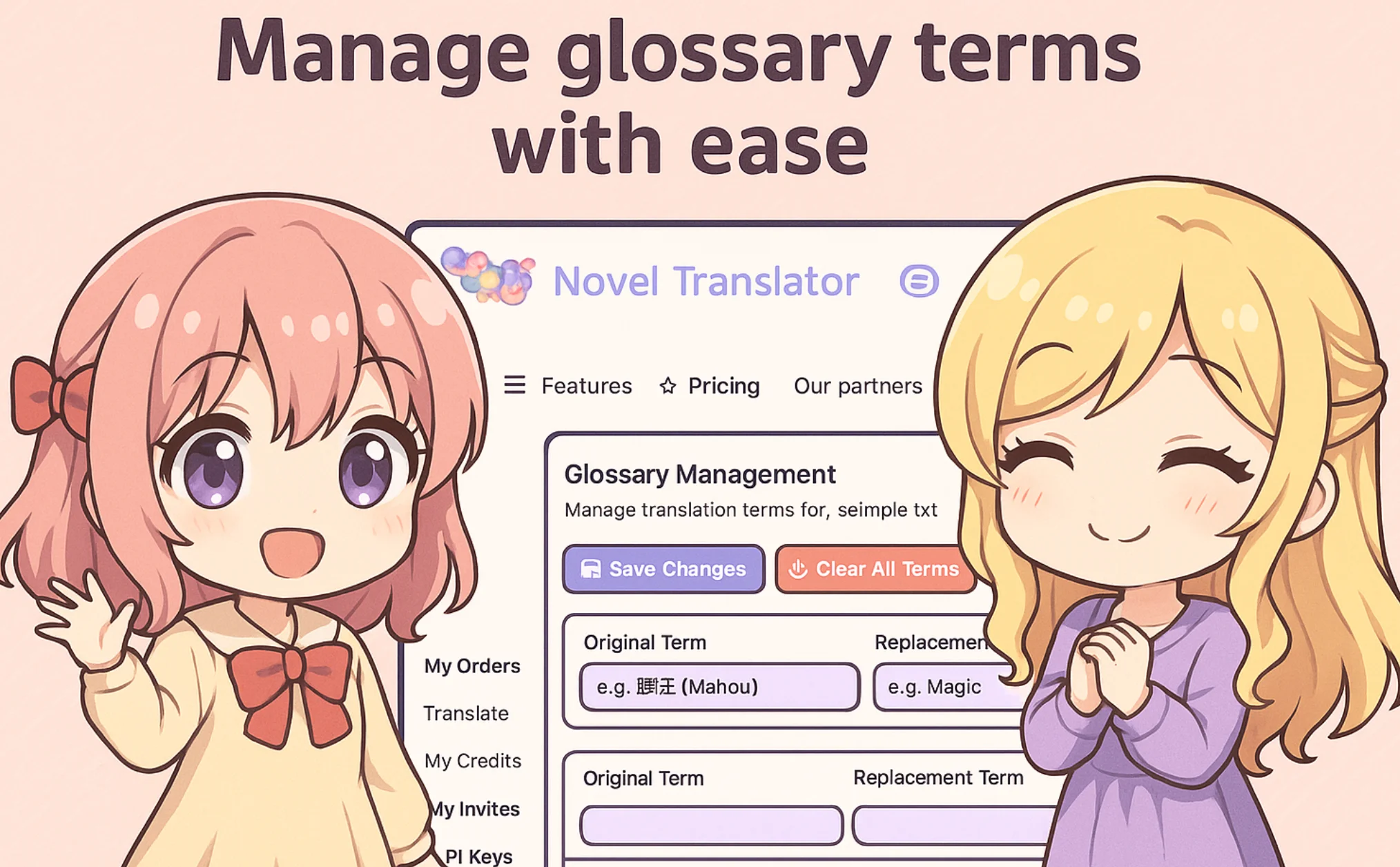
Set up your glossary
Add character names, places and invented terms so they are translated the same way throughout the book.
- 4
Run and review the draft
Let the job run in the background, then compare the draft with the source and have a fluent reader check meaning and voice.
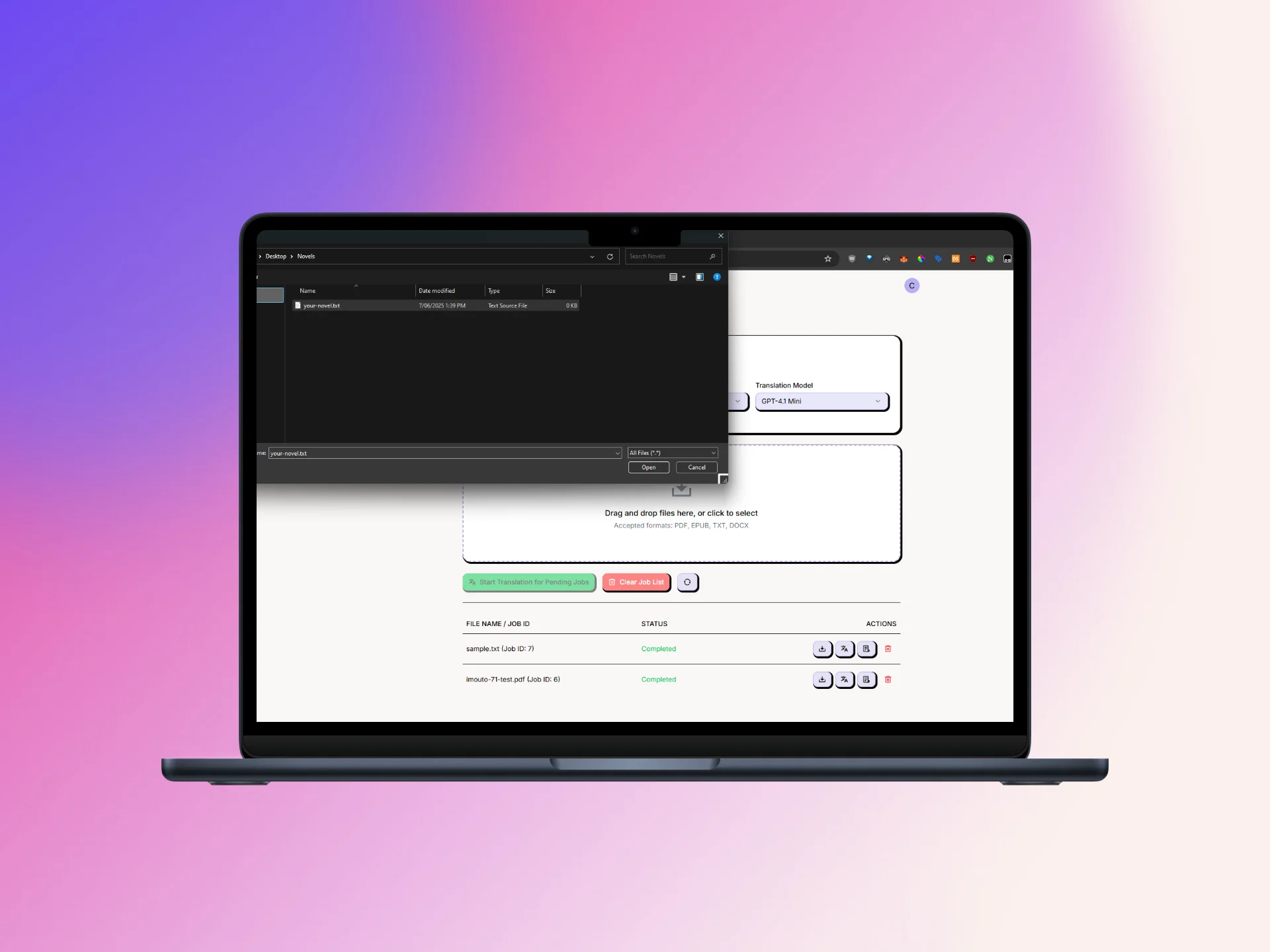
Novel Translator key features
Translation glossary for names and terms
Define how characters, places, sects, techniques and honorifics should be rendered so long files stay consistent.
EPUB translator with structure checks
Translate EPUB files and then check chapter order, italics, images and the table of contents in an EPUB reader.
Manuscript translation in the background
Long files keep processing while you do other things; the site says a 300-page novel usually takes hours.
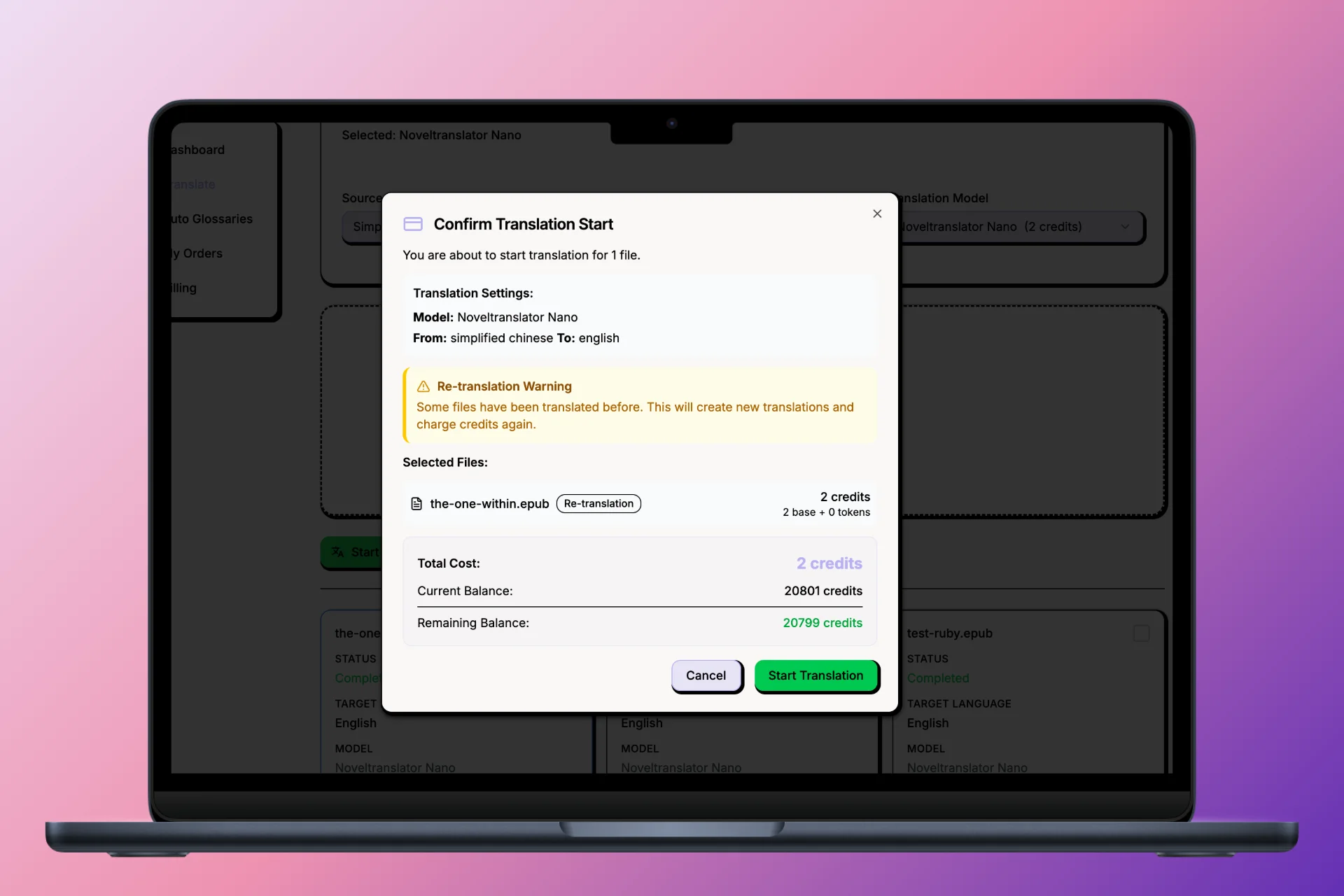
Cost shown before translating
A calculator estimates credits per file from a base model cost plus token-based processing, so you see the cost before a job runs.
Source and translation side by side
Review both texts together to spot missing passages, name errors and changes in meaning.
File cleaning and extra tools
Clean OCR mistakes and formatting issues before translation, and use tools such as EPUB split and merge or a beta image translation feature.
Novel Translator use cases
Book translation for authors
Writers can produce an English first draft of their own novel and pass it to an editor for review before publishing.
Translating Chinese cultivation novels
Xianxia and wuxia readers can keep terms like Dao, qi, realms and sect names stable across hundreds of chapters.
Japanese and Korean web novels
Light novel and web novel translations can keep honorifics such as -san and -nim handled consistently.
Private mature-content projects
Adult material the user is allowed to translate can be processed without making the project public.
Novel Translator FAQ
What is Novel Translator?
Novel Translator is an AI book translator for novels and manuscripts. You upload EPUB or TXT files you have rights to, and it produces a translation draft with glossary support for review.
Is Novel Translator free?
Signing up is free and needs only an email. Translations are paid with purchased credits, and the cost of each file is shown before a job starts.
How do I translate an EPUB with Novel Translator?
Upload the EPUB, choose a model, set up a glossary and start the job. Afterwards, check chapter order, formatting and the table of contents in an EPUB reader.
How does the translation glossary work?
You list original terms and the English versions you want, such as character names or cultivation terms, and the translator applies them consistently across the file.
Which languages does Novel Translator support?
The site lists Chinese, Japanese, Korean, Thai, Arabic, Russian and many more as source languages.
Is AI manuscript translation ready to publish?
No. The site says the output is a draft that needs human review for meaning, voice and consistency before publication.
This introduction is based on the public pages of noveltranslator.com, read on October 9, 2026.