What is MiniMax Music 3.0?
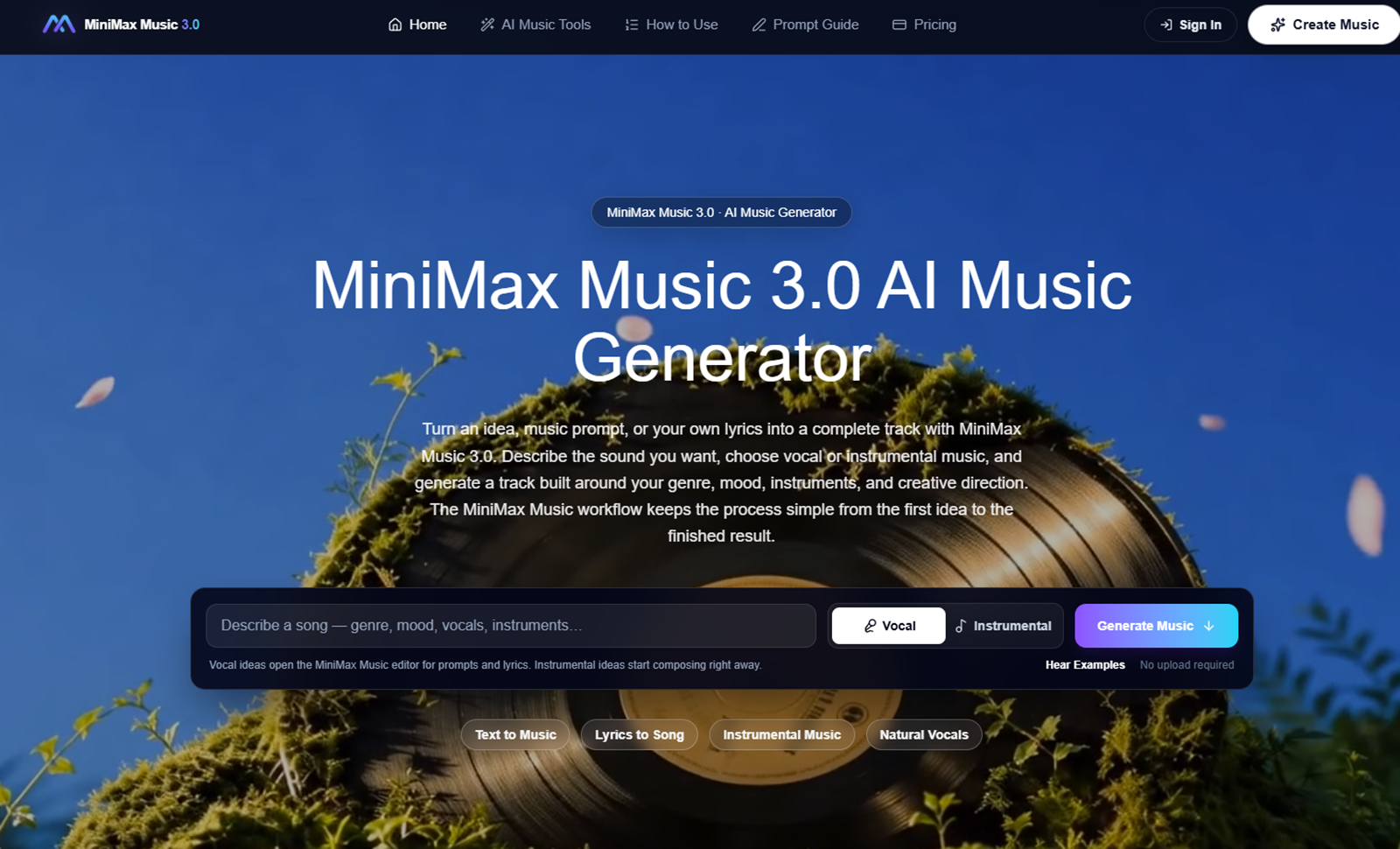
This music-generation website accepts a description of a genre, mood and instruments, with optional lyrics for vocal songs.
Its editor keeps the prompt, lyrics and vocal or instrumental choice close together so a user can compare versions. Example tracks include their prompts, helping creators understand how a musical direction was specified. It is a third-party website, and its model name does not by itself establish provider affiliation.
Who it's for
- Independent music creators
- Video makers exploring soundtracks
How to use MiniMax Music 3.0
- 1
Step 1
Describe genre, mood and instruments.
- 2
Step 2
Choose vocals or instrumental and optionally add lyrics.
- 3
Step 3
Review the estimate, generate and listen.
MiniMax Music 3.0 key features
Text-to-music generation
MiniMax Music 3.0 includes text-to-music generation in the workflow described on its website.
Lyrics-to-song workflow
MiniMax Music 3.0 includes lyrics-to-song workflow in the workflow described on its website.
Instrumental-only mode
MiniMax Music 3.0 includes instrumental-only mode in the workflow described on its website.
Example tracks with prompts
MiniMax Music 3.0 includes example tracks with prompts in the workflow described on its website.
MiniMax Music 3.0 use cases
Draft a song from original lyrics
Use MiniMax Music 3.0 to draft a song from original lyrics. Describe genre, mood and instruments, then follow the workflow described above.
Explore an instrumental mood
Use MiniMax Music 3.0 to explore an instrumental mood. Describe genre, mood and instruments, then follow the workflow described above.
MiniMax Music 3.0 FAQ
What is MiniMax Music 3.0?
Generate vocal or instrumental music from a creative brief. This music-generation website accepts a description of a genre, mood and instruments, with optional lyrics for vocal songs.
How do I get started with MiniMax Music 3.0?
Describe genre, mood and instruments; Choose vocals or instrumental and optionally add lyrics; Review the estimate, generate and listen.
Who is MiniMax Music 3.0 for?
Its documented workflow is relevant to independent music creators and video makers exploring soundtracks.
Can I try MiniMax Music 3.0 for free?
The product website describes a free starting point, such as free access, a trial or starter credits. Check the current website for eligibility and limits.
This introduction is based on the public pages of minimaxmusic3.net, read on November 14, 2026.