
What is Mangaize?
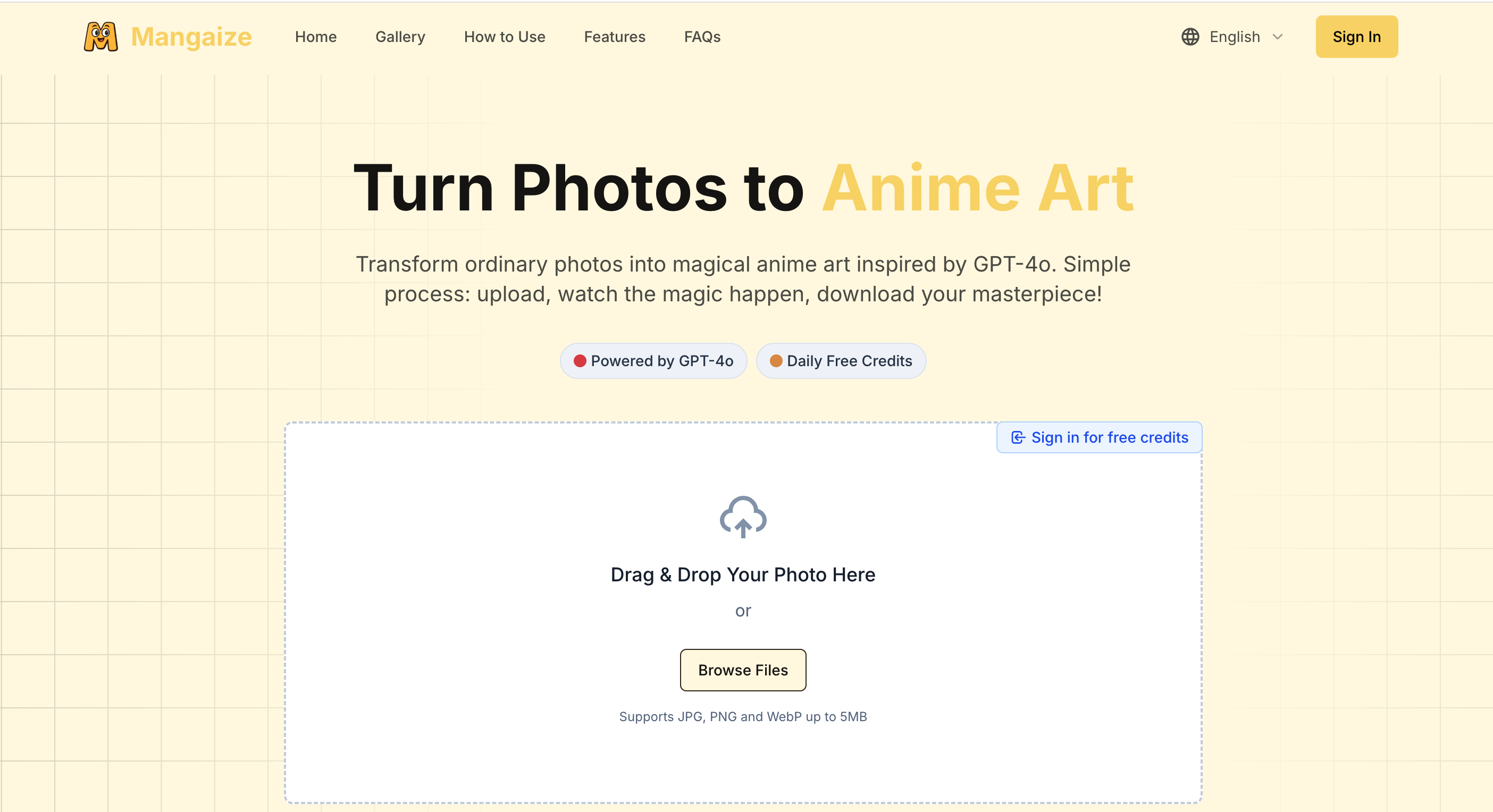
Mangaize is a web tool that helps you turn photos to anime art. It runs on GPT-4o: you upload an image, choose an artistic style, and get back anime artwork you can download or share. The homepage accepts JPG, PNG and WebP files up to 5MB by drag and drop or file browsing, and most results arrive in about 30 to 60 seconds, though peak hours can take longer.
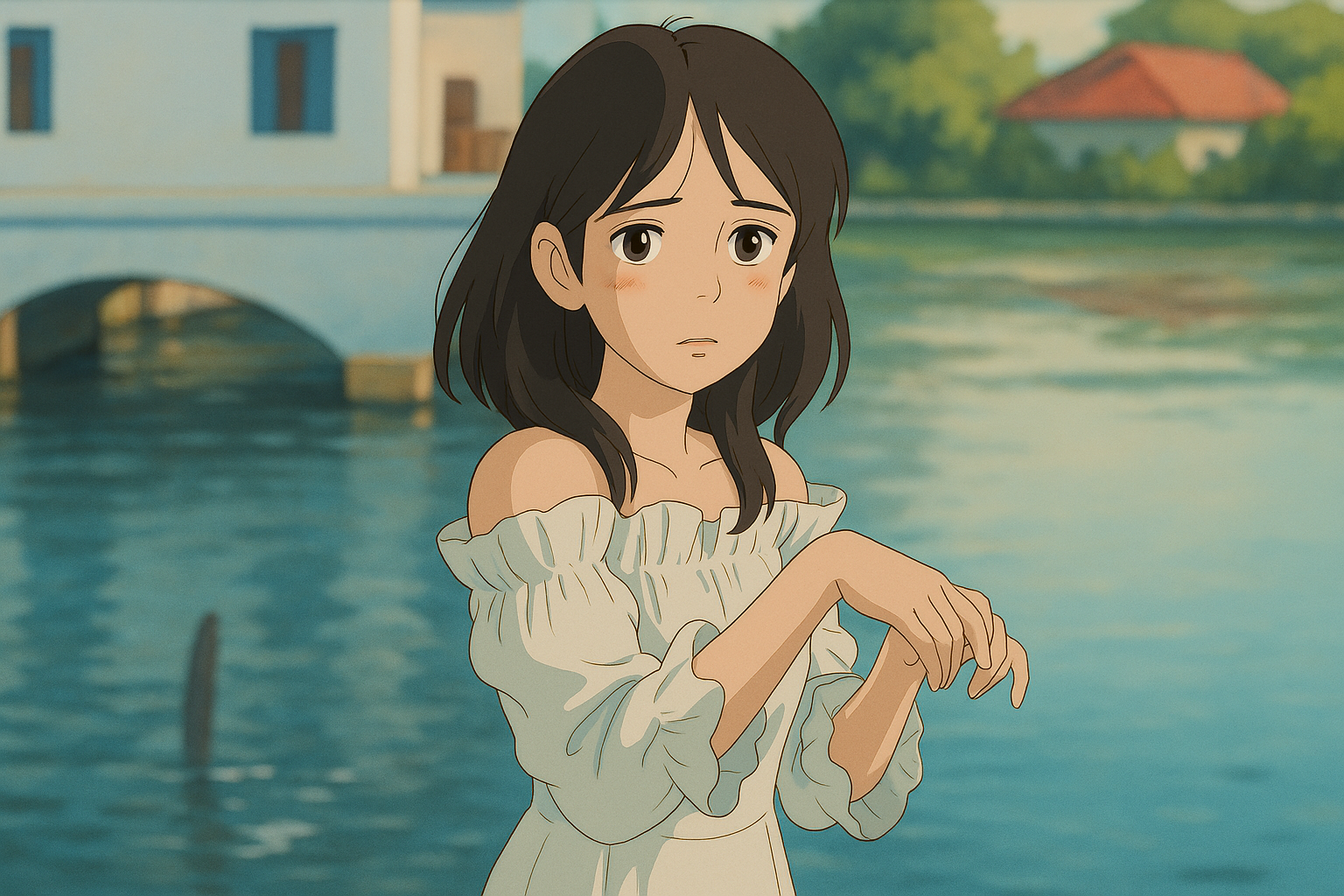
Beyond classic anime looks, the gallery shows several other styles, including Ghibli style, oil painting, Disney, Pixar, Chinese and watercolor. Signed-in users get daily free credits, and paid plans are also available. The site says original photos are kept only temporarily while they are processed, then deleted, and are not shared with third parties. Generated images are for personal use, and commercial use requires contacting the team about licensing.
Who it's for
- Anime fans who want stylized portraits
- Social media users sharing creative photos
- Pet owners turning pet photos into cartoons
- Casual creators trying different art styles
How to use Mangaize
- 1
Upload a photo
Drag and drop a JPG, PNG or WebP image (up to 5MB) onto the homepage, or browse for a file.
- 2
Pick a style
Choose one of the available styles, such as Ghibli, Disney, Pixar, oil or watercolor.
- 3
Wait for processing
The AI usually returns the result in around 30-60 seconds, and it can take longer at busy times.
- 4
Download or share
Save the finished anime artwork or share it directly to social media.
Mangaize key features
GPT-4o anime generation
The conversion is powered by GPT-4o, which restyles your photo instead of applying a simple filter.
Multiple styles, including Ghibli style
The gallery shows Ghibli, oil, Disney, Pixar, Chinese and watercolor examples, plus anime looks that range from cute to dramatic.
High-resolution anime artwork
Results are delivered as high-resolution images with detailed rendering.
Drag-and-drop interface
A simple upload area on the homepage means you can start without any setup.
Privacy handling
Original photos are stored only temporarily during processing, then deleted, and are not shared with third parties.
Download and social sharing
Finished images can be downloaded or shared straight to social platforms.
Mangaize use cases
Photo to anime portraits
Turn a clear, well-lit selfie or portrait into an anime-style character image.
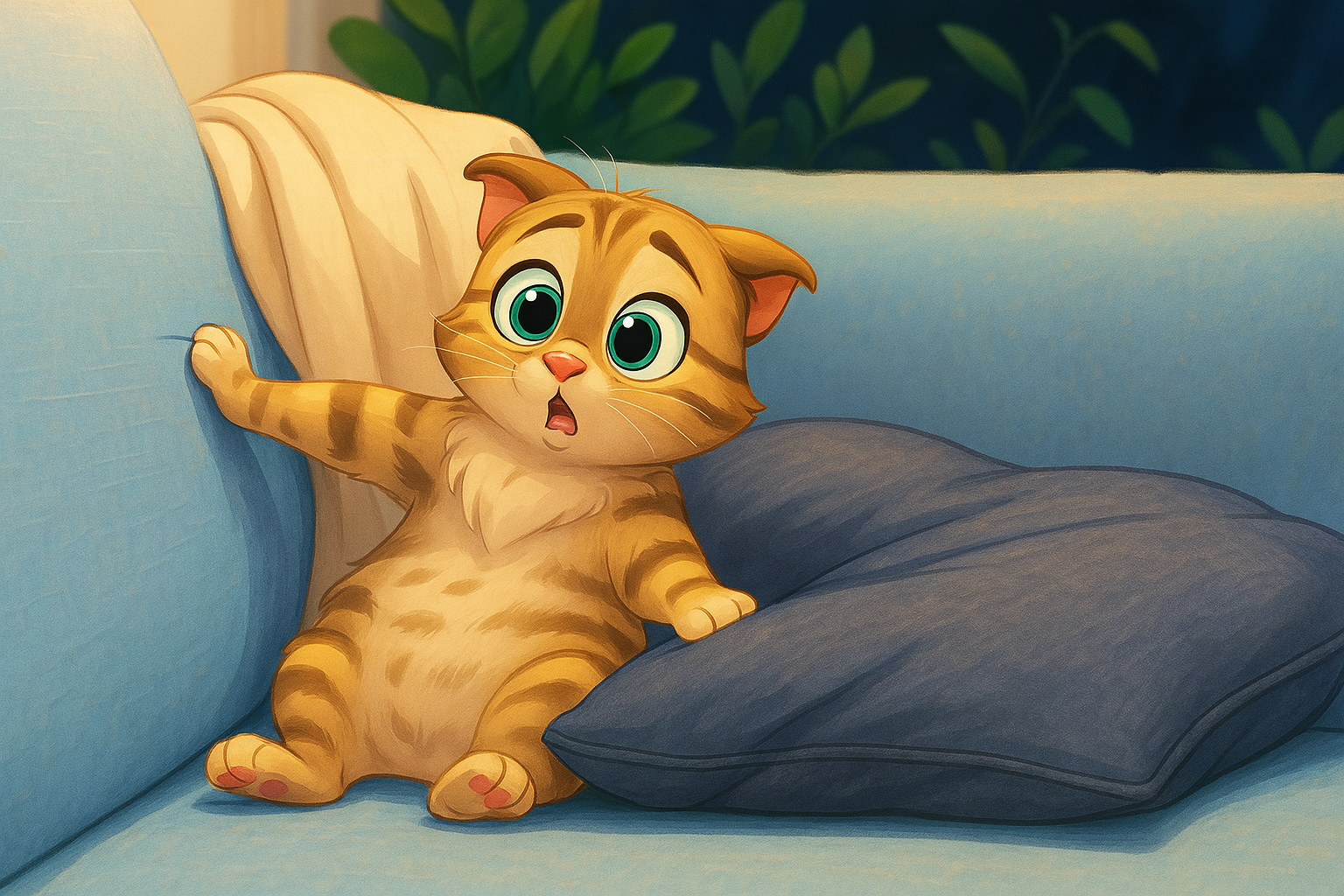
Pet cartoons
Convert pet photos into Disney- or Pixar-style cartoon pictures.
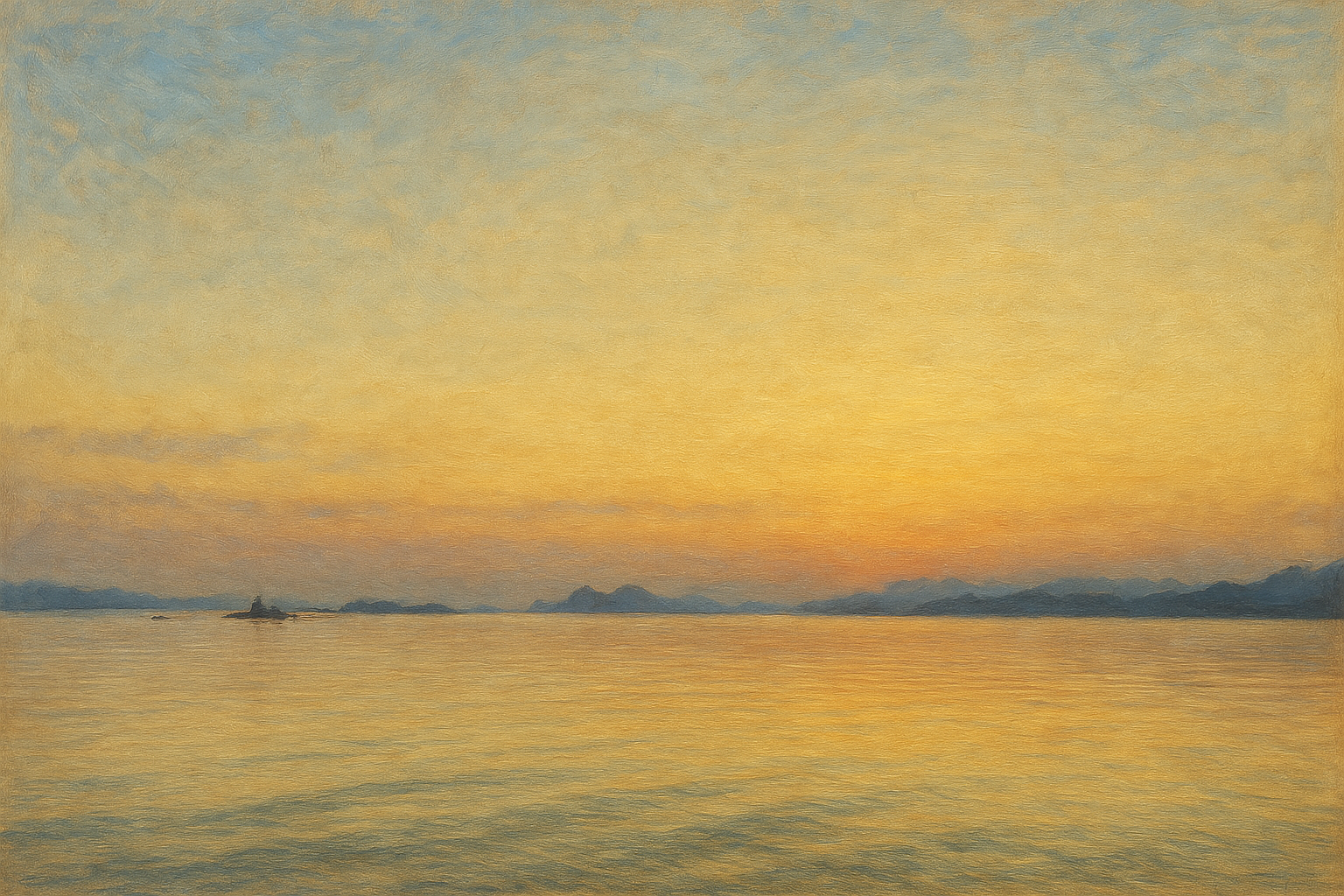
Painterly landscapes
Render travel or landscape shots in oil painting or watercolor styles.
Social media content
Make eye-catching stylized images for personal posts and profiles.
Mangaize FAQ
What is Mangaize?
Mangaize is a GPT-4o powered web tool that converts uploaded photos into anime and other artistic styles, such as Ghibli, Disney, Pixar, oil and watercolor.
Is Mangaize free?
Users who sign in get daily free credits. Paid plans are available if you need more usage or extra benefits.
How do I turn photos to anime art with Mangaize?
Upload a JPG, PNG or WebP image up to 5MB, choose a style, wait about 30-60 seconds, then download or share the result.
What photos work best for anime style transformation?
Clear photos with good lighting and visible faces give the best results. Group shots, extreme close-ups and very low-resolution images may not convert as well.
Can I use Mangaize anime artwork commercially?
Generated images are for personal use only. For commercial use, you need to contact the team about licensing.
What happens to my uploaded photos?
According to the site, originals are stored only temporarily during processing, then deleted, and are never shared with third parties.
This introduction is based on the public pages of mangaize.com, read on October 9, 2026.