
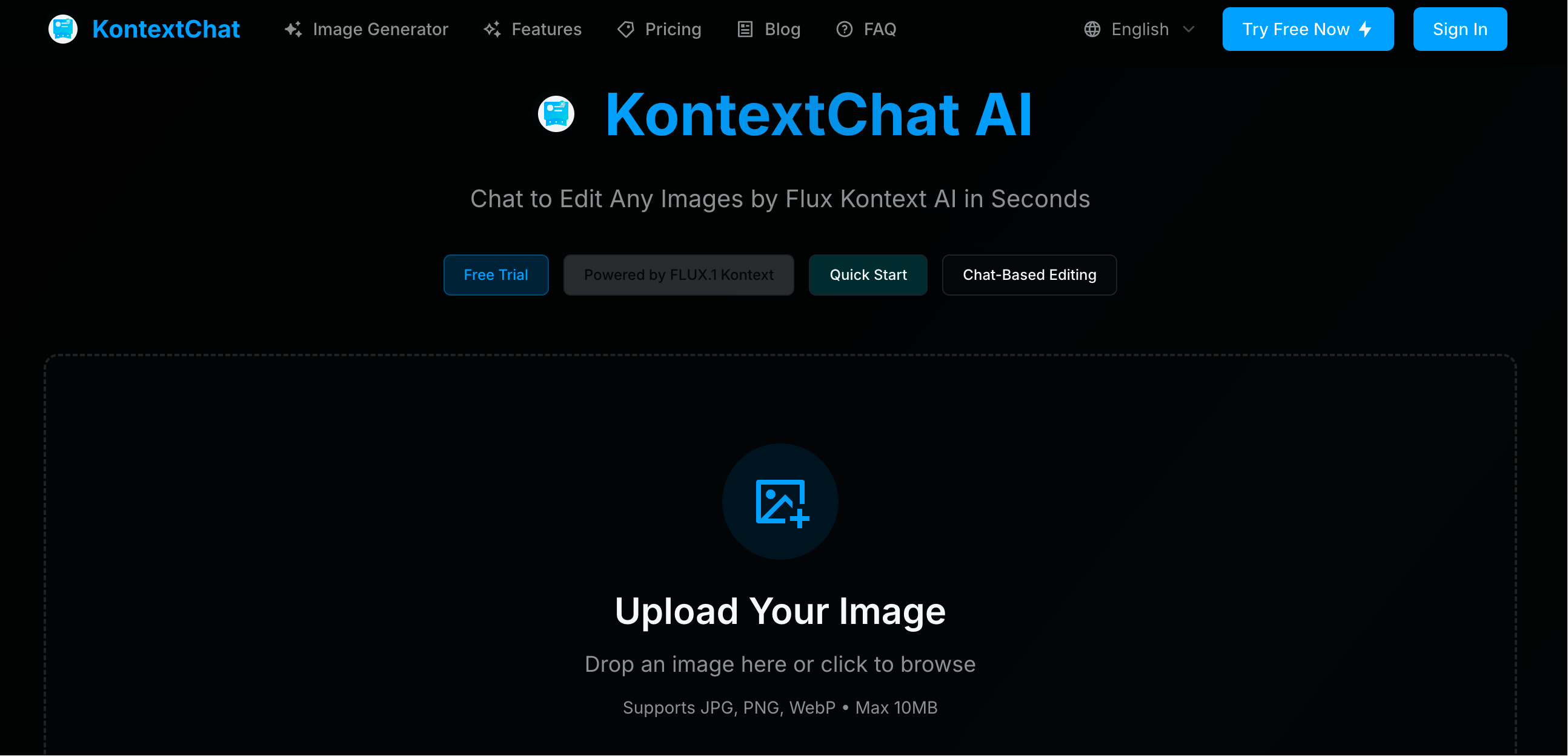
What is KontextChat?
KontextChat is an AI image editor built around context chat: instead of using layers, masks and toolbars, you upload a picture and describe the change you want in plain language. The service runs on FLUX.1 Kontext, a model that reads both the image and the written instruction together, so it can make edits that fit what is already in the scene, such as restyling a photo, closing a subject's eyes or restoring image quality.
Kontext chat editing is meant for people without design experience. Users can optionally brush over the exact area to change, compare different versions, and export the result as PNG or JPG or share it by link. Two model options are offered: a Pro model that the site says returns edits in about 5-10 seconds, and a Max model that takes about 15-30 seconds and is aimed at higher quality output.
Who it's for
- E-commerce sellers editing product and lifestyle photos
- Photographers who want quick retouching
- Content creators and social media users
- People with no design or photo-editing skills
How to use KontextChat
- 1
Upload your image
Drag and drop a JPG, PNG or WebP file up to 10MB, or paste an image URL.
- 2
Describe the edit
Type an instruction such as 'remove the background' or 'make it vintage style', and optionally brush the area you want changed.
- 3
Pick a model
Choose the faster Pro model or the Max model for higher-quality results.
- 4
Compare and export
Review the versions, keep your favorite, then download it as PNG/JPG or copy a share link.
KontextChat key features
Chat to edit images in natural language
Edits are requested with ordinary sentences rather than technical editing tools or jargon.
Context-aware Flux Kontext editing
FLUX.1 Kontext interprets the content of the image together with the instruction, so changes fit the existing scene.
Targeted precision edits
An optional brush lets you limit changes to a chosen region while the rest of the image stays as it was.
Pro and Max models
The Pro model returns results in roughly 5-10 seconds; the Max model takes about 15-30 seconds for higher quality.
Common format support
Accepts JPG, PNG and WebP uploads up to 10MB, with PNG/JPG export and shareable links.
Privacy handling
According to the site, images are encrypted in transit, deleted automatically after 30 days unless kept, and not used for training.
KontextChat use cases
Style transfer
Turn a regular photo into a different look, for example a 90s cartoon style or a vintage style.
Photo restoration and touch-ups
Ask the AI image editor to restore image quality or make small changes such as closing a subject's eyes.
Background and watermark edits
Remove a background or add a watermark with a single text command.
Portraits and headshots
Change hairstyles or create professional-looking headshots from existing photos.
KontextChat FAQ
What is KontextChat?
KontextChat is a conversational AI image editor. You upload an image and describe the edit in text, and FLUX.1 Kontext applies it.
What is Flux Kontext and how does KontextChat use it?
Flux Kontext is the AI model behind KontextChat. It combines computer vision with language understanding, so it can read the uploaded image and the written instruction together and make edits that match the context.
Is KontextChat free?
New users get a free trial with a small number of edit credits. Additional credits are available as paid one-time purchases.
How do I chat to edit images with KontextChat?
Upload a JPG, PNG or WebP image, type what you want changed, optionally brush the target area, then compare the results and export the one you like.
How fast is kontext chat editing?
The site states that Pro model edits take about 5-10 seconds and Max model edits about 15-30 seconds.
Can I use KontextChat for commercial purposes?
Yes. The site says commercial use is allowed and names e-commerce businesses, photographers and content creators among its users.
This introduction is based on the public pages of kontextchat.net, read on October 9, 2026.