
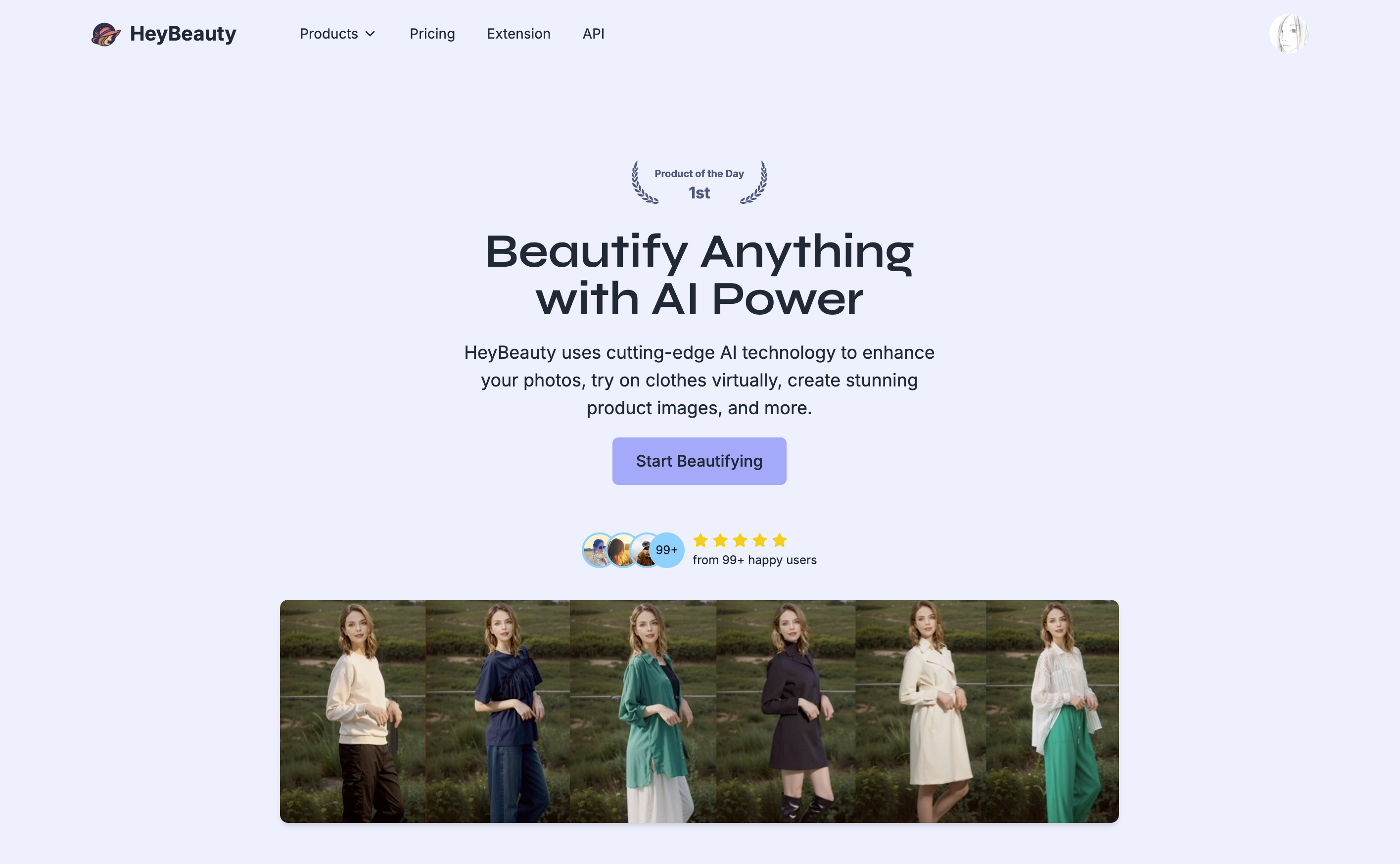
What is HeyBeauty?
HeyBeauty is an AI virtual try on and image enhancement platform for experimenting with appearance and editing images. Its tools cover clothing previews, hair color changes, product imagery, and artistic photo transformations. Users upload a photo, select the relevant tool or style, and let the platform process the image. The site also presents model generation and background editing tools for fashion and e-commerce work.
The platform brings several image workflows together: shoppers can preview different looks, while sellers can create product images and change model or product backgrounds. Editing options include background removal, object removal, and extending images beyond their original boundaries. Artistic tools offer clay and cartoon-style transformations. These capabilities make HeyBeauty relevant to both personal style exploration and the preparation of visual content for online stores.
Who it's for
- Shoppers exploring clothing and hair colors
- Fashion brands and online retailers
- Creators making stylized portraits
- Photographers editing image backgrounds
How to use HeyBeauty
- 1
Choose a tool
Select a workflow such as clothing try-on, hair color try-on, product imaging, or background removal.
- 2
Upload an image
Upload the personal photo or product image to process.
- 3
Choose the relevant options
Select the available options for the chosen tool. For artistic photos, choose a photo style.
- 4
Process the image
Submit the image and selected options for AI processing, then review the result.
HeyBeauty key features
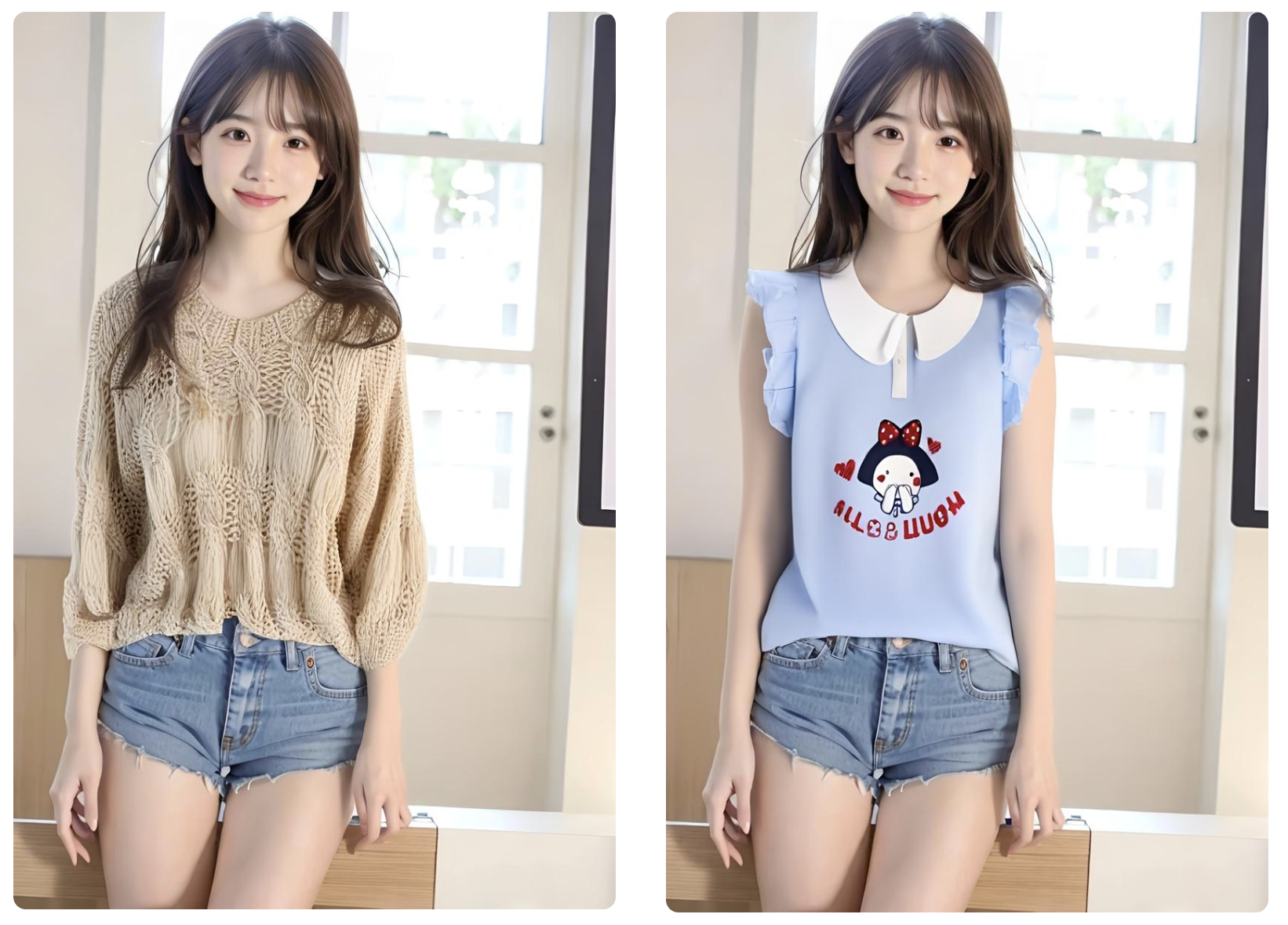
Clothes virtual try on
Preview clothing on a person's photo to explore different outfits.
Virtual hair color try on
Experiment with hair colors and hairstyles using a photo.
E-commerce image tools
Create model and product imagery, swap product or model backgrounds, and use model head swapping.
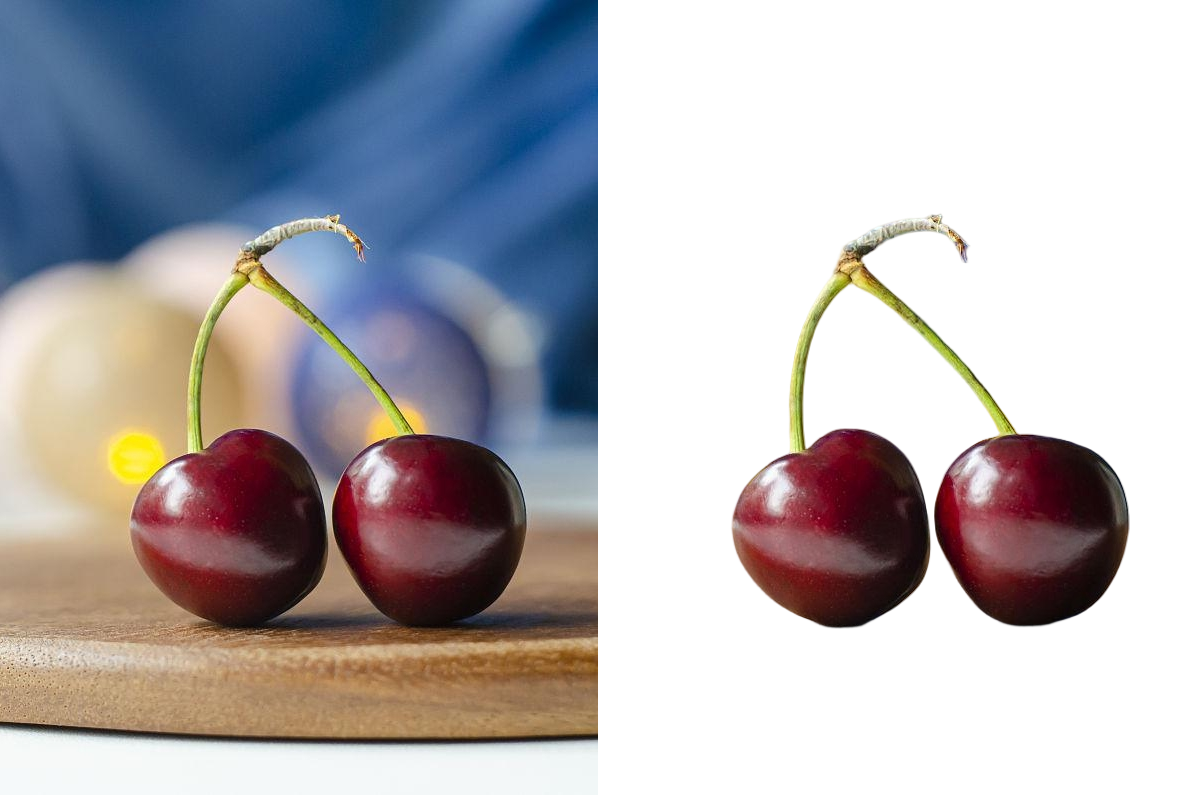
Remove background
Separate subjects from their surroundings or replace image backgrounds.
Remove object and outpainting
Remove unwanted objects from photos or extend an image beyond its original boundaries.
Artistic photo styles
Transform photos into clay, handmade, or 3D cartoon-style images.
HeyBeauty use cases
Explore outfits before shopping
Use clothing previews to compare how different looks appear on a photo before deciding what to buy.
Compare hair color ideas
Preview appearance changes while considering a different hair color or hairstyle.
Prepare online store visuals
Use product imaging, model generation, and background swaps when creating catalog imagery.
Edit and restyle photos
Combine cleanup tools with artistic transformations when preparing portraits or other visual content.
HeyBeauty FAQ
What is HeyBeauty?
HeyBeauty is an AI platform for virtual try on and image editing. It includes clothing and hair previews, e-commerce image tools, and artistic photo transformations.
Is HeyBeauty free?
HeyBeauty lists paid options. The supplied pages do not confirm a free tier or free trial.
How does clothing try-on work with HeyBeauty?
The site's general workflow is to upload an image, choose the relevant option, and submit it for AI processing. Clothing try-on generates a visual preview of an outfit on a photo.
Can HeyBeauty change hair colors in a photo?
Yes. Its hair color try-on tool lets users experiment with colors, and the site also describes hairstyle previews.
Can HeyBeauty edit photos beyond virtual try on?
Yes. It offers background removal, object removal, image outpainting, and artistic photo styles, along with product and model image tools.
This introduction is based on the public pages of heybeauty.ai, read on October 9, 2026.